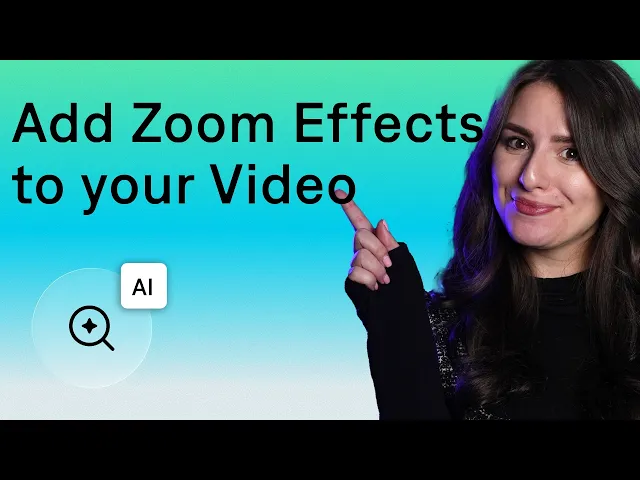
Mara here and in this video I'm going to show you how to get the zoom in and zoom out effect for your videos zooms are great for emphasis Transitions and engagement but with traditional editing software they can be complicated to add not to mention who wants to spend the time finding the best spot to add in Zoom effects with the captions app you can actually use AI to do all of the hard work for you I'll show you how let's dive in first start by opening up the captions app tap on import footage and select
a video to upload tap next and from here you'll head into the captions editor now all you have to do is scroll on over to zoom and tap add AI will automatically detect points of emphasis and add in Zoom effects for you you'll see on your timeline where AI has added in zooms and you can tap on the number to make any adjustments or changes you want the number refers to the zoom intensity which you can change by tapping on edit and selecting a different level you can also adjust the animation curve which refers how
the zoom transitions on and off the screen if you want to add in any additional zooms just tap on the timeline where you want to add it tap add and choose your setting selections tap apply and play your video back to see how the zoom looks you can also make other edits like adding transitions sound effects music and more to your video in the captions editor check out our channel for more videos to learn how and that's how to easily and quickly add Zoom effects to your video using AI I hope this tutorial was helpful
make sure to like And subscribe for more content just like this thanks so much for watching I'll see you in the next one