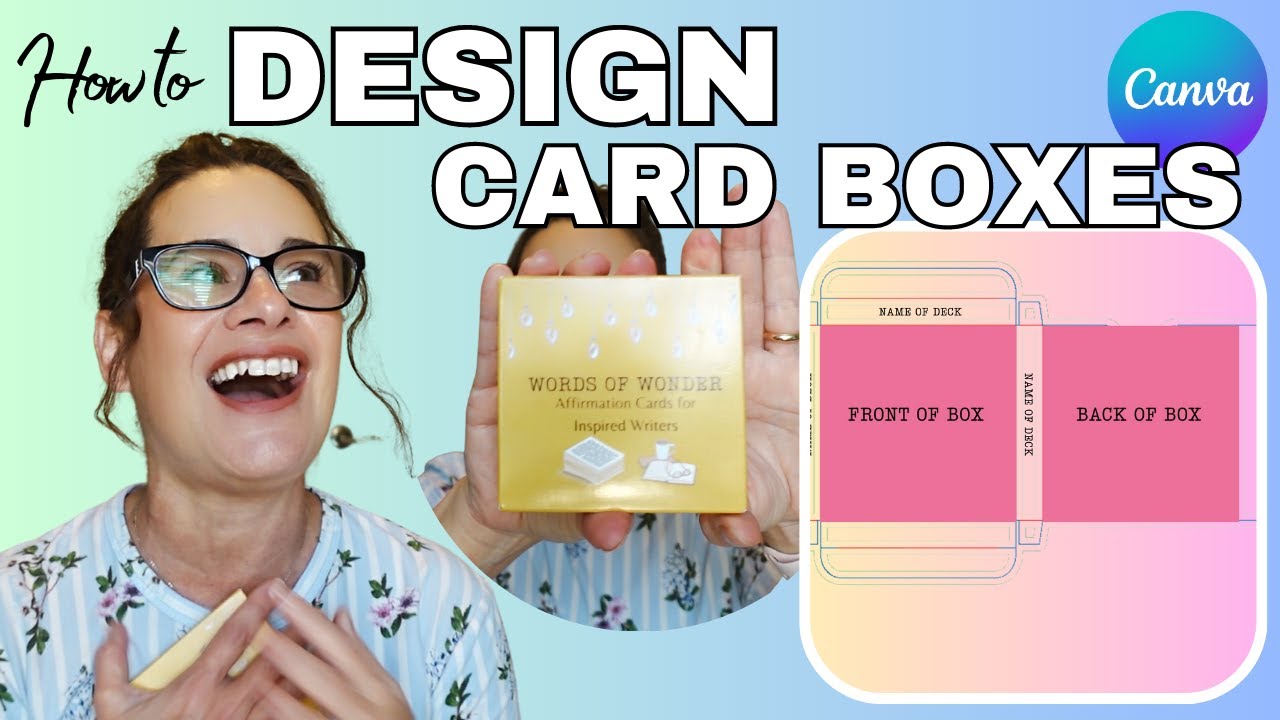
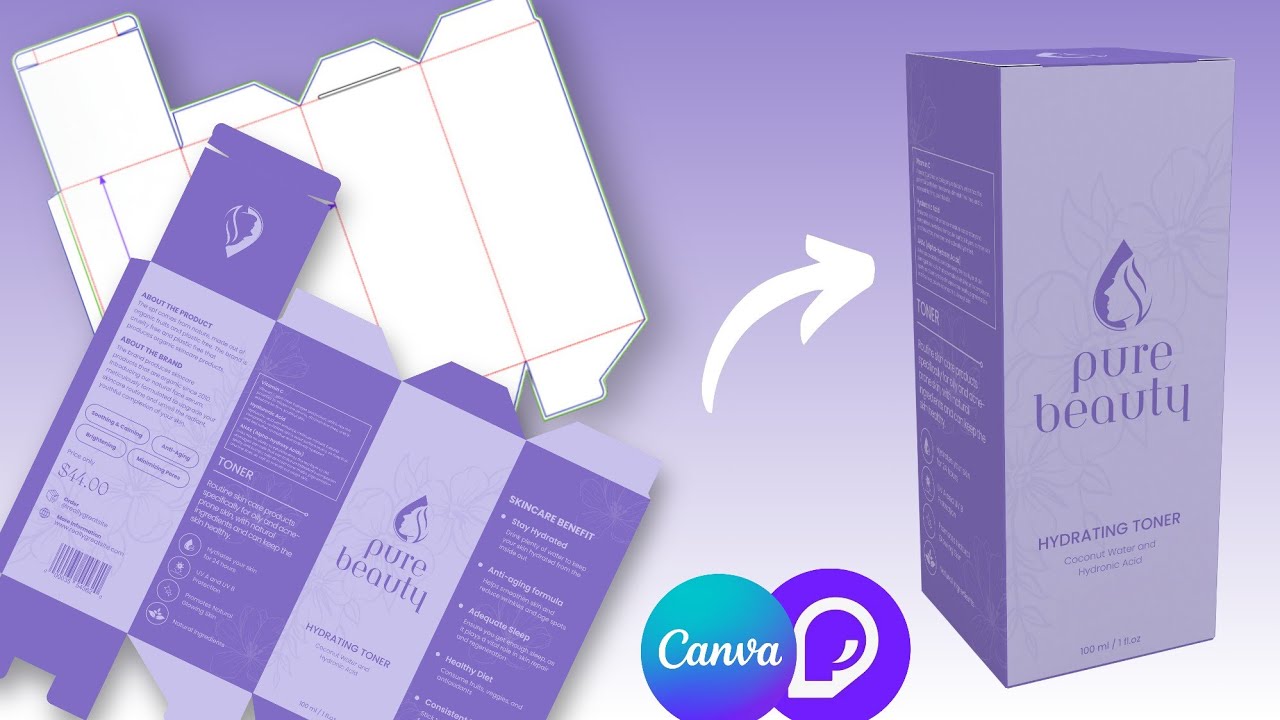
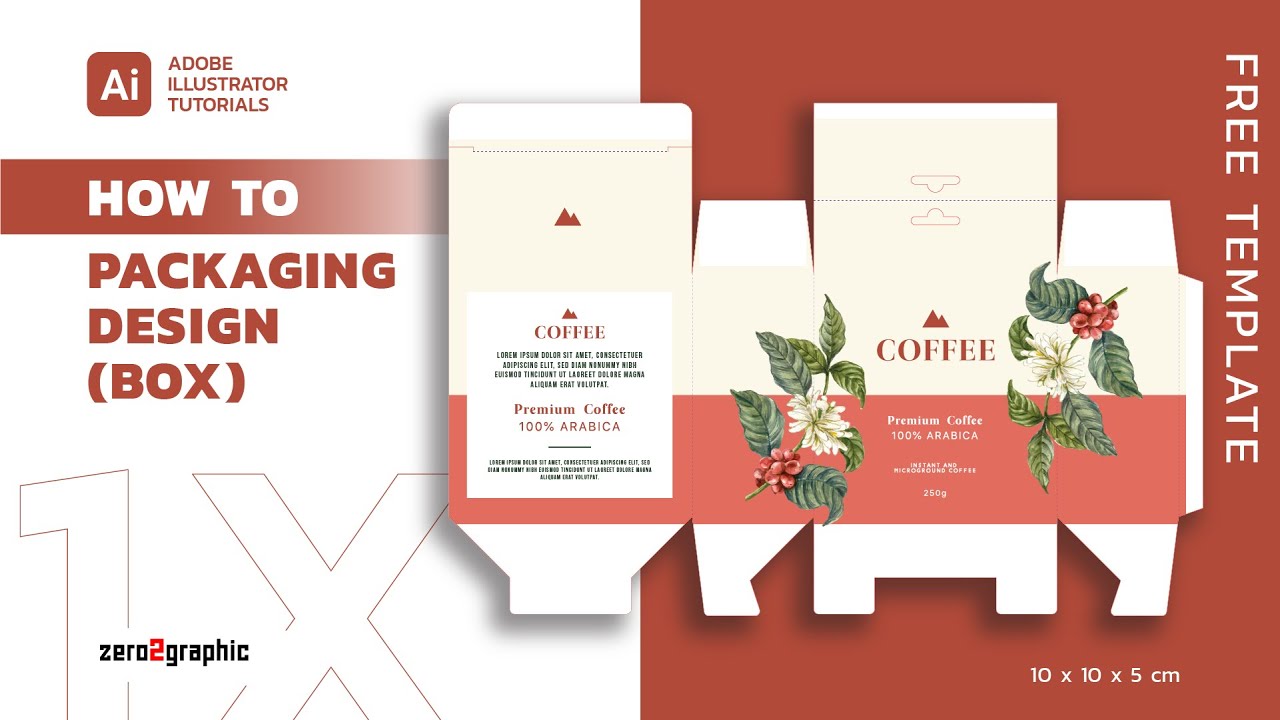
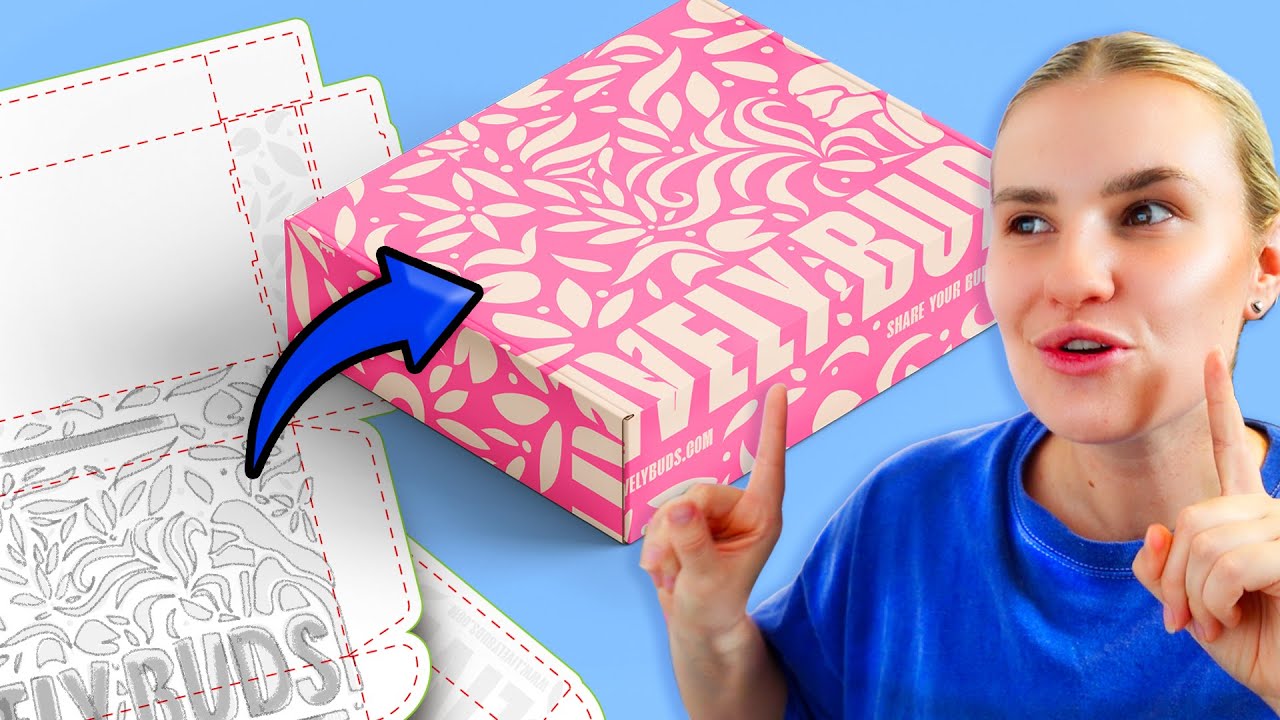
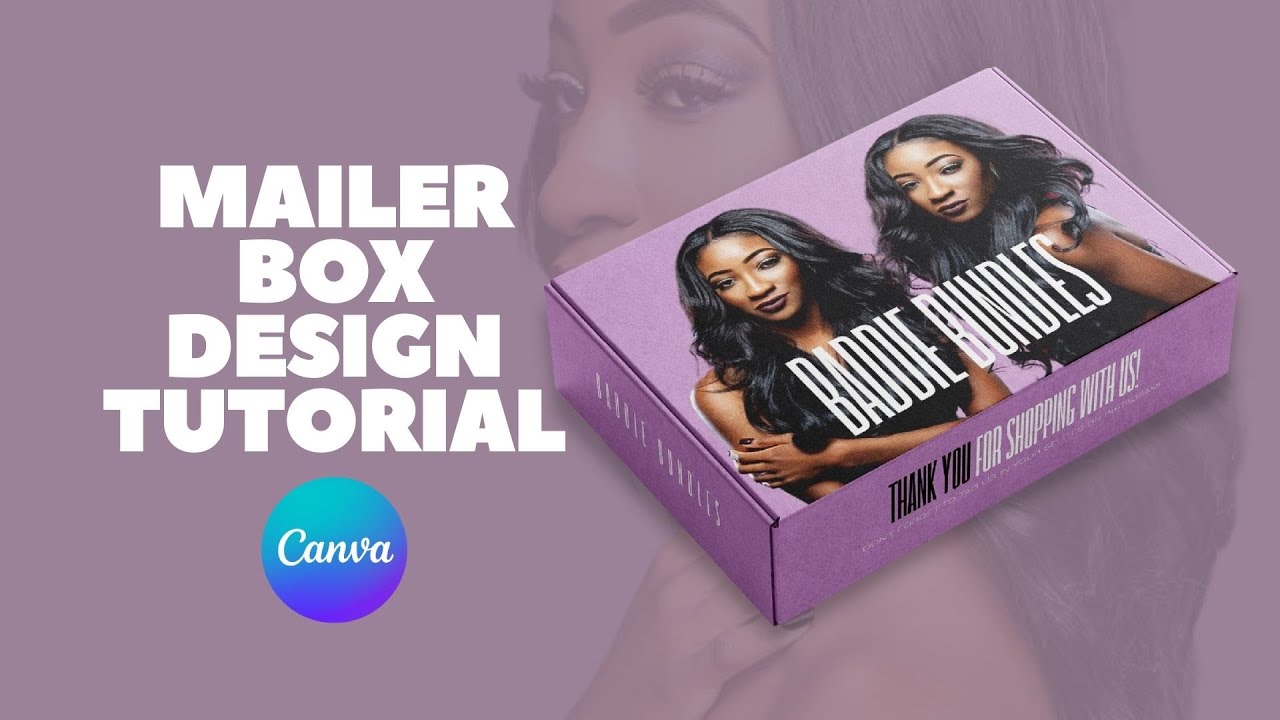
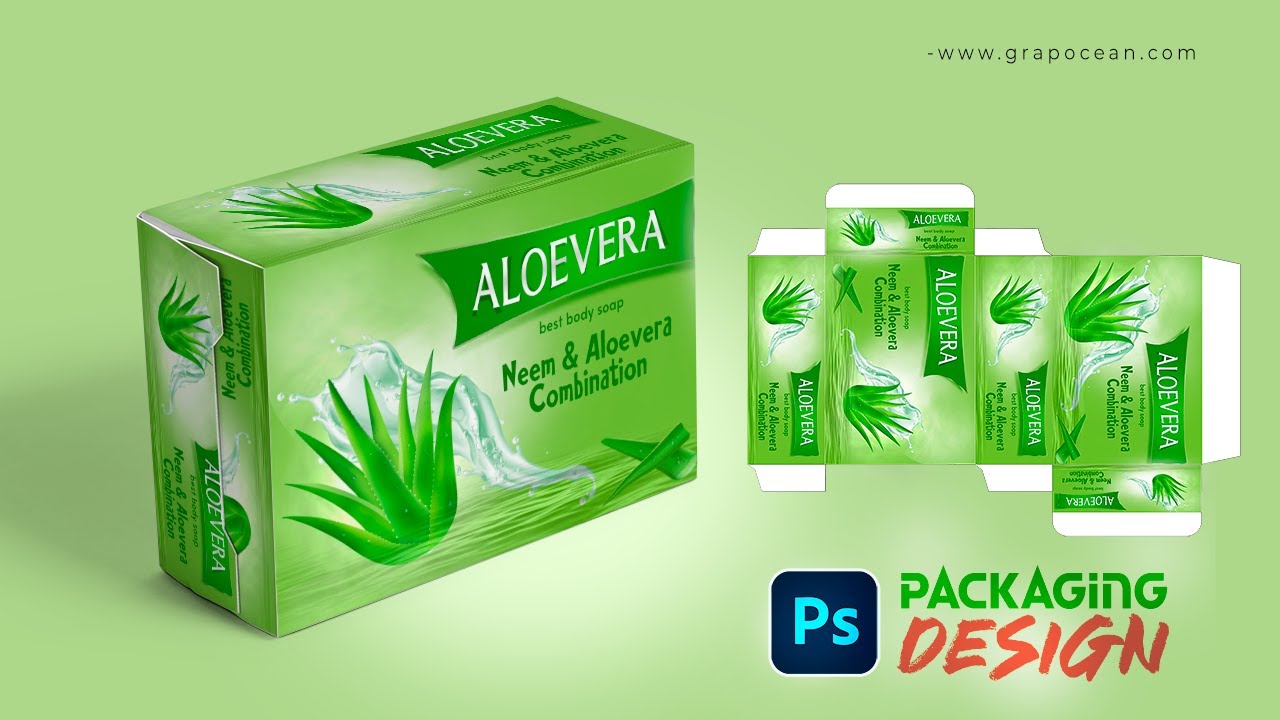
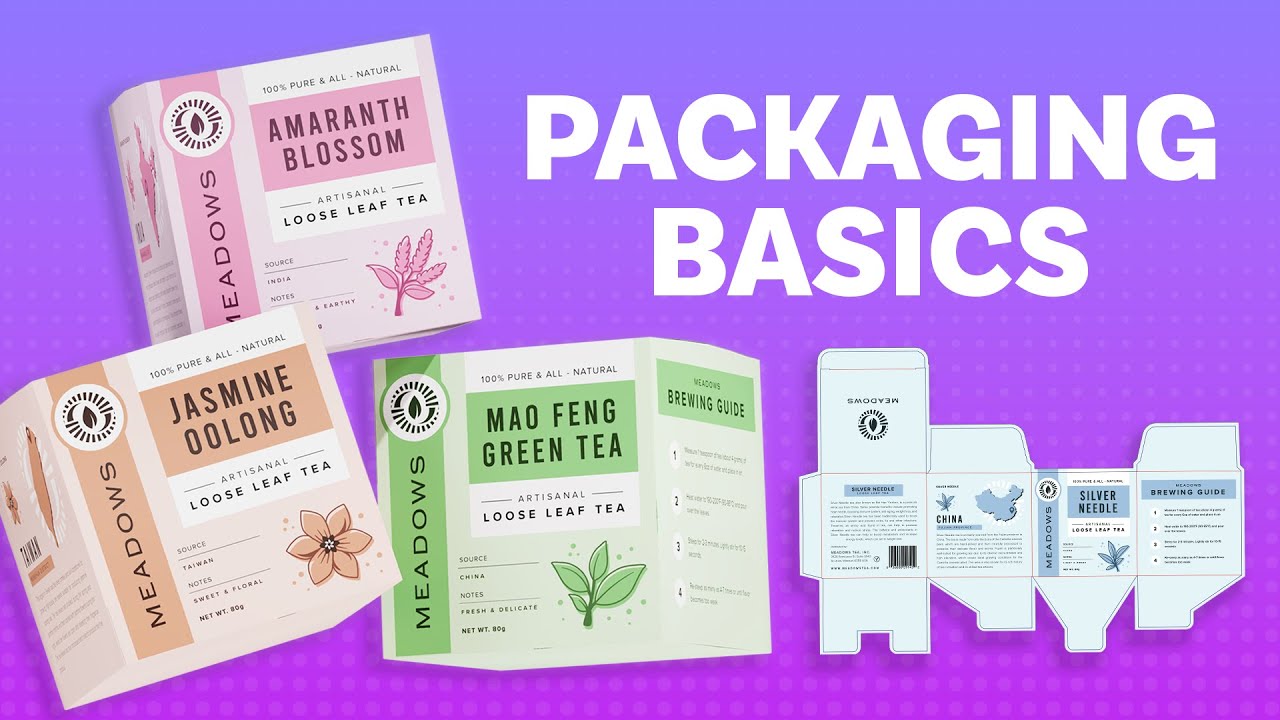
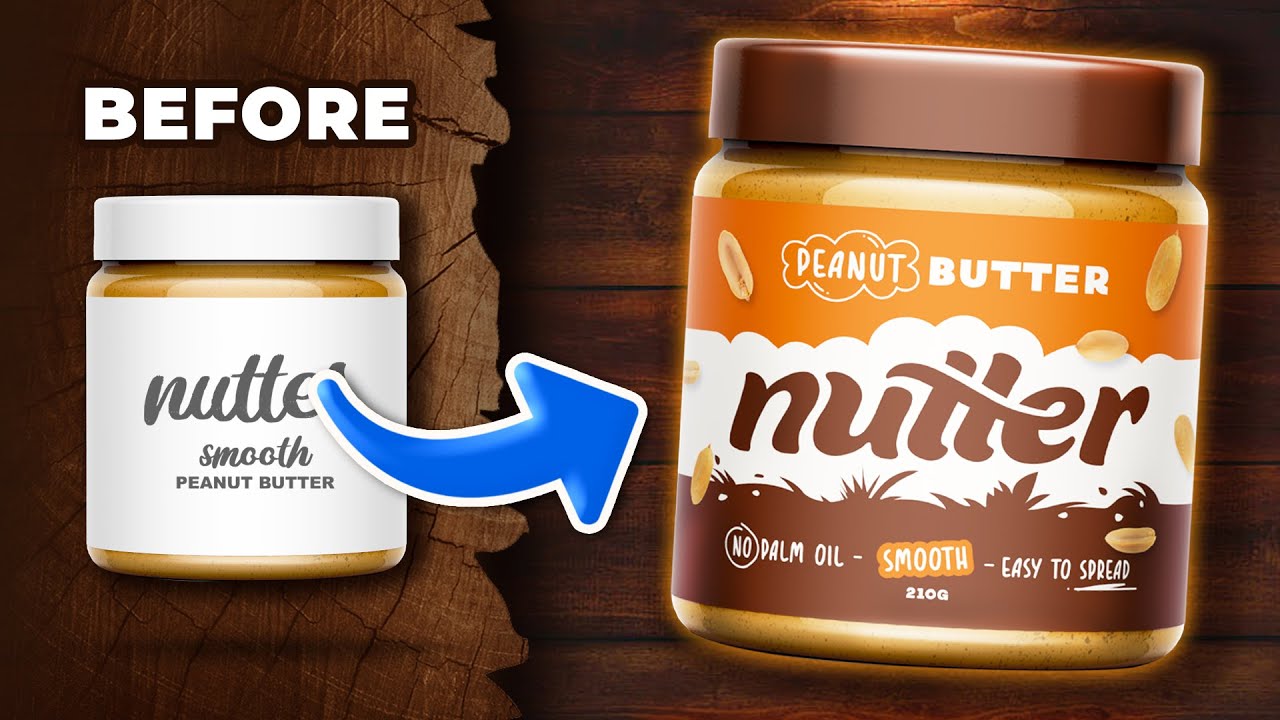
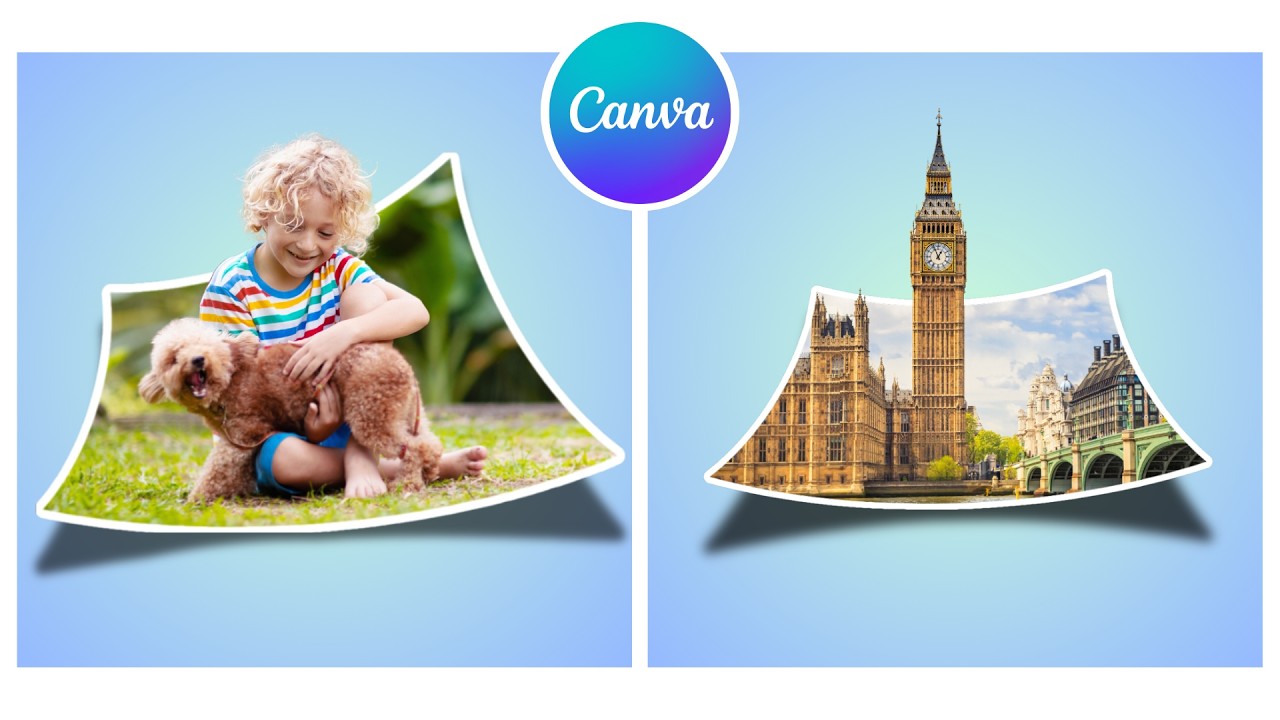
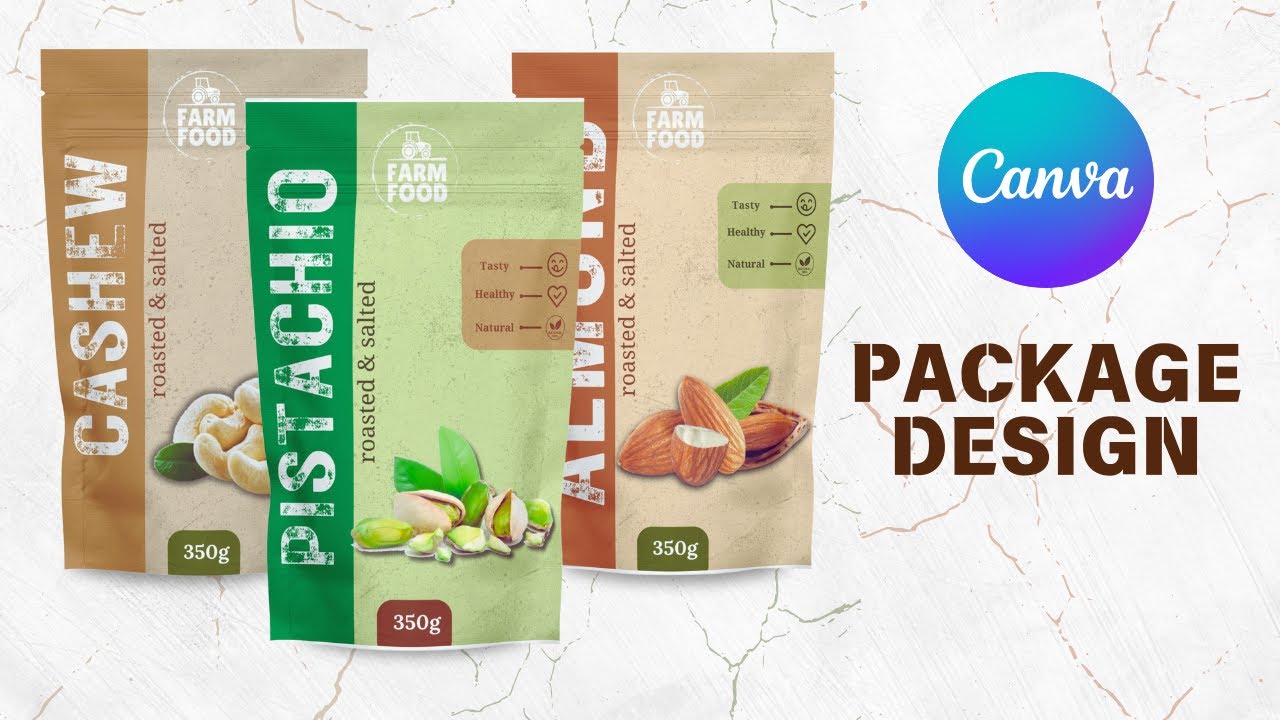
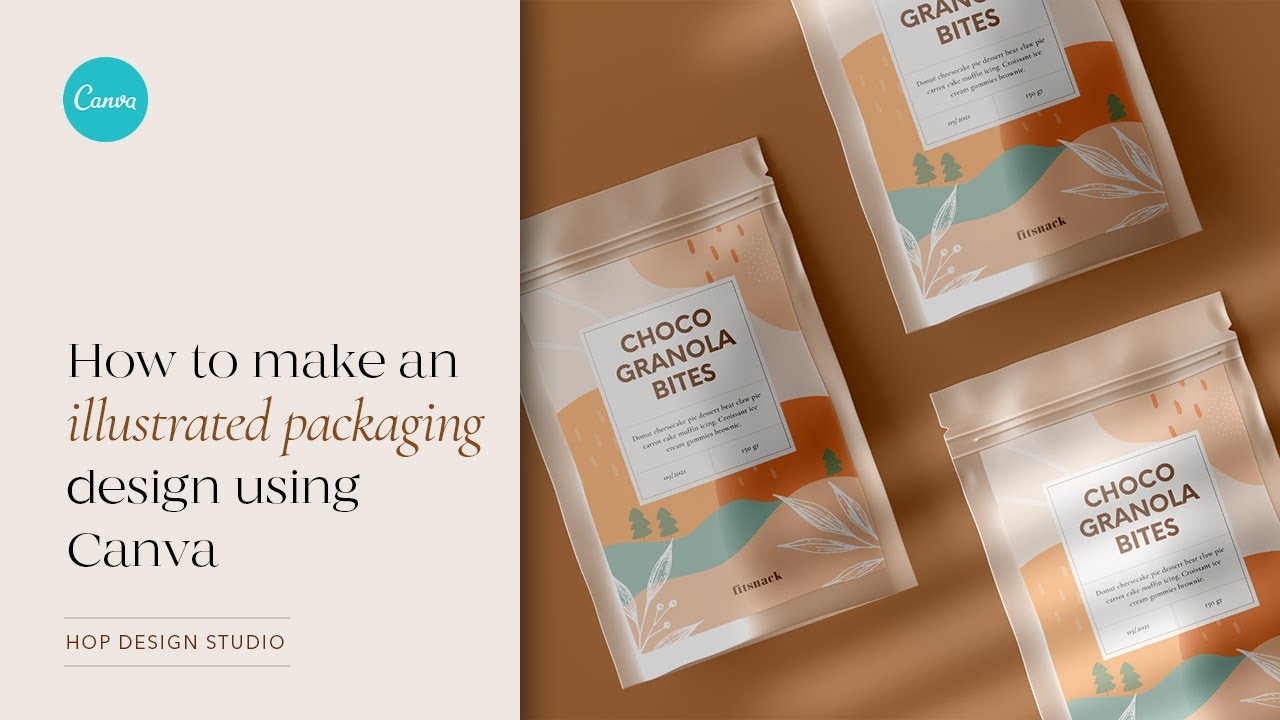
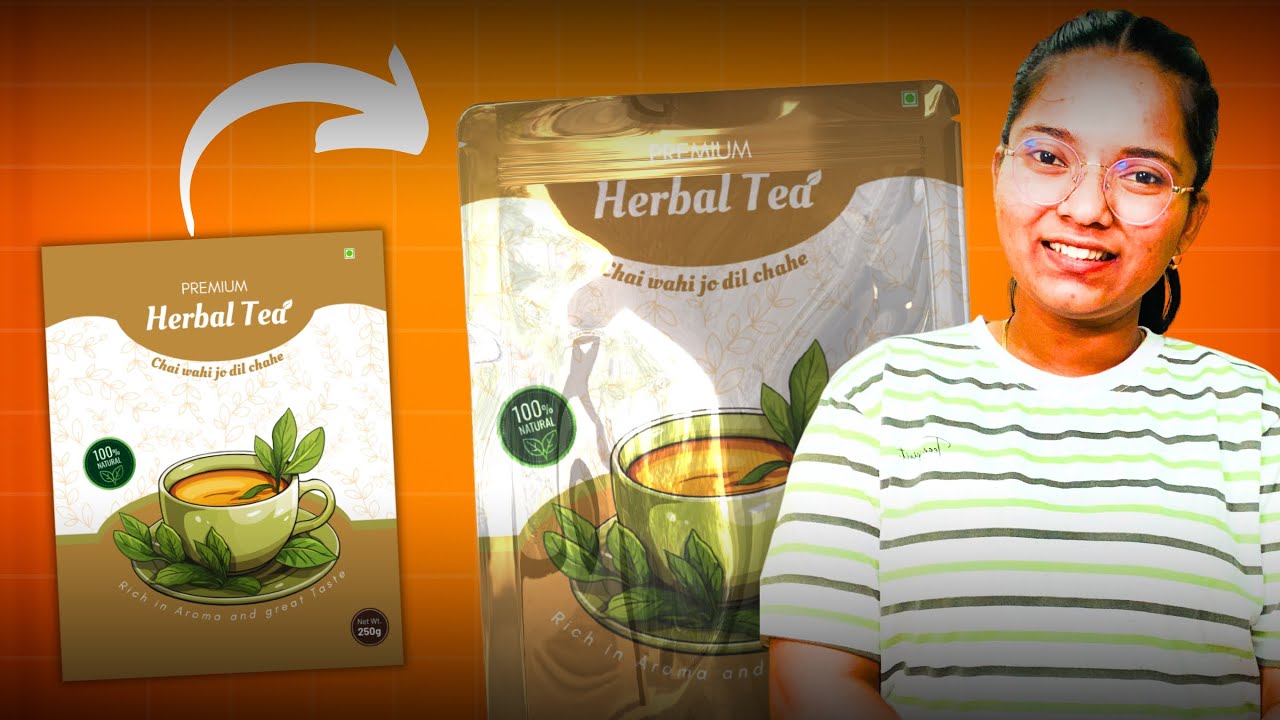
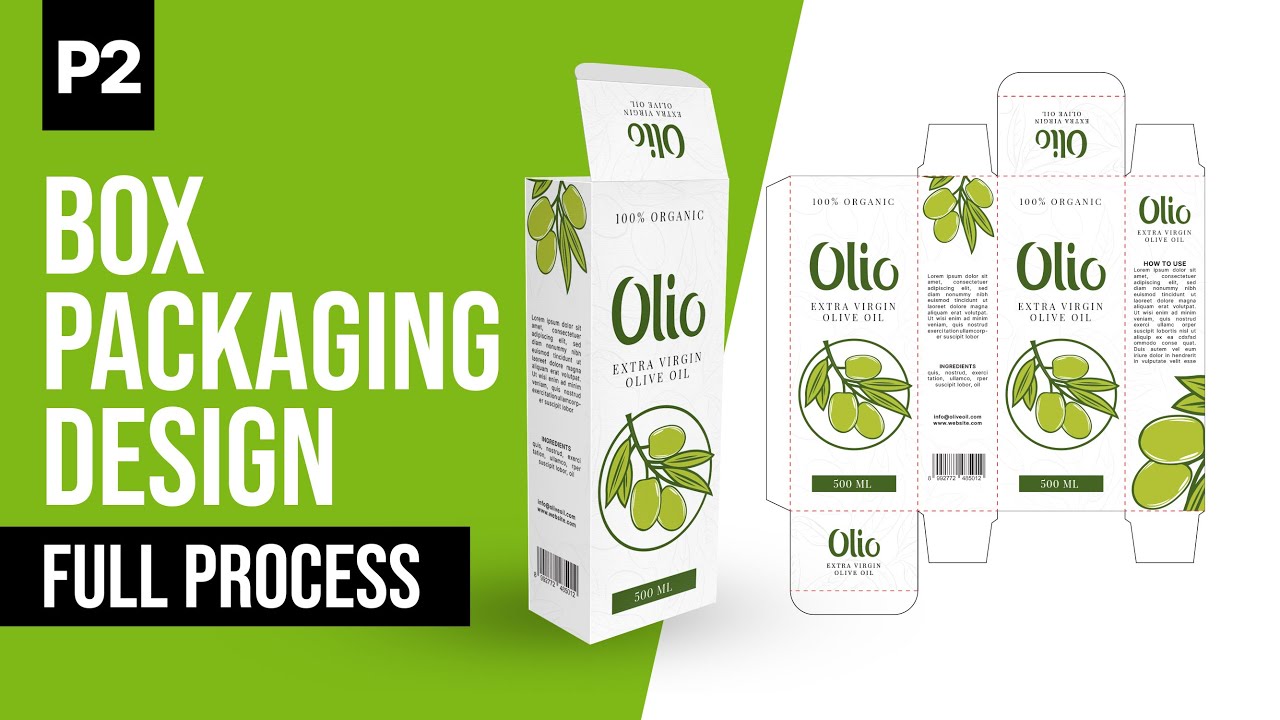
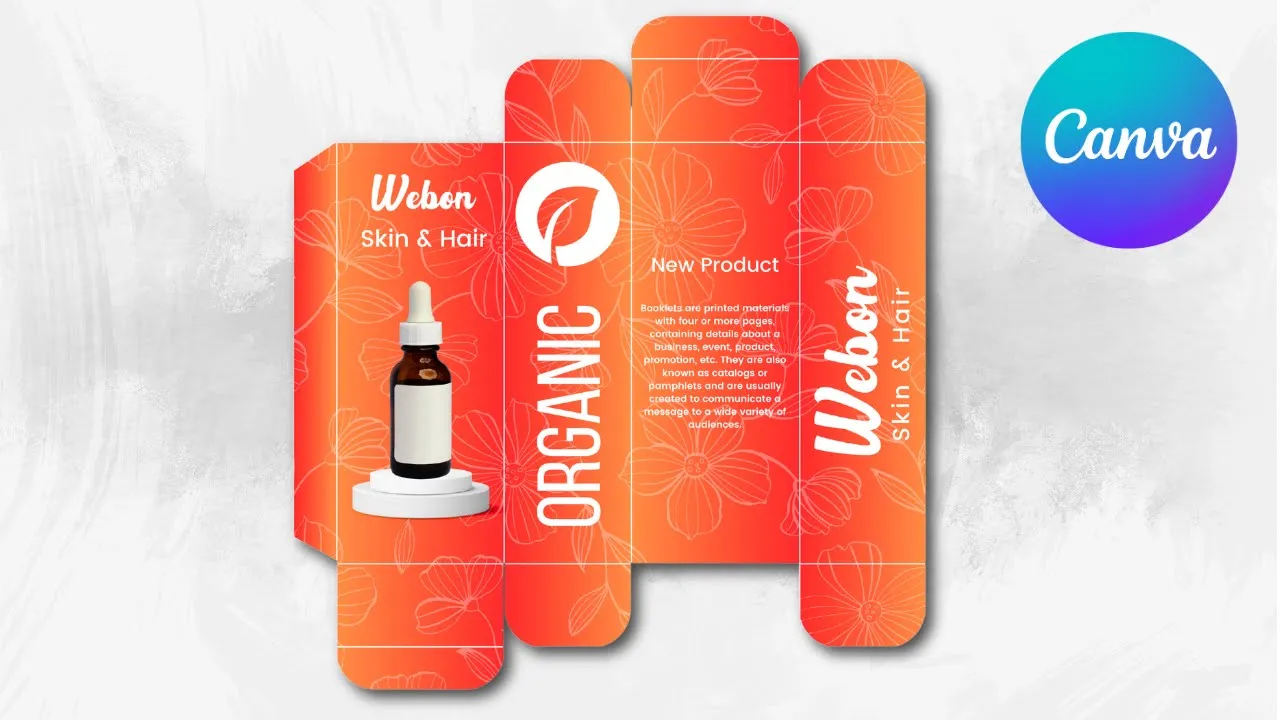
today I'm going to show you how to create product packaging in Cana click create the designs scroll down to custom size change to CM make 30 in the width and 20 in the height create new design go to elements and choose this square shape for example our package will be 10 cm just go select the shape and go to this three dots position and arrange and make 4 cm in the width and 10 cm and the high duplicate this one duplicate again and make this one just 3 cm change the color to be clear for
us duplicate this one as [Music] well and make them in this order and now choose this shape and go to position again and make in the withd four and the height five and try to cover 1 cm behind this one [Music] you can measure by these lines [Music] I duplicate this one and make the same 15 and make 14 1 cm from me duplicate prise this one to three in the width and make it in the middle duplicate [Music] and go to elements another time choose the shape go to position make 1 cm in the
width and 10 in the height change the color and try to cover the corners with any shape choose the white color and rotate [Music] [Music] go to layers show layers and make this one this one behind this elements and now let's color this package click in the first shape go to colors and scroll down to gradients choose any style you want and you can customize the colors as you want for the second one let's change the position of the colors [Music] [Music] make the same for all the elements we have now two Styles we have
the orange in the left and here the orange in the [Music] right let's choose now this one [Music] and now add your text and your images as you want let's add our text for example weon change the color to white [Music] add new text for example typ skin [Music] change the color to white this size [Music] it and go to elements and type organic graphics and you can find many icons that you can use for example this onezee it drag this lines we don't need them [Music] anymore change the color to white add new text
let's change the pH to BBS change the color to white and increase the letter spacing rotate this [Music] Tex and add your description here and make your brand name here [Music] [Music] and after add in our product image and this the description go to elements and type Laural pattern and you can choose any style you want prze change the color to white go to layers sh layers and make this pattern behind all these elements go to the transparency and lower as you [Music] want and here is the final results I hope you like this tutorial
subscribe to the channel to learn more about Kaa