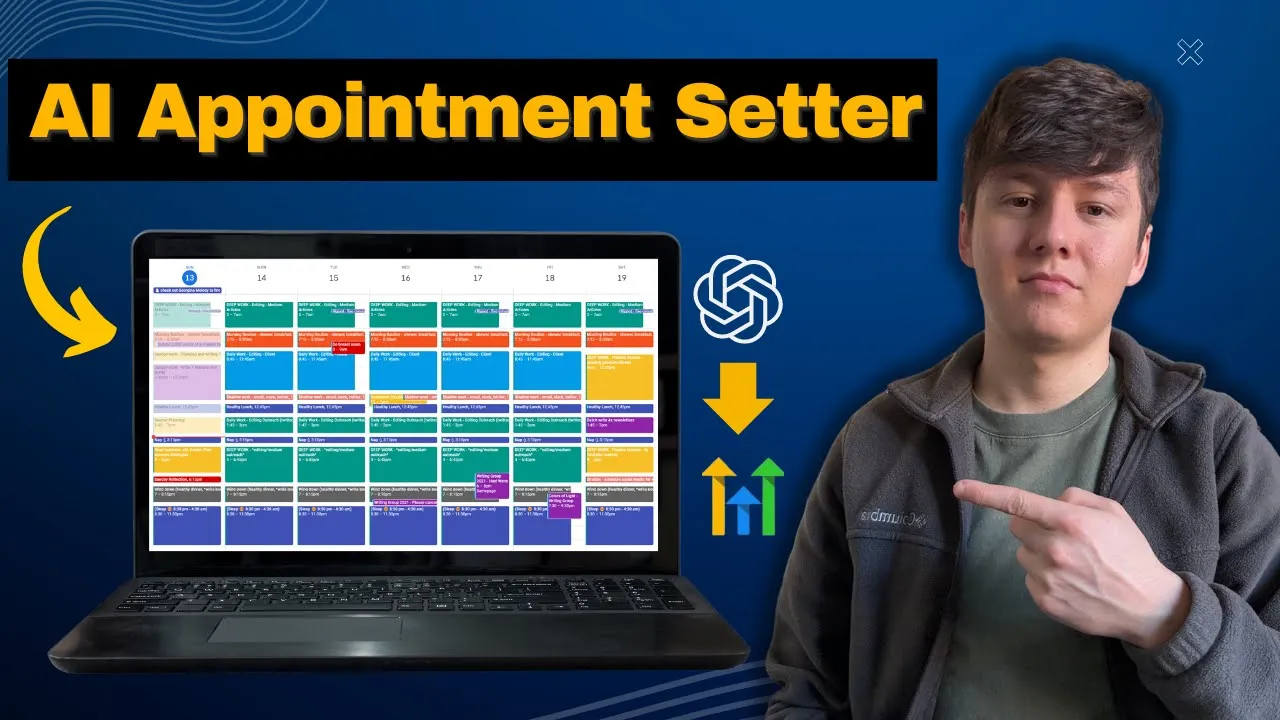
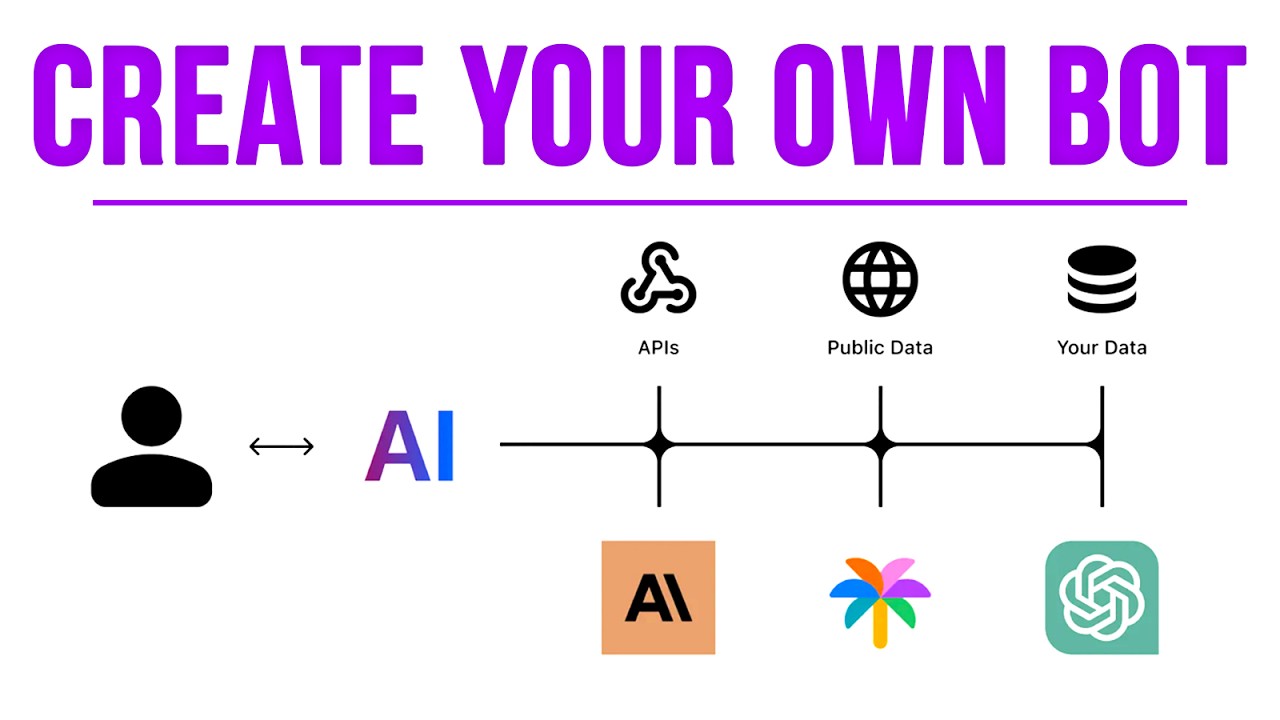
in this video I'm going to show you how to create an AI voice appointment setter for your business and if you're not using AI to call up your leads and book appointments with those leads you're going to be left behind now don't panic you don't have to be some sort of Genius or have a ton of experience or know how to code to create this AI bot in this video I'm going to show you step by step how to set all this up so without further Ado let's just jump right into it so if we take a look down here let's say that Elite shows interest in your business and they opt into a form that you have let's say on a landing page what's going to happen is we're going to create an AI bot that collects all that information and the platform that we're going to use to do this is called synth flow and what this bot's going to do is whenever someone fills out a form on your website this bot is immediately going to call them up and then it's going to see if that lead qualifies and if the lead qualifies it's going to book an appointment in your CRM and for this example we're going to be using go high level so later on I'm going to show you how to connect go high level with synth flow and just like that instead of having to manually reach out to your leads that opt in we can just have ai do that for us and instead of just sending that lead an email or a text we're going to be giving that lead a call which will improve our conversion rate so that's everything that we're going to do so let's go ahead and set all this up so to get started you just want to come over here to synf flow. and this is the platform we're going to use to build out this AI voice caller also synth flow allows us to wh label their platform so of course we can build this out for our own business but if you want to you can also build this out for other businesses as well and you can charge them for that and we can easily integrate synth flow with go high level by adding it as a custom menu link so go ahead and create an account and now that you're inside a synth flow the first thing that we're going to do is come over here to our it says Integrations and this is where we can integrate third-party platforms like twilio and go high level I'm just going to click right here and I'm going to go ahead and connect my go high level account so right here I'm going to see all the sub accounts that I have inside of go high level and you just want to choose the sub account that you want to connect this with so I'm just going to choose this one right here so now that we have our go high Lev account connected to this platform we can come over here to where it says assistant and this is where we're going to create an AI assistant for our business that will call up all of our leads I'm just going to come over here to says create and then click on assistant and for the assistant type we can choose outbound or inbound and I'm just going to do outbound and now to finish setting up this assistant we can go ahead and add a photo right here and then we can choose an AI assistant name so I'm just going to name this Sarah and then next we can choose a language and then a voice type so if I just click this you can come through here and test out all these voices so I'm just going to click right here hey there and that's what that voice sounds like and you can just find the one that you like the best and then over here we can choose the AI model so I'm just going to do GPT for Turbo and then right here you can choose the time it takes for the bot to respond right here we can add a custom greeting so I can do something like hey there this is Sarah with lead life and then if you want to you can add a custom variable which I'll show you how to set up later and then right here you can add any words that are commonly used in your business just to help out this bot so you can add your brand name or any product names Etc and then right here you can choose if you want to record these calls and then once you're done with all this we can go on to the next step so now we can go ahead and set up an action that we want this bot to perform so we can have this bot send an SMS and in this SMS the bot will just send a calendar link where they can go ahead and book an appointment we can choose real-time booking and what this will do is when the AI bot is on the phone call with the lead the AI bot is going to ask the lead when they want to book an appointment and whatever the lead says let's say the lead says I'm free on Friday at 300 p. m.
AI bot is going to collect that information and automatically book them on your calendar and then you also have call transfer so if you want this AI bot to transfer the lead to a real person you can have it do that and then you also have info extractor let's say that you want the AI bot to ask a couple questions to qualify the lead whatever answers the lead gives the AI bot AI bot will automatically transfer that information inside go high level so for this example let's just do real-time booking so again this will book an appointment on the phone call so I'm just going to go ahead and connect my calendar from go high level so now that you guys have an action connected to this platform we can go ahead and start writing out this prompt and pretty much what we write in here is what we want the AI assistant to do what Their tasks are what our expectations are what our requirements are Etc and of course you're going to want to come in here and play around with this and keep tweaking it until you get it perfect also if we come over here this platform does have templates that we can use so if we click right here we're going to see if few templates for different Industries so we have templates for Real Estate One for insurance ins prevention inbound B2B SAS or B2B SAS sales qualify outbound so if you want to you can choose one of these that relates to your industry but I already went ahead and wrote one out so I'm just going to come up here and go to this Google doc that I have and what this prompt is going to do is pretty much introduce my AI assistant so I just want ahead and said you are Sarah a senior sales representative at lead life and then right here we have some product information we have our target audience our value proposition and then right here we have objection C handling and then down here we have qualification questions that we want to ask the lead so these are the questions right here and then we have all of our benefits and then closing and followup so pretty much all this right here will help train the AI bot to know more about our business so I'm just going to go ahead and copy all this right here and then we can go back into synth flow and I'm just going to delete all this right here and then paste in our new prompt so here it is and now we can actually go ahead and test this out by coming over here and giving ourselves a call so if we click right here this is where you can add a twillo number that this AI bot will use to call your leads you can also click where it says manage phone numbers and right here is where you can buy a phone number and these phone numbers right here will be a little over a dollar a month so you can go ahead and choose one and then click on continue so here's our new number that we're going to use to test this out if we go back and edit our assistant to test out this bot we can come over here select our new number add our name so I'm just going to type in Sarah and then right here you just want to add in your phone number I'm just going to go ahead type in my phone number so now let's test this out by having the AI bot call me so I'm just going to click right here and this AI bot is now going to call my phone so here it is I'm going to answer in put on speaker hey there hey great to hear from you I'm Sarah from lliff we've noticed you're looking into boosting your marketing and sales efforts have you thought about using lead lift to streamline your operations sure thing could you tell me a bit about your current marketing and sales process what tools are you currently using to manage leads and sales so you guys get the point there it is it was now going through the qualification questions that I had and after I answer all those questions it's then going to ask me if I want to book an appointment so that's what you guys are going to want to do as well you're just going to want to test this spot out and nine times out a 10 the first time that you call this spot it's probably not going to be perfect so you just want to come in here and keep tweaking your prompt and then once you're satisfied you can go on to the next step so right here is where you just want to add your number so I'm just going to go ahead and add the number that we just got so here it is and then we can go ahead and add a daily budget so I'm just going to do $10 and I'm pretty sure this platform charges you 8 cents per minute and then we can check this box right here and then click on finish so now this campaign is going to run but first we're going to want to connect synth flow with go high level so whenever someone fills out a form let's say on one of our landing pages our AI syst can go ahead and reach out to that lead and try to book an appointment with them so let's go ahead and jump inside a go high level and I'm going to show you how to connect it so once you're inside a go high level the CRM that we're going to be using for this example we can actually download synth flow as a third- party app so if we just come over here and we go to where it says app marketplace right here is where we can download thirdparty apps to go high level and if we just come right here and search for synth flow you're going to see the app right here so you can just click on this and then you can come over here and download this app to your go high level account and then once you do that if you take a look right here this app is now added as a custom menu link that says voice AI if I click on this I'm going to be able to see my synth flow dashboard where I can manage all of my AI agents so instead of having to go to the website I can do all of this directly through my go high Lev account so now that you guys have the app downloaded to your go high Lev account we're still going to want to integrate synth flow with go high level and the way we're going to do that is by creating a couple automations so if we come over here to Automation and then I'm just going to come right here and create a new folder and I'm just going to name this folder AI agent and then click on create and then inside of this folder we're going to create two automations so I'm just going to click on create workflow start from scratch and for this first automation I'm just going to name it make a phone call so this automation right here is what's going to trigger the AI bot for this trigger I'm just going to click right here just going to do form submitted and then for the filter form is and then I'm just going to choose my website form for this example and then click on Save trigger so next we can go ahead and add an action and for this one I'm just going to search for make a phone call and then right here where it says model I'm just going to go back inside of synf flow and then go to deployment and then right here where it says model ID I'm just going to copy this number go back to go high level and paste that right here and then where it says phone I'm just going to click on this tag and add a custom value so I'm just going to do contact and then phone and you are going to want to make sure that this is in the Raw format to make this work so don't just do phone you're going to want to click right here where it says phone raw format and then for the name we can just come over here go to contact and then first name now we're going to want to add our API key right here so again we can go back to synth flow right here where it says API key we can go ahead and copy this number and then go back to go high level and paste that right here and then if you take a look right here where it says key this is where we can add custom values that will transfer over to synth flow so for example I can do something like company. name and then down here for the value we can add my company name so I can do lead live so now in our prompt anywhere that has company.


![How I Made An AI VOICE AGENT [Quick & Easy] - Synthflow AI Tutorial](https://img.youtube.com/vi/6zrdZmRNwl8/maxresdefault.jpg)