if you're a new YouTuber looking to grow your channel and get monetized before this year runs out then come in because this video is for you in this video I want to show you three premium secret that will help you start getting views and subscribers to help you grow your channel so you get monetized before this year runs out this secret I'm about to share with you one of my students struggling to grow her Channel used it she moved from 300 subscribers in few weeks to over 700 subscribers right now and I'm sure that if
you follow everything I'm about to share with you you're definitely going to see results so the first secret is the settings there are a couple of settings you need to do right now in your YouTube dashboard to help YouTube start recommending your videos the second secret is uploading secret guys if your videos are not getting attention there's something you are not doing right while uploading the video I'm going to show you exactly how to do that right the third one is what you need to do as soon as you upload your videos to get views
on your videos are you ready hello welcome and welcome back to my channel if this your first time seeing me my my name is Chaka and on this channel we talk all things money how to make money both online and offline so if making money is your thing go on and hit that subscribe button and the bell icon beside it so you get notified each time I publish new videos you already know that one of the easiest way to make money online right now is YouTube so if you've been making videos on YouTube and you're
not getting attention the first secret is settings there are a couple of settings you need to put in place right now in your channel dashboard that will help YouTube to start recommending your videos I need you to do exactly what I'm going to show you step by step step so what you're going to do now is to go to YouTube Studio not the normal studio app you use you can do this setting using your computer or your smartphone if you're going to use your smartphone you need to go to Google Chrome and type studio. youtube.com
let's go on and use my phone to demonstrate that to open desktop version of YouTube Studio using your smartphone you need to open Google Chrome so I'm going to touch Google Chrome and once it opens you type studio. youtube.com so once it opens you're going to see your channel this is one of my demo channels that I'm using to do this video going to come over here and click on settings channel settings and then go on to touch Home tab so we can do this settings so if you look at this place the first thing
is layout if you scroll to this you see add section I need you to click on it and add important sections to your channel the first one is channel trailer this is you showing your best performing videos to the people who are coming in contact with your Channel with your video for the first time so you're going to touch Channel trailer and select your best video so it becomes the first thing people see once they open your channel this is very important the next thing is popular videos this gives you the opportunity to show people
your best performing videos on your channel this is also very important because when people see that your videos are doing well they trust you easily here comes the most important part of this setting that you have to do right now if you are a small YouTuber and that's for you you need to come over here and click on more settings this is YouTube giving you an opportunity to disc decide what they recommend to people for you YouTube is asking you what do you want them to include in the for you section we have videos we
have shorts and live stream if you've not done any live stream turn this off and when you come down here it says recency automatically it's always on all content but I need you to move it to recent content reason is because if you've been on this platform for the past 2 3 years chances are the videos you made 2 3 years ago are not the best videos right now are probably not looking nice so you want YouTube to recommend recent videos which are videos that are much better that are easily that can easily convert people
who watch it so you need to click on recent videos only and then you click on done so the next thing is to come over here and click on publish so what you've done will be be published equally you can go on to do other settings like under the profile you have your channel B if you've not added your channel Banner this is very important you need to add it your handle and all that things you can go on to set them to optimize your channel get it ready for YouTube to start recommending your videos
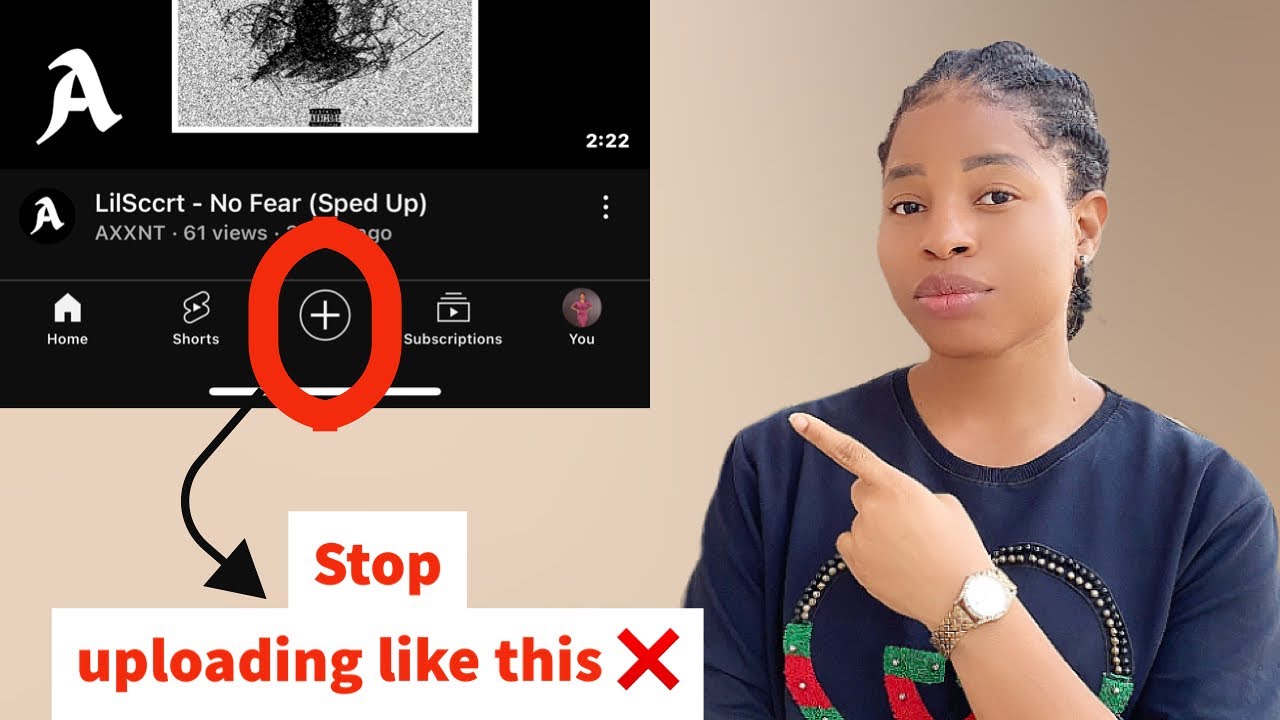
the second secret is the upload secret if you want YouTube to start recommending your video as soon as you upload it on YouTube then here are two things you need to do first one is the name of the video every video you upload on YouTube has a name if you edited the video with ins or C Cod the name usually comes from the app you use in editing the video something like this now if you want YouTube to start recommending your videos you don't want to upload this video with this name you YouTube is a
search engine optimized platform so the name of the file you uploaded on the platform helps them to know what this video is for and then recommend the video to your target audience that's why before you upload video on YouTube you need to replace this name with the title of the video to help it rank really high so if you're working with iPhone it's just simple as soon as you're done editing the video you go on to change the name but if you're working with an Android phone it is not that easy to edit it so
I will share one secret to help you change the name what you need to do is once you have done the video you save it on your phone upload this video on Google Drive and then over there you can now change the name to the title of the video something like this so just go on and claim this name and put the title of the video to help this video rank high once you upload it on your channel the second part of it is the thumbnail if you design your thumbnail with canva the name of
the thumbnail is most likely going to be the sample you use in designing it you don't want to download it with that name so all you need to do is to get to the title here and change this name to the title of the video so once you do this you set the video up for good views and finally the thir secret and that's action after upload so now you've uploaded your video what are the things you should do to make sure that your videos are getting views and your channel is getting subscribed now here
are the things you need to do if you're a small YouTuber chances are when you upload your video on YouTube you don't get a lot of views you should not go and start praying and crying and hoping that people come no you initiate the action that will help people to start watching the video so the first thing is as soon as you finish uploading your video on YouTube you should use another account to watch the video it will be your friends phone your family members the most important thing is that that video gets viewed immediately
after you uploaded it and also get comments here's something about YouTube algorithm they take note of activities going on after a video is uploaded so after a video is uploaded after some minutes and hours if there's no view on the video chances of that video picking up and getting views or going viral will reduce because over time more videos are being uploaded and your own keeps going down down down so as soon as you finish uploading use your other account or other people's phone to watch the video and not only that remember to comment so
this way algori SE that this video starts getting engagement and then you have higher chances of getting this video pushed out that is to say after you uploaded the video Don't fold your hands and start praying and crying and wishing and hoping that people watch it no take action by watching the video yourself engage with the video Drop interesting comment in the comment section of the video secondly you also need to promote the video by sharing this video on other platforms you are very active on yes a lot of people even established YouTub still cross
promote our videos on other platforms so if there's another platform you're very active on this is the time to go over there and talk about this video and from that platform you drive traffic to your videos when a video starts doing well as soon as it's uploaded you trigger the algorithm positively algorithm will be like oh this video is getting attention there's a reason why people are watching it so let's go see and see how we promote it that's it but if you upload it and you keep hoping and praying things happen nothing will happen
and the possibility of that video getting views and going viral will be reduced as more videos are uploaded so watching your videos and dropping interesting comment as soon as you're done uploading the video is a no Brer this will help you a lot to boost the video stand the higher chance of YouTube recommending the video for you if you do these three things well you'll be surprised how the video will start getting a lot of views and then you start getting subscribers and in few months you're going to get monetized if you're a small YouTuber
drop a comment in the comment section you're going to see other small YouTubers and connect with them this will help you a lot to grow your channel really fast I hope you got value from this