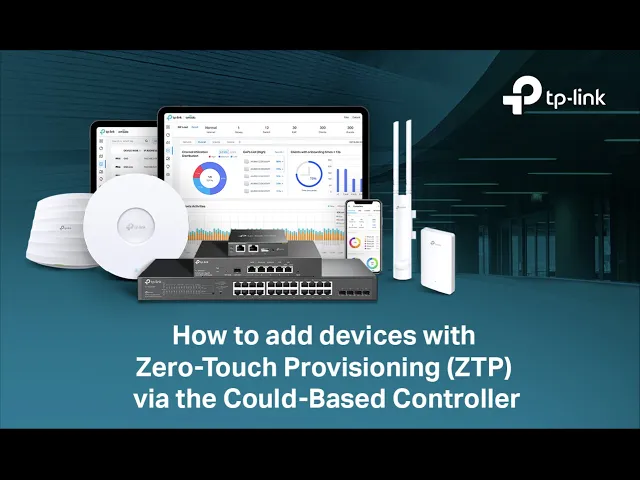
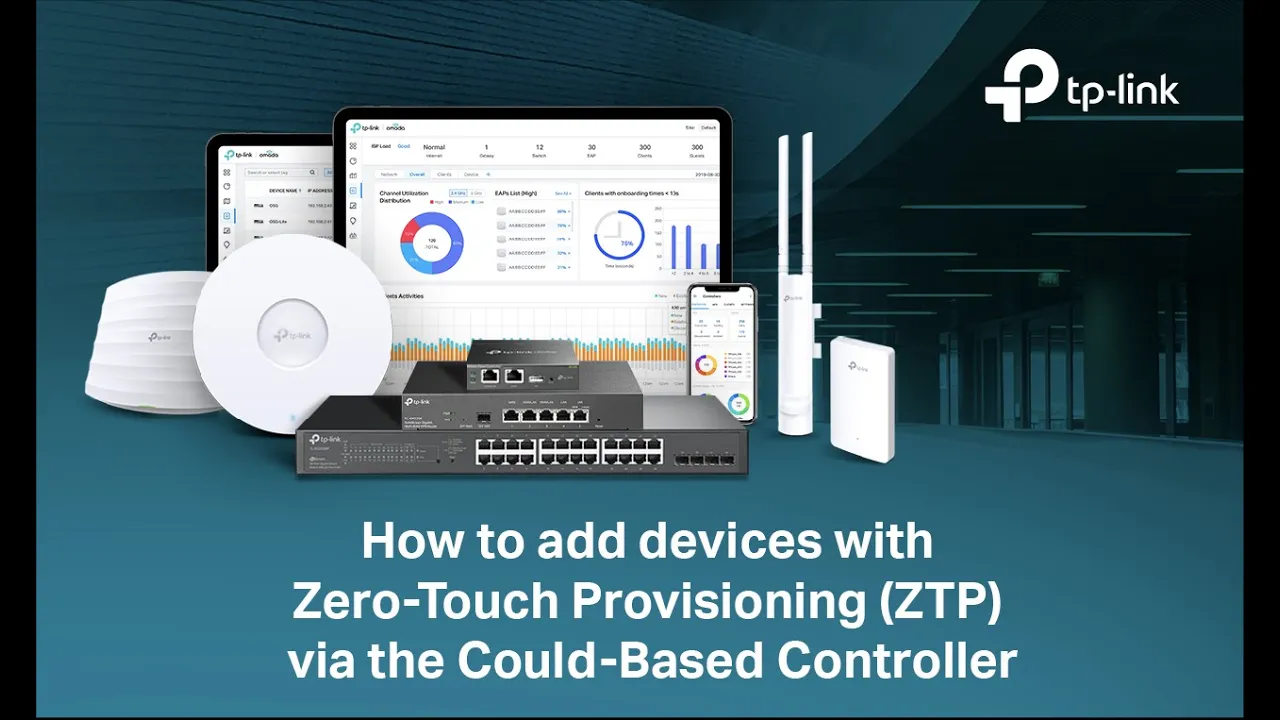
omata Zer touch provisioning allows for remote deployment and configuration of multi-site networks there's no need to send out an engineer for on-site configuration ensuring efficient deployment at a lower cost this video will guide you through adding devices with zero touch provisioning via the omata cloud-based controller plug in your omata device onsite and make sure they are connected to the Internet Launch your cloud-based controller and go to the devices page click add devices you can manually enter the SN code of your devices you can enter the device name to identify your device device username name and
device password are optional the system will use a default account and password for adoption if the devices are in factory reset status if you need to add a large number of devices you can choose import download the template and fill in your devices information up to 1,500 devices can be imported at a time click browse to import the file [Music] click confirm type the characters in the image to pass a security verification and wait after the importing process is completed your devices will be added to the device list normally the devices will be shown as
unactivated click activate to bind a license to the device then the device will switch to the pending status and can be adopted by the cloud-based controller adopt the device the device will be configured and switched to the connected status you can also click batch action to activate configure and adopt the devices and batches now your devices have been properly added to the cloud-based controller you can configure other Advance features for your devices and monitor and manage your network through the cloud-based controller anytime any where configuration made on the cloud-based controller will be automatically sent to
the corresponding devices take setting a new SSID for an EAP as an example go to settings wireless networks click create new wireless network set the SS ID and the password click apply you will see that a new wireless network is added under the W Lang group and your other mobile clients can now connect to the Wi-Fi of the [Music] EAP