in this video I'm going to talk about the best ways to scrape data from LinkedIn now LinkedIn is a gold mine of data with over 900 million professionals all across the world putting up a lot of their data so you can search and find the right person to sell your product and service to and get all of their details like their email phone number where they work and all of that good stuff and reach out to them and make them your next client let's look at what are the different types of scrapers what kind of
data they can scrape from LinkedIn first of all LinkedIn email scrapers so these tools really help you find the professional email address of these people so that you can reach out to them via cold email so examples from our list would include tools like sales robot Visa lead IQ find email then there are LinkedIn profile scrapers which you know help you scrape stuff like you know their name for example Rachel shei full image they can you can get the URL and get the headline like she's a GTM coach and consultant you can get where she
is from Toronto you can get how many followers she has where she works where she went to school right so there's a lot of tools that do this so examples would include tools like sales robot Phantom bust proxy Cur bright data and people data Labs right let's get into the other types of scrapers so the third one is LinkedIn sales Navigator scraper so LinkedIn sales Navigator is linkedin's own internal database if you have a search results list of people you know using certain filters on sales Navigator then you can scrape a lot of data from
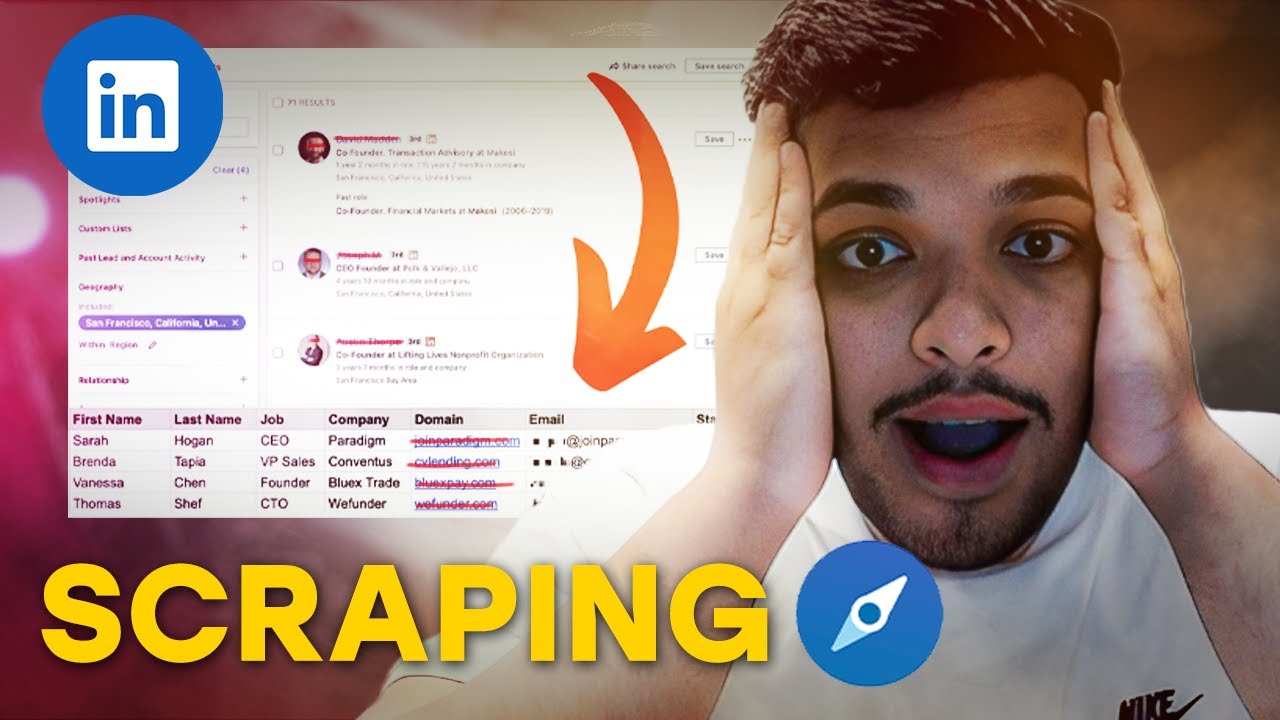
there right you can scrap their full name the job title how much time they've spent in that role the location how much time they've spent at the company as well as the company right so you get a lot of these data out so examples would include you know tools like sales robot Phantom bus drify linked helper octopus CRM Duck Soup and then number four is LinkedIn job scraper so here the name is straightforward basically help you scrape LinkedIn jobs right so examples would include bright data Phantom Buster then there is LinkedIn post scraper number five
this is pretty self-explanatory helps you scrape certain LinkedIn posts right so example would includes include sales robot and bright data and then number six is LinkedIn SE scraper so if you don't have LinkedIn sales Navigator you can just search directly on LinkedIn and you can scrape a ton of data right you can scrip their full name location job title at company name and whether they are LinkedIn premium or not and you can get this into a nice little Excel file so examples would include sales robot you know Phantom Buster drify linked helper 2 octopus CRM
Duck Soup and tools like this and then finally it's LinkedIn group scraper pretty straightforward you can scrape all the members who are part of a LinkedIn group examples would be sales robot and Phantom Buster so these are a lot of types of scrapers but let's get into how they work so basically Ally there are three types of LinkedIn scrapers right number one is obviously LinkedIn Chrome extension braas scraper so Chrome extension scrapers use your own LinkedIn account to scrape data an example of this would be a tool like evab boot what it does is that
it sits on top of your LinkedIn account while you have your computer open and it scrapes it while your computer is running so you should use them when you are only scraping a few thousand leads at a time if you want to do more then you have to use a different type of scraper and the other thing is these scrapers are actually post some risk to your LinkedIn account because LinkedIn can see that you're actually automating using your own LinkedIn account right so which is always a risk then the second type of scripper which a
lot of people don't know about right and it's very rare is python based LinkedIn scrippers or LinkedIn apis so basically what these people do is that they have their network of their own LinkedIn account so if I want to get some somebody's profile scraped they will go in and use their network of logged out LinkedIn profiles to actually scrape the data and give it to me in a nice little Json format or even an Excel file right so there's no risk to your LinkedIn account you can actually get a lot of data without ever logging
in or even having a LinkedIn account which is amazing but the downside is they cost a little more and they will charge you a lot more per LinkedIn profile script but this is great for complex scraping tasks such as you know extracting hiring managers from L job postings right they're best use when you want to scrape a lot of data right let's say you want to scrape a million profiles from Linkin you obviously can't do it on your own LinkedIn account a Chrome extension won't cut it so python Bas scripper would help type number three
is cloud-based LinkedIn scrapers now they are used when Chrome extension based scrapers don't cut it let's say you need to scrape 100 LinkedIn profiles every day if you visit 100 profiles per day from your account just using Chrome extension then first of all it'll slow down your computer it can even crash your LinkedIn account and get it blocked and this is why a user reviewed a chrome based ex extension and called it slow and pointless the biggest thing is it slows down your computer and you can't really run it on Chrome that's when you need
a real you know cloud-based tool like sales robot or Phantom Bust or drippyy so that it keeps running in the cloud and you don't have to interfere with this we can get into the 12 best tools for the job so tool number one is sales robot it's a simple cloud-based automation tool which scrapes the data as well as automates your activity on LinkedIn so let you're trying to reach out to uh founders of tech startups so you can just create a list in LinkedIn sales Navigator or LinkedIn search and this will do all the jobs
that you'll have to do manually right which is go to their profile click on the connect button type in a message send the connection request wait for them to accept it and then it will also scrape all the data while it's visiting those profiles so it's basically like a robot but for LinkedIn so this is how it works and the best part is it's a cloud-based Scrapper so it doesn't work on your computer it works in the cloud it will not slow on your computer and you can keep doing whatever you want on your own
computer all right so it will give you all the details like the job titles full names company email and phone in a nice little CSV tool number two is Phantom Buster it's a very popular tool and it does a lot of things so if you look at this graffic shows you a lot of different actions that it can perform it shows you a lot of different data types that it can scrape as well as a lot of platforms it not only works on LinkedIn it can actually scrape a ton of information from you know even
sites like Google or Facebook or you know like Instagram and it works right it works across all of these profiles so it can do a lot of different things and find emails scrape group members scrape LinkedIn connections scrape LinkedIn and sales Navigator search results the downside is it's very hard to set up but once you set it up it works well uh the only other downsiders sometimes the cookie keeps expiring so you have to keep refreshing the LinkedIn cookie for it to work tool number three is proxy goal now this is one of those python
based LinkedIn scrapers which doesn't need your LinkedIn account to give you the data so they do the hard work of converting unstructured LinkedIn data into nice and simple apis and you can use their API to scrape almost anything on LinkedIn without even using a LinkedIn account number four is bright data they are a proxy provider but they're also LinkedIn scraper they help you you know scrape LinkedIn profiles search results jobs and everything without ever having to use your LinkedIn account they can even give you their entire LinkedIn database of like 600 million records if you
want to buy it right they can just give you the whole of LinkedIn if you want then number four is sales ql now csql is a Chrome extension based scraper uh it runs on top of your LinkedIn account within your own computer and can help you find email addresses of those leads that you really want to reach out to and Export them to your CRM or to your Excel file tool number five is evab boot evab boot is a LinkedIn scraper very similar to sales ql the good part about evab boot is it it is
that it also cleans the data so for example you know there's some people on LinkedIn who have these weird emojis next to their name so it will clean them up or you know there's like apple ink it will clean them up and have it a nice little format so that you can use that data in automated Outreach the next one is find email find email is again similar to ever boot but the good thing is that it also works on top of Apollo so if you don't have LinkedIn sales Navigator if you're using Apollo for
getting your data you can scrape using find email and the other nice thing about find email is that it only gives you verified emails right so you don't have to pay a third party verification tool verify your emails the next one is lead IQ now lead IQ is is not just a LinkedIn scraper but it's also a full prospecting platform right to help sales teams book more meetings now that's a fancy way of saying that it helps you find emails and phone numbers and also tracks buying triggers such as funding history job changes and you
can use their AI to write personalized emails based on those buying triggers it's a Chrome extension and it works on top of your LinkedIn account but the cons is that they're they're definitely Enterprise Focus quot you very high prices and they'll all try to get you into an annual deal so if you're not into that then it can be a turnoff the next one is drify it's a cloud-based tool similar to sales robot it helps you automate a lot of the activity as well as scrape data and put that into a nice little Excel file
next one is octopus CRM now this is also like sales robot but it's a Chrome extension so it sits on top of your LinkedIn account and does the automation right from the comfort of your computer but the downside again is that it's a chrome based tool so it's less safe and it can get you banned the next one is L helper too it's been around forever right so they came out as linked helper back in 2016 17 it's a desktop application it automates all of the activity that you'll have to do manually on LinkedIn like
sending connection requests and follow-ups it's a 7-year-old product it's used by you know over 300K users it's dirt cheap but again it's hard to set up but once you set it up it really works now have a list of these tools just go do your research which one fits your needs the best and if you're you know looking to ever generate a lot of leads from LinkedIn Outreach look at sales robot as a tool that can easily automate a lot of your work for you that's it from me in this video take care now bye-bye