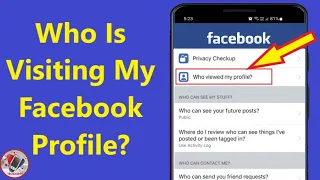
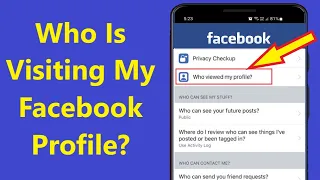
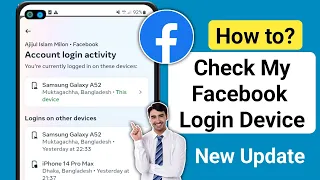
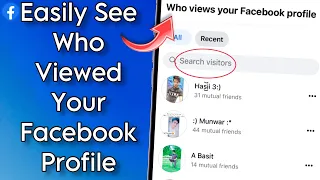
hey guys if you want to see who visit your Facebook profile so in this video I will show you where you can find it so without any delay let's start our video for this open your Facebook application after come on this interface tap on this profile icon on top right corner after come on this interface tab here to go into profile after come on this interface tap on these three dots which is on right corner here you have to tap on activity log after come on the center face scroll down and tab on log information
after this you have to tap on manage search and on this C interface you will find the people who visit your Facebook profile D is also mentioned there in this way you can check who visit your Facebook profile I hope this will be helpful for you thank you so much guys for watching this video