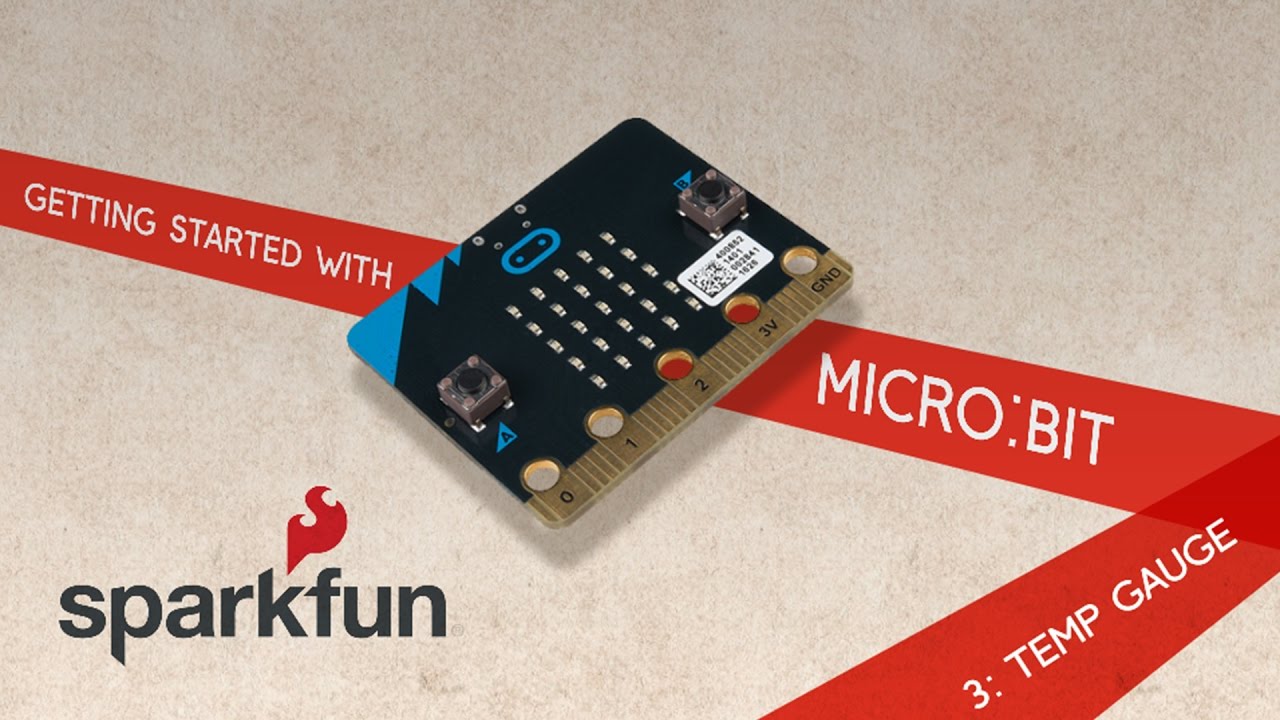
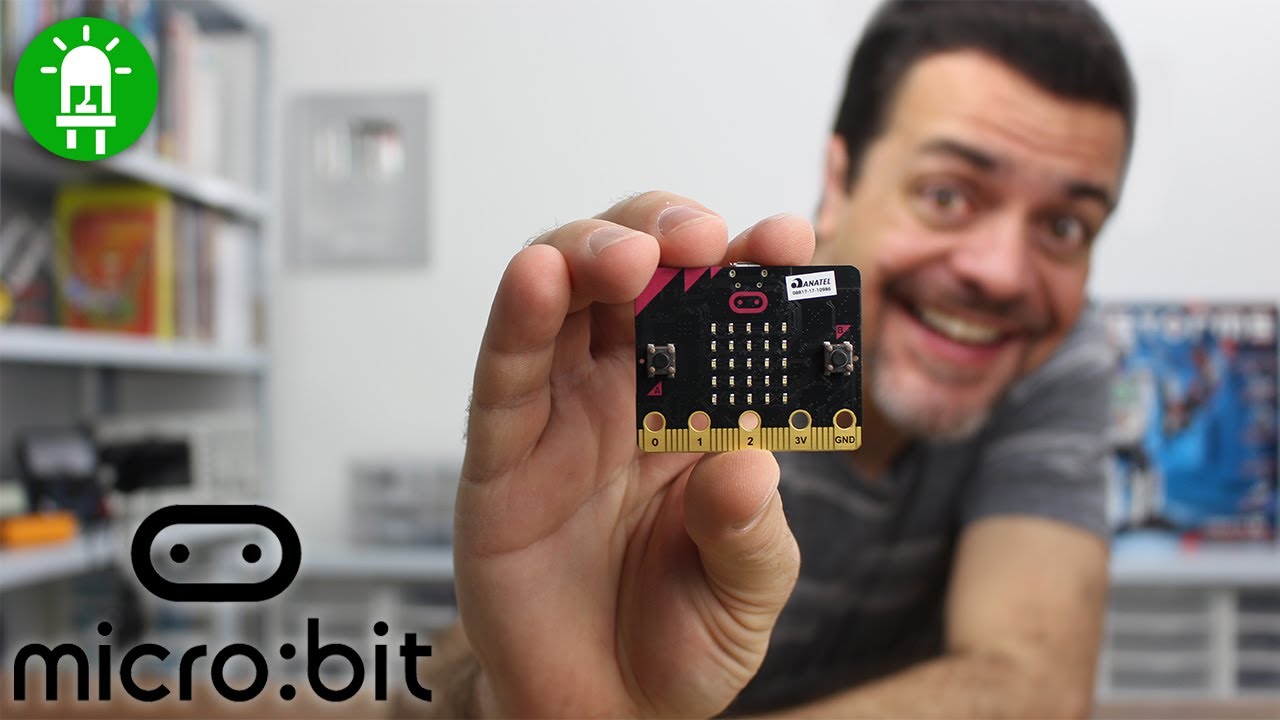
You may have noticed the small holes on the edge of your BBC micro:bit. They're called pins and can be used to create circuits and physically connect your micro:bit to external things. So, when you want to get making with your micro:bit the pins are a very important feature to understand.
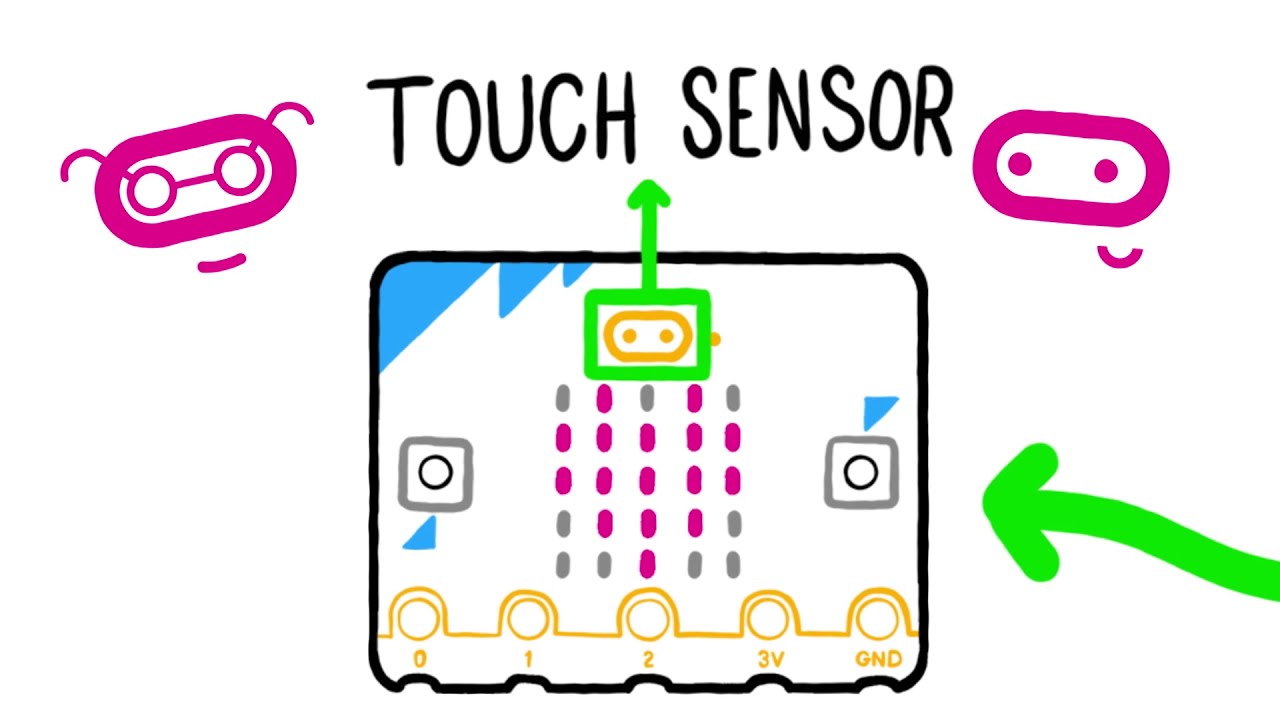
The micro:bit has 25 pins in total, though the five large pins on the front are the ones you are most likely to use to get started. The first three pins labeled 0, 1 & 2 can be used for many different things. They are General Purpose Input and Output pins (shortened to GPIO) so you can use these to connect crocodile clips or strips of foil, to connect headphones, buzzers and create projects like reaction games, make keyboards from fruit or play-doh and guitars from tin foil and cardboard.
The 3v (3 volt) and GND (ground) pins relate to the power supply of the board and it's important to remember NOT to connect these pins together. The 3v pin can be used to power accessories you've connected and you can use the GND pin to create a simple circuit and program micro:bit to detect your touch. You can hold a GND pin in one hand and then touch one of the pins 0, 1 or 2 with your other hand to create an electrical circuit with your body.








![Massive Attack • Morcheeba • Portishead - Special Coffeeshop Selection [Seven Beats Music]](https://img.youtube.com/vi/_gozzJ5Yjsc/maxresdefault.jpg)