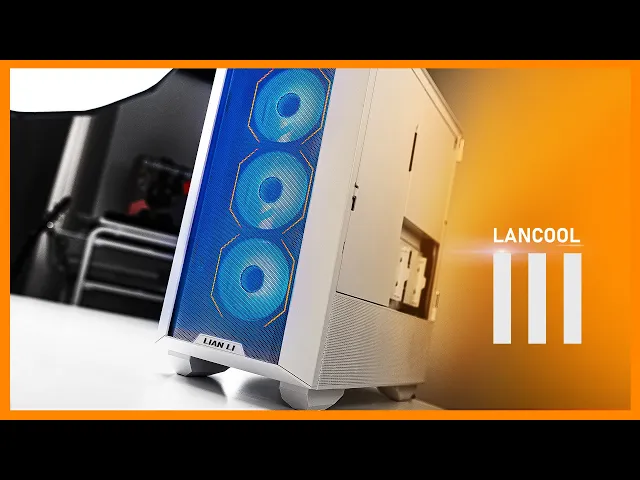
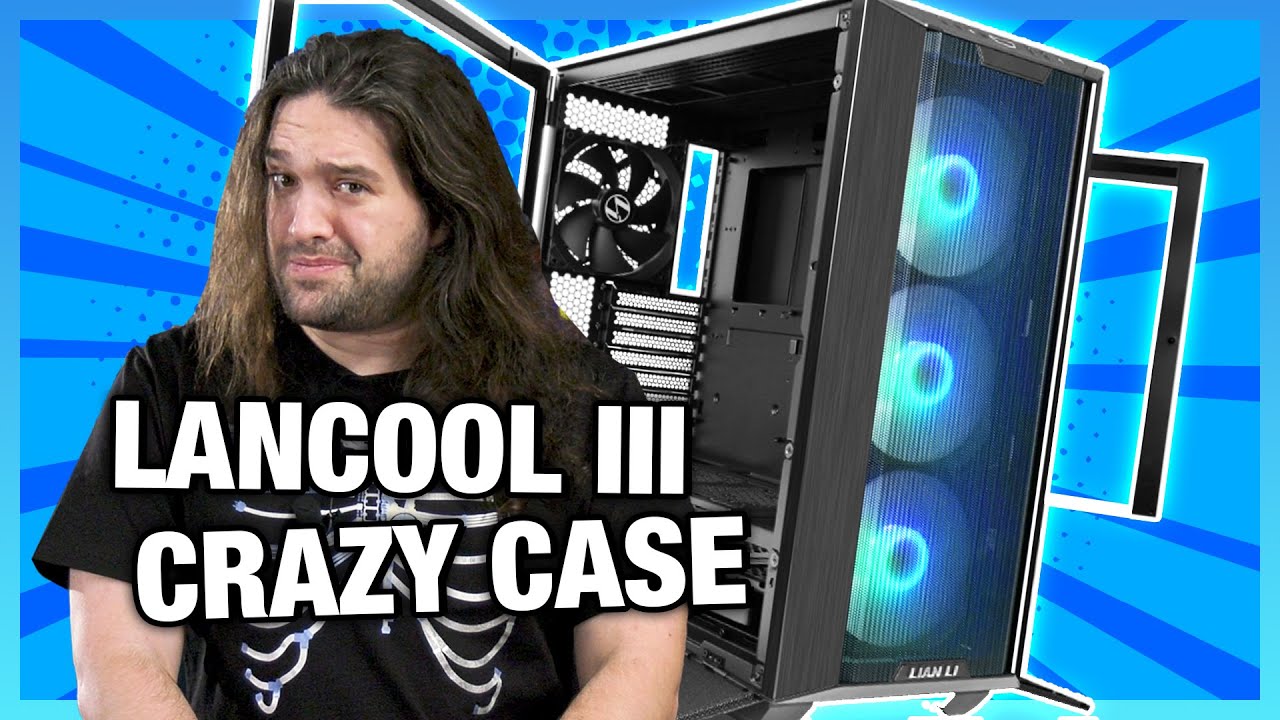
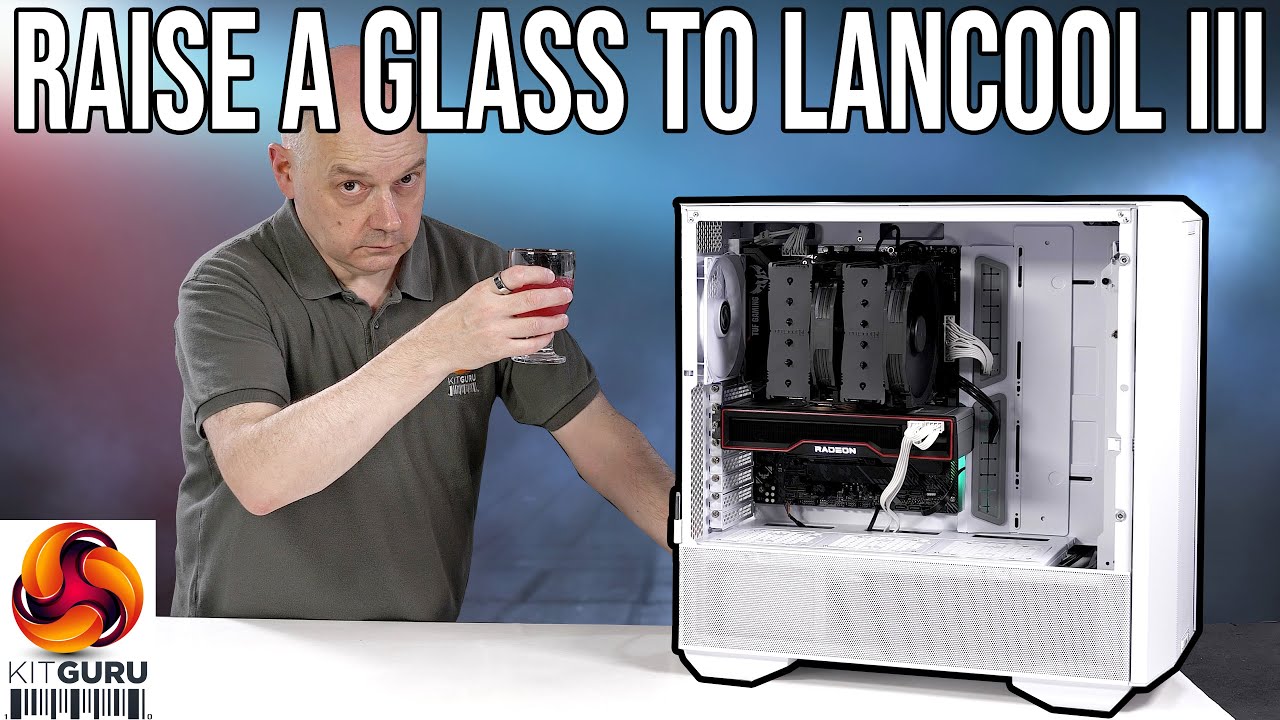
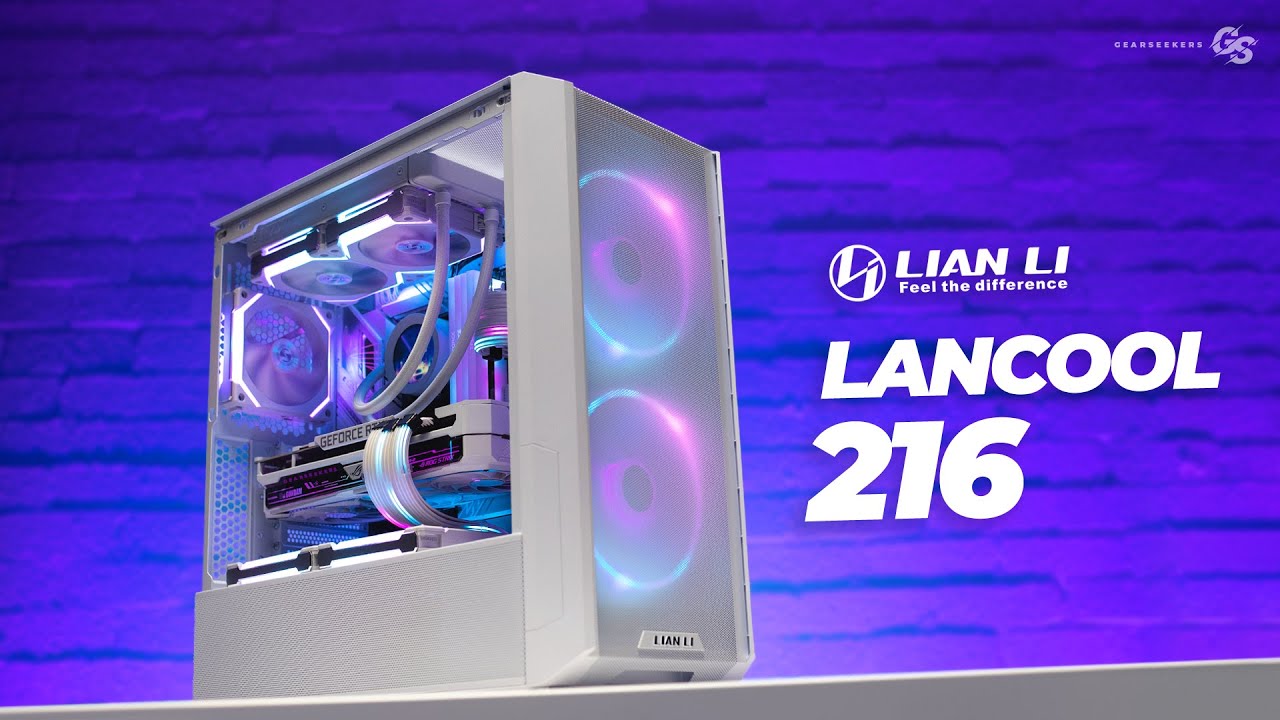
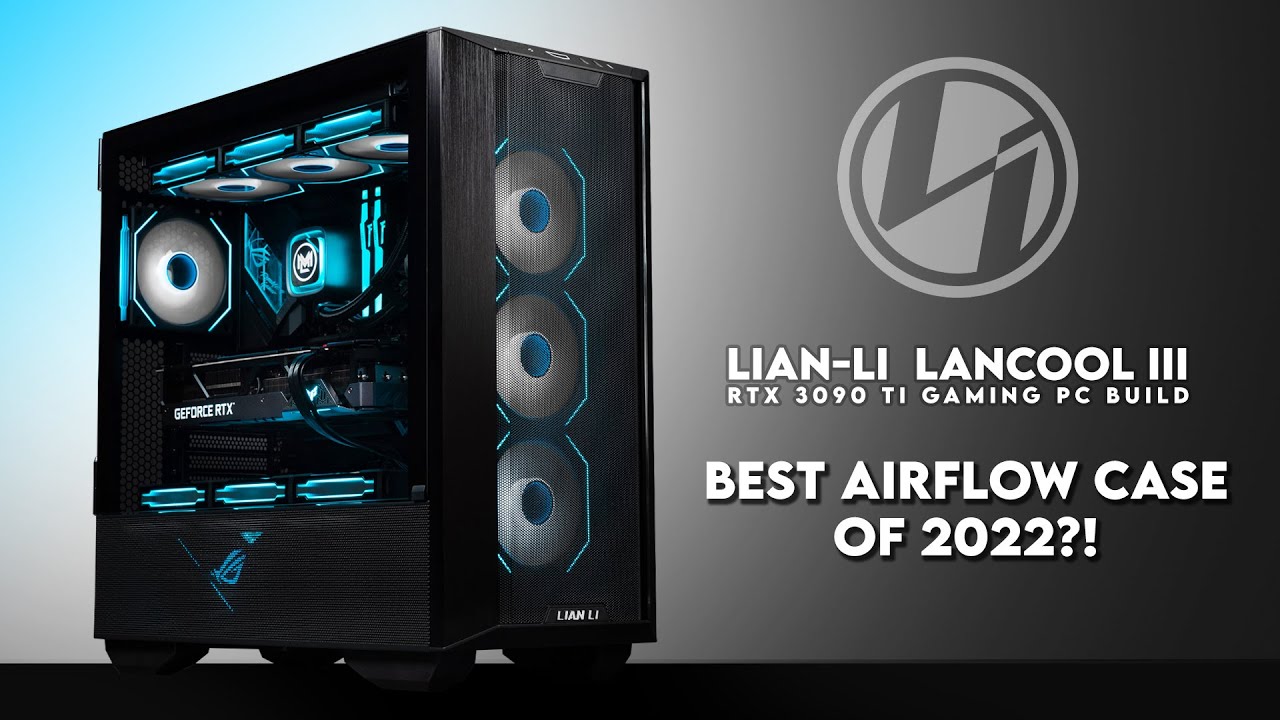
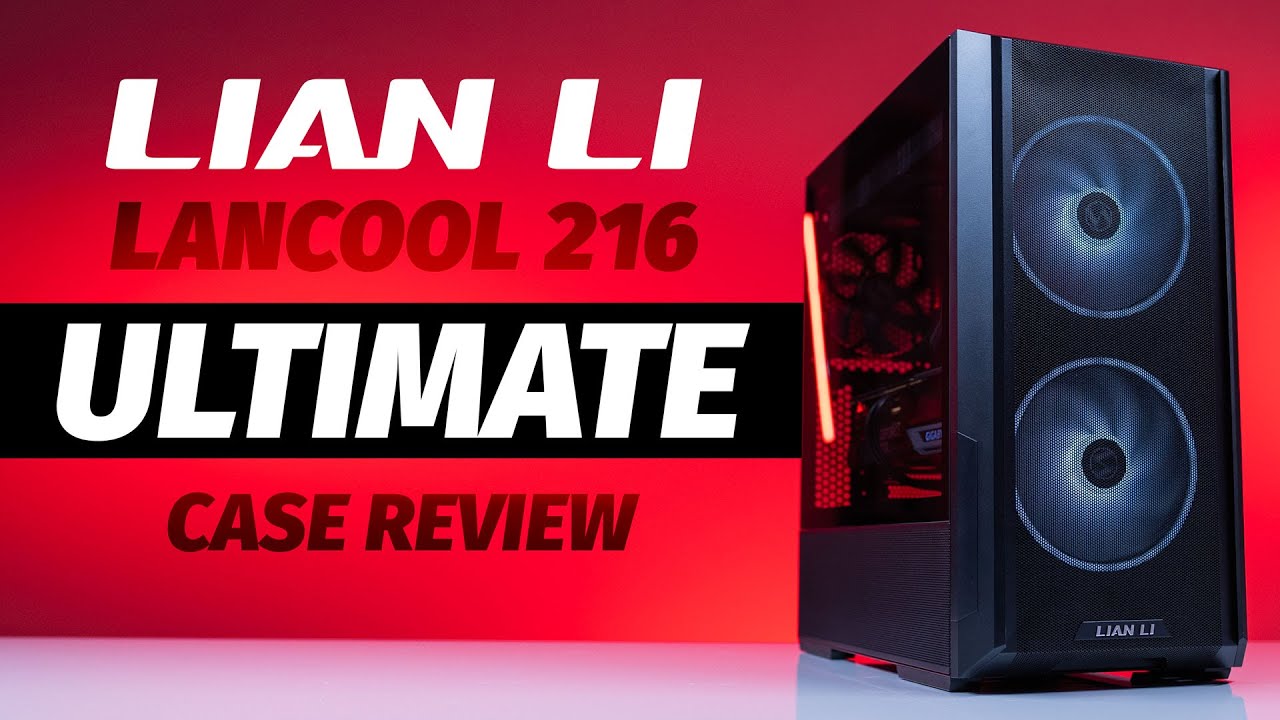
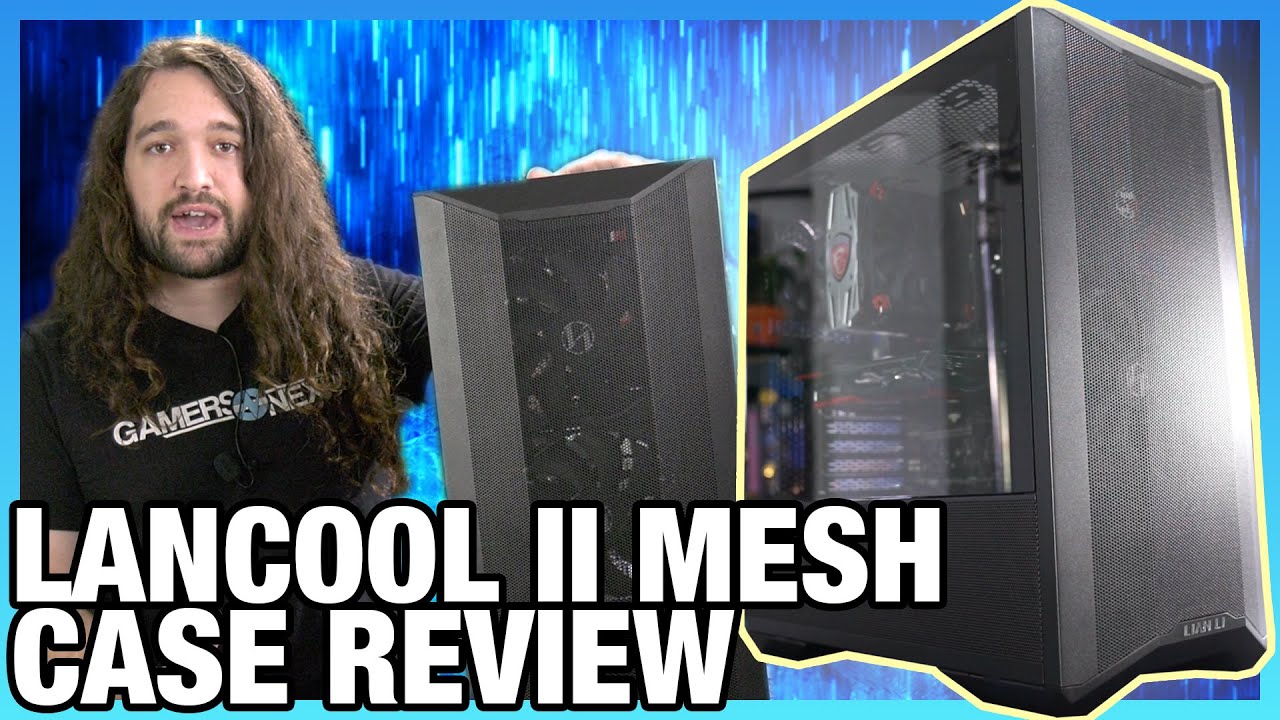
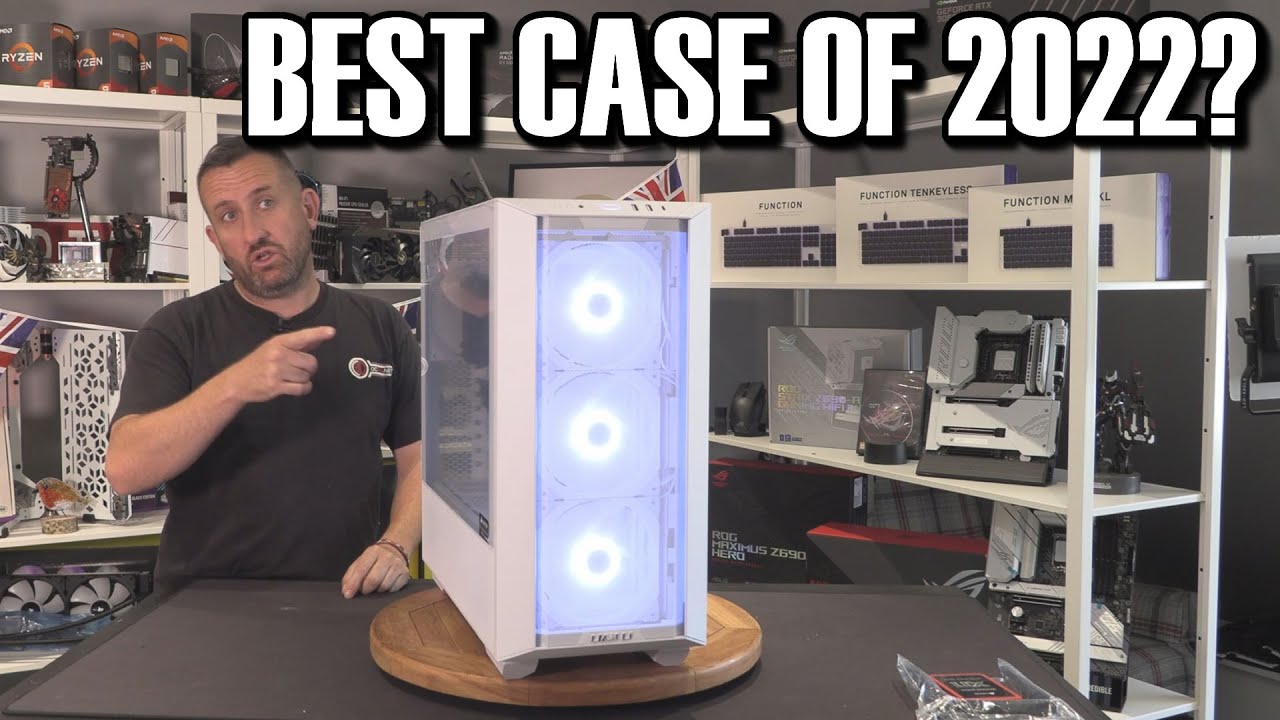
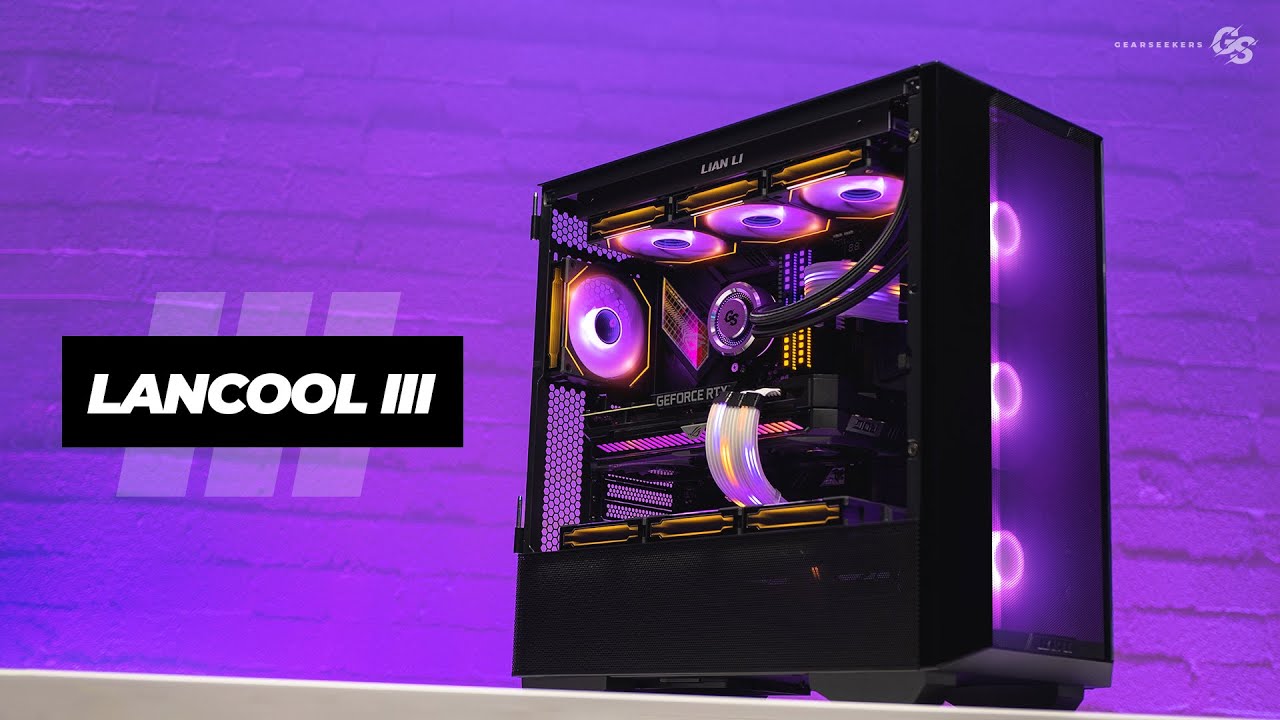
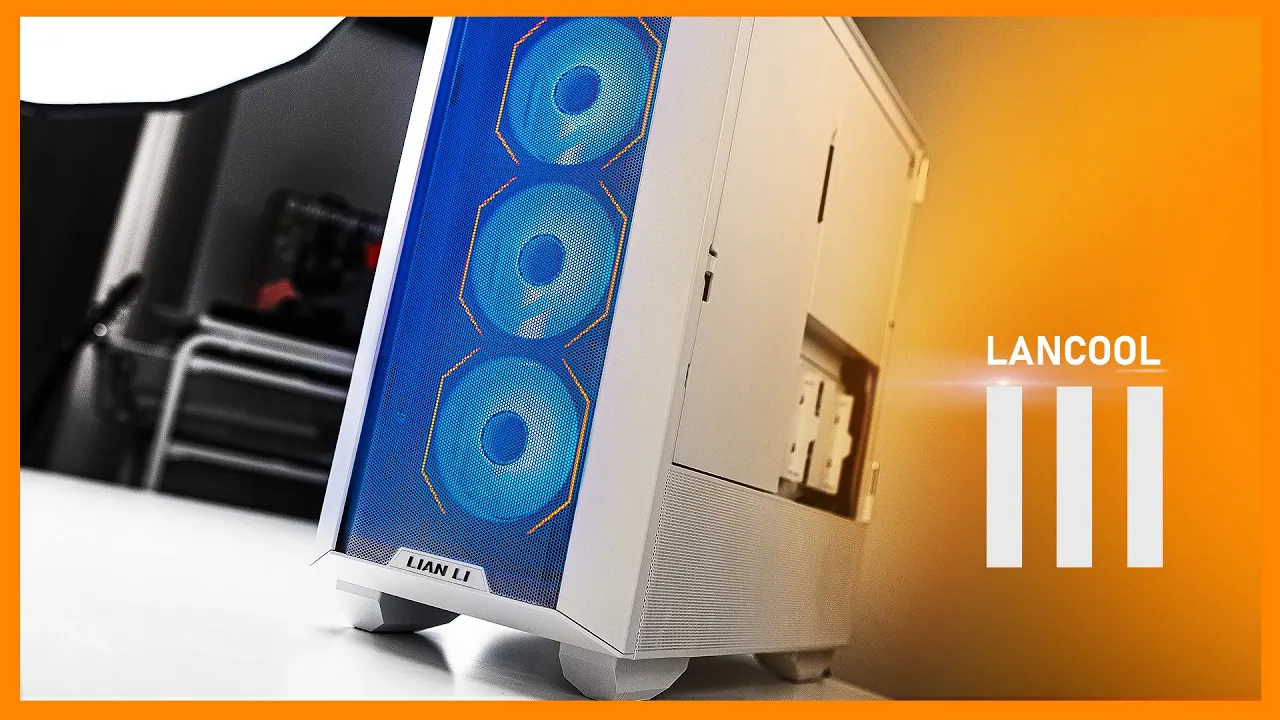
well good people this is the latest iteration of the landcool series this is the lanco 3 they don't even call it mesh anymore because it is just part of the dna and just an fyi it is no longer born to push limit it is now born to excel the new boxes are extremely heavy make sure to engage that core and lift with your legs shall we do the peel [Music] so this thing of course has a lot of similarities to the lanco 2 mesh but it's an entirely new enclosure and frame so it's 20 percent
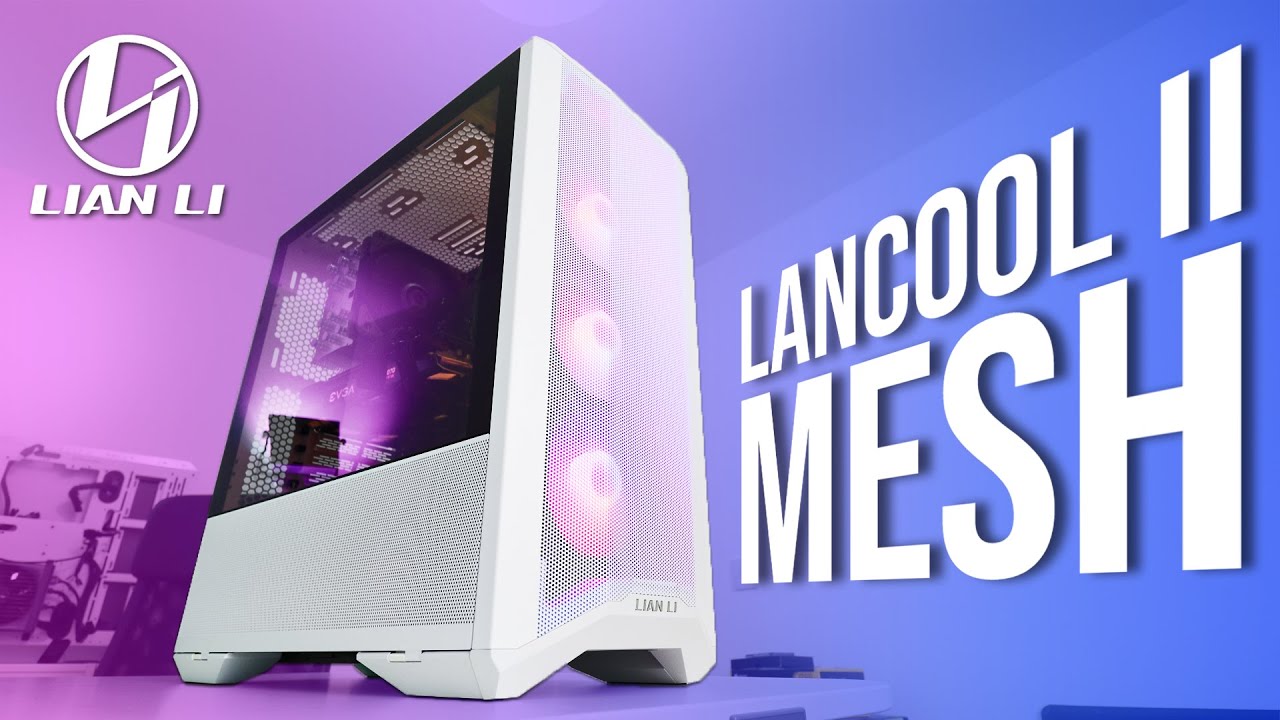
larger in volume versus the lanco 2 mesh and it's also almost twice the price at launch versus the previous one the price ranges from 149 to 169 depending on the fan configuration you get although taking into account shipping prices and prices in general the price difference between the lenko 3 and the lanco 2 mesh is about 30 dollars so it's not that significant and if you're still looking for a solid more compact mid tower the lanco 2 mesh should still be considered this is not replacing it it's just another aeration so one of the biggest
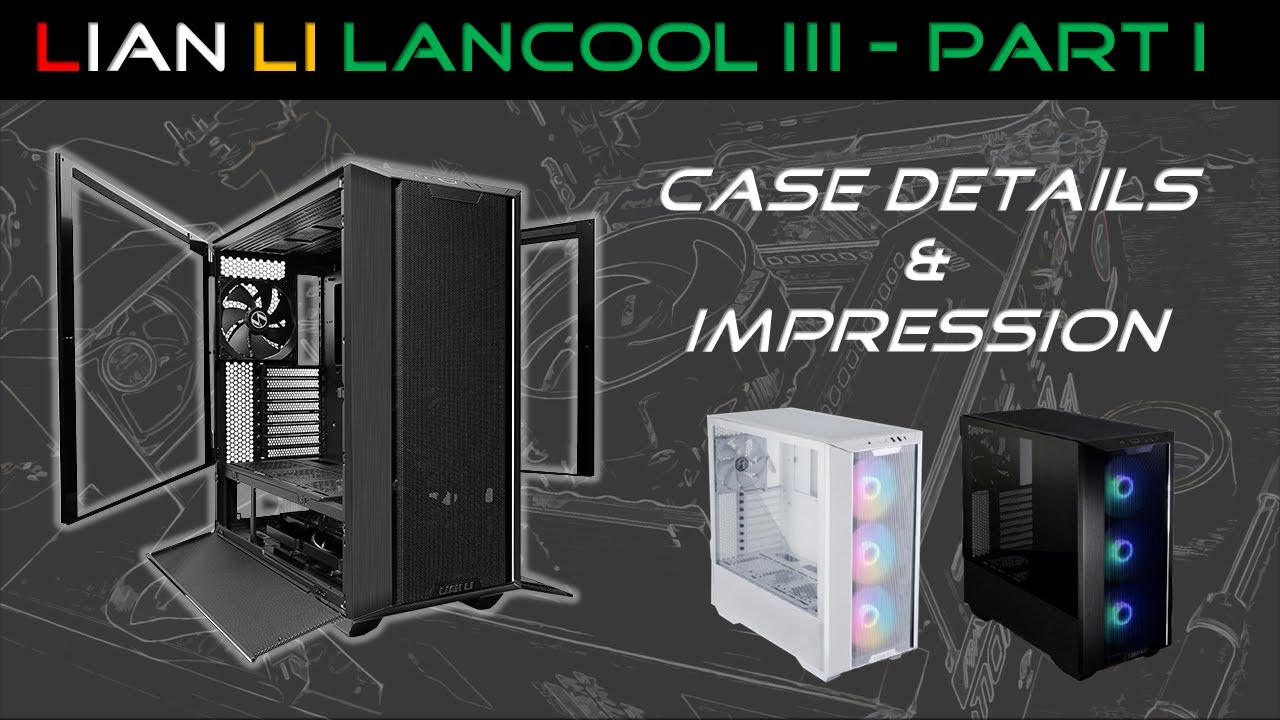
differences is the front panel as you can see it's still mesh but look at how you get inside the case hope so we have these aluminum sections at the front that are part of the front panel so no longer do you have to open this tiny bottom one and pry the the glass open we have these dedicated sort of opening sections at the front so that means you don't have to touch the glass that's awesome unless you are closing it but alternatively because this is brushed aluminum it's gonna get gunky and dirty very quickly because
you are actually interacting with it i recommend cleaning this immediately after use so this is not really an issue for the white model because the aluminum here is sandblasted so different texture does not reveal any fingerprints and you also have to be careful when you are releasing the mechanism because it is on a spring it is also on a plastic clip so don't pull too hard otherwise this thing might snap the io between the two models is the same in terms of usb 3 ports a type c power reset switches combine audio jacks but the
rgb model gets the mode and color switches for the rgb fans now you know let's hear a message from our sponsor the all new wireless range from extra phi the absolutely awesome mz1 now made wireless to give you a confidence teardrop boost the m4 wireless is the perfect ergo shape because shape as king my friends and the m42 wireless with the asymmetric body for all the grips to shine all mice charged with usb-c have a swappable back and adjustable weight distribution are super lightweight and have 75 hours of battery life forget the cable start gaming
check out the extra 5 mz one the m4 and the m42 wireless billow the bottom mesh panels open just like before to reveal our hard drive storage and your power supply area they are attached or this thing is attached to the frame with magnets so there's no physical secure way to attach it to the frame but i don't see that as an issue anyway the magnets are fairly strong because of the release wings removing the front panel is a little bit more challenging so i would recommend sliding the top panel back getting nice grip on
the corners and pulling all right so now you have full access to the front panel and this fan bracket man it is still amazing and they've done some improvements too now we can remove all the panels the top mesh just sits on the thumb screw easy peasy the side glass has to be fully open and then just slide up nothing securing there the same thing on the other side since we've already removed the front panel this thing should just slide forward let's just get this okay sometimes that happens looks like i forgot to remove this
plastic peg that sits on the corner of the tempered glass panel for transportation purposes so no longer need that this is the raw frame let's talk about some of the cool things inside so this power supply track it has a lot of functionality first of all you can mount three ssds facing the rear so each individual sort of square can do either an ssd or a 120mm fan which is awesome you can also slightly move this bracket forward to give you a little bit more clearance away from the pci slots you do lose out like
a finger length of clearance for the front stuff but this thing supports up to a 360 mm radiator or three 120mm fans this is awesome if you want to have additional airflow for your gpu side or if you want to go full crazy water cooling and it is spaced out away from the motherboard so it's not going to interfere unless of course you have something populated in those bottom pci slots i really like how the frame over here is cut to allow unrestricted access for the thumb screws this is the way it should be done
in typical length fashion the bottom mesh panel can be utilized for additional storage so up to three ssds can be mounted here obviously you want to be facing these cavities so we have additional clearance for all your cables this whole thing can also be removed completely if you want to just use the mesh by itself and we have two dedicated ssd caddies right here the cable management bracket can be loosened up with two thumb screws at the back and you have full range of mobility allowing you to install an eatx motherboard without losing the functionality
of this thing you know it is angle so in this atx format you can pass your main cables through like the large rubber grommets but then have a little bit of room underneath for all the tiny things that don't need to exit from the main grommets that's pretty clever you can mount up to four three and a half inch drives in the bottom section over here so these individual drive cages have an individual caddy so right there it's a metal caddy you have to remove it from the front over here it's a little bit of
a difficult to access thumb screw but what's cool is that you can remove the individual cages if you want to just clear up all this room and once uh one of them is removed you have full flexibility for mobility if you want to have a little bit more clearance from the power supply or you want to have a little bit more clearance from the front so that's pretty awesome and you can also stack the drive caddies into a single drive cage to utilize both of them nice the case by default comes with four 140mm fans
that is absolutely insane if you want to get the best out of the box cooling performance we'll talk about temperatures later so rgb fans for the rgb version standard fans for non uh and they have slight variation in the rpm but the coolest thing about this enclosure is this front fan bracket let me show you i would say it's one of the most innovative frame brackets here so it releases with this push to release mechanism because you can secure it with thumb screws just in case you don't want it to rattle around and be fully
secured this thing will support up to three 140s and 120s and up to a 360 radiator the coolest thing though is that this whole thing is very modular so you can remove it install everything and put it back together but look at this you can rotate it and in this configuration the fan mounts are facing you so you have a little bit easier access to let's say install the fans or remove some stuff but even cooler is this deeper cavity with this configuration you can have both the radiator and the fans on this side of
the frame without interference with the front panel so that's all awesome and also you can rotate it rotating it allows for you to mount the radiator for example on the inside and the set of fans on this side for that sandwich style yeah so lots of flexibility my friends of course for a case of this size having a 140 at the rear is a must but check out all this clearance from the top panel the top fan bracket is absolutely loaded two screws and it is removable for easier installation of all your components and there's
only one way to insert it back in so there's no confusion this thing can mount up to a 420 radiator which is absolutely insane there's a fill port over here and yeah lots of flexibility for mounting anything in the top also there's just enough clearance from the top panel so none of the screws will bump into this top mesh if like me you hate cable management have no fear the lanco 3 has got you covered so first of all we have these covers that hide all the mess that you might create and they are easily
removable so that's easy the only thing to keep in mind about this rear panel is that the only opening is right at the bottom so all the cables must pass on this side because if there's anything passing right behind the cpu cutout this thing won't sit flush against the case but i mean cables are long enough these days anyway so we have some velcros over here to route some of the bigger stuff and uh everything is already pre-routed for the default fans and everything from the front panel which by the way can be moved from
the top to the bottom the procedure is straightforward two screws and you just mount this module at the bottom of the case it has all the holes and everything and the reason for this is to clear up all these cables because there are plenty of them from the front io so that if you do mount the radiator and anything it will not interfere with these cables that's pretty clever also clever is this leon lee logo on the front panel uh two screws in the back and you mount it on the opposite side right here so
nothing feels out of whack now a few more notable bits and bobs over here uh this plastic case is included with every lenkel 3 that allows you to populate some thumb screws and stuff and everything all your accessories are already inside i love that feature fantax used to do it now they don't and now dan lee is jumping on this plastic bandwagon now on the inside everything is roomy it supports really tall cpu towers massive gpus you can mount a pump or reservoir right beside the motherboard there's still plenty of space even with an eatx
motherboard so the experience is just what you would expect from a standard 2022 full tower and above i will say however that the black version is total blackout there is no shape to it unless you add some light to reveal some stuff on the enclosure as you can see and that is why i prefer the white model because it has a little bit more character because the shape the the perforation is slightly more visible as for temperatures what we were expecting it's exactly the type of result you would get if you have four 140 ml
included fans inside the enclosures the cpu temperatures are totally fine gpu temperatures are perfectly fine so just as they were with the lanco 2 mesh if you're looking for kind of really good performance out of the box this is the way to go although i will say that the fractal torrent cases because of those massive 200 ml intake fans at the front you do gain slight advantage so uh that's a potential win for you if you're looking for like the best out of the box performance but those fans are slightly less interchangeable if you want
to swap something out there and those fans you cannot use them for much else inside the case anyway so the lanco 3 in terms of the user experience in terms of hardware compatibility in terms of cooling everything is a check mark and the price point 149 to 169 depending on the you know the the model and the color it is what it is in today's market the only thing is you have to be mindful that it's all steel pretty much all steel and it is extremely heavy it's like one of the heaviest cases i've worked
with in the past six months or so so just keep that in mind take care of your back all right guys i'm dimitri thanks much for watching check out this other relevant content subscribe for more if you have any thoughts on the lanco 3 let me know in the comments below i'll talk to you in the next video you