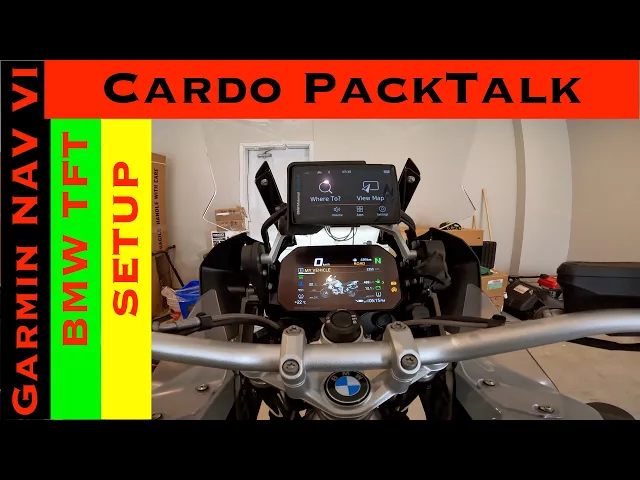
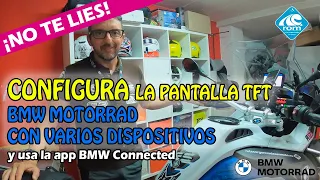
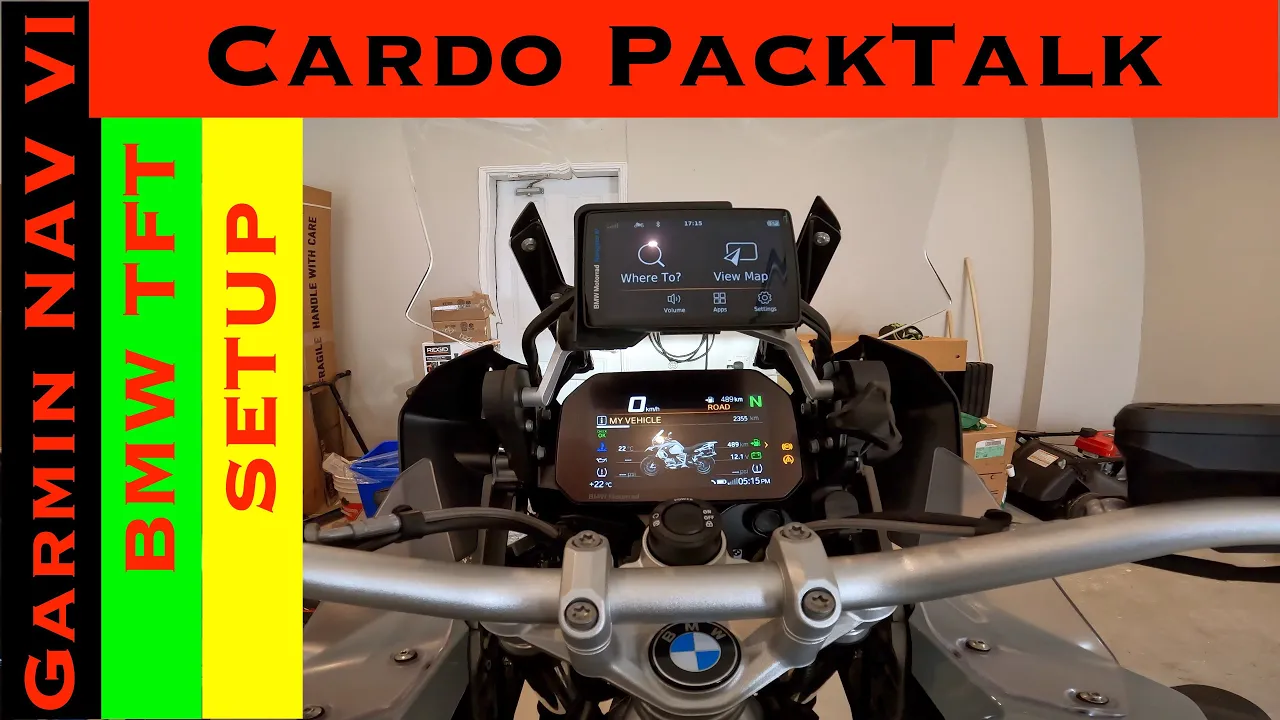
hello everyone so today i'll show you how to set up your bmw uh motorcycle tft screen and the nav six with your cardo packtalk bold so how to connect it via bluetooth and then your mobile so i'll take you through step-by-step uh process of connecting all the devices together to start off with you have to delete any paired devices that you have right now so it's better to delete and start it as all a fresh new um installation let's get started with the uh process now so i've deleted all the settings from my cardo uh
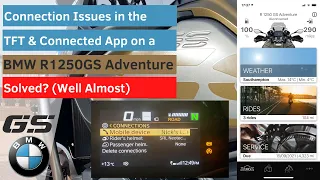
packtalk bold let's check and see here if i have any bluetooth settings here which are saved i don't think i have anything but let's just confirm um yep i don't think i have because this was a new one that i received uh we'll just so we'll start with the tft screen now i'm sure i have something saved here which i can definitely uh delete so i'll go down in connections um i do have my mobile setup but i'll delete all connections that i have it's asking me to confirm confirm this way all connections are deleted
and this will be uh starting as a new setup now the first thing i'll do is i'll turn on my cardo now that the cardo is turned on i'll put it into pairing and now i'll go here and set the first pairing as ryder helmet on which says none here i'll go into there pair new riders helmet it's showing me packtalk bold i'll [Music] it's pairing right now and that is successful now what i'll do is i'll put it back again into pairing mode so what i had to do was it wouldn't let me connect
as a second mobile device while the first was was connected to the tft screen so i had to turn off the bike leaving the navigation on and then what i did was i this way the pairing between the tft and my cargo was disconnected and then i had to i did the second phone pairing onto the the tft and that's how it worked so i hope it makes sense but if it doesn't feel free to let me know in the comments below and uh you know maybe i'll i can explain it to you better but
uh you have to disconnect the tft turn off the bike this way it will disconnect it from your cardo packtalk bold and then put your cardo packtalk bold into connection with the second mobile device and that's what i did to connect it to here now what we'll do is we'll turn it back on and we'll connect the cell phones uh to both of them first to the tft and then to the uh knapsacks hopefully this time it doesn't give me that error where i where i do have an issue but uh let's go into the
settings here down again um and connections now you see here it's showing that rider's helmet is connected my packed off bolt is connected here as well so both places i have the helmet connected uh here so that first step went perfectly fine now we'll go into mobile device and connect a new mobile device pair a new mobile device here i'll go into my settings here into my bluetooth and it's searching for device over there and i'm sure i should be able to find it down here too in the other devices so it's searching in this
iphone over there and that's the one it is we'll go ahead and click pairing let's click here and it's saying confirm over there at the tft screen i'll click ok allow to sync contacts allow it's pairing over there the tft will wait for that to happen and that has finally connected successfully now what we'll do is we'll go back here on our nav6 and we'll do scan for devices here okay okay it's showing infinites iphone and that's the one it is we'll click ok and pair okay there both places yes it's saying allow sync contacts
don't allow and it you see here it's connected perfectly fine so now what's connected here you see the two devices that are connected is bmw nav six is connected here and this sa12 is the tft screen so both are connected on my bluetooth both are connected here on my nav six the connection is here the packed up bold is here and both are equally connected on the tft screen i'll just make a quick setting here so we'll go click here we'll disable the phone calls okay we don't want the phone calls we want the the
smart link and media to be connected this way it will not prompt me when any phone call comes on the nav sticks and we go back here it's showing that the phone is not connected and everything else is connected that's a good way because i would rather prefer if i'm riding on the road to have everything displayed on the tft then you know it's uh disturbing me on this screen as well thank you for watching this video i hope it made sense it was a little bit confusing but this i'll quickly mention uh you know
what the steps were so you basically have to delete all your connections from all your devices your packtalk wall your tft screen and your government navsix and your cell phone so all four devices all connections need to be deleted started as a new connection first you will connect as you know your your cardo packed of bold as the first mobile connection to your tft screen then you will turn off the bike let the tft screen turn off this way the disk connection gets disconnected from your cardo packtalk bolt then you will connect your cardo packed
up world as is the second mobile device to your bmw nav six so once you connect your uh your nav six as a second mobile device it will connect you turn on the bike it will it will have both the connections the first mobile connection will be with the tft the second mobile connection will be with the nav 6 so both will be connected now the process starts to connect your cell phone you'll first connect your cell phone go into mobile device and the connections and set your cell phone here connect it pair it it's
all done the second setting you will do is you'll go then into the nav 6 into the settings bluetooth again and connect your mobile device there hopefully it all makes sense thank you so much for watching this video if you enjoyed this video make sure to give it a big thumbs up subscribe to my channel so you don't miss on any future upcoming videos till next time ride safe take care and i'll see you in the next one [Music] you