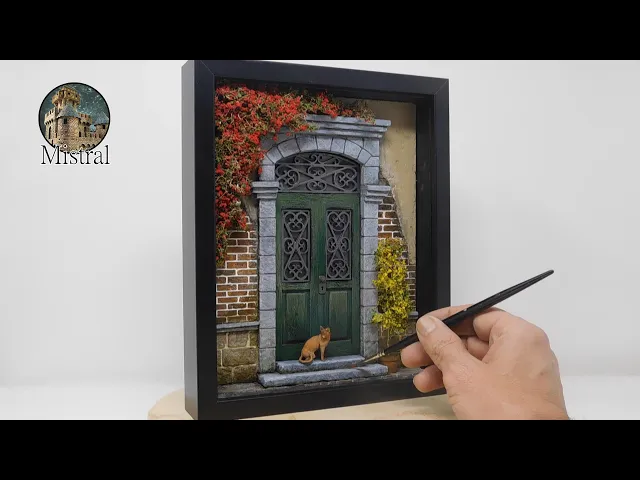
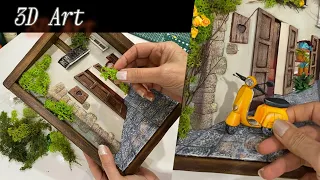
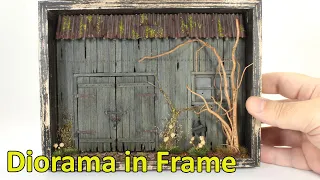
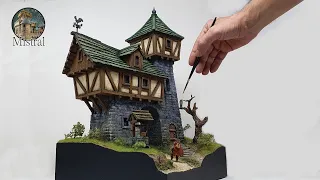
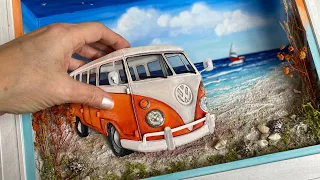
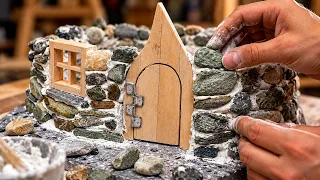
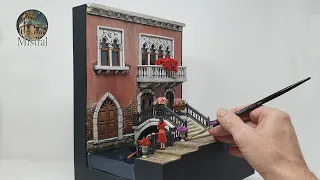
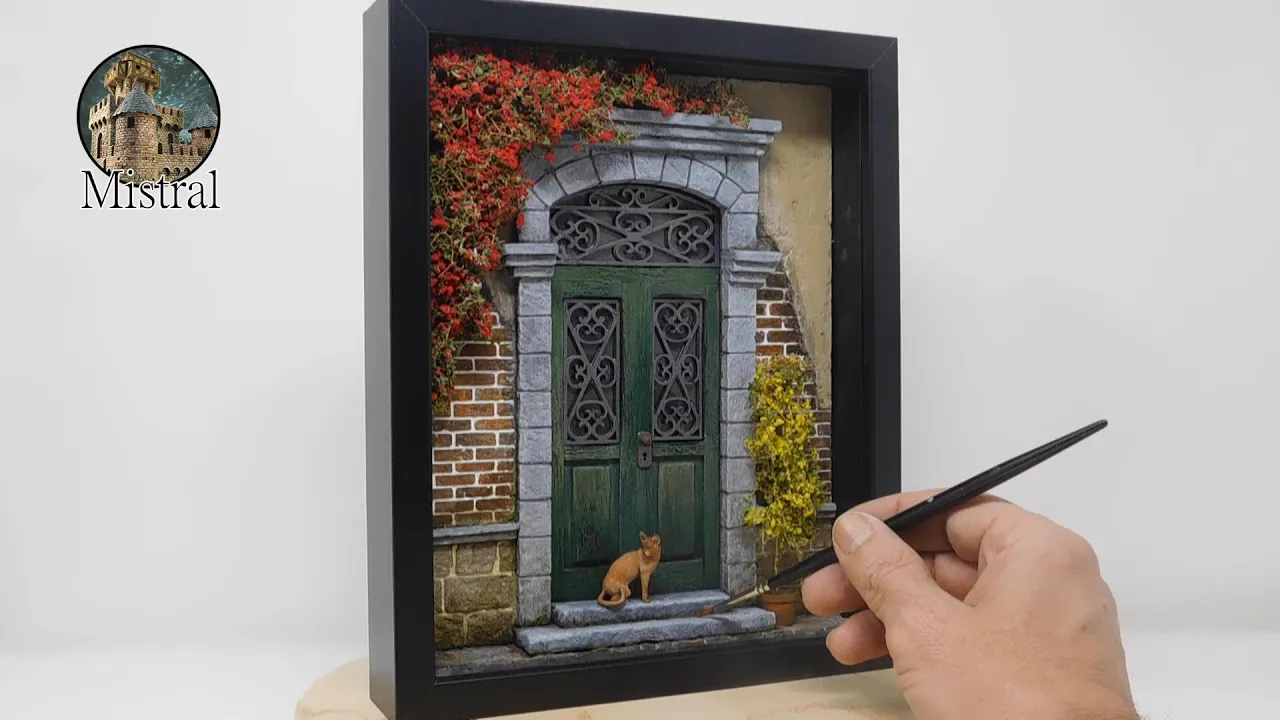
Hello and welcome to my channel, in this video I will show you how I built this little Diorama in a 3D frame. The scene represents an old door of a neoclassical building. I tried to combine the architectural elegance of the time with the wear and tear of the passing of time, trying to create a slightly melancholy and at the same time realistic atmosphere… Well, now let's get to the heart of the construction… I bought a frame of deep, from which I extracted the internal frame that will serve as a container for the Diorama I want to build… After taking the internal measurements of the frame, I cut a piece of Carving Foam, which I will use to create the wall around the door… I cut a piece of 4 mm thick polystyrene, which I will use to create the pavement of the street in front of the door… With the help of a strip, I draw the reference lines for the engraving of the pavement stones… To build the door, I drew a template in 1/1 scale, which I glue onto a cardboard to make it stiffer and therefore more manageable… With the help of the template, I cut out the bottom of the door on which I will then glue the strips… Always with the help of the the template I establish the width of the uprights, which I cut from a balsa tablet, using the balsa stripper… Before gluing the strips, I rub them with a metal brush to age them a bit… To build the door steps, I use polystyrene 8 mm thick… I momentarily insert all the pieces into the frame, to be able to trace the outline and cut out the hole for the door and the steps… Now I start making the incision on the wall.
I start from the bottom by drawing three rows of stones… I then continue by drawing some bricks, up to the level of the arch of the door… I start making the incision by first passing all the horizontal lines with a cutter, so as to create a small furrow, which he will then act as a guide with the engraver… To finish off the stones and bricks, making them more realistic, I give a light pass with a tuff pebble… To create the plaster, I use plaster paste for walls and plaster powder… After having spread the grout, I sprinkle a little gypsum powder with my fingers, then I dab it, again with my fingers, to make it penetrate the wet grout as best as possible… After the grout has dried, I use sandpaper to eliminate all surface roughness and smooth the plaster a bit… To make the external decoration of the door, I use 5 mm thick pieces of polystyrene , which I then engrave to create a stone-effect texture… To make the capitals, I use 3 small rectangles of the polystyrene, offset from each other by about 2 mm. I glue them one above the other, creating a frame effect… Using the template, I cut out a piece of polystyrene to create the upper arch… Now I start the painting phase, first of all, I give a base coat with acrylic color , to which I add vinyl glue and water… When the base coat is dry, I start with the base colour, first on the stones, then on the bricks and the plaster… When the color is dry, I fill the joints between the stones, using the grout in powder… To fill the joints of the bricks, I use a white stucco for walls… Finally I create aging effects, using these washes… I now start gluing the pieces into the frame. First, I create a background for the frame, using 2 mm thick cardboard… Before gluing the door, I draw the wrought iron grates of the windows, which I then print with my 3D printer… To simulate glass, I use a transparent acetate sheet.
. . I'll now move on to the vegetation, to make it, I use teloxis sprigs, which I sprinkle with green leaves and red flock to simulate the little flowers.
. . Finally, to fill in the scene a bit and make it more lively, I decided to insert a kitten, which I place on the door steps… Well, I hope you enjoyed the video.
I remind you that if you want to learn more about the various construction techniques of my dioramas and download the templates and STL files designed by me, you can do it through Patreon, your support will help me a lot to create new and I hope interesting content for you . . .
at this point, as always, I greet you and make an appointment for the next video. Bye!