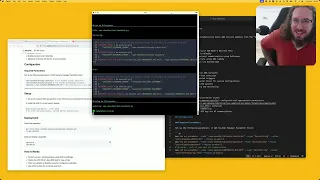
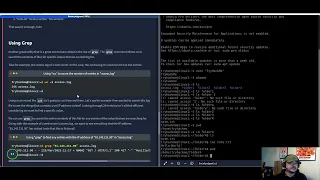
hello today I'm going over this tool that I just found on Reddit earlier faster whisper server it's a as the description reads an open AI compatible server with support for streaming and live transcription the key takeaways for me is I'm working on a transcription project currently um for summarization of content um whether text or audio the live and streaming aspect is especially interesting to me um so in getting set up with this tool um I guess the the takeaway from this video U I'll say beforehand is this is um basically instructions for for utilizing this
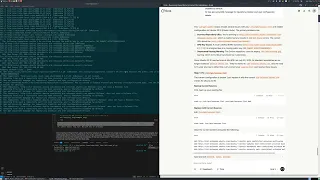
uh setup entirely on Windows the instructions on this GitHub um read me is for Linux um and as you get to installation or specifically for the purpose that I have everything will work except uh the live transcription which is as I said the purpose for for me um for using this so and looking at web socap the installation instructions for Linux are straightforward um for Debian however it's recommending using a uh executable uh and and for me um using Windows natively I run wsl2 and that is also uh that's a Debian uh drro so I
figured I might as well just run it from um the windows binary so uh in this case I am downloading this one you would be downloading whatever but again these instructions are for Windows um so down down 64-bit exe um once you have that downloaded again this is web socat this is the um the socket manager basically for um for the live transcription once you have downloaded it um it'll be in your downloads folder um you're going to want to set the environmental variable uh as you see the command here uh will not run unless
you have properly set the path so either you're going to want to add C you know users uh me whatever your name is downloads to this path variable or you're going to want to copy the um when socat file to one of these locations any of them in my case I copied it to Windows so that's that and it will properly run also we're not using um the binary tick so uh I'll show you the command I've basically run into some issues with IO errors so um my quick workaround because I I've only worked on
this for half an hour the setup is is very easy um it's nicely implemented you know anything Docker is nice um it's basically easy setup and then you're just um adding it to your pipeline for further inference based on the the transcripts that you're creating um which in this case you know by default is printed but you can pipe it further to a file um which we can just quickly do as a demonstration um okay so the as I said earlier the other methods work um if you're using um just the command no I don't
believe these will work but the python will work the curl commands will work however for the live transcription using web socat you'll need to make some changes um those namely being as I said um web socat if you're not properly setting the environmental variable as far as the path as I mentioned you're going to you're going to have to do something like web socat the same way you do like uh um app data or something so web socat is the first change the second is also um we are not on Linux so we don't have
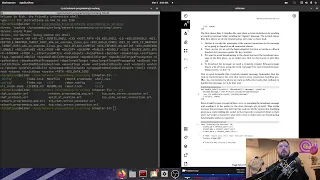
pulse audio Windows uses direct show or a d show so the command will be pull it over here here um I can also showcase the dummy command you basically well I'll show the command list devices true dshow interface dummy and then you're selecting the um the input that you're using in this case this microphone is the Scarlet solo but I could use the the razor I could use whatever um so find use run this command to find the device again in Windows um copy the name or the alternative name device ID and you're good to
go so that being done clean it up I mention that I'm having iio issues so uh this is not the command it's [Music] in yeah so I'm using um basically a um bad script to retry it reconnect when it breaks so those are the main changes for Windows um that being said now we'll start from the beginning um you're using Docker so you decide are you using GPU do you have an Nvidia GPU in which case you can run this Cuda command otherwise are you running entirely on CPU you can use the CPU command so
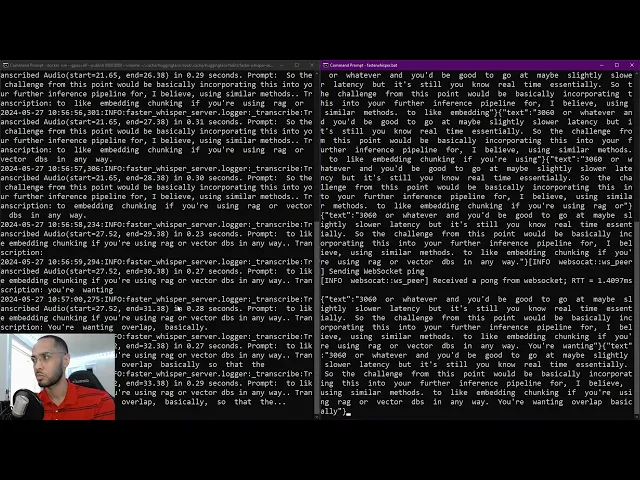
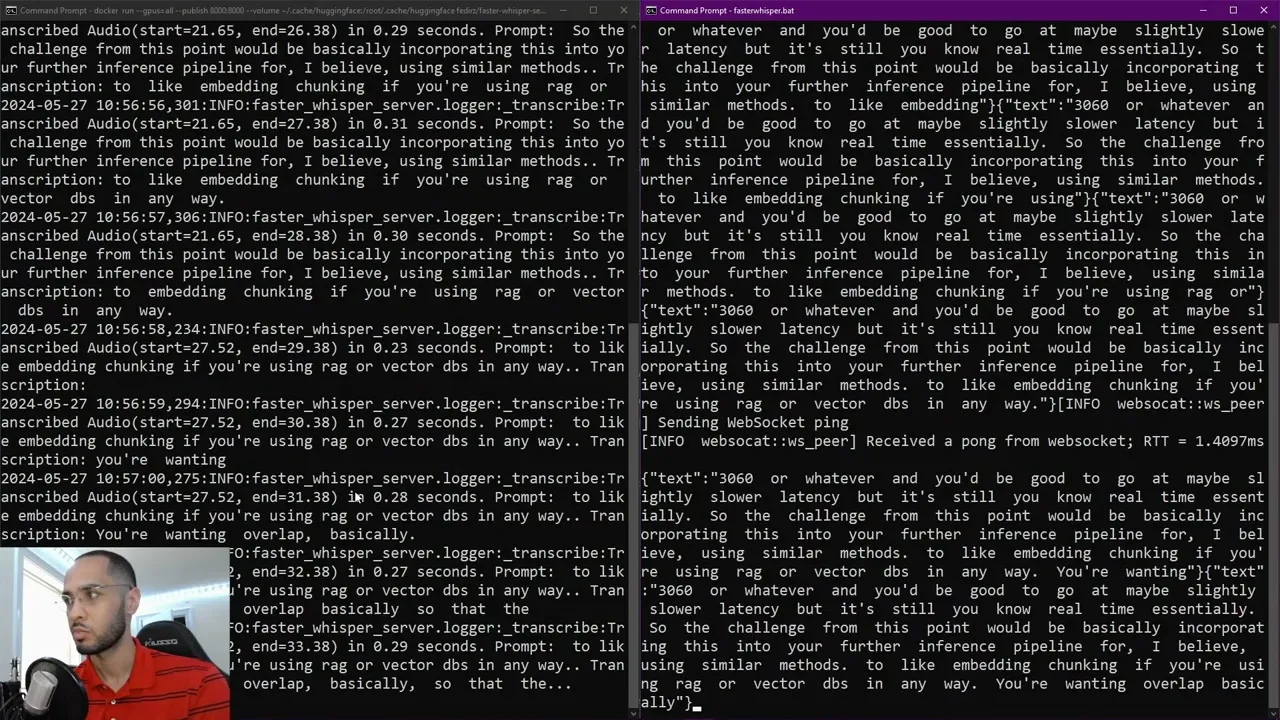
in this window I'll start the docker and in this one we'll start the batch script that basically reconnects and as we see it is basically getting the transcript of what I'm saying and uh it's pretty fast right it's essentially real time you have statistics of start and end time if I had a little pause Maybe the start will change but you see all the the chunks are being completed in you know less than 300 or 400 milliseconds um we got. 35 3227 so very impressive this is on a RTX 370 um there we see kind
of the errors that we're getting um or we'll wait for yeah connection closed and this is the purpose of the the batch grip to reopen the connection and continue for uh this is not production use but for uh local consumer grade Hardware this is an RTX 3070 um and equivalent you could get a 3060 or or whatever and you'd be good to go at maybe slightly slower latency but it's still you know real time essentially so The Challenge from this point would be basically incorporating this into your further inference pipeline for I believe using similar
methods um to like embedding chunking if you're using rag or vector DBS in any way um you're wanting overlap basically so that the the transcript input is sanitized or cleaned um so you're not having redundancy of words or sentences um and then you're pretty much good to go um I will be doing some some experimentation because as you see this is heavily modified to the GitHub command added ping interval buffer size um I've experimented with using Local Host versus the um 12701 IP um both are still creating the same um you know uh connection closed
issue um before I was getting IO issues I'm not really looking carefully now yeah I well it's me saying it but running the vanilla command uh was giving me IO issue so I'll be doing some research on that if you have any input or a solution to that feel free to reach out if you have any questions or comments definitely reach out in the in the comments below I'll be including basically all of the commands that have been adjusted in the description as well as um kind of a general step by step um of the
differences compared to the the readme here so yeah this is uh some some pretty cool stuff and it's been something I've been interested for a while working with uh 11 Labs Etc getting a conversational AI um you start getting into some interesting spaces um I agree with uh Elon as far as the the limitation that we have is is interface um while this isn't quite neuralink you know being able to talk to your uh code to your machines whatever is uh definitely highly valuable and I I can only see it accelerating progress uh as as
it gets cleaned up um and I guess standardized the process becomes even you know further abstracted because Simplicity of this installation is is you know it's uh commendable it's well done um so yeah that's the video um I would say it's a pretty accurate demonstration of the quality I guess I haven't been showing the actual Tex text being produced so you know that's not good but it's also not really working that well because it's broken so yeah sometimes it breaks really fast other times it seems to last a little bit longer I've had instances where
I'm just rambling on 40 seconds 50 seconds and it's just fine whereas other cases it's done in maybe 30 seconds or not 33 seconds 5 Seconds 8 seconds um but yeah this is a very impressive stuff um to me aside from talking to devices the use case that I have specifically is for like a intern AI like a note taking AI agent essentially you can throw in uh that you know has access to a microphone to your remote or local meetings and is able to take notes summarize provide bullet points but also through the system
prompt you could set up multiple agents you can have a junior you know developer agent that gives his input you could have you know a legal agent you could have HR agent all these different um possibilities for um bolstering a meeting with um basically Ai and input and um also capturing and summarization which is very powerful stuff um as time goes on I feel like we're going to see you know more and more basically digital organizations where um essentially I can imagine being able to rent a um a proven effective team for different tasks that
being a better Ben Benchmark than the ones that we have currently you know overfitting being a buzzword and challenge that is uh you know of major concern I believe to many people trying to transition into the next phase of of capabilities um we need real world um benchmarks so that's it for the video uh thanks for for watching if you have any questions comments suggestions um Solutions feel free to reach out in the comments um thanks for watching have a good one