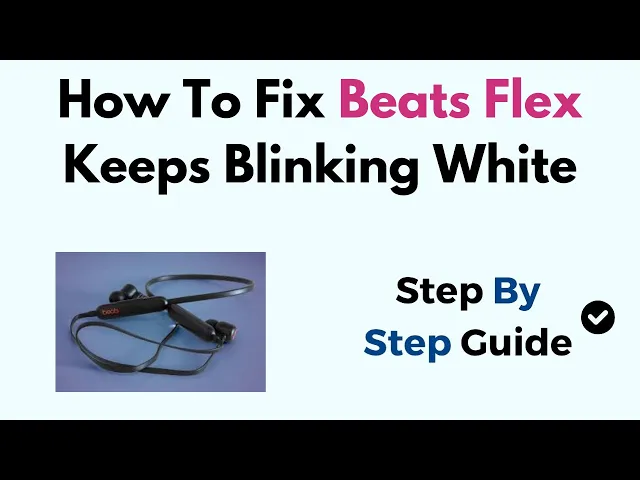
hi everyone welcome to the channel so in this video we have to guide you how to fix beat plus keep blinking white if you see open your Bluetooth of this earphone when you see here a blinking light regularly after you have to connect it with your device so blinking W leads on a beat pass indicating a charging issue okay or a software problem so here are the Su step or fixes you can try to resolve this first fix we have to do check charging like we have to ensure charging use the original cable and connect
it with securly to both the beat flex and a power source so you have to use this we have to provide it with this beat Flex earphone okay and you can also try a different port if possible test the charging cable on a different USB port or adapter if possible you have to do this so look for this indicator of this white light blanket has been gone on not and also you have to check for inspect the this charging port for any dir or a devies there might be obstruction with connection so likely you have
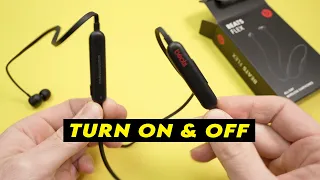
to look for the they have not any dirt any sign of this so if you found any dir or de so you have to clean with this gently with your dry cloth okay so that's it for a charging you have to check this and now move to you have to check for the charging cases a very regularly proper work but they have not problem so we have to reset this speed Flex likely we have to do a for side reset so you have to press this power button and here of this this power down button
in the upside of this logo so when you press the both at the same time until for 15 second you will see here a red blinking light when you see red blinking light so it means to indicate that your Force are reset it means factory reset is done in this speed Flex like this okay you have to Once reset you will need to repair your beit Flex with your device again so now you have to see this problem is been resolved or not you have to also software you should check this check for update if
available update the firware on your B FX through your Apple or a bab forget the device also on your connecting device going to the Bluetooth setting and forget this beat Flex then repair again so this can sometime resolve the problem if not we have to do for look for this physical damage inspect the beit flex any visible sign of your damage or the charging port or the cable you are using to connect with your power source and test with beat Flex with a different device to isolate the issue if you see there's an issue with
this in this or this if none of the above step work we have to contact F support team for their father so they can guide you more assistance to resolve this problem how you can do so that's how you can resolve this problem so thank you for watching this video I hope you understand how you can resolve this problem