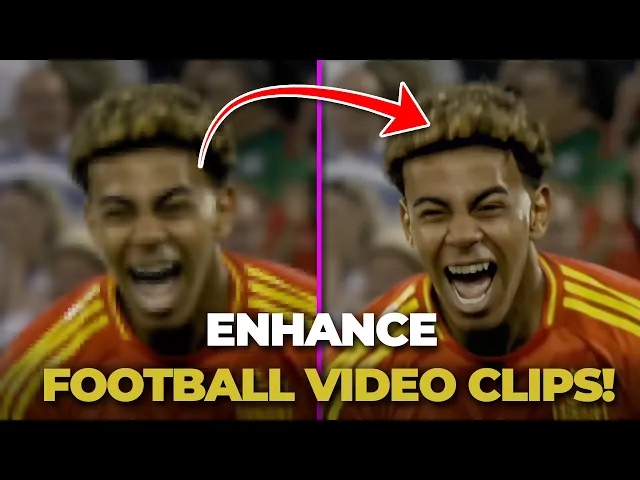
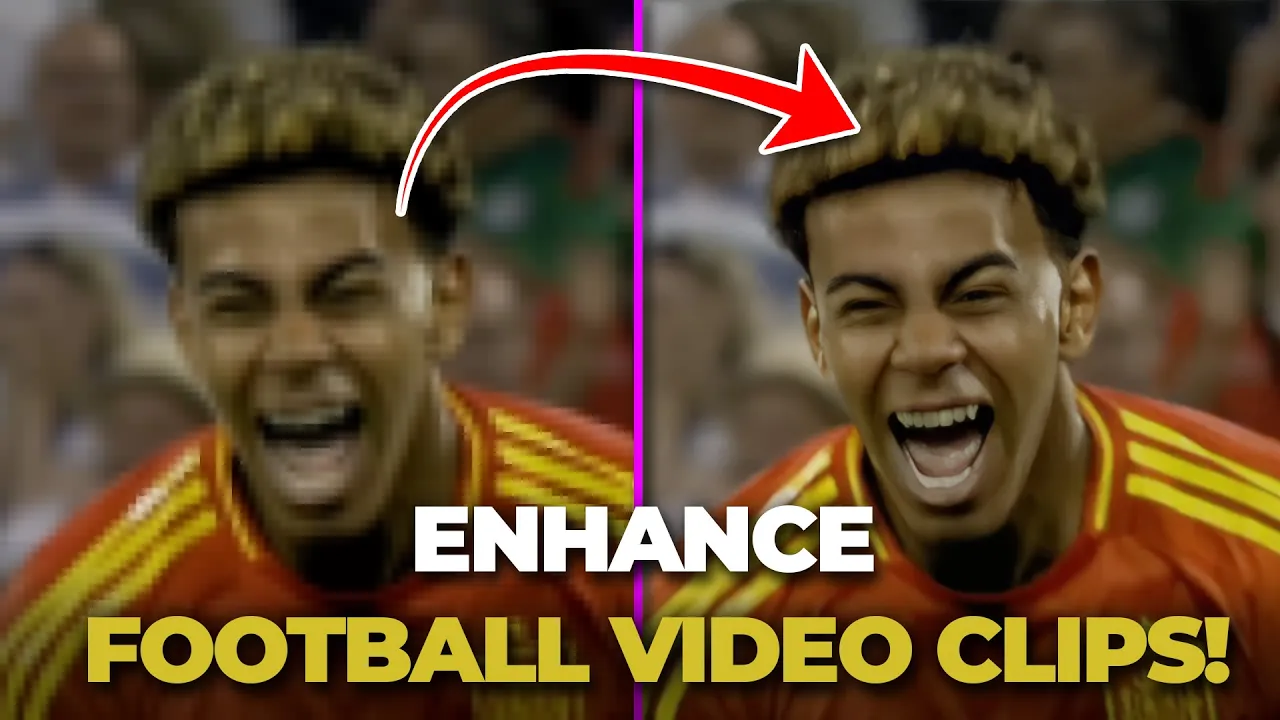
so the European football championship just ended Spain won and now the internet is fulled with new best of Clips not all of them are in the best quality though or you recorded Clips yourself from afar and they didn't turn out really great either way in today's quick video we're going to enhance the quality of these [Music] clips hey everyone I'm D from wondershare uni converter let's just get right into the task before everything you'll need the uni converter so if you don't have it download it from videoon converter wondershare.com it's available for both Windows and
Mac computers then create yourself an account and choose a plan or start using the free trial version the first thing you'll need to do is get your video clips onto your computer maybe these are clips that your friends sent to you or you recorded them yourself either way simply transfer them via Google drive or we transfer or via a USB cable you can also explore the channel for methods so when you have the unic converter Open click on the AI video enhancer tool in this tool we can enhance the videos in three ways we can
reduce noise we can interpolate frames and then we can upscale them the noise reduction does exactly what the name suggests reduces noise but we don't need that for these videos the frame interpolation basically adds extra frames into the video which will give a smoother look and you can then use slow moo effects while working with the videos the AI Ops scaler will pretty pretty much add extra pixels to the video resulting in a higher resolution meaning that the video won't pixelate on larger screens so to use them it's really simple you can just select the
one you'd like to use now the noise reduction doesn't have extra settings however for the frame interpolation and the AI upscaler feature you can set a two times or four times ratio as you can see here I think two times is going to be enough for these videos so let's perform frame interpolation and scaling wait until the process is finished import your newly exported video by clicking on the replace files and then choose your settings for the interpolation and then click on export wait until the process is finished now let's look at the result this
is our video before and this is after awesome right well if you agree with me that it's awesome and you found this video helpful make sure to leave a like And subscribe to the channel if you you have any video request leave it in the comment section but that's all for today I'm going to thank you for watching and I'll catch you in the next video