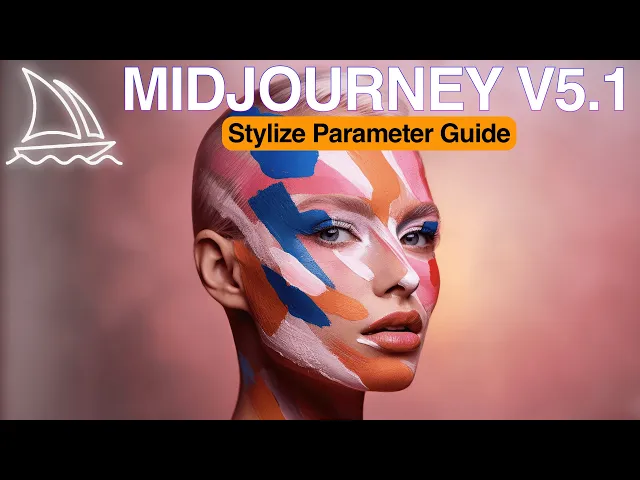
many people reached out to me to ask about how to use stylized parameter it seems there is some confusion about it in this video we'll Deep dive into the stylized parameter to better understand when and how to use it for ultra realistic AI photography and we will try running some prompt studies to keep things empirical and scientific at the end of the video I will compare style raw to the stylize parameter and share my conclusions of these experiments as well as what's the optimal way to use them stylize parameter in mid-journey is used to influence
how strongly mid-journey's default aesthetic style is applied to the jobs this parameter can be used with a value ranging from zero to one thousand with the default value being 100 if not explicitly specified you can add this parameter to your command with stylize or as with the value starting from 0 up to one thousand also you can set up default setting from Discord bot using slash settings command and choosing the value you prefer to have for style element the effects of the stylized value is interesting and somewhat counter-intuitive despite its name stylized parameter doesn't strictly
add or change the style of the output image rather it adds more detail and finesse to your image with the amount of detail increasing with the value of the parameter the higher the value the more details are added to the image if we test this with a short prompt you can clearly see the impact of stylized value on the final image however it's not just about adding random details to the image but adding more elements from keywords mentioned in the prompts for example if the prompt is photography of a nighting light armor sitting in a
field of daisies and you increment stylize value the model tries to add more elements related to the Knight and daisies it's very minimal but essentially making the composition more dense this effect becomes more pronounced as you give the model more elements to work within the prompt if the prompt was expanded to include more elements then the model has more elements to add to the composition as stylized value increases in this example we see after stylized value increased early summer day Vibe is reflected better on the image and Knight has a stronger density in the composition
when you compare the extreme of the stylized Spectrum it becomes obvious that the model adds many more elements related to the semantics it discovers in the prompt it seems that stylized value not only adds detail but also defines how much the model tries to add the semantics it discovers from your prompt so it's safe to say that stylized impact is much more visible for long prompt similar to impact of style raw then you may ask okay what's the difference between style raw and stylized parameters using style raw in a prompt actually means I don't want
default mid-journey Aesthetics in my image I will control the full creative Direction and what kind of styles to be applied on the other hand stylized parameter is a setting or control mechanism to adjust how much of default mid-journey Aesthetics will be applied to image therefore it doesn't make sense to use style raw parameter with stylized together solve without over complicating things your decision tree should work like this am I going to write a long prompt or short prompt do I want to control creative Direction strictly or should I submit to default mid-journey v51 Aesthetics if
I go for default mid-journey Aesthetics how strongly I want it to be applied in conclusion stylized parameter in mid-journey v51 has become a much more predictable and precise instrument than its predecessor allowing for fine tuning of generations and producing more controllable results I would recommend you to experiment with it especially when your prompt is long and rich in details I generated all the base images using mid-journey with the prompts from the AI photography style guide you can find the link in the description below and in the pinned comment if you found this tutorial helpful be
sure to give it a thumbs up and subscribe to my channel for more awesome content if you want to learn more about creating art with mid-journey click here