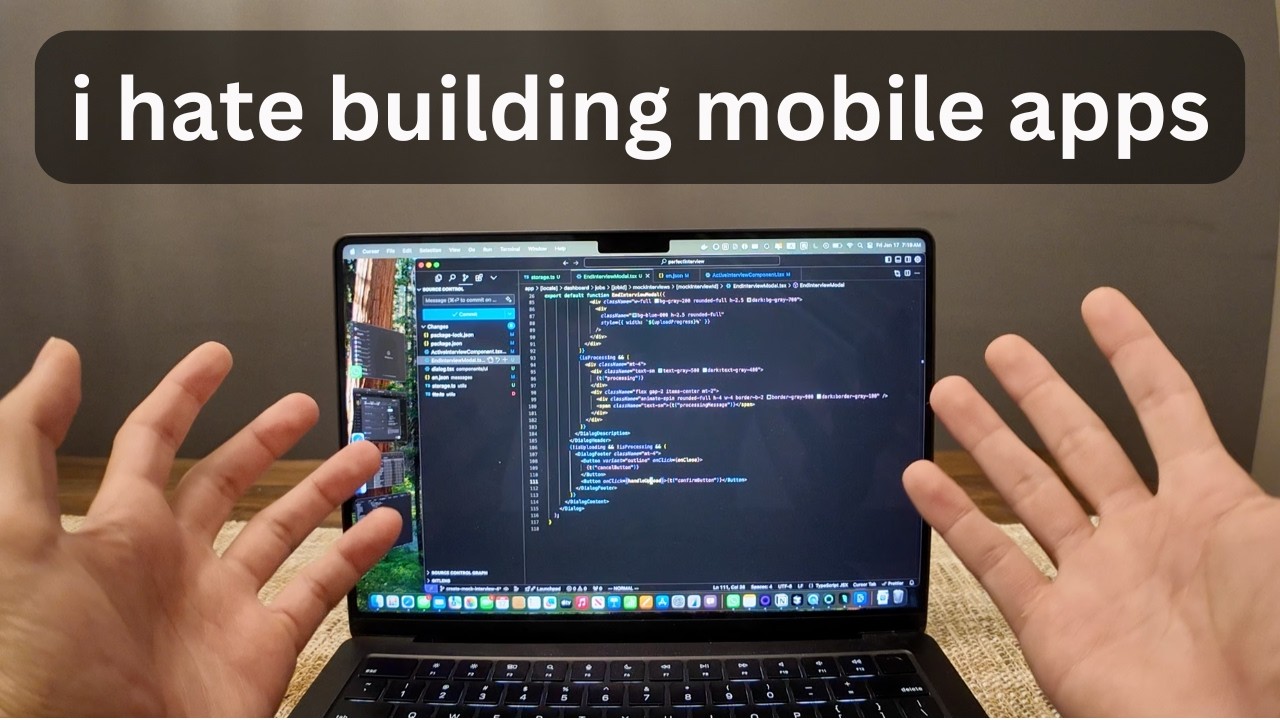
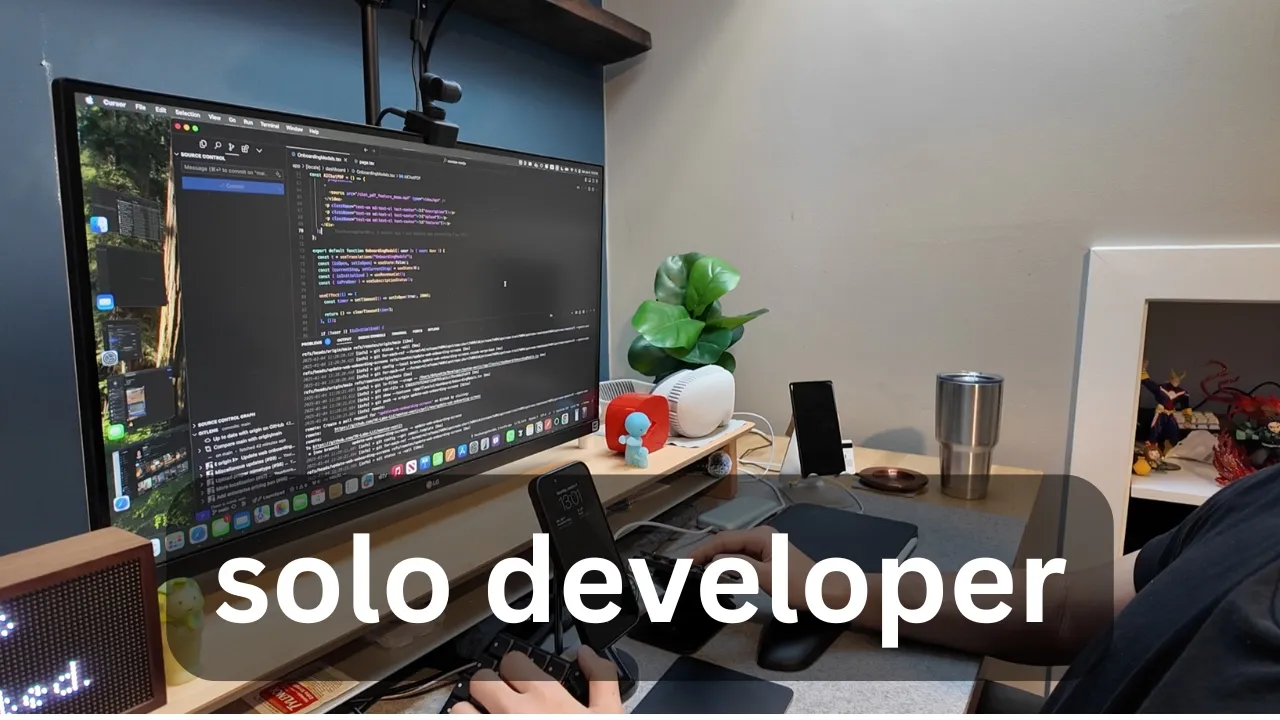
welcome to a quick little video that is a coding Vlog documenting my series as a solo developer that's building out his own SAS product and since it is the weekend I'm going to be spending it building out my side project my SAS project which is called Monty mon. a if you want to check it out and essentially the feature that I'm going to be working on today for both my mobile application as well as my web application because Monty is a crossplatform application is improving the onboarding flow so let me show you what the current
onboarding flow is so this is the onboarding flow screen uh and then right now we're just demonstrating what exactly we do we Auto help you automate your job in Corporate America so then we go we State the problem then from there we go to the features first one is an AI meeting recording tool which uses your mobile phone to record meetings transcribes them summarizes them and then you can chat with the transcript to get any info that you want next up is a chat PDF tool pretty common feature in the AI space right now just
upload a document you can chat with it to get any insights that you that you want read at the speed of AI is what we like to call it last but not least is our third feature which is called the meeting co-pilot feature and essentially what the meeting co-pilot feature is is it is a feature that listens in on meetings live transcribes them detects any questions and then it will answer those questions using whatever knowledge base you upload into it so it'll make sure that whenever there's a meeting going on you always have an answer
to every question and you're not blindsighted and looking dumb in a meeting just trying to make your life a little bit easier working in Corporate America so that is the onboarding flow that we're currently working with the the onboarding process of any mobile app or web application I think is so important because that's where you build trust with your user where you have to sell them on the feuture really tell them what kind of problem your tool solves and I think the static images it just doesn't do the greatest job of doing that so I
want to update all the static images with video instead so that's going to be the feature that I'm going to be working on for both my mobile application as well as the web application since it is a crossplatform app and I'm just going to take you on a quick little journey through how I do that enough yapping on my end let me get into a quick little work session and show you the final product now I know some of you that are watching this might be a little confused because you're like wait a minute I
thought this was a coding Vlog why am I watching a video of a guy not coding and instead just creating a video feature demo onto his website and to his mobile app well the thing is that's kind of one of the responsibilities that I have as a solo developer once again not a solo founder because I do have a co-founder but as a solo developer and as a sole person of building out the product himself I kind of have to do everything regarding the product that includes engineering plus design plus infrastructure plus creative video creation
work to improve the onboarding flow I don't really have anyone that I can punt the work off to someone else to we don't hire any Freelancers uh we don't have a big team it's literally just myself and my co-founder it's just the two of us so we kind of have to do everything that we possibly can and sure we could pay for Freelancers but we want to keep this as lean as possible and honestly just over the years of building a ton of different products I think this is like the 13th product that I've built
over the past 3 and 1/2 years I've picked up a lot of different skill sets I'm not the best designer but I'm an okay designer I'm not the best video creator but I'm an okay Video Creator and that's been really helpful in terms of becoming more of a jack of all trades instead of just being a soul engineer I have a lot more skills so I can do a lot more things in house without having to hire help helps us stay lean helps us stay efficient and it also helps us to move a lot faster
because we're not relying on a third party person it's just myself and my co-founder and we own everything about the entire product and it helps us to move super super fast which I think is the biggest advantage that you can have as a solo founder solo developer or a Founder with a super small team you can always outpace outmaneuver out ship the other bigger competitors in your space all right so I just finished up the new video demos of the onboarding page so let me show you what it looks like so this page nothing has
changed this page nothing has changed as well by the way this video is completely AI generated super useful for creating onboarding flows next up here's a first video you know the new AI meeting recorder record meetings with your phone upload the recording to Monty and then blah blah blah blah blah uh that looks pretty good to me here is the one for the chat PDF tool um same thing pretty smooth video and this is the one for the meeting co-pilot feature so as you can see with these video feature demos instead of just a static
images it more clearly shows what the feature is and and in my case I think it does help to convince the user to see the value of what this product is going to add one of the most common questions that I get asked in any video that I make is how do I make these type of screen recordings with all these smooth animations and it's actually the same software I'm using to create this video right here where I'm like streaming my face and recording my screen and that piece of software is called screen. Studio easily
one of the best purchases I've ever made as a developer Indie hacker whatever you want to call it it's just the best software out there in terms of creating really really beautiful animations and Screen recordings so highly recommend screen Studio I bought it out of pocket I paid the pay once 230 bucks totally totally worth it now another question that I get asked is in terms of how exactly I made this entire video of you know the orange background the text and everything I honestly just use canva I use canva for everything my social media
posts my uh thumbnails you name it and these are the videos that I make as well uh this is the raw footage of the video that I created with the AI recording uh feature demo and that's how I do it screen studio and canva very very straightforward but that's about it in terms of today's video thanks for hopping in in this really quick little coding Vlog hope you enjoyed it let me know if you want to see more of it I don't know if I like the style or not I don't know if you like
the style or not only way for me to know is if you tell me in the comments down below thanks for watching I'll see you in the next one peace


![My Web Design Process for High Ticket Clients [Free Trello Template]](https://img.youtube.com/vi/T5JglDcd54A/maxresdefault.jpg)