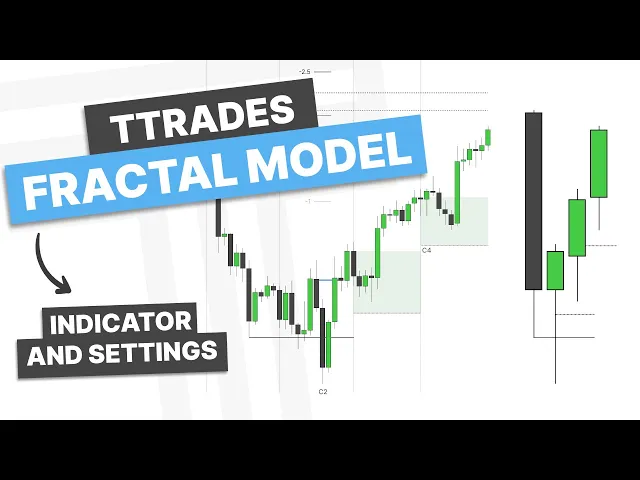
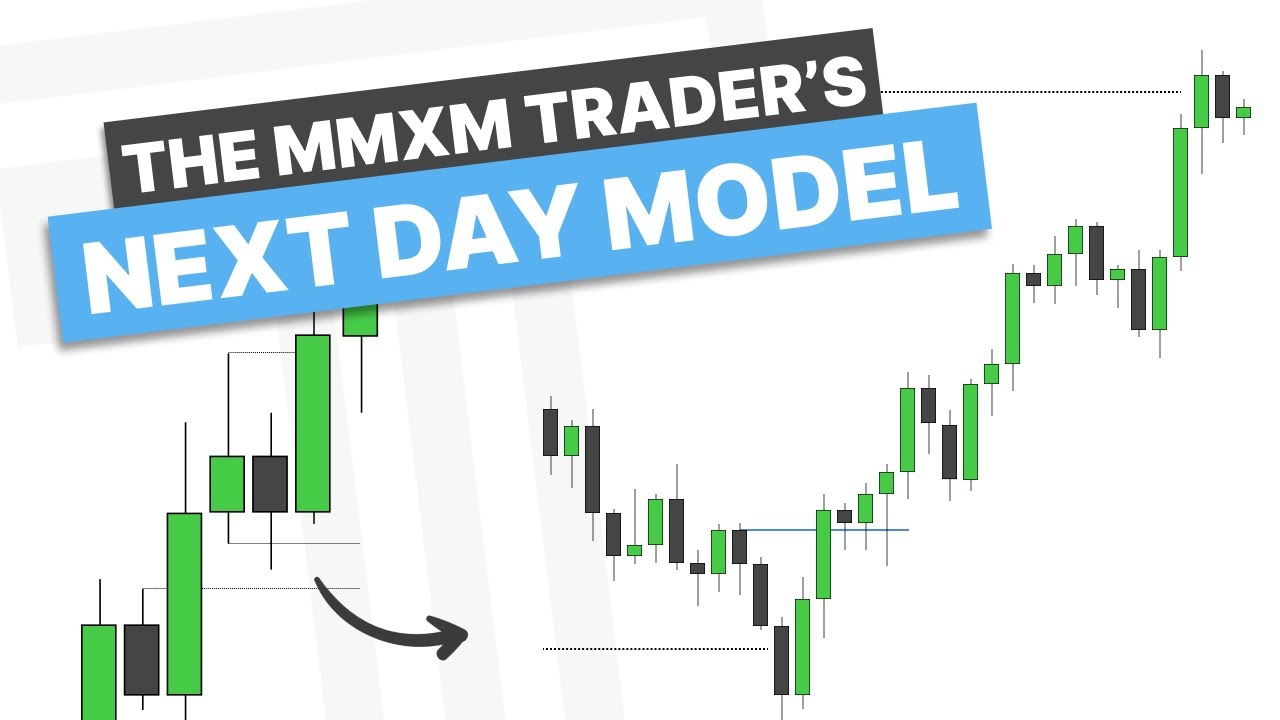
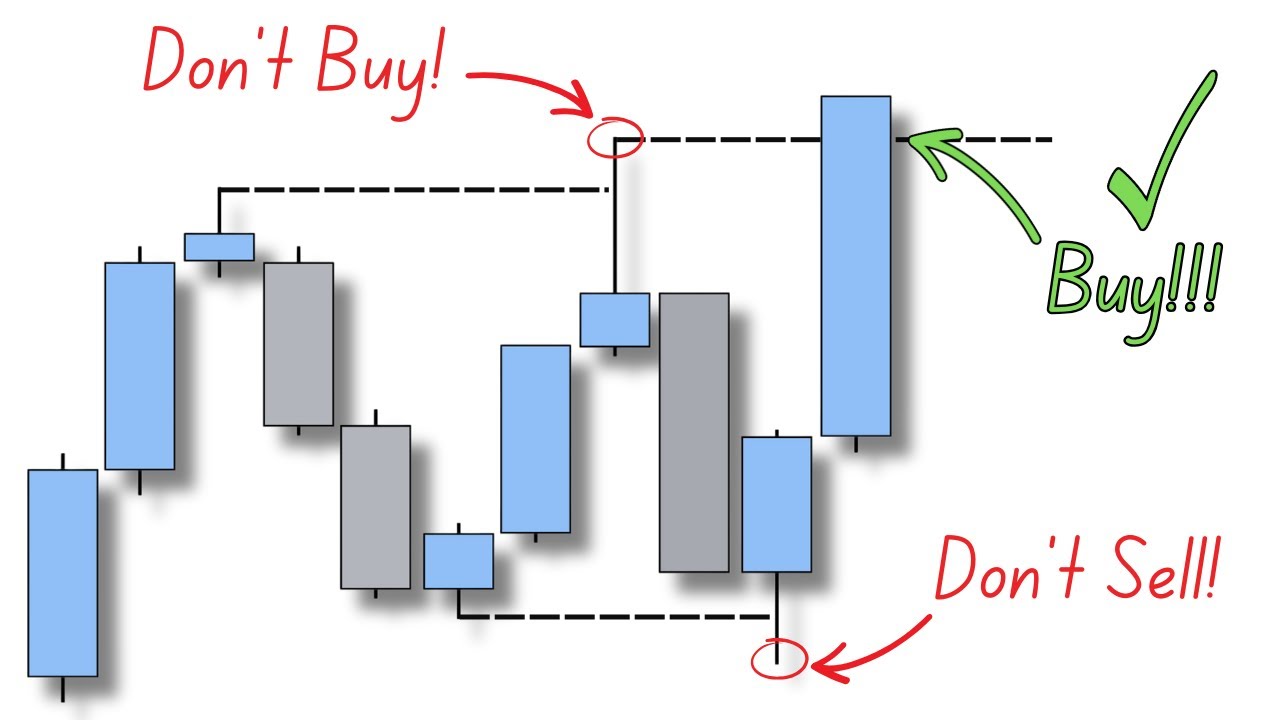
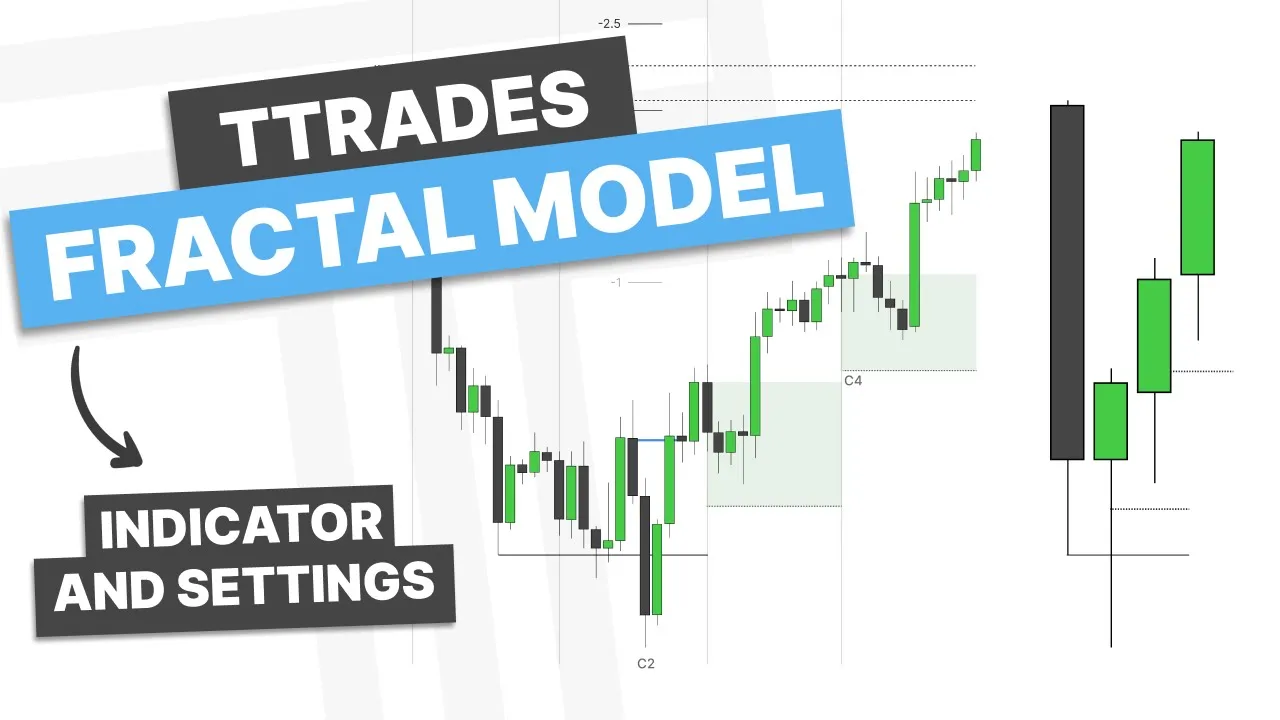
[Music] how's it going everyone this video is going to be a basic introduction into my fractal model however the main focus of this video is going to be going over my indicator and its settings and how it is used so let's hop into the first example here to explain the fractal model and then how the indicator would plot it so my fractal model relies on the foundational understanding that the market cannot reverse without a swing point so you can see here the market has formed a swing point to reverse or go from bearish to bullish and if we are going to reverse from bullish to bearish we are also going to form a swing point now what do I use to determine if the market is likely to reverse I will use candle closures so you can see here price has swept out its previous candle high and then closed back inside the range so if you've seen my daily bias video you know that I would be bearish or looking for previous day low so with that understanding that I'd be looking for a previous day low or a run lower this next day I'd be looking for an open high low close now to confirm this bias I would go down to the hourly time frame from the daily and look to see if we have a change in the state of delivery so down here on the hourly chart do we have a change in the state of delivery confirming the swing Point well you can see we have closed through the series of up closed candles that have made this high so I consider this High protected and then I will look to trade the Open high low close in the following candle so you can see here as we let this play out you can see we reach higher we sweep out a high to the left and then we get an opposing candle formation here so I'd anticipate this Wick to have formed and then I can look to trade this lower the rest of the day so I could either get on side in this next candle here or in this hourly candle or wait for a New York session so you can see here as we approach the New York session what happens we sweep out this High to the left we then close through the down close candle that made that high so if I wanted to put on a position I could put on a position on the close of this candle my stop on the high and looking for 2 R let's see how this works out so it makes us wait some time but we do hit our TP on that trade so just to review the foundational Concepts within the fractal Model A Higher time frame closure in this case price swept out its previous day high and closed back inside the range we have a change in the state of delivery that confirms that reversal and then in the following candle I'm looking to trade the Open high low close is that is what is determined by my higher time frame bias so you can see here this is how I would mark it out now to make this more efficient for myself with the help of two degrees I have designed my own indicator to mark this out all for me so let's go ahead and rewalk through through this price action but with my indicator so you can see on this new candle close it has identified that it's taken the previous day's High closed back inside the range and is also paired with a change in the state of delivery with this it will Mark out projections to give myself targets as well as Mark out a t-spot which is an area that I look for higher time frame Wicks to be formed so for instance if we are going to trade lower here I would like to see price trade into this gray area form a high or a higher time frame Wick and then trade lower throughout the day as we let this continue out this is when I would then Mark up my opposing candle formation and I'd like to see this trade lower throughout the day and you can see as we get into the next day here because we have closed bearish I will then look for a continuation in this following candle if we let this play out you can see we do get this continuation lower and then we finally go and take out these lows to our left so you can see that is what my indicator looks like now let's go back and take a look at this New York session setup where we have swept out this High here since my model is fractal hence the name of the fractal model I can apply this on multiple time frames so here we are on the daily and hourly but let's say I wanted to go in here on the hourly and 5 minute I could go ahead and rewind this drop down to the 5 minute time frame and the indicator would auto adjust for that so you can see we've taken out this high if I had a bearish bias I could go ahead and switch this to bearish and it only seek out the bearish setups and then as I let this continue here we get this higher time frame candle closure the 5 minute setup and then I'm anticipating the higher time frame Wick to form in this area to trade lower so as we let this play out you can see we respect that area and then we get a continuation there to the lows to the left and to our standard deviation projections so let's go ahead and go through all my indicator settings so the first setting is a warning and air messages do I want to have that turned on I personally do because if I'm not on an automatic time frame let's say I am on the 1 minute and 15 minute model and I'm on the 5 minute time frame I'm going to get an error because the 5 minute is greater than the 1 minute or the lower time frame in that case so I want to see that time frame and I can see that I need to go to a 1 minute time frame or below to view it now in our general settings if I want to get alerts when setups form I'm going to go ahead and have this toggle turned on and follow the instructions to get the alerts that I want to have now in terms of History this is going to show how many previous setups on the chart so if I only want to see the current setup I can go ahead and make that a zero and it would only show the current setup so for instance if I let this continue to play out it would then disappear if I have that set up to one then it would go ahead and show the most recent setup and I can go all the way up to 40 for those setups so let's say I go to 15 hit okay you can see this will show the last 15 bearish setups because I also have my bias to bearish so let's go ahead and pull back up our settings here now C2 C3 and C4 are the higher time frame candle closures now I go over all the requirements for these within my course and mentorship but essentially this means candle 2 candle 3 candle 4 and then specific candle closures with that so you can see this will show a candle two closure if I don't want to see a candle two closure I go ahead and turn that off then I will only see candle 3 closures with candle 4 continuation I personally like to have all of these on because I like to view all of them now you may notice on the chart there are a few different colors of these C2 C3 and C4 a gray C2 is when the setup has remained valid throughout candle 4 a red C2 is when that setup fails within the first candle and an orange C2 is when that setup fails but not the first candle after but the second candle after now going into my bias this is where I can select my bias so in the previous example I just showed you I was bearish going into the New York session so I went ahead and selected it to bearish and you can see how all of the bullish setups will disappear as I have chosen a bearish setup right and so that will only show me the bearish setups if I want to see bullish I can go ahead and select bullish and then it will show me all the bullish setups and not the bearish if I don't have any bias or a neutral bias I can select neutral and it will show me both bearish and bullish setups now the cool thing about this indicator is I can go ahead and adjust my kill zones through the time frame filter so for instance you can see all of these different setups here but let's say I'm only interested in price in the New York session between 8 to 11:30 so I could go ahead and take a look at this adjust it from 8 to 11:30 right and one thing about this it's going to choose the whole hours candle so this means I would have to wait for the 9:00 a. m. closure so if I want to include the whole 8 Hour closure I'm going to have to choose 7 a.
m. for this with that selection it has removed all of the setups that were not inside the Kill Zone now if I have multiple different kill zones I can have up to three so let's say I want to view London and New York am session I can go ahead and select that and then I'll get those setups as well now going into a few of the customizable settings the higher time frame candles or the power of three candles on the right side I have the option to hide those if I don't want to view them and then I can also change the size of them so you can see now they are hidden I will go ahead and bring them back and you can adjust the size of them between small medium and large now an offset will offset it from your chart So currently it has this default offset of this location here where it's going to offset it about that much let's say I want more space between myart chart in my higher time frame candles I can go ahead and just adjust this offset to 10 or whatever you select and that will move these candles to the right so you can see those candles now have moved to the right and basically doubled the offset there the body border and Wick of the candles are pretty self-explanatory those will just adjust the colors of the higher time frame candle now the higher time frame open this will Mark out the current higher time frame open of the higher time frame candle so you can see at this 12 a. m.