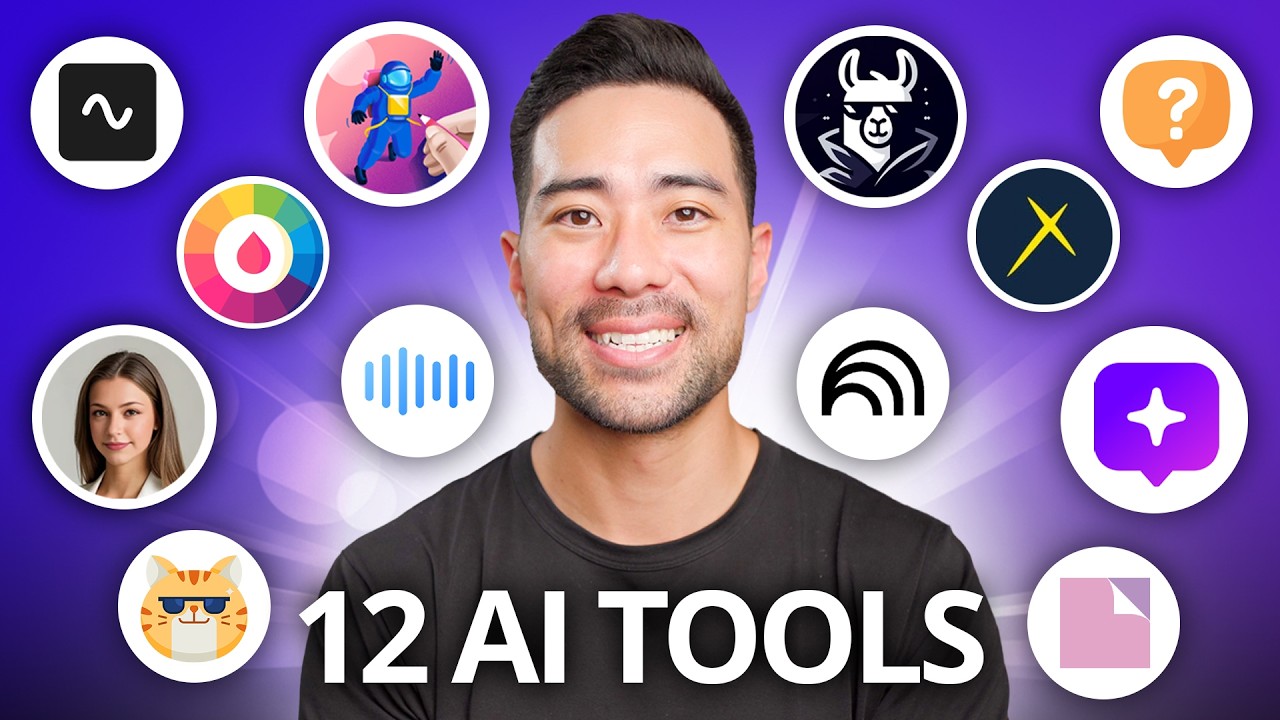
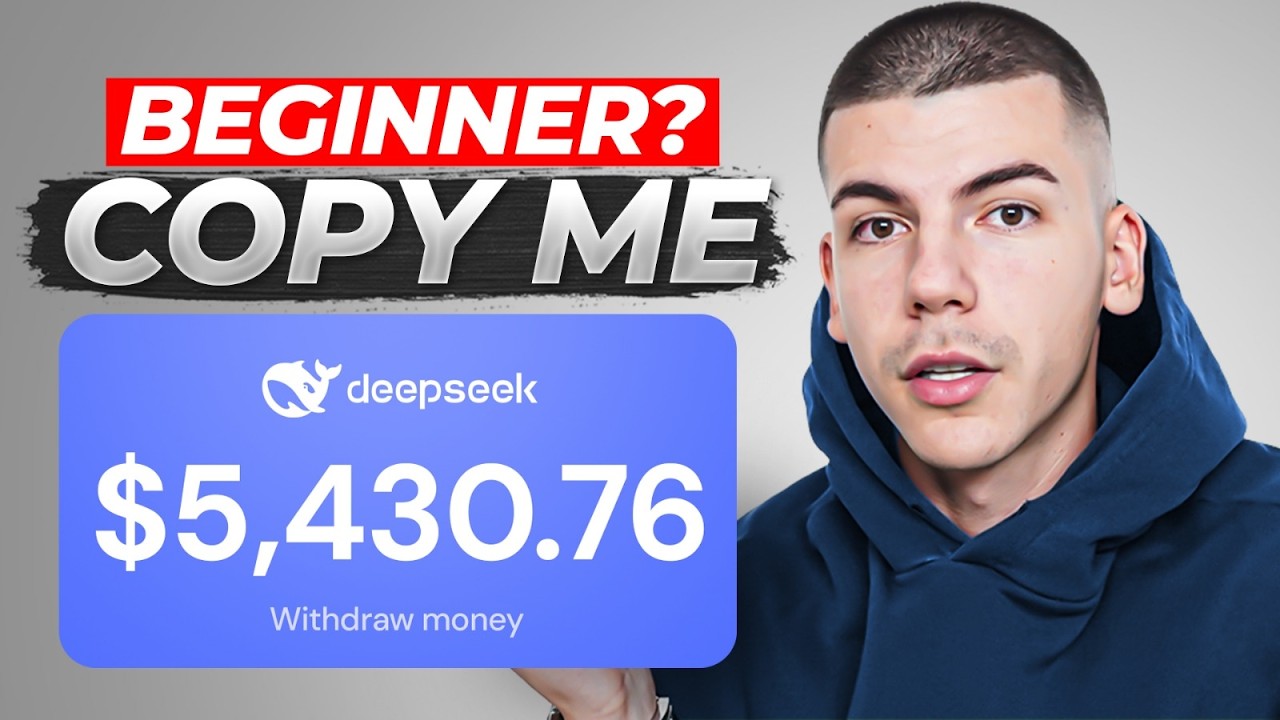
this student is making $3. 7 th000 a day in passive income online and he's not the only one thousands of people around the world are using this AI business model to make money online and I found some insane AI tools that can pretty much do all of the work for you so the easiest way to make money online for beginners is AI faceless Automation and in this free tutorial I will show you everything from how to use AI to make viral videos done for your script templates and at the end how to actually get views fast and this is coming from someone who's been doing YouTube automation for almost 10 years not only have I done it for myself but I also helped thousands of beginners do the same you see as I started researching YouTube more and more I came across these viral animation faceless videos this one is in the relationship space they have 44 videos and 210,000 subscribers this channel over here only has nine videos and over 100,000 subscribers they literally just started 1 month ago their first first video has 1. 5 million views and you see a very interesting thing I have lots of channels making over $20,000 a month but this video where I got less than a million views I got paid $37,000 from out Revenue only because this video is making $39 per 1,000 views now we can see that this guy in his first month got about 3.
5 million views but you know he's not Dave Nick so let's assume he's not making $39 per 1,000 views let's say he's only making $9 for 1,000 views well I can ask chpt how much money that would be and it would tell us that's about $31,000 now here's another animation Channel which has videos with hundreds of thousands of views or this guy over here who only has seven videos and 173,000 subscribers and if we look at their views we can see that with 3. 9 million views they made 35,000 and here's another animation Channel with only 12 videos and 39,000 subscribers and here's another one over here with 12 videos and they also got about 300,000 views in a second I'm going to show you this AI tool where you can create these viral animations in seconds and then post them onto YouTube to make money online but if you look into these videos you can see that they are not showing their face and they are not actually recording anything with a camera now today we're going to be focusing on this animation Channel which is in the relationships Niche and I want to show you how to replicate this now this wouldn't be a daick video if I didn't give you something for free so when you go to our free Community School / obf you're going to go to the tools section over here or you can also just go to the classroom and you can find tools and resources here even more simply and that's going to open up this list of things now you're interested in the YouTube automation starter blueprint and this is basically like a checklist to launching a faceless YouTube channel so you can just click on file right over here click on make a copy and make a copy to your own Google drive folder so that you can make changes and follow along this tutorial so now that we have this we're going to go to step number one which is to choose a niche and we kind of chose this relationships Niche so I'm going to take this box and we're going to go to step number two which is to open up this Chad GPT prompt to launch our YouTube channel so we're going to copy this prompt for step number two and we're going to open up chat gp. com which is again a free AI tool and we're just need to insert our Niche now in this case it's going to be dark relationship advice Niche and we're going to get a few ideas now I'm going to go with dark Club it's actually a really good idea so I'm going to copy that name I'm going to go back to the document and take the box now optionally you can also get your YouTube channel instantly monetized so you can make money from day one because I would never be able to make money every single day from the views that I'm getting unless my channels were approved into the partner program and for some people that can take 6 to 12 months so for all of that time you would be posting videos that will be earning 0 because you're not monetized and even imagine this channel would blew up which blew up with only two videos their first video got 2 million views or 1.
5 which would end up being about $10,000 in not Revenue they would have missed out on$ 10,000 if they were not monetized so that's why in this document I left our service where you can get instantly monetized and just make money from day one from your YouTube channel and not have to wait 6 to 12 months because not being monetized is actually a lot more expensive now next up we need to create a Gmail account to do this I'm just heading down to gmail. com I click on create an account for my personal use enter the name that chpt generated for me enter my birthday create my own Gmail address create a password skip the recovery email click next and then agree to the terms of service in a second I will show you this AI tool where you can create these viral animations in seconds but for now we're going to go and create a YouTube channel by going over to youtube. com then click on sign in right over here then click on create a channel quick question am I going too fast am I speaking too fast let me know in the comments down below and if I am I will try to slow down in next videos if the pace is perfect do let me know as well so I can continue making videos this way or if I'm too slow let me know and then I will speed up in the next video now we're going to click on Create channel and at this point we completed step number four now step number five is to create our very own branding before I show you how to create these viral animations using AI we're going to go over to cana.
com and we're going to search for profile picture now just open up any of these templates we're going to customize them we just need this size so I'm going to click customize this template and I'm just going to remove everything that was here so I just click delete delete and again just delete I'm now going to change the background color to dark I'm going to search for a broken heart and I'm going to change the color of this to white or any other color that you personally prefer I'm going to add the name of my channel so just click on text on the left side and I can choose a different font once I'm done I will just click share click download as a PNG file and as I have that I will also need some channel art now if you look into what they did here they just put a quote so I'm going to go back to canva and I'm just going to click on resize right over here on on the left side I'm going to click on custom size which is going to be 1920 x 1080 and I'm going to click on resize this design and I'm going to go to tread jpd and ask it to come up with 10 short dark love quotes I want more simple ones more basic ones this is too much I'm going to copy this quote I'm going to position this hard on the back and I'm also going to reduce the transparency of it just like this and I'm going to click on share and I'm going to download this to my computer so that I can upload it to my channel so now we're going back to the YouTube channel that we just made we click on customize the channel we click continue first of all upload this profile picture then also upload channel art as well and click publish for step number six we need to optimize our YouTube channel so we're going to click on this to open up the prompt and we're going to copy and paste this into chat GPT we're going to enter our channel name and channel Niche then we're going to copy this bio and we're going to paste it inside of this box when we go back we just need to paste it in the description and we're we're going to click publish looking at my YouTube channel now it's fully optimized we have Channel Bio channel art and profile picture and in a second I'm going to show you how to create these viral animations with AI but first we're going to go ahead and find our first viral video idea here I have my checklist for finding viral video ideas but in this case I'm just going to go over to this Channel and because I have vid IQ installed I can just click on view trending videos and it's going to show me which ones are getting the most views so it seems like this video from 3 months ago is getting 500,000 views so I'm going to copy this title and now we need to write our YouTube script so what I personally like to do is I like to follow my own advice from another Channel where I created these prompts for writing viral YouTube scripts the very first prompt can be copied from here we go back to Chad GPT and I'm just going to say transcript and that transcript is going to be taken from the original video that we saw so you're now just going to click on show transcript and that's going to show you word for word what they said in their video you're going to click toggle Tim stamps and just copy this entire transcript which is basically their own script for a YouTube video now if it works very well for them then we can replicate the style and by using this prompt it's going to be Rewritten in a very very unique style so now I'm going to submit this and now we simply need to copy and paste this second prompt and at the end we'll just need to insert our Niche relationship advice video is going to be long form style of writing is going to be same as the sample transcript and then where I want to describe the video is about this is where I can copy and paste the title and just in your own words add your own twist and add your own ideas to what you want to mention in this video and then you're going to submit this now you see videos that perform very well on YouTube right now are the ones that are over 10 minutes long the longer the better this one is 11 minutes and in order to make it over 11 minutes you need to have a script that's over 2 and 1 half thousand words long and if we look into the one that is now generated by Chad GPT if you copy and then paste it into word counter you're going to see that it's only 700 words so we really need to expand this so what I like to do is I skip the introduction but I go to part one and I just tell CH GPT to expand this part to at least 700 words cuz we know that's like the cap and then we go back while he's writing we copy part two and then we also say expand this part to at least 700 words and then we paste that and we're waiting for it now in the meantime I'm just going to go back back to word counter and this is where I'm going to be copy pasting the script so I'm first going to copy hook and introduction I'm going to paste it here right below that I'm going to go ahead and we also need to remove the titles of each chapter because we don't really need that we just need the actual juice and then for part one I'm going to scroll down and copy part one from here this is the extended version of part one which is now much much longer as well without the conclusion part though and then we're waiting for part number two so we're going to copy this from part two also without conclusion and we're going to copy and paste that in here now so far the script is 1.