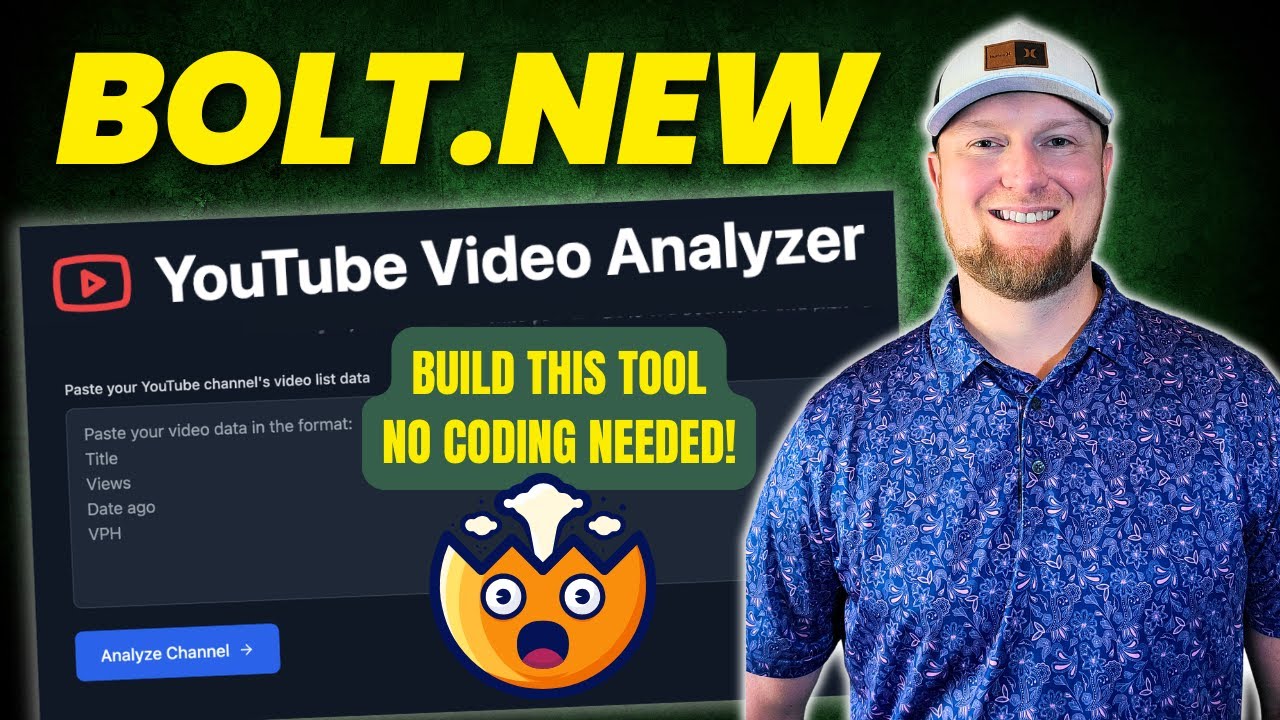
now we have bolt. new you are able to prompt run edit deploy full stack web application just by using natural language now anyone can be a developer and able to create a full-fledged application you are able to create different types of application with various languages you are able to prompt like this by giving a instruction such as creating a Discord like app for musicians and store the data in super base then BAS Bas on that it's going to create the application run it you are able to preview you are able to edit on the go you can even edit the code directly from the user interface also you are able to deploy the application right from the browser you don't need any code editor that's exactly what we're going to see today let's get [Music] started hi everyone I'm really excited to show you about bolt. new here are some examples to create a to-do list app and based on the instruction is able to create those files install all the required packages which you don't need to worry about and it's able to create a full-fledged to-do application what happens when there is an error it can automatically identify the error from the terminal and it's able to give us options so we can just fix the error directly from the browser then it's going to fix that and run it to check if it's working or not that is debugging right from your browser here is another example make my web dev homepage with a Blog on Astro So based on this instruction it's able to create this web page as you can see here with blog posts using a simple instruction like this you are able to create a full-fledged app even if you're an absolute beginner and even though you know zero coding so bolts.
new is nothing but a combination of cursor VZ and Cloe all together so you got AI integrated you're able to view it and you are able to edit it so in this video we are going to see how to create an endtoend application using bolt. new how we can refine our application and finally how we can publish our application but before that I regularly create videos in regards to Artificial Intelligence on my YouTube channel so do subscribe and click the Bell icon to stay tuned make sure you click the like button so this video can be helpful for many others like here you have two different version one is the paid version and also there is a open- source version which you can run this on your computer and it got 6. 5 th000 Stars if you want help in running that locally on your computer let me know the comments below and I'll create a dedicated video for that but in this case I'm going to use bolt.
new website and they give you few credits for you to try that out so you should be able to create application for free to start so first step create an application end to end so here is the interface I'm going to ask you to build a personal finance coach app using chat GPD as a backend APA for personalized budgeting expense tracking and financial tips with a simple text prompt during onboarding app customizes insights sets goals and provides easy financial management in an intuitive interface so this is the only text front which I'm going to give and clicking enter now it's going through the steps now you can clearly see it's automatically creating the required files the first is the package. json so it's automatically creating the required packages and installing it in that environment dedicated to run this application so if you know about app building it involves more multiple steps creating fils installing required packages then packaging it all together to make it work but here you can clearly see it's all been taken care of so if you see the interface you got code you got preview you got the files to edit if you want to then you got a terminal here so these are easy alternative for applications such as repet agents or tools such as Devon so now here our application is ready so if you see here it says let's get started what's your name I'm going to enter mvin prasen monthly income let's say 1,000 USD and click next now it's asking me what are your financial goals I'm going to say start a business what Financial challenges are you facing nothing and clicking complete and base on that it's giving me personalized recommendation create an emergency fund allocate 50% track all expenses set up automatic saving transfers review and adjust your monthly budget and here is your breakdown down income expenses and savings and at the top we can see it's welcome mvin phas and in the settings it's not working so now let's dive deep into the code just for clarity so when I click app. txt I can see all these recommendation are pre-built but I want to automatically generate these recommendations based on users profile so I'm going to refine the application what you see here so these are not customized based on what the input the user added so I'm going to change this so here I'm giving customize the dashboard based on what was the input from the user use open a API to generate the financial advice have the ability to automatically add expenses and modify income so I'm going to click enter now again it's going to make those changes accordingly you can see it's automatically creating the expense form so in the open ai.
TS file I can see there is a API key which need to be entered to make this as AI application I'm going to add that API key you can generate the API key from open AI platform giving a name for my secret key and create secret key copying that and pasting it here now if I click the preview then you'll see let's get started what's your name adding my information and clicking next financial goals start a business Financial challenges nothing and click complete and I get a dashboard like this with all this information I can see it's generating the response but it's not displaying it monthly overview I can click edit and I'm able to enter the value let's say 2,000 update So based on that I can see that got updated next on the left hand side you can see there are some errors so you can just click fix problems and everything is taken care of by itself so now it's fixing the error so the error is in the open AI integration now everything is fixed I'm going to try that again after it fixes double check if you have saved your open a API key again just to make sure and here is a refined application I'm going to enter all Det as before and going to click get started now based on that I can see the financial adviser created this whole advice for me so since Marvin's monthly income is $1,000 their expenses are currently zero I recommend creating a budget that allows both essential expenses and savings for future business so allocate this much saving strategy specific steps to achieve their goals solutions for these challenges and this is really good and I can't even change this monthly expense directly by editing and clicking update and I'm able to add expense here as well add expense click the amount say 200 for promotion General category and click add now I can see the expense got added and it's calculating me the total So based on the changes which I'm making here this financial advisor is automatically giving me new new recommendations that is super cool now I created a full-fledged application with all these features I can even prompt more to create more advanced feature right from my terminal so we created the application refine the application and final step is to publish the application so at the top you can see there's a deploy button there so I'm going to click that deploy and based on that it's automatically trying to build the application and deploy that to netlify so I don't need to do anything as simple as that now the website is ready I'm going to open it open website and here is the application running live on the browser now anyone able to to open this and able to use my application so starting from creating the application refining the application and Publishing the application everything is taken care of by bolt.