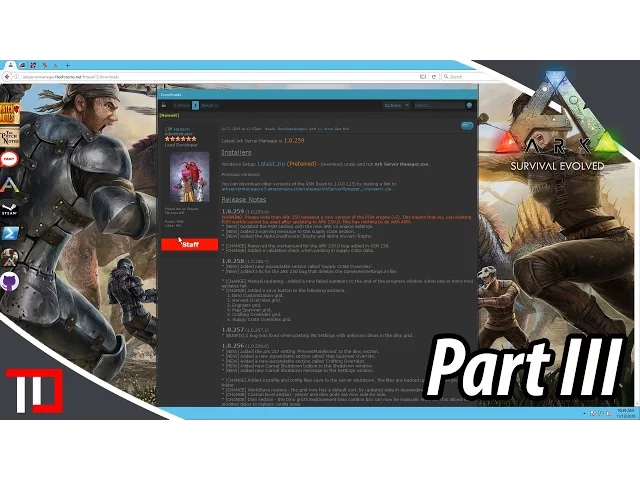
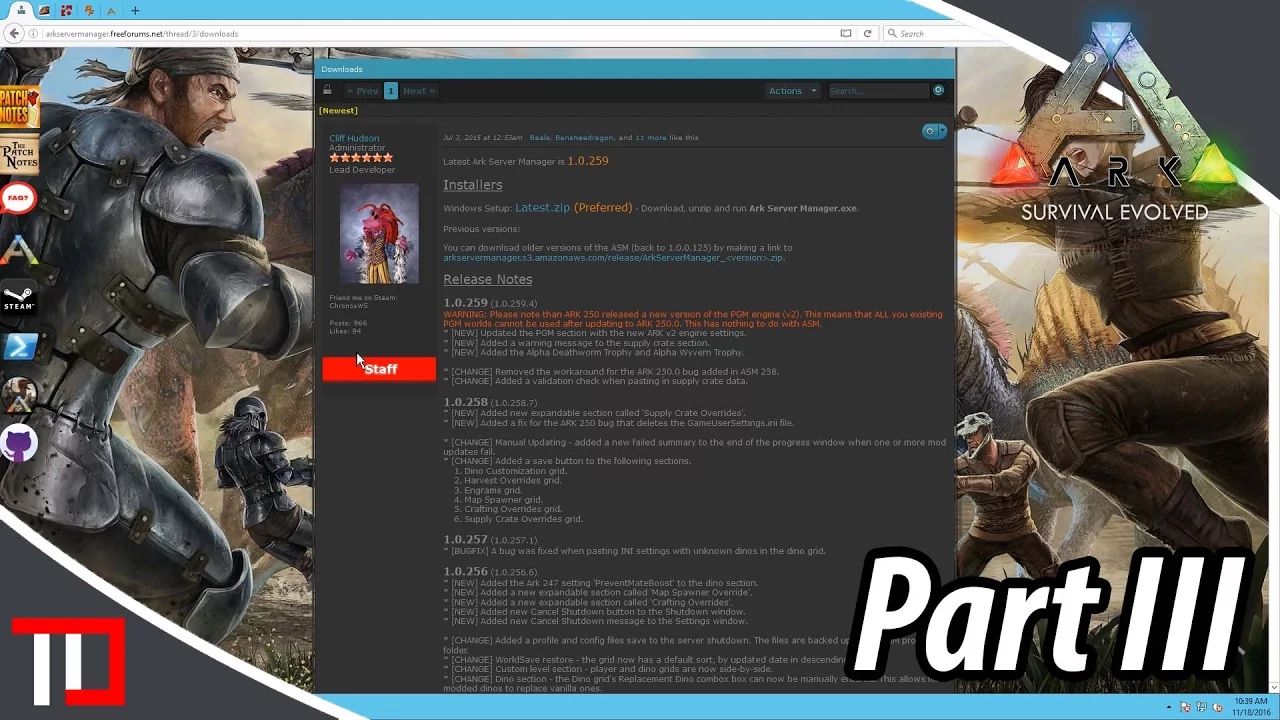
what's up guys switchy here back with another tutorial for Arc server manager hope you guys are having a good day I'm having a really good day hanging out here on the comfy chair getting ready to do this tutorial up and hopefully do it up right um don't know this is kind of a a dry run here I guess don't really haven't really uh tested all of this like while doing the tutorial so please don't judge me too harshly um but yeah here we go uh today we want to set up the Clusters so the last
few um well last two I guess uh the first tutorial we did was just the basic setup we touched on a couple things that we were going to need to do with clusters the last video we talked about the exclusive join and the um what basically whitelisting getting rid of the password so players could just come in without a password needed um if you missed those videos check them out uh if you have any questions about how we got to this point but for right now what we got going on is I went ahead and
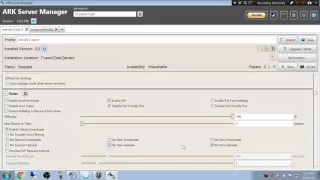
installed the scorched Earth um map and got that all ready to go for the most part but here on the island right we want to make sure that our settings match up for the Clusters and stuff so we're going to go to scorched Earth here um I went ahead and changed the query port and the server Port so that we don't have any conflicts there but we want to make sure about y our settings down in Heather so if you remember during the first tutorial we did the whole alternate save directory and the cross Arc
data transfer cluster ID so we want to definitely do this again we're just going to make that scorched Earth uh I want to make sure that this matches right so we're going to go here I think it's just asmc asmc and we want to use the cluster directory override so we're going to go and save that up we're going to double check it just to be safe it's like I said dry run asmc check asmc check okay now something else we want to do get rid of these passwords all right and and you'll see that
I am like a um oh I don't know obsessive compulsive save clicker so apologize for that uh I have lost way too much work though doing stupid things all right so we have the section set up up here that we need these are what we need and then down here we want to go ahead and we're going to add um me as an administrator and and make sure that you check this enable exclusive join cuz if not you're going to leave your server wide open and add in here okay and click save again now this
should be set up and working key phrase here is this should should be set up and working right we got the server directories taken care of and the exclusive joins taken care of boom okay so it should be working so what we're going to do is I'm going to start the servers I'm going to go ahead and click save on this bad boy just in case uh I had to add a core had to add a core to the server uh This Server in order to get it to run uh right two servers running on
it was killing it and if you remember from the first video I only gave it one One Core all right so what do we got here all right guys what we're going to do is we're going to leave these okay scorched Earth so that's showing up so the settings are good there uh we're going to leave these boot up and then I'm going to go ahead and hop on scorched Earth or the island probably the island um and see if we can't actually get it working or see if it works as a test and if
not we'll try to figure out what's wrong with it but I think it should work I mean this is how I set up my servers in the past and it worked so we're going to give it a go see how it goes so yeah I'll be right back when we get there all right guys we're back and um yeah we're here at the red Obelisk on the island and what we're going to do is we're going to travel to another Ark now I learned something very important here um as I was going about my Merry
day and we'll talk about that here as soon as I join with Survivor so I learned that um if you don't do the port forwarding like you can see both servers if you don't do the port uh port forwarding on your land however they will not show up in the uh cross Arc travel menu you know the travel to another Arc menu unless you do the port forwarding which is kind of crazy all right so you can see here um and I don't know why but a lot of times this happens the island kind of
looks crappy um but we are here we're on scorched Earth uh let's see here where would be oh there we go just took a little while is there one that's close to an obelisk doesn't really look like there's one that's close to the green Obelisk oh maybe right there all right we'll spawn in here and like I said guys I apologize for the uh kind of crappy spawning stuff that's going on here uh running the virtual server and Arc at the same time is a bit much for the old PC I mean it's a good
computer but you know when you're running two servers in a virtual machine and and Arc at the same time it gets a little bit uh a little bit crazy but yeah guys that's uh that's pretty much it um we got the server cluster set up if you look at the inventory I still have stuff yep still have stuff in my inventory that I made while I was on the island uh if I uploaded any dinos I just go back to the green Obelisk right now and I would be able to download them and that's it
Buster set up successfully uh like I said the only hitch we had in the old or we had in the old armor or hitch we had in the old setup was doing the um port forwarding so yeah make sure if you want your cluster to show up that you do the port forwarding and then everything shows up just fine but I think that that covers our third part of the tutorials for Arc server manager pretty well so I hope you guys are having a good time uh if you get your server set up I hope
you enjoy your experience with Arc I have a blast playing Arc so I hope you guys do too but uh if you enjoyed the video if you found the video helpful please consider giving me little love on that like button guys and of course if you haven't subscribed please consider subscribing if you guys want more tutorials and stuff just you know leave a comment in the comment section below what you'd like to see um and I will try to make a tutorial for whatever you ask for and we'll go from there but as always guys
thank you very much for checking out the video and I hope to see you next time