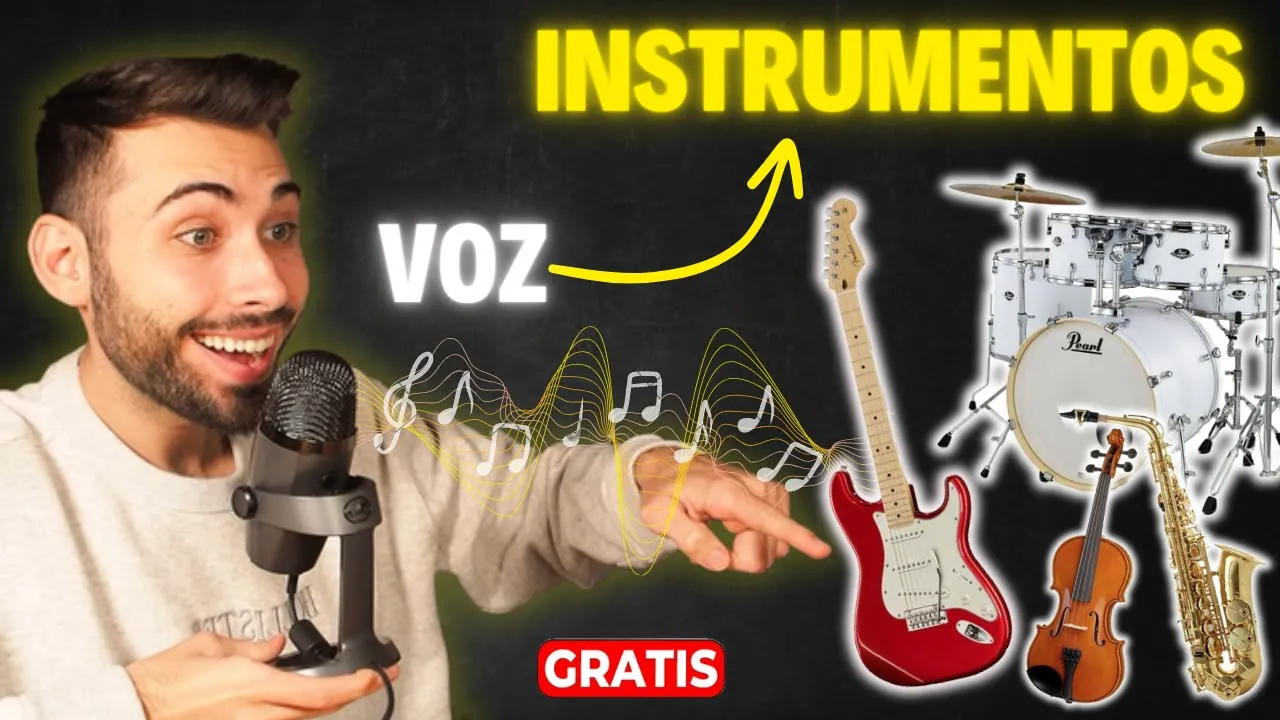
transform your voice into any musical instrument [Music] It's a surprising truth, these are some examples that we will be seeing throughout this video but for a moment imagine its possibilities both for professional people who want to convert a musical idea into a specific instrument in a way agile until we delight in the melodies of creative people who did not have the possibility of learning to play an instrument or even other people who are unable to play an instrument in a traditional way, without a doubt an Innovation that opens many doors, which is why in this video you I will show you how you can convert your voice or practically any sound into a musical instrument. In addition, I will be showing you through two Artificial Intelligence platforms that you can try completely free. It sounds good, so let's get to know the first one.
As the first platform, we have the magenta one, a tool for Google that we can try for free and unlimited with this we can change any voice or sound to one of its Four instruments to know what they are, step directly to share my screen with you and once you click the first link this page will land here to be able to use it you would simply have to click the Let button once we are here we can see by default different inputs as an example so that we can see how this platform works, we are going to see, for example, this first one of an a cappella voice if I [Music] [Music ] click and this voice that you just heard can be converted into these Four instruments here, such as a flute, a saxophone, a trumpet and a violin So let's see how the first one sounds, I'm going to click on flute and let's see how we do to [Music] Play great and as you can see it has collected all the nuances of the singing voice and extrapolated to this instrument would happen Exactly the same with these three remaining instruments So I'm going to show you a few small [Music] seconds And as I told you before Not only will we be able to change the voices but we will also be able to change any sound. For example, we have this sound of birds. So if I clicked on it, [Music] would be heard , so the truth is that it is a very complex sound to be able to extrapolate a instrument but let's see how this Artificial Intelligence tries, let's first try the saxophone Well at the end of the day just as you imagined some very difficult musical notes but well actually the real sound has been able to interpret it to an instrument Although it does n't sound all right Let's AB a small part of the three remaining instruments [Music] of the flute I change the trumpet and let's [Laughs] [Music] see and finally the [Music] violin Well it's really good to be able to hear what it would be the sound when we clean these instruments now we will be able to upload a file in audio format that we want to convert to one of these Four instruments or even recording our own voice from here keep in mind that the platform will collect the different intonations that is, if we with our voice or the audio that we are going to upload is out of tune a little because in reality we are going to see it the same even if it is placed on one of those Four instruments.
For example, in my case, since I don't know how to sing, it is probably out of tune and this is what happens. We are going to see it reflected in the instruments Although I am going to try to tatare a little bit of Belachao's song So I am going to press record and see how it goes to be able to select one of these Four instruments, first we would give it transform and this process would begin which usually takes an average of 15 seconds and now let's see how [Music] [Applause] turned out [Music] [Applause] and well, how did this first example sound to you? I know it's not good too, but it's really my fault, now you can tell I'm going to be teaching you how to upload an audio file and an assistant to convert it to another instrument So for this we would come to the recording part and since I already have one first We will have to remove the one that we have already recorded So I give it to the x and we click delete once we have deleted it now instead of recording what we are going to do is upload a file.
So for this we are going to click on upload and I am going to be testing it with the beginning of Harry's melody Potter So I click open, we check that it has been uploaded correctly and as in my case it is correctly uploaded again we hit transform And again it would start processing and it would take the same 15 seconds great and we will have it processed here before trying it with these Four instruments I can tell you that in previous tests when I have done it with an audio already assistant of a song This works worse than if we try to do it with our own voice since these types of platforms really seem like they are trained to do it with the voice although we go Let's see anyway how it sounds So let's start with the flute And I press [Music] Play and now we're going to see a little bit of the saxophone to see how [Music] the [Music] trumpet and the violin like I was telling you about the result, it's true that it's not very good and I'm really trying to do it with our voice, although it's out of tune, it's going to sound a lot better. Let's see how it goes. Here again, I'll remove the recording, I'll hit delete and I'll try to record a little bit of this beginning of the song.
song So I hit record tin tin here I would have the voice that I have recorded Let's transform it and this is how it would be heard let's start again in the same order let's start with the flute [Music] Let's hit the saxophone and let's see what [Music] is not bad, much better than when we upload the audio, let's see how the [Music] trumpet is [Music] And finally the violin, which is usually a little more complex but let's see how it is Hey, not bad for what I have made out of tune in the audio that I have uploaded but stay tuned because this has only just begun. Now I am going to show you another platform that we are not going to have only four instruments but we will have 18 and in addition this new platform has other peculiarities that The previous one that we just saw doesn't have it. So let's see what it is.
As a second alternative, we have music F, a tool that has 18 instruments and also if we don't find the one we want, we will be able to upload our own model to train it and have that instrument. that is not on the platform, in addition, it has other additional functionalities to the previous one that we have seen that can allow you to even build a complete song to see what they are. Step again to share my screen with you once you have clicked on the second link that I will be with you.
Leaving in the description you will land on this page here, as you can see, it is very focused on what we have been seeing on the previous platform but to be able to try it for free click on this get started It's free button and now land on the platform that As you can see it really has some options similar to the previous one that we have seen before you can use it you would have to click on the Sign In button So I click on it And now you can register with an email or a We account as always I am going to use the Google one that I use in all the tutorials to be perfect and once you have registered, keep in mind that just as this message from Here says, we will be able to generate up to five creations for free on this platform since really yes I click on the upgrade button, as you can see, it is a Premium platform, that is, we have a free version, which is the one I just mentioned, although it also has different payment plans. Here, really, with an annual subscription it could cost us from 3. 50 per month for one.
promotion that I am seeing is from Black Friday and with this we can make up to 25 creations per day from text to music and they also have other plans but keep in mind that if you really don't want to have a one-year stay the price would increase a little to 442 the lowest price however as I only want to try to use the free plan So I close Here and now before using it I am going to tell you important aspect that you should take into account the first is that as you can see below here all the voices of artists who have within this platform are copyright-free, furthermore, it goes without saying that an instrument when we put the different tones on it obviously will not have copyright because the instrument is not the property of a specific person. Also keep in mind that apart from the functionality that we are going to be seeing today It actually has others that are very interesting. For example, the vocal artist, here we are going to be able to record our own voice and later select one of its artists who, as you can see, have all of these here other functionalities that they have.
And in a similar way It is the vocal parodies. This works in a very similar way, again we can either record ourselves or upload an audio and now instead of choosing an artist, now other more recognized voices will appear that really the main objective is to change a normal audio that we want do or even a singing voice to see how one of these people here would do it, although about this specifically I am going to leave you this other video here where I have already been talking about it with other alternatives that are totally free and limited as a third option we have the one about instruments, which is the one we are going to be seeing in today's video and to finish so that you keep it in mind we have another one that is from text to music. Although again here I am going to recommend this other video here where we were watching How We can transfer a text to music and also with three platforms that work superbly, so I am going to click on instrumental again, which is the focus of this video today.
In this menu we will be able to directly upload our recording or an audio and now yes We select instruments we are going to have many more between a drum set, electric guitars and even other instruments that we do not have on the previous platform. For this second example I am going to be simulating an electric guitar song. So I am going to click on electric guitar and now I am going to simulate some notes of an electric guitar to see how it turns out so I hit record and see how it goes Tino Tino Tin we stop the recording and once we have it we would select the instrument case the guitar and now click let's go to remix and it would start generating great and now we have it here let's see how [Music] sounds and well what did you think the truth is that it's not bad at all the truth is that it sounds like an electric guitar now I'm going to be trying it by clapping and selecting for example the drums we're going to see how it does once we have it here we would give the instrument we want in my case the drums And again to remix we would have it here let's see how it sounds it seems that the model is not so adapted So let's do it some other vocal test So I delete this one and click on recording no no nor no nor no nor no once I have recorded it now I am going to select For example that instrument here that I really don't know I'm going to click on it and I'm going to hit remix.
We already have it here, let's see how [Music] sounds and now it has taken the tones of the voice that I tried Play adapted to the instrument that we just selected and well, what do you think? We have done this in such a simple way, leave it to me in the comments and share if you liked it, as we are seeing, now a multitude of opportunities are opening up for those experienced in the music production sector thanks to streamlining the processes with the knowhow of experience together.

![I Replaced ALL my ADOBE APPS with these [free or cheaper] Alternatives!](https://img.youtube.com/vi/5EfqHg49kMk/maxresdefault.jpg)