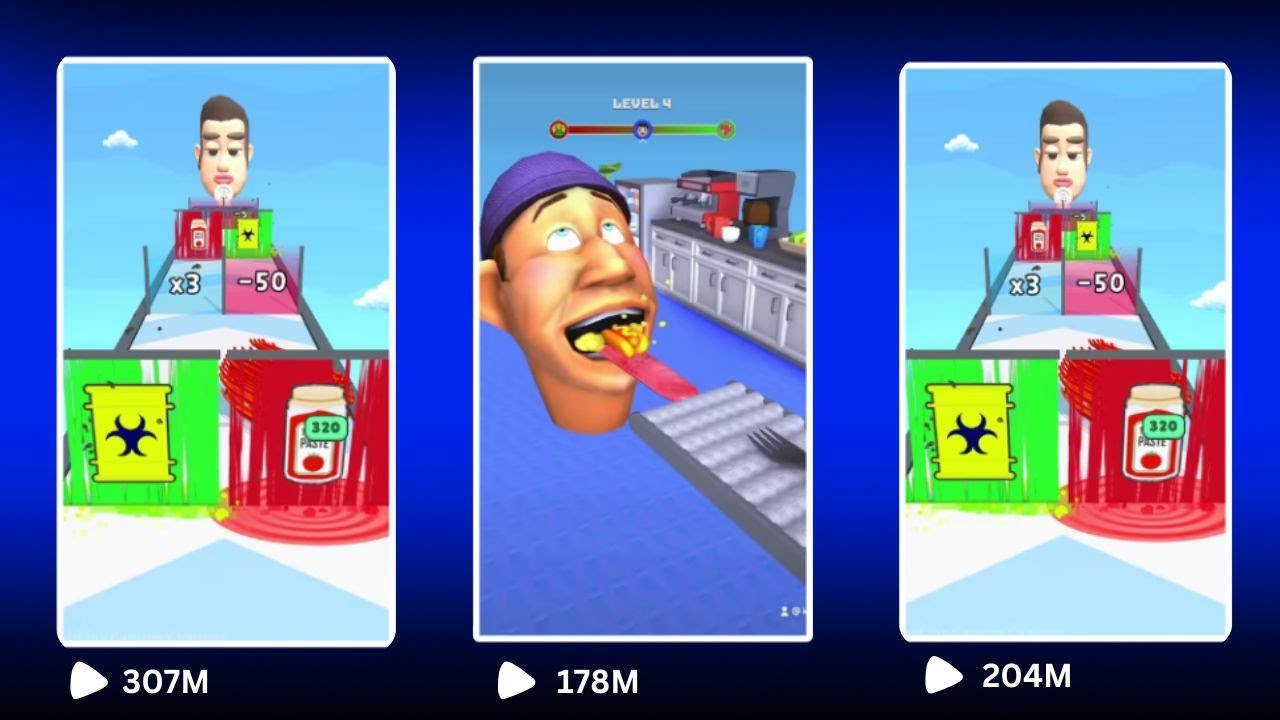
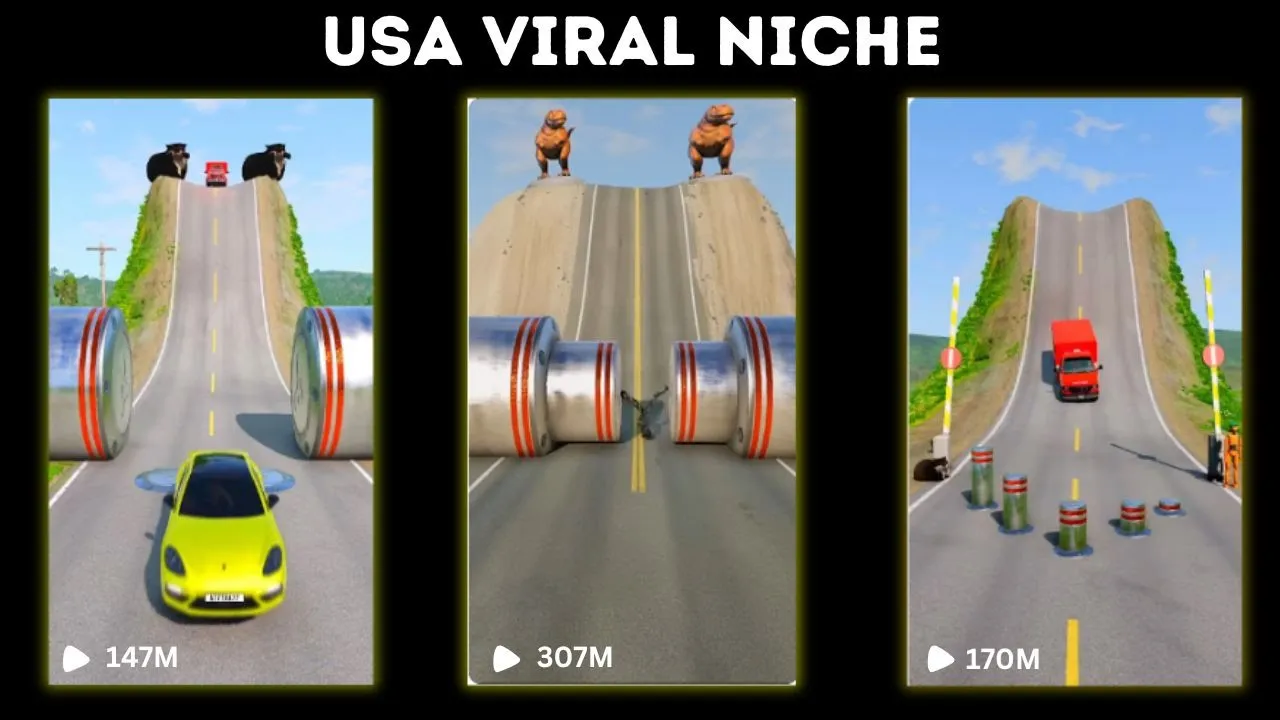
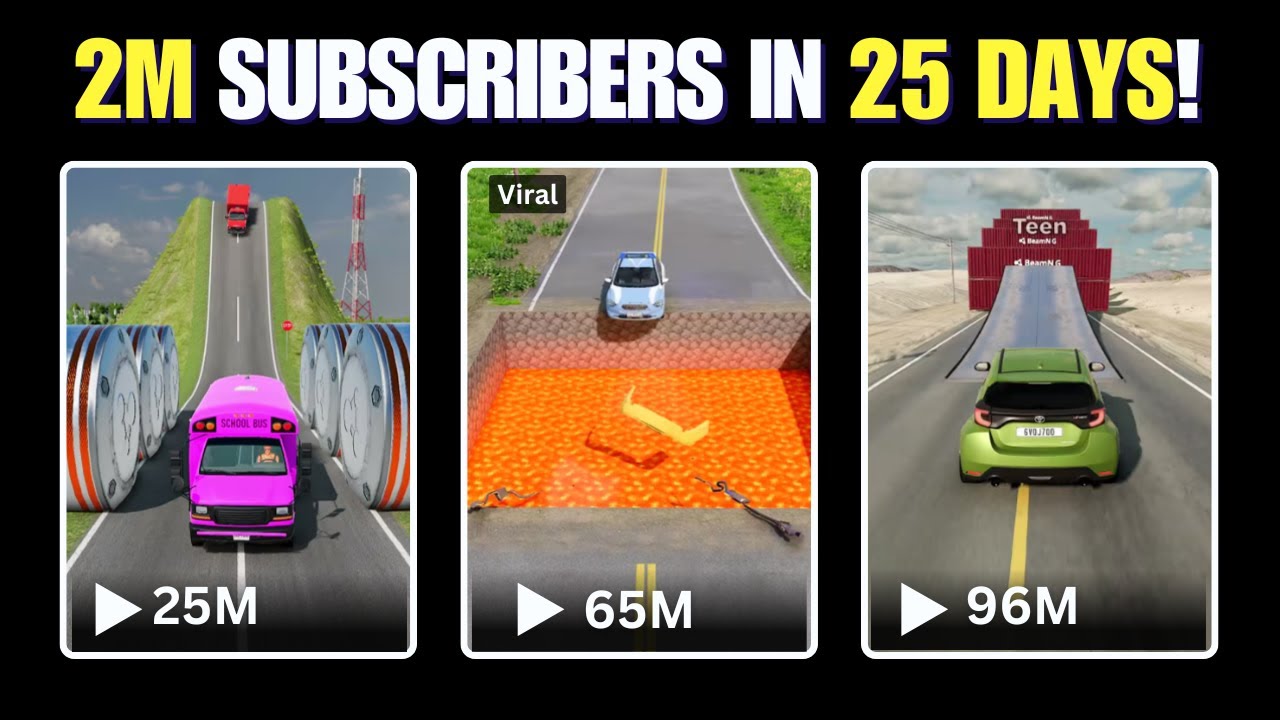
imagine joining YouTube 25 days ago and already having 2 million subscribers and millions of views all while posting bam Drive videos I'm talking about this channel that joined YouTube on December 5th and already has 2 million subscribers yes just to confirm all the videos are this type and he only uploaded less than 40 short videos because this is an exploding Niche right now you might say it's luck but take a look at this other Channel with 3 million subscribers and once again they're posting the same videos some of these channels are just doing copy pasting
because all of these videos come from a secret app that I will share with you in this video what this guy did is he just added a voiceover and that's it 2 million subscribers yes some of you have complained that shorts revenue is awful but I think this time it won't be because of the amount of views in question if you follow the steps I'm about to share plus as we always do we will try to make changes and edits to beat YouTube's duplicate content and avoid any copyright issues all while using free tools first
let's see how we can get the videos Outside YouTube and Tik Tok because that's where everyone is getting them from the app I'm talking about is called qu show a massively popular Chinese short video platform similar to Tik Tok but with its own unique ecosystem and an enormous library of content don't worry I'll include the download link in the description and it's completely free and easy to set up once you've installed and opened the app you'll land on the homepage which is packed with thousands of videos across every Niche imaginable but what we're specifically interested
in are bmng Drive videos those satisfying crash filled clips that people love watching on platforms like Tik Tok Instagram and YouTube YouTube shorts to start simply head over to the search bar in the app and type in bmng Drive you'll immediately see an endless Scroll of content featuring dramatic car crashes high-speed chases and unique vehicle stunts the best part the app's content isn't locked behind language barriers so you don't need to understand Chinese to navigate or use it effectively just focus on the visuals because that's what matters most spend some time scrolling through the videos
and observing the style pacing and presentation when you find a video that stands out something that you know your audience will love click on the share button and then select copy Link Link now here comes the exciting part take the copied link and head over to a video download website I'll include the link in the description as well these websites are designed to strip away unnecessary elements like watermarks and ensure you get a clean high resolution video ready for editing paste the link into the provided box click download and in seconds you'll have your chosen
clip saved to your device without any distracting branding or overlays now we're already in the final stage which is taking the video into cap cut and adding our own creative touches before it's ready to be posted this is where you can truly make the content stand out and avoid any duplicate content issues now here on cap cut we have two popular methods to edit these videos the first is the simple voiceover method where you just add narration to the video which is incredibly straightforward the second is the logo tracking style a trend you've likely seen
all over Tik Tok and Instagram let's start with the logo method as it opens up a lot of creative opportunities you can use this sty with football teams celebrities companies football players and even countries the possibilities are endless first open a new project in cap cut and upload the video we just downloaded next go to Google and search for Premier League teams switch to the images tab and instead of downloading individual logos one by one download an image that contains multiple team logos in one picture save this image and then import it into your cap
cut timeline now adjust the video ratio to the Tik Tok style 916 to ensure it fits perfectly on vertical screens drag the video to your timeline and then add the image with the logos since the image contains multiple team logos we'll need to crop them one by one click on crop and then move the crop area to focus on one team logo let's start with Liverpool once cropped click on mask and select the circle mask to create a circular shape around the Liverpool logo after that drag the logo to position it on top of the
first card that appears in the video let's say it's the black car now click on tracking set it to both and then align the yellow tracking icon on top of the black car once everything is properly positioned click Start tracking and cap cut will automatically make the logo follow the car smoothly let's see the output after the tracking process is complete ensure that the image layer ends exactly when the car exits the screen so we can focus on the next car the steps are essentially the same for every team logo but I'll walk you through
one more example add the image again to the timeline click on crop and select another team logo let's go with Manchester United this time repeat the masking process using the circle mask and then position the logo on top of the next car let's say it's the red car again click on tracking align the yellow tracking icon with the red car and start the tracking process once that's done you'll see how clean and professional it looks I've already completed the rest of the logos off screen to save time as the process is the same for each
team now export the final video in high resolution and it's ready to be posted this method not only makes your content more engaging but also gives it a polished professional look that stands out on platforms like Tik Tok and Instagram



![How I make ORIGINAL YouTube Shorts with AI [FULL TUTORIAL]](https://img.youtube.com/vi/CICAugrOhmM/maxresdefault.jpg)

![How To Make ORIGINAL TikToks & Reels With AI [TikTok Creativity Program Beta Course]](https://img.youtube.com/vi/VIZwu9g8KPs/maxresdefault.jpg)