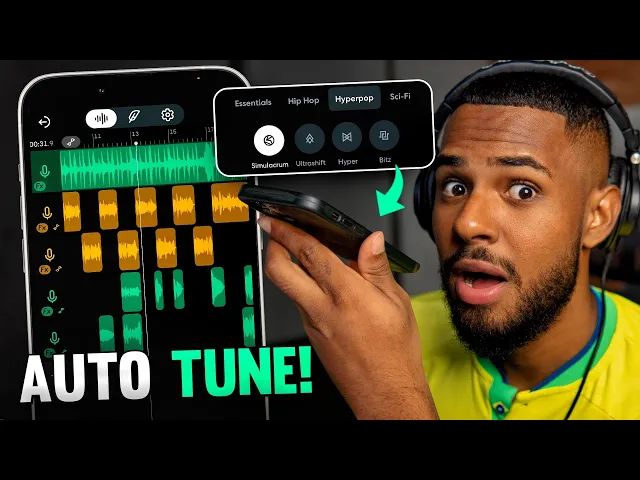
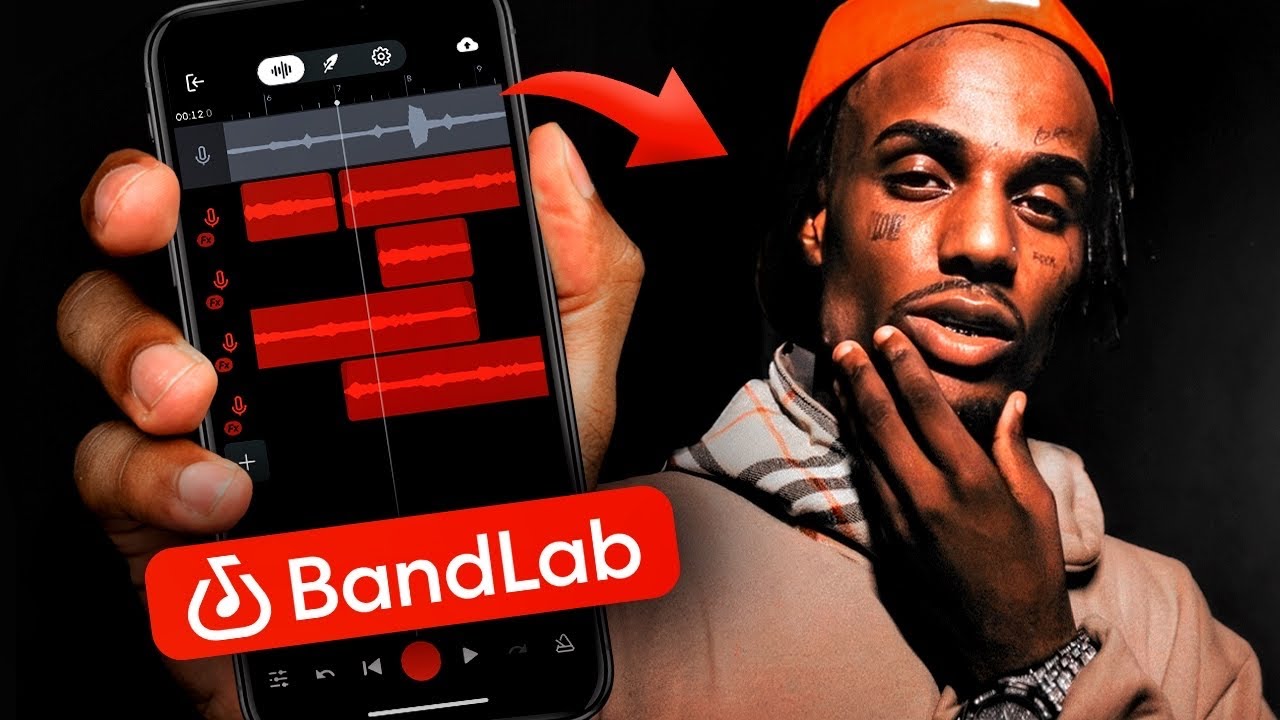
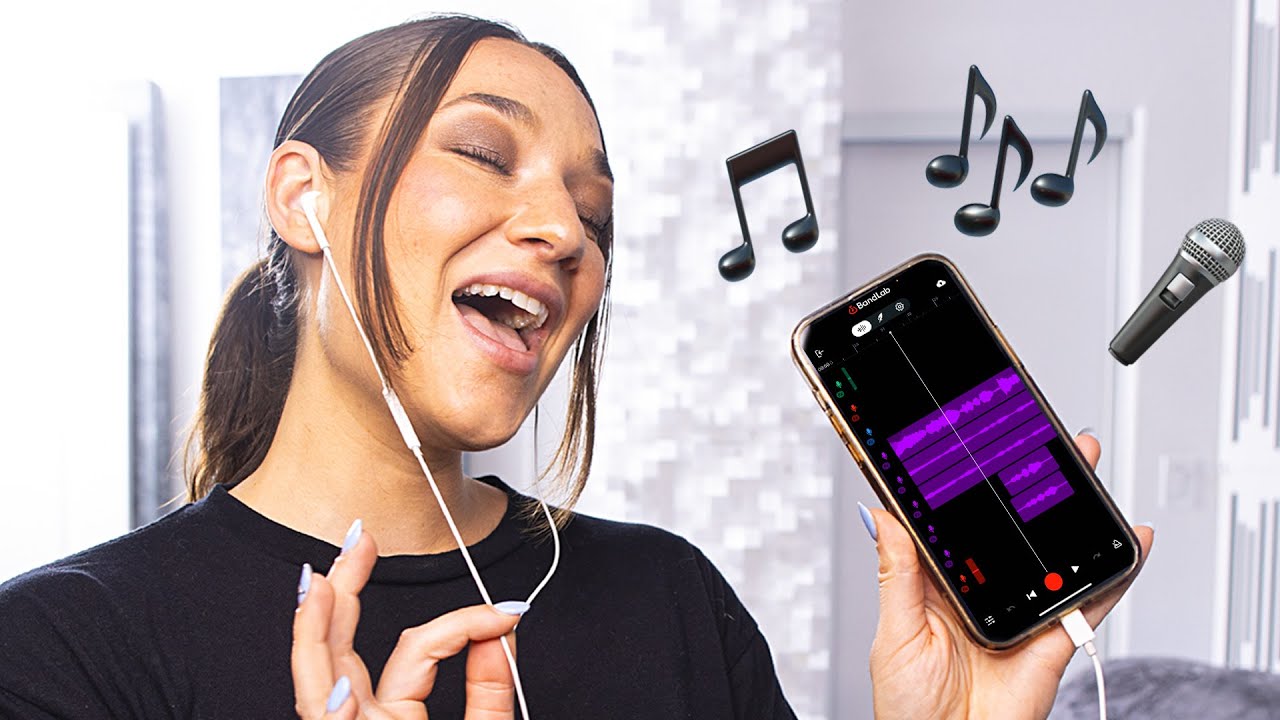
Today I'm going to show you how to record a song with Auto Tune using your phone. For those who don't know, Auto Tune or Auto Pitch is a tool, it's an effect that corrects your voice. And the application that we will use to do this will be BandLab.
BandLab is a free music production app that you can find there in your app store. You can download it for free there. I already downloaded mine, so let me open it here.
When you enter for the first time, it will ask you to create an account, you create it there, everything is right. Here, here on this screen, you will already come across the BandLab social network, but we want to produce music, right? So for that, you're going to click on this little plus button and come right here to open studio.
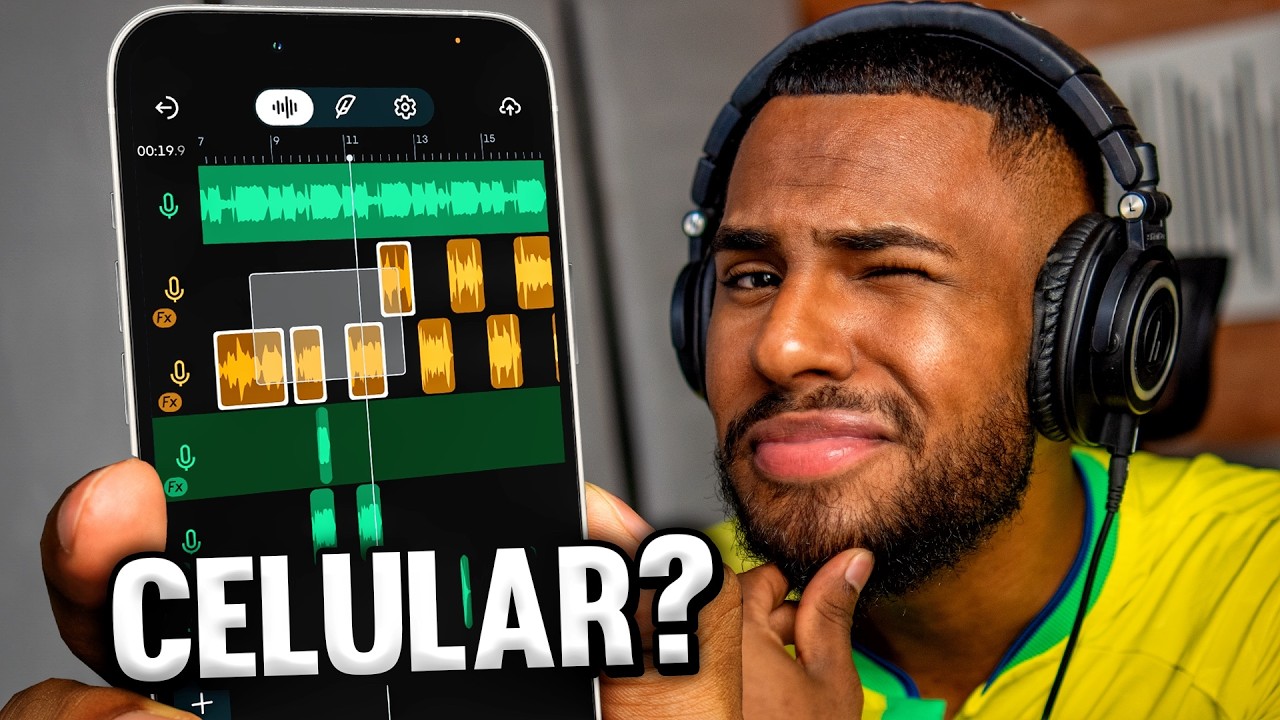
By clicking here, you will be able to create a new project for you to work on your music. Right from the start, he asks me to create a new track. So I can create here a track where I can record my voice or whatever audio it is.
If you have a beat there, an instrumental that you want to sing on top of it, you can import it into the application, clicking right here on import track. Then, it will appear here for you to sing over. And the most important thing is that if you want to create your beat, want to create your instrumental, here at BandLab there are several instruments, you know?
There are more than 300 instruments here, and you can use them to create your own instrumental. But what matters to us is the recording tool, the auto pitch, right? So for that we will click here on voice and audio, as you can see below as well.
Record with high pitch and more effects, that's what we want. It's going to create a track here and from here you can already record. By clicking here on this headphone that is right here in the lower right corner, you can hear the feedback of what you are recording.
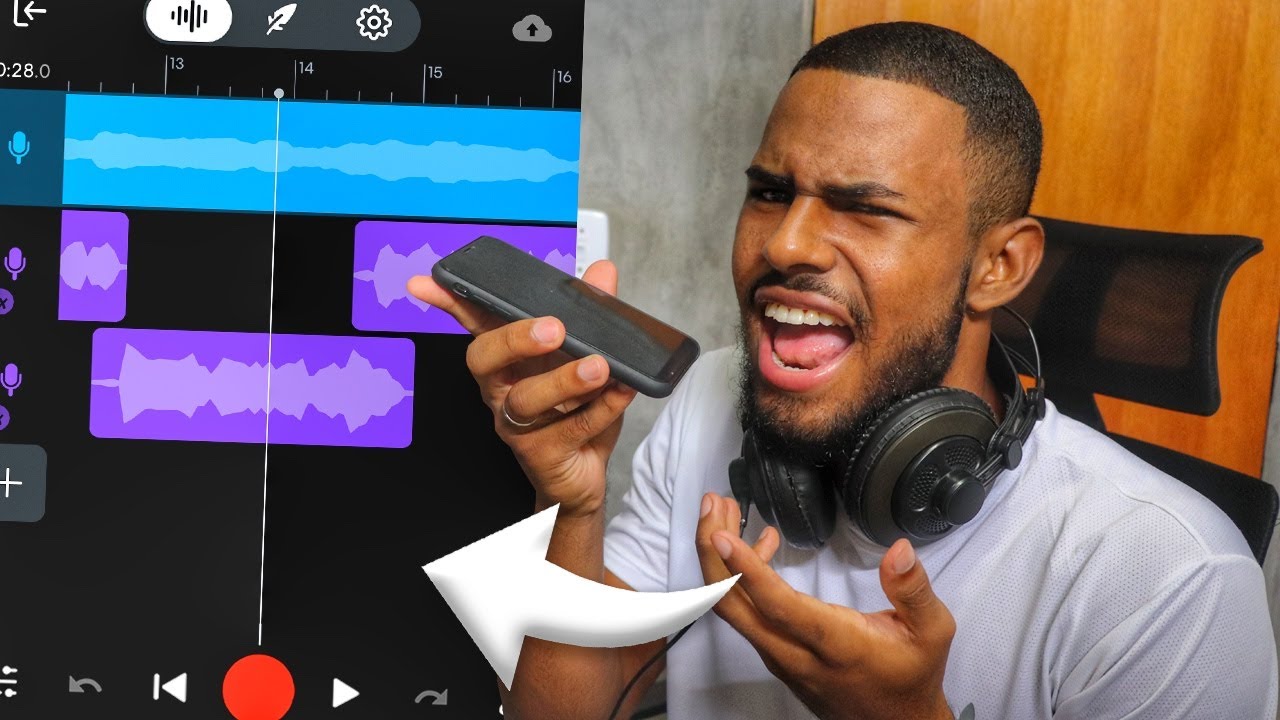
So let me put my headphones on. And just click on this red button here for you to record. This is a test.
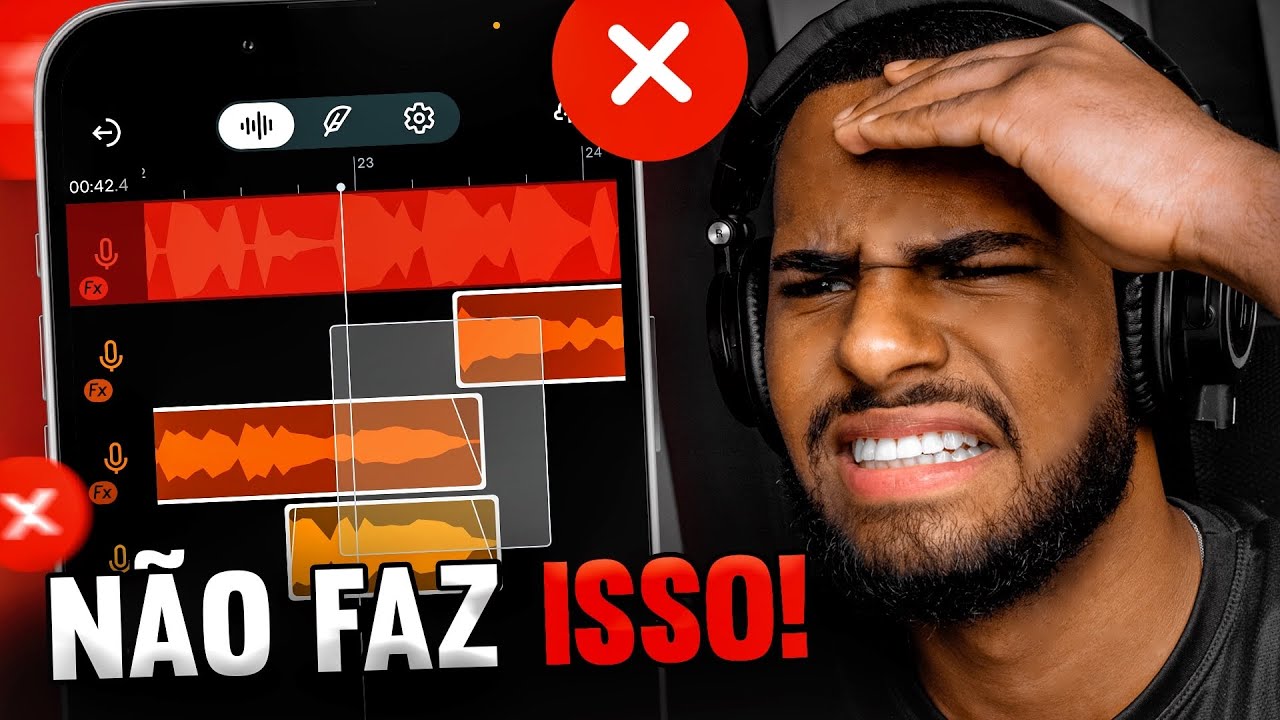
Then my audio is already recorded here in my track. If you want you can go out and control it here as well. So you can order it further forward or further back.
If you want to delete, delete. BandLab is really very complete and well customizable. So you'll be able to make a really good song using it.
Now coming back here to our track. Let's get to what matters, which is Auto Pitch. We want to correct our voice.
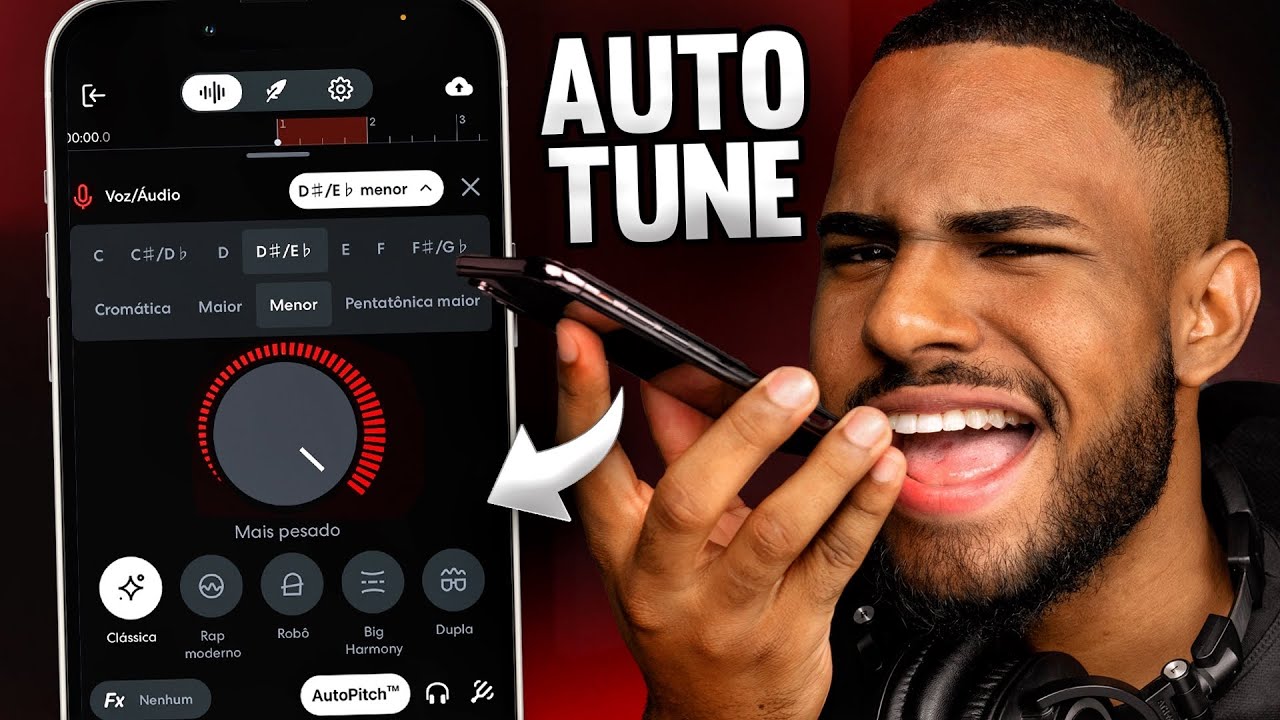
So you're going to click on that option that's right down here as well, next to the headphone. It's already in your face, Auto Pitch. Click here, you will open BandLab's Auto Pitch.
And inside here you will give it a little configuration so it can work well. So you're going to first adjust the pitch. of your Auto Pitch, which is for which note it will correct your voice, so clicking here it already comes from standard in the chromatic scale, But if I click here you can choose any scale that you want, it's got all the notes and scales here, and has the option to detect the tone automatically, so if you already have an instrumental here imported into BandLab, just click on detect tone and it will already identify and set up your Auto Tune automatically.
Alone. In this case here, I don't know, I'm going to put a random note. Minor sustained sun.
Here on this giant button in the middle of the screen here, I can adjust the power of my high pitch. So if I want it to correct more, I leave it here at 100. If I want him to correct less, I leave it here at, I don't know, 10, 20.
You control as much as you want. That's really important because Auto-Tune has that texture, That robotic aspect in your voice, so if you don't want that robotic aspect to be, Who does trap likes this robot a lot, but there are some people who don't, You can decrease it and it will be smoother, more natural. By clicking here on the return I can already hear myself with Auto-Tune.
You can see that you're already correcting my voice perfectly. And it doesn't stop there, because this Auto Pitch here at Bead Lab has several other options as well. Down here you can find several presets, several correction presets, of Auto Tune.
So there's a classic, which is the pattern I showed you, there's a duet, which will duplicate my voice and make a little harmony, so here. . .
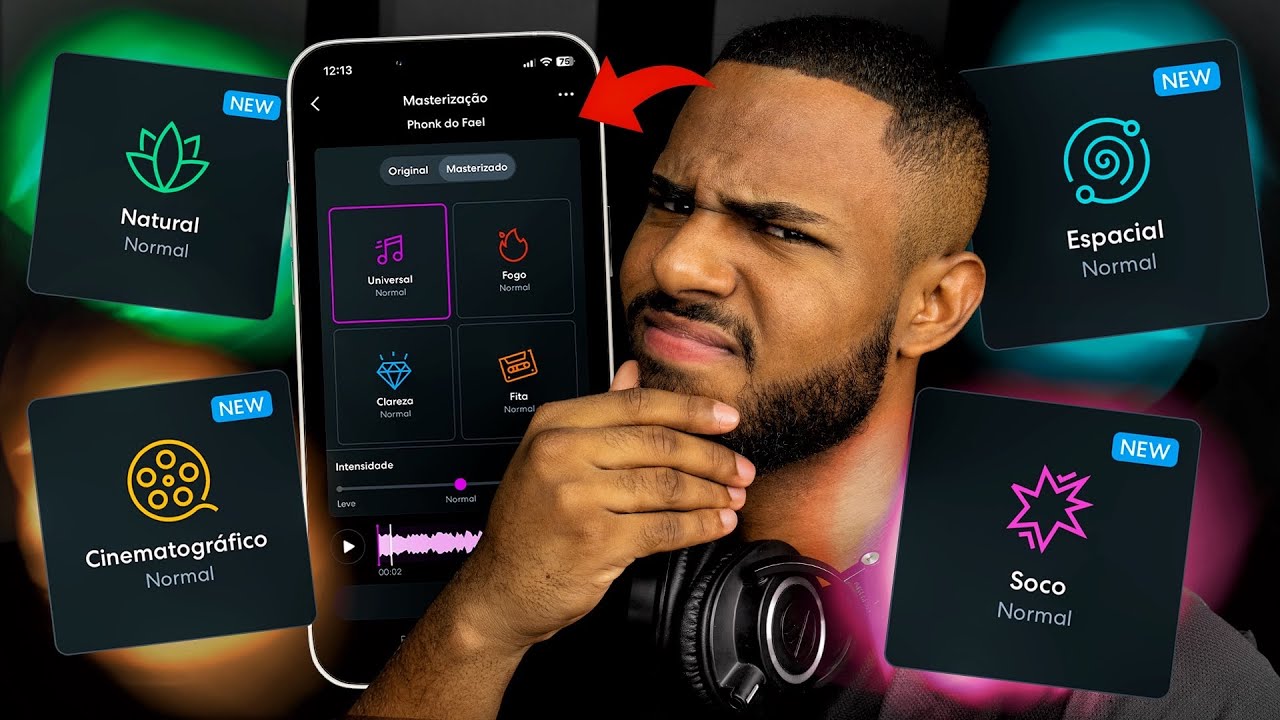
There's a Big Harmony, which will create greater harmony, right? There's Natural, which is a new autotune, it's recent and I like it a lot. It looks very natural indeed.
It is almost the same thing as the classic, only with a better aspect. And also what I've noticed here is that it reduces the noise, so it's a really nice effect. There are many other presets here in the Hip Hop tab.
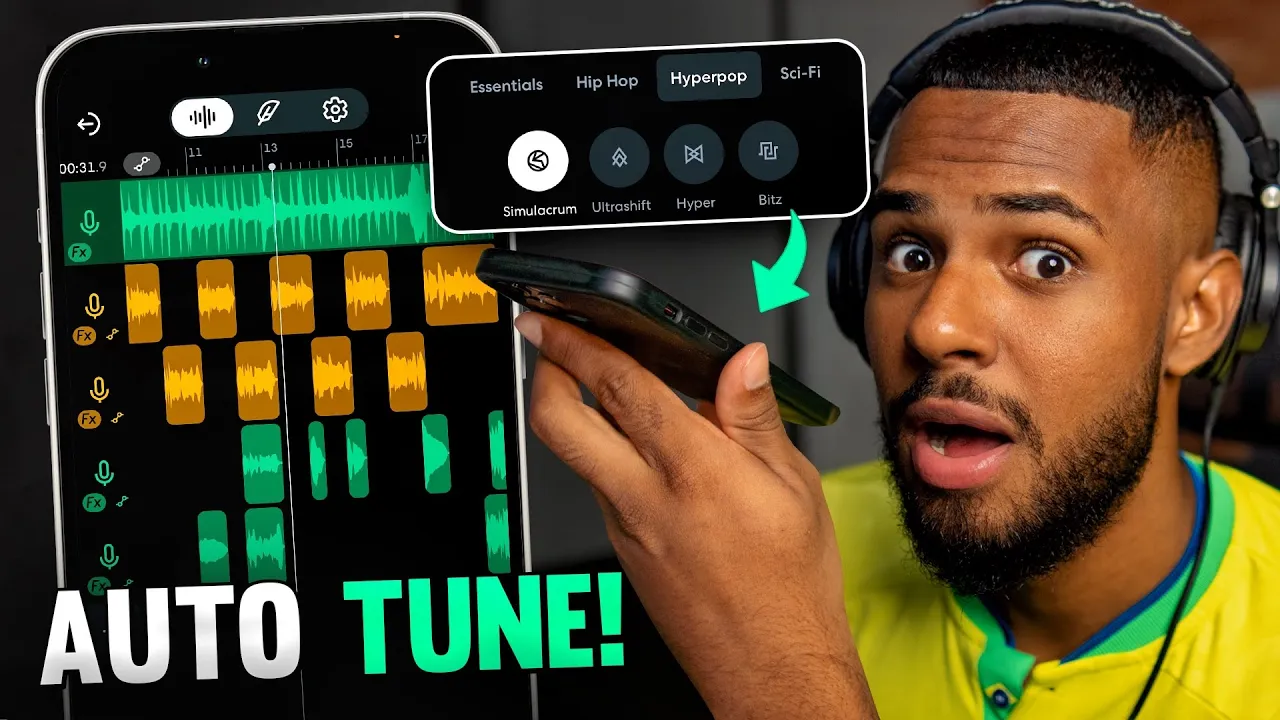
There's Hyper Pop here too. There's Sci-Fi, which has some very futuristic effects here, including very daora. There's this robot here, oh.
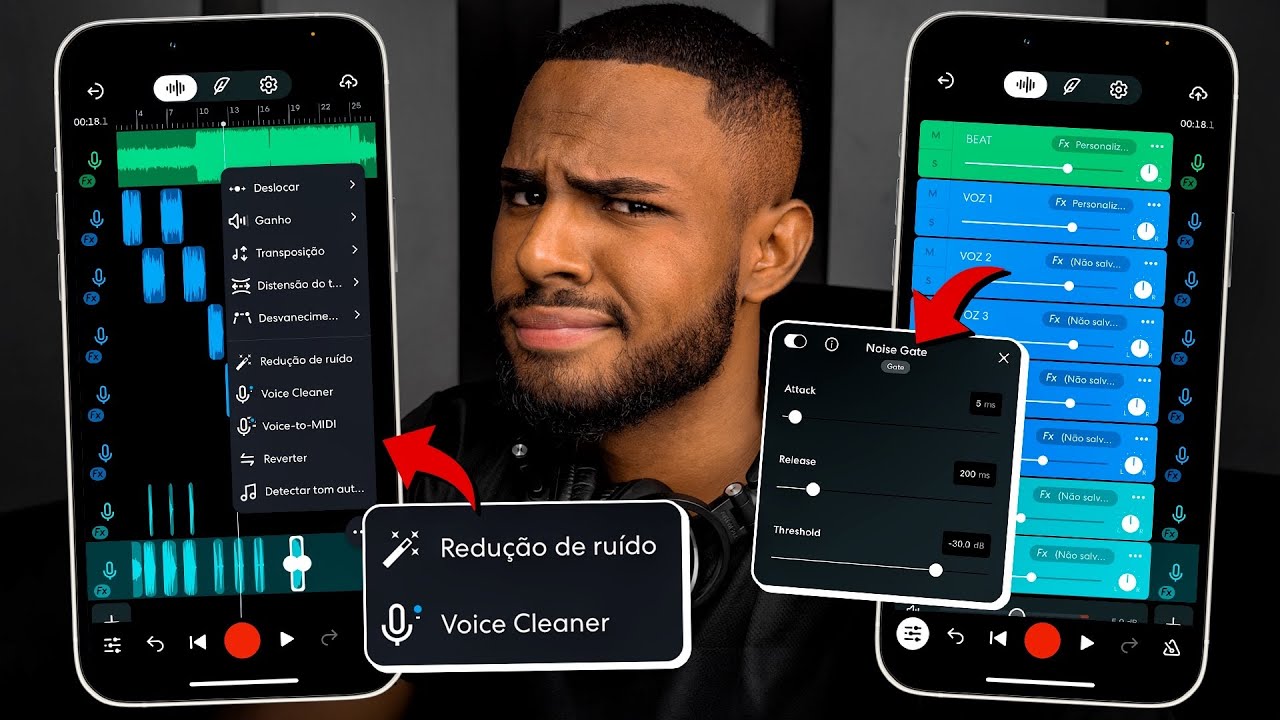
This Future Escape too that I enjoyed a lot, oh. Anyway, there are many presets here that you can use in your creativity at will. And another thing also here, already going a little out of Auto-Tune, if you want to mix it up in your voice, you can see that in FX you will have several presets from BandLab itself.
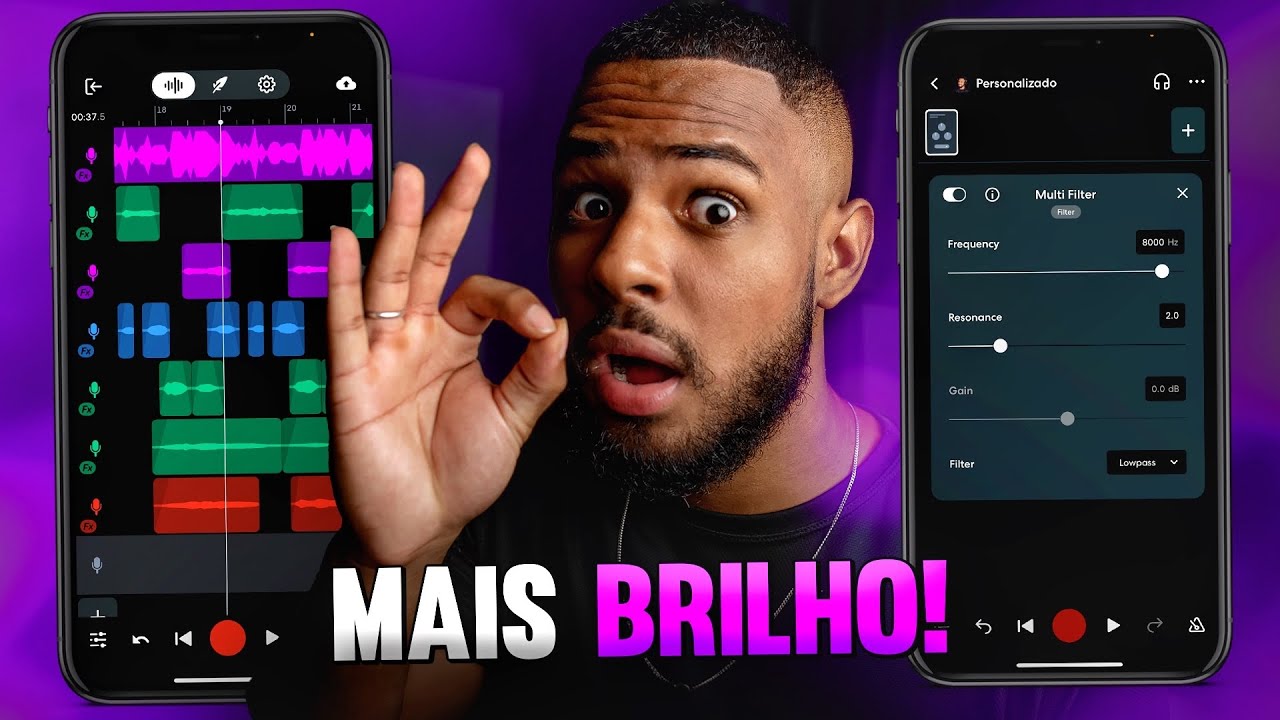
You just choose that she's going to mix your voice herself. So I'm going to choose this one and look how my voice will look. It already comes with all the effects of a mix.
And if you understand a little more about music production, you can create your own effect with the various effects that you have here in the app. So, I click here on create preset and here it has various effects, it has equalizers, compressors, delay, reverbs. So, BandLab is a very complete application.
For those of you who want to create a song on your cell phone for free, there's no better app. And let's suppose here that you have made a song, you imported a beat, recorded it, did everything right, you know? How are you going to save?
You're going to click on this little cloud here, there's the option to save, you clicked save, you're going to put a name, I'm going to put it here for test and I'm going to click here to confirm, right? Confirmed, I click on view, it will open here, my project and if you want, you can click right here, on the down arrow and download it as audio or video to your cell phone and share it with your friends or post, do whatever you want. If you want to download BandLab, I'm going to leave a link right down there where you can click and go straight there to get more fácil.
Here on the channel you will find a lot of free content teaching you how to use the app, how to create a song from scratch, I show it in practice, so there's a lot there for you to watch. If you liked this video, leave your like below and subscribe to see more videos like this, right? Anyway, until the next video.




![How To Record + Mix Vocals In Bandlab [IOS/Android]](https://img.youtube.com/vi/0uWwIMCs_08/maxresdefault.jpg)