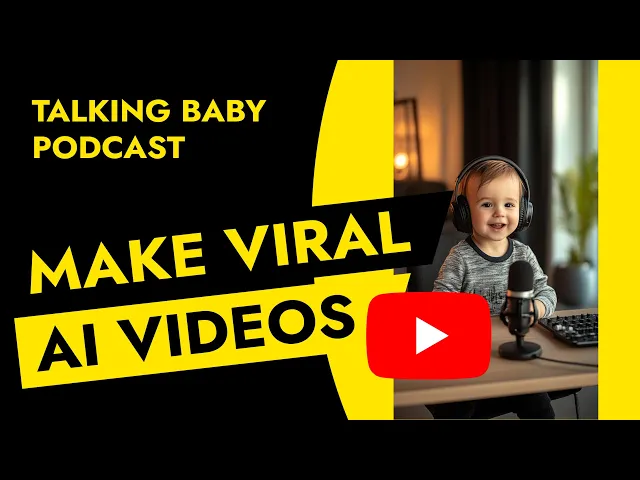
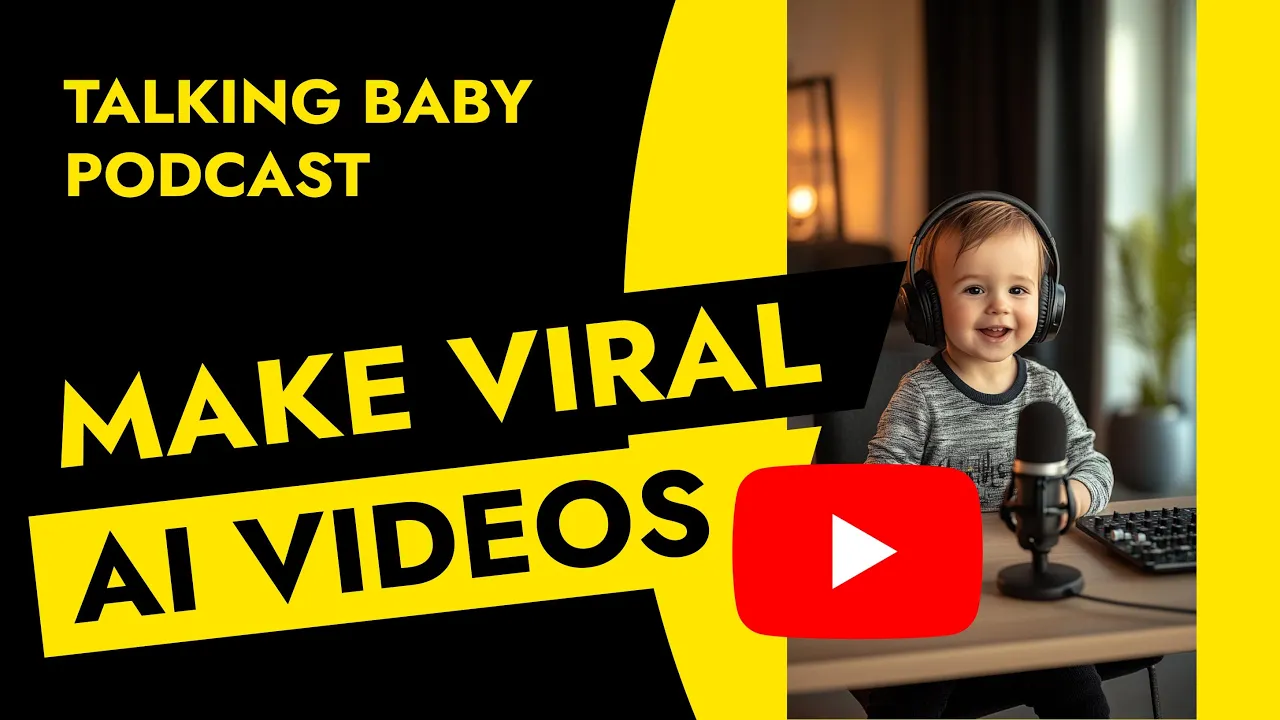
The Talking Baby podcast. This concept has been taking the internet by storm lately. And honestly, if there's a great script behind it, you're basically guaranteed tons of views and audience engagement.
But have you ever wondered how it's actually made? In this video, we'll go step by step through the entire process so that by the end, you'll be able to create your very own talking baby. Let's get started.
Hi, my name is Daria. I'm a product designer and content creator. I've been helping to create and sell digital products for over 10 years now.
On this channel, I show you how to build online products and create content around them in a smart, effective way, especially with the help of new tools and tech that keep popping up every day. So, if you haven't already, please consider subscribing and let's dive in. Creating this kind of video breaks down into five steps.
writing the script, generating the voice, creating character visuals, animating the character, and finally putting everything together into the finished video. While AI can help with most of the other steps, this one really needs you. Your creativity will make all the difference here.
Sure, you can ask ChatGpt or another LLM to write it for you, but honestly, those scripts often don't have the same spark as something that comes from your own imagination and a bit of playful observation of how babies or dogs view the world. That said, ChatGpt is a great brainstorming buddy. You could ask something like, "Hey, I want to generate a short AI video where two one-year-old babies are talking to each other in a podcaststyle setting.
They speak and behave like adults, but still see the world from a child's perspective, like they don't fully understand who they are, where food comes from, or whether they'll ever grow up. Can you give me some topic ideas? " From there, you can expand on the ideas, ask for a full script, or just tweak what you get.
Totally up to you, but I still believe that little spark of originality should come from you. One tip though, if English isn't your first language, definitely write the script in your native language and then use chat GPT to translate it. It's very good at that.
There are tons of tools out there, but I personally recommend 11 Labs. I use it all the time and love the results. In 11 Labs, you've got two main options, text to speech or voice changer.
Text to speech is the simpler route. Just pick voices from the library. They all come with audio samples.
Filter by tone or gender. Copy paste your script and generate the speech. You'll want at least two voices since, hey, it's a podcast.
But if you want more personality and realism, I recommend stepping it up with voice changer. Here's how. Record yourself reading one of the podcast parts, upload the audio, and then swap your voice with the chosen AI voice.
11 Labs will keep your natural pacing, pauses, and emotions, so your final characters will sound way more expressive and relatable. Think confusion, joy, hesitation. It all comes through and makes your video feel more alive.
Now, we need a face to go with the voice. You could go straight to a video generator, but I'd start with a static image to have more control over the final look. I usually use midjourney, but you can also try tools like Leonardo Chat GPT's image capabilities or whatever works for you.
The key is in the prompt. I'd write something like one-year-old baby sitting in a recording studio participating in a podcast. Microphone on the table, headphones on the head, very realistic photo, natural light.
Feel free to add extra style details like studio aesthetic or baby outfit ideas. In midjourney, I'd also specify the aspect ratio. Then just experiment until you've got a baby avatar you love.
Take your time here. If your video blows up, you won't want to redo everything later just because your baby didn't look right. Now, the fun part.
There are lots of tools out there, but I recommend Hedra. Even their homepage gives you the vibe that this is the right tool for animating a talking baby. Choose the video section.
Select your model aspect ratio and you're good to go. You could technically skip the image and voice steps and let Hedra do it all for you. But personally, I don't recommend it.
Why? Because Hedra uses 11 Labs under the hood for voice generation. But the experience and control inside 11 Labs is just way better.
You can explore more voices, tweak things more precisely, and get a result you're truly happy with. So upload your audio, upload your baby image, or generate it inside Hedra if you like, and let the magic happen. Hi, welcome to my channel, Selectively Stolen, in a special episode of our podcast.
It's pretty cool, right? Just a heads up, with Hedra's free plan, videos are short and the rendering time can be slow. So, be patient and maybe set aside a small budget if you plan to do this regularly.
Now, it's time to put everything together. This isn't a full editing tutorial, but if you're looking for a user-friendly tool, check out Cap Cut. Super intuitive, loads of built-in effects, and you can polish your video with just a few clicks.