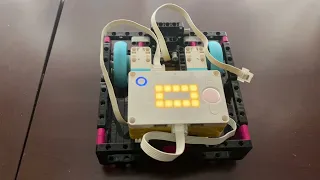
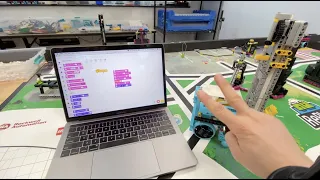
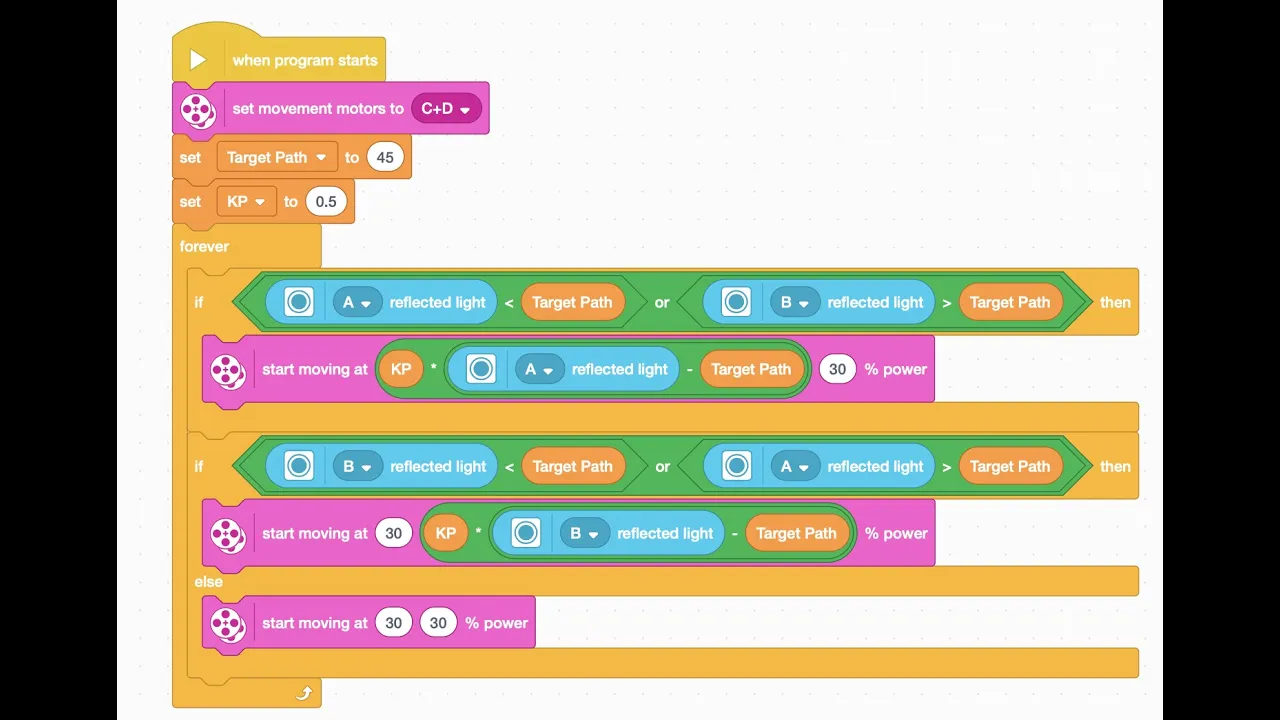
this video is brought to you by ftc team turtle tech and fll team 2x4 the reason i'm making this video is because what i wanted to do for my for the fll team didn't exist i wanted to make a two color sensor line follower for this bike prime only there aren't any so i decided to make one myself the first thing we need to do is just make a new project we're going to be using blocks for this the first block we need to grab is a set movement motors to well on our robot their
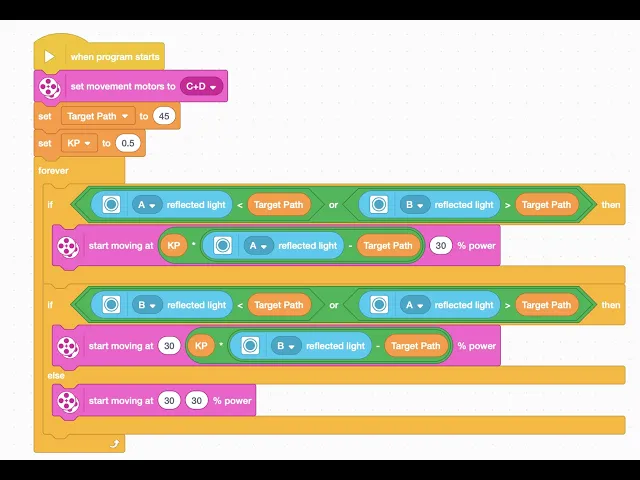
c and d then we need to make a new variable this variable is going to be called target path target path is going to be the ideal line we want both sensors to follow um we're going to be setting it to 45 because that's just the usual number because if you take 100 and which is the typical value for for white and then 10 which is the usual value for black and you average them you get 45. after that we are going to make a new variable this one is a little more fun it's called
kp this variable is going to be what we're using to adjust the sharpness or smoothness of how our robot follows the line the sharper it is the faster you can have it go and the less likely it is to slip off the line but you're also more likely to have issues when you stop line following and it's not as accurate that way kp is different on all robots on our road and all tables and whatever on our robot it's typically 0.5 um you're gonna have to just tinker around and see what the best value for
yours is after that we're gonna need a forever loop and in that forever loop we are going to put an if then block and an if then else block and the hexagon looking thing on the if then else block we're going to put an ore block and in that ore block we're going to put a greater than and a less than block in the first slot of the less than block we're going to be putting a reflected lights block and we're going to set one of them to a the first one to a and the
second one to b those are the color sensors on our robot then we're going to need two target path blocks this part of the program is in this part if a is seeing white or b is seeing black it's going to adjust and compensate for that and for this next part we're going to have to duplicate it and make and just change it so that's the exact opposite of what the previous one was so we're going to change the a to b and the b to a so for this one if b is seeing white
and a is seeing black it's going to steer and adjust for that next we're going to need to get a more movement block um and we're going to need to get to get the move tank block even though it's not not that even though that's not its official name that's just what it was called this same block was called in the ev3 software we're going to set both values on this bottom one to 20 which is a nice slow speed and good for this line follower we're going to set just the first one on this
one to 20 and leave the other one at 50 and we're going to set the second one on this one to 20. um after this we're going to need to go to the operators section we are going to need to grab a times block from the operator section yes right there a times block and then in that times block we're going to place a minus block in the second slot we're going to do the same thing on the bottom one only we're going to do it in the second slot instead of the first one we're
going to need a kp block and we're going to put that in the first bubble slot of both of them then we're going to need to go to the sensors and grab a reflected light intensity block um yeah that one would be a then we're going to need to grab a target path block and then grab another reflected light intensity block get the now we're going to get the reflected light intensity blocks set that one to a and set this one to and we're going to get need to get another target path block and that
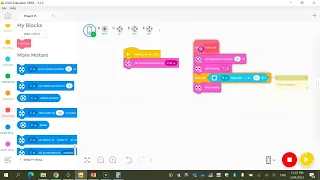
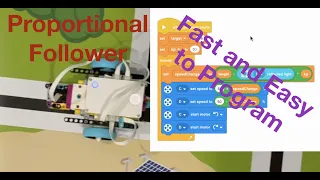
is the entire program for or this first part is just setting everything up the kp the target path what motors we're using then this bottom part is all the actual line following code this it it looks complicated but it's not actually that complicated um this first one if a is seeing black and b is seeing white then it's going to adjust until play is seeing a lighter color and on the bottom it's the opposite if b is seeing black and a is seeing white then it's going to adjust so b sees a lighter color and
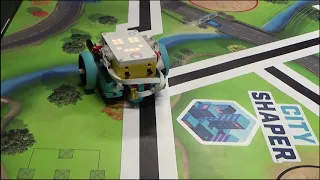
if both of those are fine then it's just going to keep driving straight and then here it is in action and then we're going to reset it so we can see that it actually works for both sides thanks for watching