if you're overwhelmed with the NeverEnding to-do list and overwhelmed by the amount of tasks that you have to do it's hard to find Clarity this course is for you in this video I'm going to show you how to build a digital personal assistant so you could get more done in a day than most do in a week let's get started there are three apps you need to manage your entire personal and work life they are notion Apple calendar and chat GPT so let's go over each one so with notion you need a tool or an
app to build a digital brain or a second brain basically our brain is for having ideas not for storing ideas that's why you get overwhelmed you're struggling with anxieties which is worrying about the future is because you have so much to do and it's unprioritized and your brain only has a limited capacity of what it could remember and hold that's why you're getting overwhelmed when it comes to doing tasks and project management so that's why you need a digital tool and I don't do uh physical uh notebooks or like digit or like physical planners just
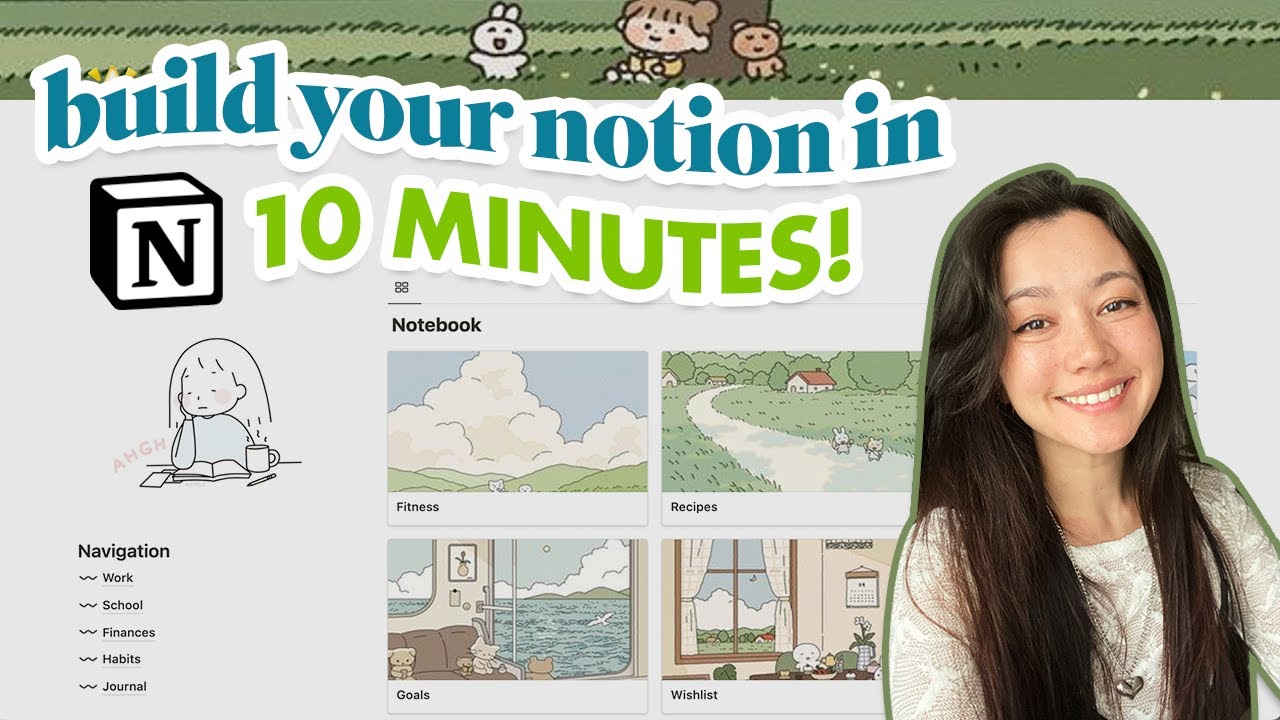
because you can't search for them it's hard to go to find that page when it's digital it's way more productive so there are many different apps out there I I've tried Evernote I've tried obsidian notion has been the best tool to build a second brain because it's simple reliable I've used it for over five years and I've taught it to hundreds of students who have used it to store all the things that they need now most people it has a high learning curve which I'm going to show you the best template in this video so
with notion you only really need three or basically two what's basically three lists to get started that's to manage your entire life a list for tasks projects and one for documents sln notes I'll go over those in more detail that's going to store everything that's important to you all the tasks you have to do all the notes all your documents and files all in one app so it's easily searchable so you could quickly move and get your task done on what you need to now the next thing is a calendar so you can manage your
time you most likely have more than one calendar one for work and one for personal so that's why I like using the Apple calendar because you could link up as many calendars as you need all in one app it syncs with your computer and your phone makes it easy and then that way you don't have to go to a browser log in and then try and do and if you log out and you got to log in again no you don't want to use a browser for managing your calendar you want to use a dedicated
app that way you open it up see what you need to get done for the day for the week and it's all in one app we'll go deeper into the areas that you're going to manage in there such as your routines work birthdays hobbies and fun are just the main areas to get started and what you're going to be budgeting in there and why you don't want to budget specific tasks in there I'll show you later on the next one is chat gbt or or an AI personal assistant that's only going to do two jobs
in your work life one is to help you make better decisions and two is to help you perform a tasks much faster than trying to do it manually with these three apps you can manage your entire work and personal life all the tasks the priorities you have to do without getting stressed or overwhelmed let's dive deeper now notion is your second brain and the way you lay it out you pretty much just have two things you have your list and a dashboard that's going to manage your entire life so with list as I mentioned you
only need three lists one for tasks one for projects and one for documents that's it you can add many others depending on if you want a list for books or reading later or um I have one for interest my book list is pretty like so has over a thousand books on it but it makes it super nice to organize it but keep those separate these are the main ones that you need to get started to manage your entire work and personal life now between these lists you shouldn't be going to the individual list the nice
thing about notion is that it allows you to build dashboards which means that you could reference lists into one main screen so when I log in every single day into my computer I have one dashboard that I go to to manage both my personal and my work life so everything is on one screen so that if it's not on the screen it's it does I don't need to worry about it now if we look at the dashboard the beauty is in its Simplicity this is a template that I hand out to my productivity course Link
in the bio below and this is what we taught to hundreds of students to help them get more done in a day than most do in a week and it's very simple you have your goals or list of goals that you're trying to work on and accomplish over the next uh let's say quarter for example the three-month period Then you have down what I call microtasks tasks that aren't complex that you need a whole project file for but just tasks that you you need to do across your business and personal life and also notice that
they're prioritized top at being the most important task and bottom being the least important task and then you have a backlog meaning tasks that I can't get to this week but I'm going to save for next week so that way I only have this to focus on for this week and that's all I need to do so it gives me Clarity on the things I need to do already prioritized here right here is your project files these are much it's a whole list of micr tasks to accomplish in a bigger project that you need to
do I'll go more detail into the next slide about breaking down a project but you have your big projects that take weeks or months to complete more than a few days your microtasks only take a day to accomplish for example so that's where you distinguish between a task and a project then you have all your documents your notes your files all in one list and any ones that you touch recently automatically sort to the top so allows you to pick up exactly where you left off and find the files that you need very easily notion
is great because if you do command P you can easily which is like their search bar inside of it you can find any file anything that you've last touched or used any in there quickly and easily allow you because notion the beauty about notion allows you to store information quickly and then retrieve information quickly so shortterm and long-term information just the way your like your brain works that's the great thing about notion you could quickly save things quickly whether it be a file image PDF list document notes save it quickly and then retrieve it when
you need it and the time delay is very small that's the difference between notion and many other tools that can't perform that for example so last notion that's your second brain all the knowledge because remember as David Allen said in the book getting things done your brain is for having ideas not for storing them so you just want to quickly find the information that you need make the decision or do the action that you need and then move it away so that you don't get overwhelmed basically the next thing as we broke down the great
thing about uh notion is that allows you to break down tasks so that you don't o get overwhelmed with all the things the many different steps that need to happen in order for you to accomplish a big project or a big task this is great for work if you're doing project management having to complete a task that takes a few days weeks or month to complete notion is great because you could break everything down have e plus not only have the tasks that you need to do in a prioritized order but also the resources such
as that one random website that has the link or that one chat gbt conversation that you're using to work on for this task for example everything is in one list a NeverEnding file plus it's prioritized from the top to the bottom being the least prioritized so from when you start to the last project which is what I call done done so the and then the prioritization this comes from a story where uh I forgot the for the story but the gist of is basically um a business owner hires a consultant to help him manage his
time and become more productive so the consultant says write down everything you have to do from the first thing the most important to the very last thing and then once the business owner writes everything down the consultant says great you're not allowed to touch the second thing until the first task is done and then you repeat that all the way through that is pretty much to simp simplify put EV dump brain dump everything in Notions so it's all list right here uh or everything that you need to get done is out of your brain out
of your your reminders your email list everything is just out listed here and then you could prioritize which is the most important thing which is the least important thing and then when it comes time to actually do the work it becomes very easy because then you start with the first task check it off and then work your way down and you don't worry about the rest until the one above it is done makes it very easy to prioritize the next thing is your digital calendar what I recommend is your calendar should be for areas not
for specific tasks a lot of people want to sync the tasks um that they that they're trying to accomplish at this specific time with this specific time frame that they have to accomplish this one task ask I don't find that the most effective way to do time blocking and just personally at the end of the day um what I found is that for the digital calendar it should be for the area that you're working on for example you'll have and one each one's going to have a different color coding for example you're going to have
routines which is going to be one color this is when you wake up when you go to sleep when you're going to exercise when you're going to eat if it's not blocked off then what you're basically doing is you're blocking off time in that week period so that you could commit to that task so that something else doesn't come in and get so that you get all the things that you need to get done in the right time basically and it's all scheduled then you have your work with work and with um Cal Newports like
uh what's called Deep work that great book I highly recommend simplifying it to just two sections you have your deep work which is these are Big projects that you're working on mainly towards your goals basically and then you have the your light work what I call admin work small little tasks that you have to do not a real big priority has to get done but I prioritize those at the end of the day and I prioritize my deep work at the very start of the day and then you just budget everyone's different but I budget
about 4 hours for my deep work and then one or two hours for my light work it varies but that's basically there you want to save all your birthdays have time for your hobbies have time for social whether it be time with friends and family and then notion doesn't do this but this is just a pro tip right here um I highly recommend using clickup because clickup allows you to create a list of bills along with other metadata such as uh what card you're using where's the link for the due date or the link to
go and file it um separate your personal bills between your business bills and then a cool thing about clickup is that it also syncs with the calendar so it automatically will show up on your calendar without you having to do anything it's real simple and reliable notion can't do that and I I don't like doing that list in the calendar or bills that have to get paid in the calendar because um you won't get notified if some have not been completed or if bills are overdo clickup will remind you that hey you've it's been three
days since you paid this bill or you haven't done this big task for example um that it will actually remind you so that you actually have to check complete off so that nothing falls through the crack that's the great thing about it and lastly is the review you're really only reviewing your calendar twice a week or twice uh in two areas the first is the start of the week so that you could plan out your entire week um so you get everything that you need to get done seven days ahead do it on a Sunday
or Saturday night great it's a rough plan rough it will always change and then you have the end of day planning which means at the very end of the day when you're done with work and everything you'll get some task done and some tasks you won't get done that way at the end of the day you can find your three most important tasks and then schedule tomorrow so plan out the day so that way you when you wake up everything is already planned out and you have exactly what you need to do without having to
stress or worry do I got to do this it's already been planned for the day ahead next I want to introduce you to a framework called personal scrum scrum is a productivity framework that software developers use to ship um continuous Improvement or new features to software um efficiently every two weeks for example um there's a personal version which I'm going to go over I find this is the best way to mat as like a productivity framework and the principles are very simple there are five steps to do it step number one is you write down
your goals you want to write down both personal and business goals that you're working on for example um because you could fill your time with the week and the day with many different tasks but you want to make sure that you're really Crossing off your bucket list or goals that you want to accomplish personally and professionally and that you're budgeting time basically ahead of time so that's planned for and you move the needle in your life basically then uh you have you're breaking down your actions which which we showed back right here you want to
identify what is the goal like writing a book then what is there's three parts what's the goal what is step one and then what I call what is Step done done meaning once you complete this last step this task is done you can just move it off your plate and you want to do this breakdown task before you do the work when you sit down and you have to actually um you get assigned or you know you have to do this task take the 30 or 15 seconds it takes to just plan out step one
2 3 and step done done meaning once this last step is done you could just forget about it and move it off your plate because when you pick up a task your only going to get to maybe a few steps you'll get distracted a colleague will come in you'll get a phone call you'll get a text and then you could come back or it's Friday you could then you could come back to this project or task that you're working on and pick up exactly where you left off without skipping to beat or worrying about what
have I done what needs to get done um everything's organized right there it's already and it's planned out before you even do the work it's going to make do work so much easier and faster then I showed you the prioritize actions which means when you dump uh every morning once usually once a day when you update your daily dashboard with everything pretty much with all of your tasks and projects you once a day early in the morning is p is the first thing that I do the first 10 minutes before I do any work is
I go through like my email I go through my reminders on my phone um I find any little minute tasks that I have to do or reminders and then I add it to my main dashboard and then I prioritize everything I'm like you know I had to add this one it just was a brand new task that came up yesterday I'll get it done and then I'll prioritize everything to make sure when it comes time to actually do deep work or light work I just start from the very top I know everything is already prioritized
and I just focus on working the third the fourth one is schedule and execution that's your on Sunday night or at the end of the week Saturday where you're planning out the next week do it roughly pretty much you're just managing again those routines which is Wake sleep eating exercise meetings work light work deep work birthdays Hobbies social friends and any build due dates you're just going to plan out the whole week do a rough plan doesn't have to be perfect because it will change as the week progresses and then at the end of the
day once you're done with all your tasks not all your tasks but you're done with the day then you update the tomorrow uh with any new tasks or or reorganize anything so that when you wake up in the morning you just have to focus on getting stuff done you don't have to wake up and be like what do I have to do today n don't need that stress that way you schedule and just execute and lastly is the review and audit again plan on once a week on Sunday and then do the end of day
lastly now we're bringing AI into the mix AI is going to help you do two functions one is to make better decisions and two is to actually perform work faster then you could do it on your own this isn't going to be a course on how to use chbt or AI there's already a free chat chbt course on my YouTube channel that you could binge um now here decision- making the great thing since you have everything that work and knowledge in your dashboard and then all your calendar and schedule on the Apple calendar for example
then you could just take a screenshot give that the chat gbt and then ask it to be a personal assistant or to help you plan either out your week or help you organ organized based on your goals for example then the second thing is when it comes time to actually do work now you're getting into prompt engineering your custom gpts to actually work faster with pre-made templates pre-made prompts or using it for microtasks to help you accomplish things faster than doing things manually you definitely should be proficient at using chat GPT if you're not you
will be replaced by someone who knows how to use AI tools not just chbt there's over uh 500,000 different AI tools tools across different tasks so find the task that you're working on and there's an AI tool that will help you accomplish that task say for example if you have to do copywriting Jasper is a really good one if you have to write some code Claude is better than chat jpt so you want to find the AI tool that's specific to the task that you're trying to accomplish and then it will allow allow you to
work way more faster and this combined is the ultimate productivity system it's part of a course that I teach in the link below where we meet every every week to help you build out your own personal productivity system help you show you the give you the templates on how to use notion help you organize and get familiar with how to use the system that way you're working smarter not harder you're not overwhelmed and you could get more done in the day than most do in a week for example if you found this video helpful please
like And subscribe throw a comment if you want to see future videos and if you want to take your skills to the next level I highly recommend you join my community I have courses on how to use all of these tools plus a lot more plus we have live weekly workshops where we meet every single day Monday through Friday to answer your AI questions answer any questions about how to get the most out of these tools and then to show you how to use the tools so you get the most out of them so you're
working smarter not harder you're not overwhelmed you have Clarity in your life I'm Jonathan dunia I hope you learned something and I'll see you in the next episode bye


![Voice to Notion - ChatGPT & Notion Automation Tutorial+Templates [2024]](https://img.youtube.com/vi/t5SieIcMMjo/maxresdefault.jpg)