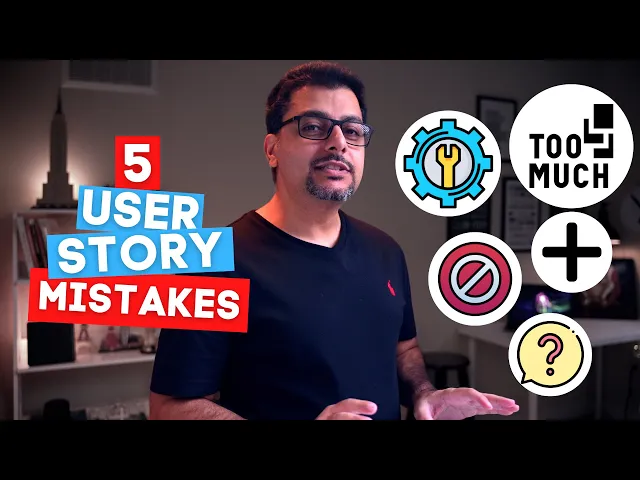
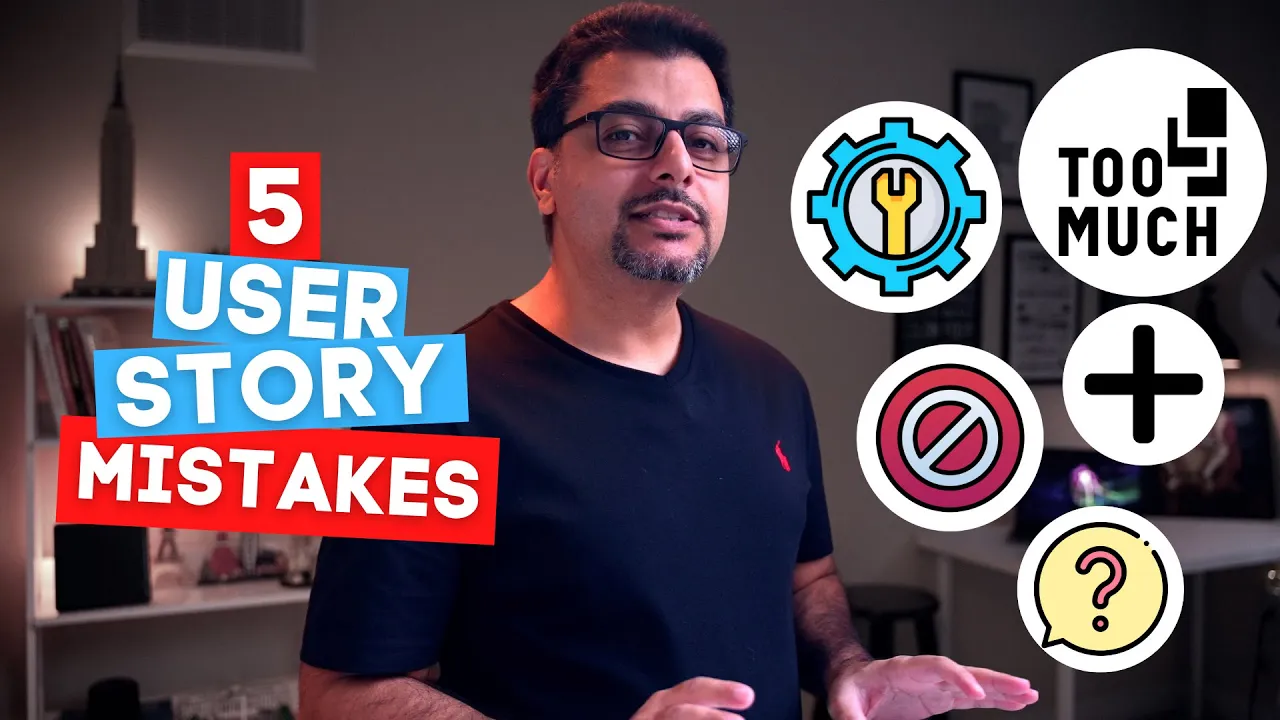
All right. So obviously there's a lot more that goes into writing a good user story, like understanding the business domain, needs of the end user and expert knowledge. But because one of my goals on this channel is to help you develop an awareness of the common pitfalls and impediments, in this video, I will give you five such common mistakes that most teams make while writing user stories.
Let's go for it. Mistake number one, adding too much detail. Too much detail in a user story can make it hard to change or come up with new ideas during development.
We can avoid this by postponing the decisions on details that constrain other solution. Let's have a look at an example. As an online bank customer, I want to be able to sign into my account so that I can check my account activity.
So far so good, but here's the acceptance criteria. Number one, deny access to more than five failed attempts. Number two, provide an option to retrieve password.
Number three, assist in creating strong passwords. Number four, provide an option to change login details. This story now has too many specific details and is capable of shutting down conversations.
For example, the developer to whom this story will be assigned may think that all of the questions around this particular feature have already been answered. There is no more space for discussion with the business and therefore the delivery is only a matter of checking the boxes. So it would be best to write a user story in as little details as possible to capture the value that the product intends to deliver adequately.
Mistake number two, writing technical stories. Now it often happens that teams write user stories that contain only design or technical requirements. For example, as a developer, I want to add a credit card field to the billing table.
This seems like a pretty easy thing to understand and execute from a developer's perspective. However, the product owner and stakeholders may have trouble understanding what the business value is and whether it's worth the risk of doing. This is a technical story and not the one written for an end-user who will interact with the system.
Fortunately though, we can easily convert any developer or technical story into a user story that makes perfect sense from a business perspective. We can do this using the five whys technique. Let's have a look at an example.
If the user story is as a developer, I want to add credit card field to the billing table, asking the five whys on this particular technical user story would look something like this. Why are you adding the field to the table? Let's say the response you get after the first why is, to store and retrieve the payment information.
Why do you need to store entry of the payment information? To expose the new field in the user's profile. Why do we need to expose the new field in the user's profile?
To present the payment option on the webpage. Why do we want to present the payment option on the webpage? So end users have multiple options for payment.
Why do we want the end users to have multiple options for payment? So they can buy our services on credit if required. And that's our final user story.
As a customer, I want to pay using credit card so I can buy the services I like on credit. All right, let's move on. Mistake number three, writing the incorrect why.
The so that section of the user story states the user story's business value to the end user. Most people confuse it with the business requirement. For example, as a customer ordering food, I want to locate previous orders to see how many orders I have placed to date.
The problem with this user story is that it doesn't explain the business value. I mean, why a hungry customer would want to see how many orders are placed to date? Number of orders placed to date is another feature slash business requirement and not a business value that this particular user story provides.
And improved user story would be as a customer ordering food I want to locate previous orders so that I can select a different item to eat this time. Mistake number four, using the word not within a user story. Not implies in no situation or no amount of time will be sufficient to ensure compliance.
For example, in the user story, as a returning user, I do not want to enter my password every time I access my account. Now there can be a hundred ways to fulfill this condition, but if you rewrite the story without the word "not", It will be more specific and verifiable. The improved user story could be as a returning user I want the password to be automatically filled in so that I can access my account without reentering my password.
There is however, an exception to this rule. You can use the word, not in acceptance criteria to make a logical point. For example, the login form should not be in blue font.
Mistake number five, using conjunctions within a user story. Conjunctions are such words and phrases that combine the basic sentences into complicated ones. Examples of conjunctions are and, or, but, and as well as the use of conjunctions in a user story is usually a sign that you can break the story into several different user stories.
For example, a story as a UI designer, I want to create and view an issue so that I know what to test. This user story can be easily divided into two separate users. As a UI designer, I want to create an issue so that I know what to test.
And as a UI designer, I want to view an issue so that I know what I am testing. User stories written incorrectly can sabotage productive development, therefore taking the time and effort to write them correctly will definitely pay off in the longer run. So there you have it.
If you liked the video, then give it a thumbs up subscribe, and don't forget to provide you valuable feedback in the comments. I'll see you in the next video.