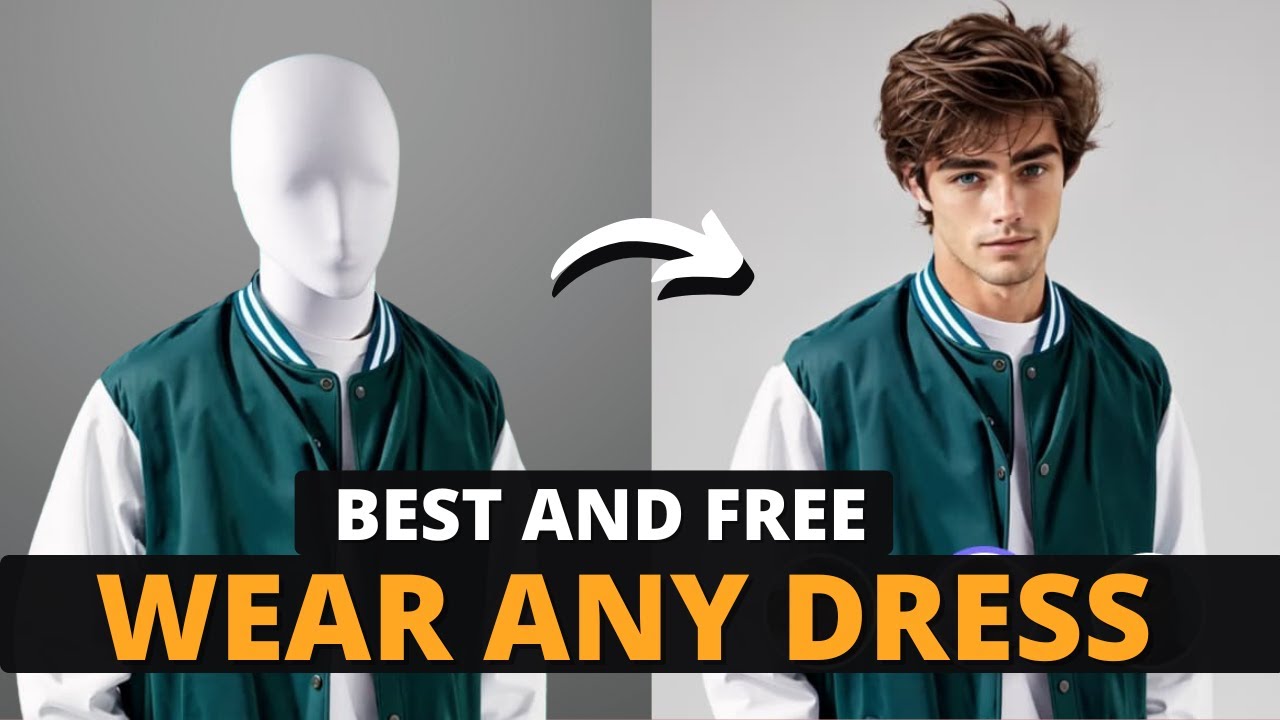
do you want great-looking photos for your products and influencers to promote your clothing e-commerce store but don't have the time or money for expensive photo shoots don't worry I've got something for you in this video I'll show you a tool called wehop AI it's an AI powered creative Studio that helps you make amazing images realistic human models and professional product photos in just a few clicks it's super easy quick and budget friendly here's what's cool big companies like Amazon and eBay already use and Trust W shop AI so you know it's a reliable tool I'm
going to show you stepbystep how to use it how to create models change backgrounds and make eye-catching product photos with AI and the best part you can try it out for free so stick around until the end I promise you're going to love it first click the link in the description to head over to the Wi shop AI homepage once you're there click on try it for free you'll need to sign up using your Google account and that will give you some free credits to get started once you're in you'll land on the main dashboard
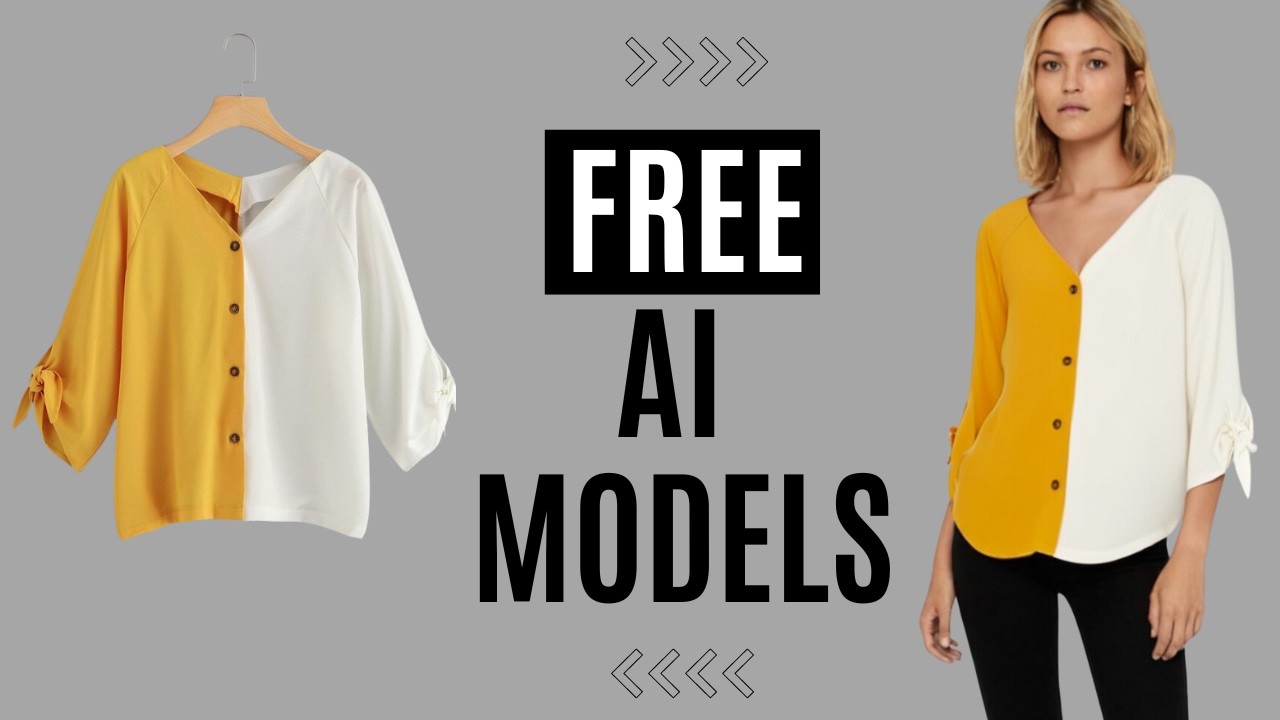
this is where you'll see all the updates feature info and tools on the left side you'll notice options like AI model AI product and a few other features all right let's start with the AI model here you'll see a bunch of sample models all generated by AI in different settings now let's create something from scratch click on new task upload an image of your clothes and you'll see the edit mask option on the right side this tool lets you choose which parts of the image you don't want to change for example let's say I want
to change the model's face and background but keep their clothes the same I'll use the mass tool to select the close area click done and that's it we're ready to go next you can actually create your own AI model all you need to do is upload one to four clear head shots of the model you want if you don't have one ready W shop aai has a massive library of template models to choose from you'll find all kinds of options different ages Styles and even models based on various countries once you've picked a model it's
time to select a location for them you can upload your own image or choose from over 10,000 pre-made locations in the location shop Beach City Park whatever Vibe you're going for they've got it covered if none of the templates fit what you need in this section you can simply describe the image you want and the AI will generate it for you for example let's type something like an American man is walking in the jungle we shop AI will create that exact scene for you using this prompt and if there's something specific you don't want in
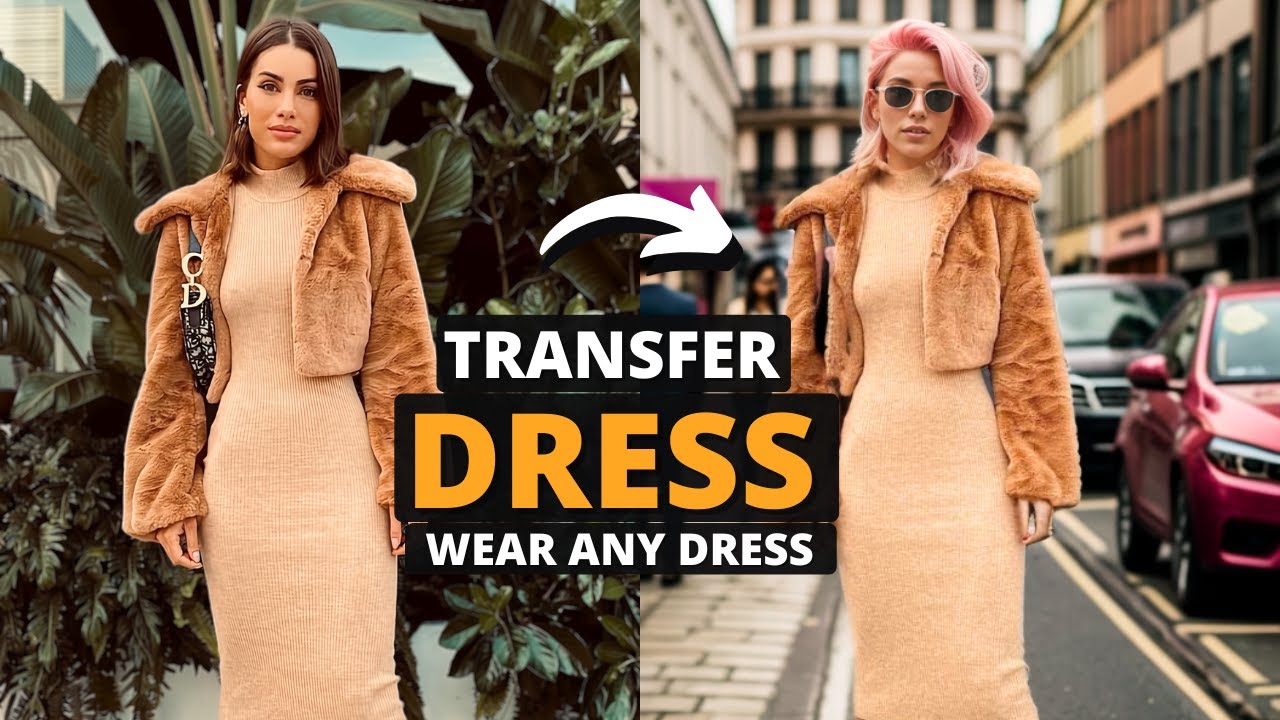
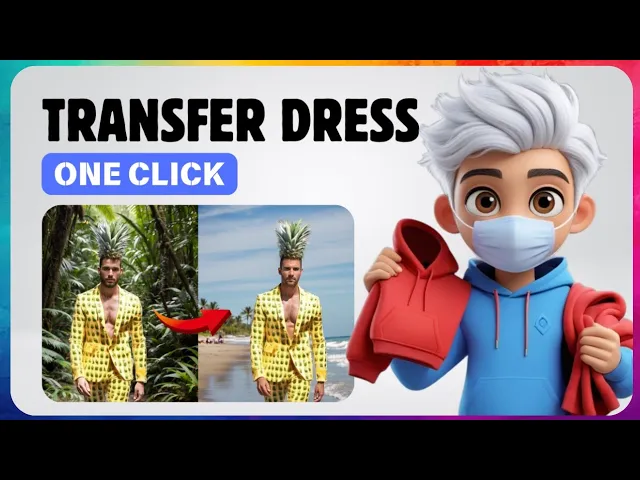
the image like certain objects or colors you can add a negative prompt that part's optional once you're happy with the settings just choose CH how many images you want click generate and you're done it's that simple all right look at the results you can clearly see the difference the model's face and background have changed but the clothes stayed exactly the same and just look at how realistic it looks I've tried other tools before but honestly wshop AI gives you way better results with way less effort let's go ahead and create another model using the exact
same steps so click on new task upload an image and use the edit mask to select the clothes this time I'll choose choose the model and background directly from the templates once that's set just hit generate and boom here are the results again you can see how the models face and background changed perfectly while the clothes stayed untouched it's super seamless and super easy now the same steps apply to AI products first click on the new task option upload your product photo click edit and use the mask tool to highlight the part of the product
you want to keep once that's done it's time to pick a location there are lots of templates available and you can use the search option to find one that suits your style after you select a location you can adjust the placement of your product to make sure it looks perfect once you're happy with everything just choose how many images you want and click generate and that's it beautiful product photos made in seconds with AI now let's try something different this time we'll use an AI generated location just like before click new task upload your product
image and click edit now use the Auto Select subject option to let the AI automatically choose your product next go to the description section and type in any location or scene you want for example I'll type modern study table with books and a pen after that select the number of images you want and hit generate here are the results the images are so realistic and natural it's hard to believe they were made with AI here are a few more examples all created using this tool with wi shop AI you can create amazing product photos for
anything you sell it's like having your own professional photo shoot but it's faster easier and saves you tons of money and here's the best part you can try W shop AI for free the free plan gives you enough credits to generate up to 20 images every month if you need more upgrading is super affordable starting at just $10 a month I've dropped the link in the description so check it out and start creating your own influencers for your business today also you can join their affiliate program and earn a 15% recurring Commission on every sale
made through your referrals so it's not just about saving money it's a chance to make some too all right all right guys that's it for today's video I hope this helps you take your clothing business to the next level with just few clicks don't forget to like subscribe and let me know in the comments what you think about W shop AI thanks for watching and I'll see you in the next video



![Create AI UGC ADS Free for Amazon Affiliate Marketing [2025]](https://img.youtube.com/vi/GJUZOkOgL8o/maxresdefault.jpg)