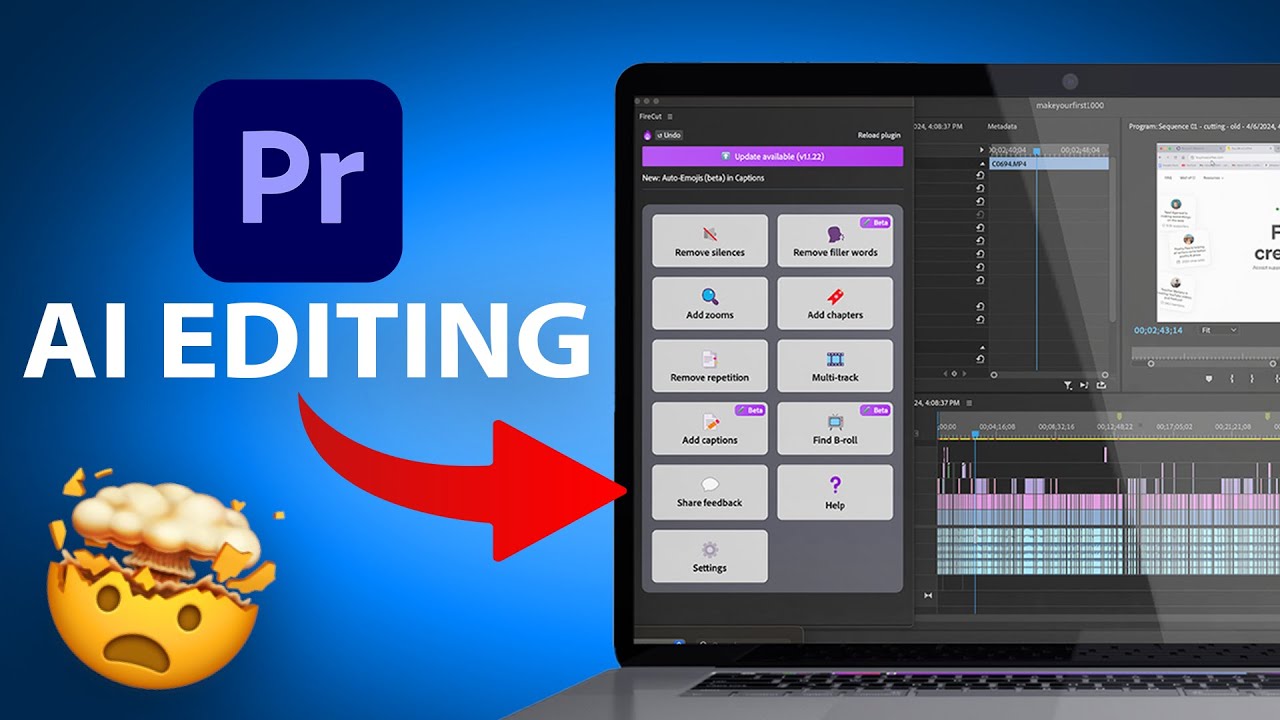
if you ever edit your videos using Adobe Premiere Pro like we do you'll find this new AI extensions extremely valuable it's going to save you a ton of time in our editing workflow right now basically we use another platform called invital elements so we use that to find stock music royaltyfree music stock video clips images sound effects pretty much everything we use in our videos we get from invado elements but the process in the last few years has been a little bit timec consuming right we have to spend a lot of time searching for the
right clip you have to find the right music typically you have to listen to at least 10 songs to find the right one then you have to download them from invado bring them into Premiere Pro Right add them to your project and we've been doing this exact same workflow for well over a thousand videos in the last 5 years but now invado has released an AI based extension that brings all of that into one place if you want to follow along with this video I'll put a Link in the description to the extension you could
just install it here for free this obviously requires you to have Adobe premere Pro and it requires you to have invit elements but I'll show you you could actually test out Clips with a watermark then you could decide if it's a good fit but I have Premier Pro installed so I'm going to go ahead and install this extension here and I'm going to go ahead and press manage here and open my Creative Cloud app on my computer and here is where that extension or Plugin is so just go ahead and install it here for Premiere
Pro you have to quit Premiere Pro if it's open now I'm going to launch Adobe Premiere Pro with the previous project I was working on I'm going to go to window and you should see extensions so the invado extension this is for invado elements here and I'm going to agree to the terms and right here it says connect your account so you could go ahead and click this you could also test this out without an invado elements account just to make sure it's the right fit but if you want to remove the watermarks obviously and
use these in your projects you do have to subscribe to inato elements and if you're not familiar with imato elements basically it's a library of creative assets so as I mentioned everything from music to video templates to stock video to images It's all under one subscription price so you don't have to get a subscription to a music royaltyfree music platform and a subscription to a stock video platform you get all of it here and you could basically download as much as you want unlimited downloads just one simple subscription and now it's inside of Premiere Pro
with this plugin okay let me show you exactly how it works once you connect it so you have a sound effects tab music tab a video tab so I'm going to go under the video Tab and I'm just going to give it access here I'm going to say search for stock videos basically it's going to go through this video scen by scen and then match it basically it's finding different stock video files that could go along with my video extremely useful I don't have to go search ing this is now using AI searched or AI
assisted search to find these things for me so if I like any one of them look how easy this makes it now again before I used to go to invado get it download it transfer it now I just click this right here there you go it's downloading and there's the clip right inside of my project right I could just grab it and bring it over here and right there it's already added to my project I have this really nice BAU clip again it's licensed so I have no copyright issue and I just got it by
clicking the little down arrow here to download it and you usually get two options this one is just for a preview with a watermark but it's a much smaller file so typically you want to download that it's going to just almost immediately download that preview option so it's this one right here I'll go ahead and put this in my project just like that and you could see just a smaller preview of that what that clip would look like if you decide to keep it you just download the version without a watermark with a subscription so
if you've ever done any video editing you know this process is going to save you a ton of time not only because of the AI assista search for video clips to show you very relevant video clips here for your project but also because you could just click this and you're all in the same platform you're not going back and forth you could do the exact same for music so if you click this these are songs again based on that AI search that is going to match this video same thing for sound effects so in one
click camera shutter Turning Page it's going along with the video clips too so for example the Turning Page right that will go along with the Turning Page one of these depending on which one I choose so it narrows it way way down right typically if you're inside of invado elements or any stock video platform you're going to have millions of options right this automatically narrows it down to a selected Feud that makes sense for your project okay so if you do video editing and if you use Premiere Pro this is really worth a try so
I recommend you test it out again you could just test it out with the watermark version of inato elements make sure it's a good fit if you don't have it then you could decide if you want to subscribe but one of my favorite plugins that I've ever seen to come to Premier Pro really excited to save some time all the resources are in the description and I will see you on the next video

![I Replaced ALL my ADOBE APPS with these [free or cheaper] Alternatives!](https://img.youtube.com/vi/5EfqHg49kMk/maxresdefault.jpg)