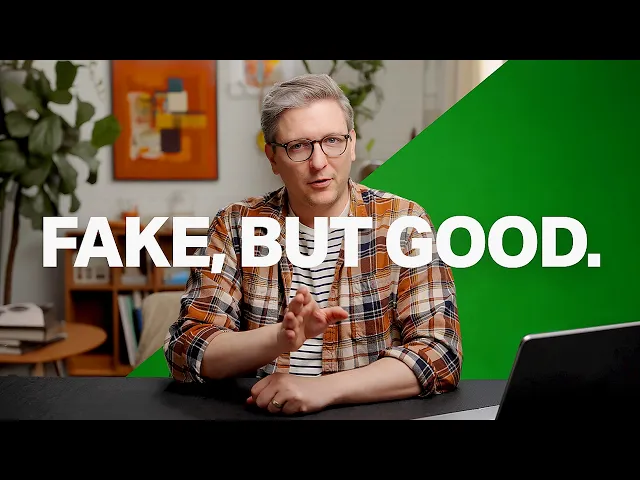
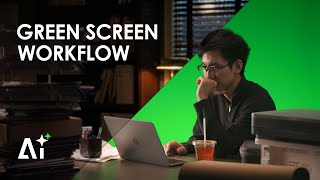
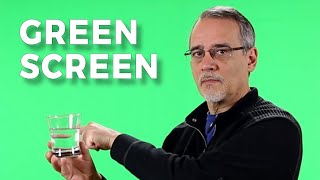
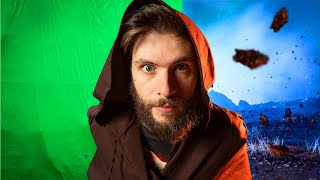
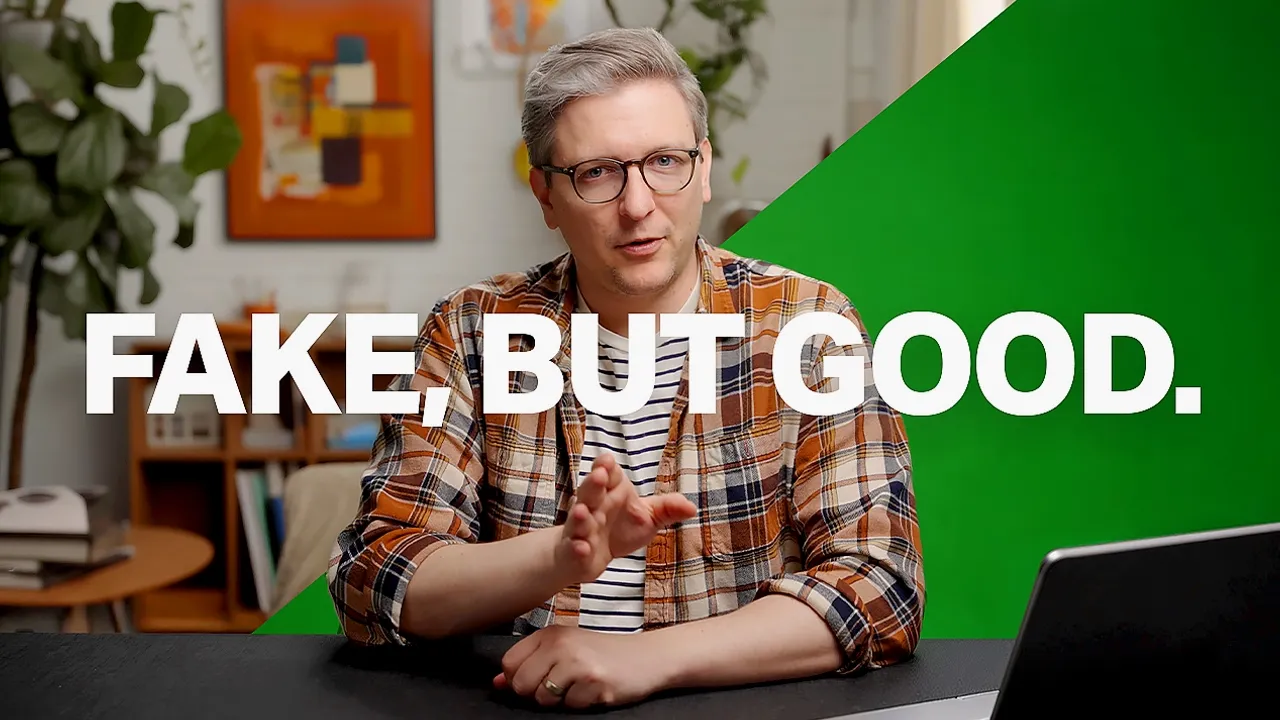
I accidentally figured out how to do really high quality green screen footage using midjourney. So, here's how it works. Get yourself lit and in front of your green screen.
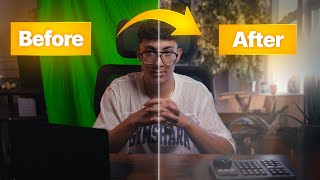
Then take a still from your video like this one and put it into midjourney. Then in midjourney, you're going to select out the background and just, you know, prompt in what you're looking for, what you're hoping for. It's going to generate and create something that actually looks like it would match the rest of the scene because that's what the AI is trained to do.
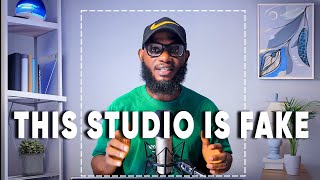
It's trained to make something look good with the other things. So suddenly you're looking natural. Once you have that, then use midjourney or Photoshop and get rid of yourself and anything that would maybe peek into the frame if you're sitting at a desk like that.
You know, make sure it's all out of there. That is going to go behind you. And then it's going to look like this.
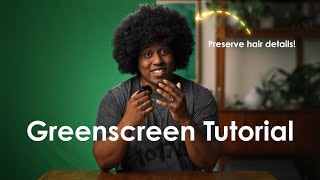
Of course, you have to do a good job with the keying to make sure that all the hair and stuff is not looking uh funky. Oh, right. And also, you can change your light.
And midjourney is going to suggest different things. Like, for example, let's say I just wanted to be back lit. Um, let's say that my backlight actually wants to be blue.
What's it going to suggest in this scenario? I have no idea. Um, what if we turn this back on and we say I'd rather it be orange.
So, orange key, blue light, green screen in this scenario. I don't even know if the green screen would work, but um, we're just recording things. So, anyways, I'm going to leave it there.
Thanks for watching. Subscribe, like, all the stuff. Ciao.