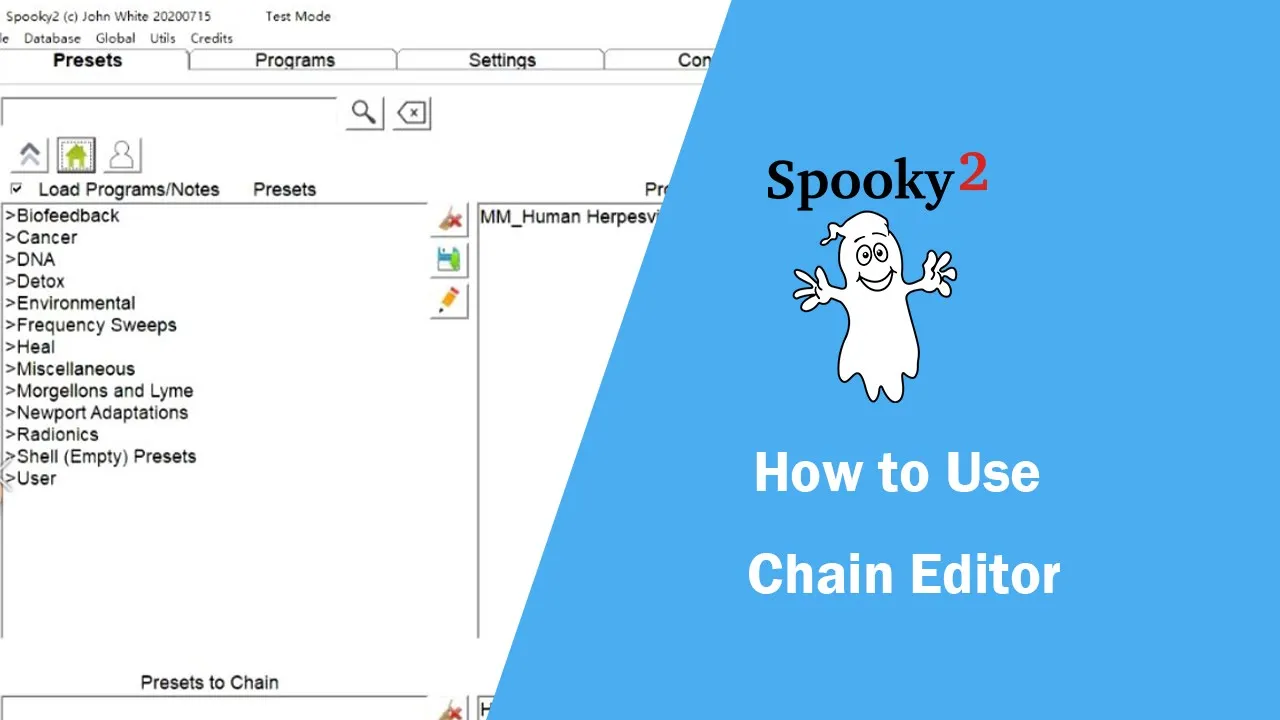
this video will show you how to use chain editor in the presets tab we choose a preset which is in the user collection in this case we will edit human herpes virus chain as an example we click the pencil icon to open the chain editor on the right side of the chain preset editor window we can see the preset list of human herpes virus chain on the bottom left corner it displays the number of total presets and the estimated time of whole preset chain we can click the addition button to import a new preset or
preset chain and the subtraction button is for deleting the preset we selected the arrow pointing upwards button moves the selected child presets up in the list and the arrow pointing downwards button moves the selected child presets down in the list there are eight tabs on the right side of the window the preset tab includes the name repeat chain run for one from stop when complete and time name is the name of the preset we selected we want to change it to human herpes virus 001 repeat chain is the number of times the entire chain preset
repeats however it is not really a property of the selected child presets the run for property is the time and hours that the child preset will run for if we set it to 2 it will run for 2 hours and go to the next preset run from is the start time of the preset run 2 is the end time of the preset for example if we set the start time and end time to 8 am and 10 am respectively the preset will only run from 8 am to 10 am the default value is midnight if
stop when complete is checked and either run for or run two are in use the program will not stop at the end time but will stop when the program is complete instead time is the duration of the preset the notes text box contains the comments or notes for our preset if you are editing a note and would like to exit press the esc escape key on your keyboard in the programs tab we can set the repeat sequence dwell multiplier frequency multiplier sort frequencies remove duplicate frequencies apply tissue factor and run padding or spacer frequency if
repeat sequence is 0 the chart preset repeats forever and will not go to the next preset in the signal tab we can set duty cycle amplitude offset phase angle and gate we can set the amplitude frequency and harmonic wobble on wobble tab in the contact tab we can set the properties to make contact mode less painful the amplitude ramp is a time in seconds to gently ramp up or ramp down a frequency for example if we sit to 5 seconds the amplitude will reach the highest voltage or reduce to zero volts in five seconds when
the software runs each frequency the reduce amplitude checkbox reduces the amplitude under the frequency limit you provided in the text box if the preset or preset chain is not running for contact mode then we don't need to set it next step is to specify the frequency limits for l1 and l2 the greater than sign specifies the maximum frequency and the less than sign specifies the minimum frequency you can set the harmonic type here too last tab is shadowing this multi-purpose pane allows you to slave out two to out one create any carrier specify a voltage
for each output swap waveform frequencies and amplitudes between outputs and slave to another generator generally we don't need to set a signal wobble frequency limits and shadowing for more details we can go to the help menu click help it will open a page about the introduction after all is set properly we can go to the file menu to save the new setting if we click the save button it will overwrite the original preset or preset chain if we click save as it will be saved as a new preset or preset chain we click save as
and give it a new name human herpe as far as chain zero zero two click save to save it final step go back to the preset tab we will see the human herpes virus chain002 in the user collection thank you for watching this video