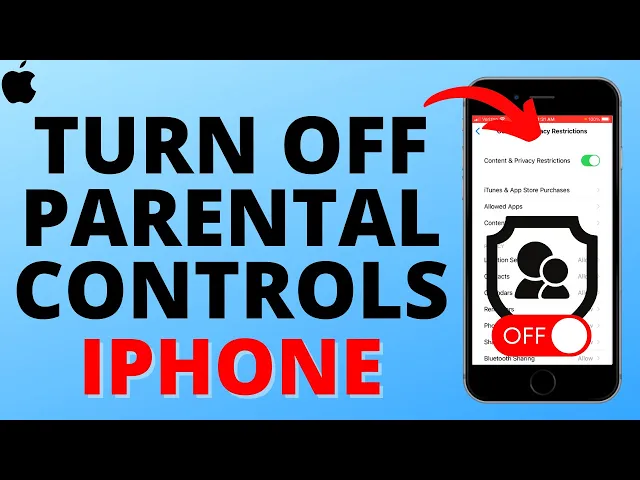
how to turn off parental controls on an iPhone welcome to another gauging gadgets iPhone tutorial video in this video I'm going to show you how to turn off or disable parental controls on an iPhone and if this video helps you please consider giving it a like and also subscribing to my channel because that really helps me out so if you're trying to do things on an iPhone and you notice it may be websites apps or different functions on the iPhone have been restricted or blocked that might be because parental controls are turned on so to
turn that off the first thing we need to do is simply open up the settings on our iPhone and then once the settings open scroll down to the second section and under Focus select screen time now that we're in screen time we really have two different options to turn off parental controls on our iPhone first we can scroll all the way down and select turn off screen time you may have to enter a passcode so if you don't know it ask the person that set up screen time on the iPhone and they'll be able to
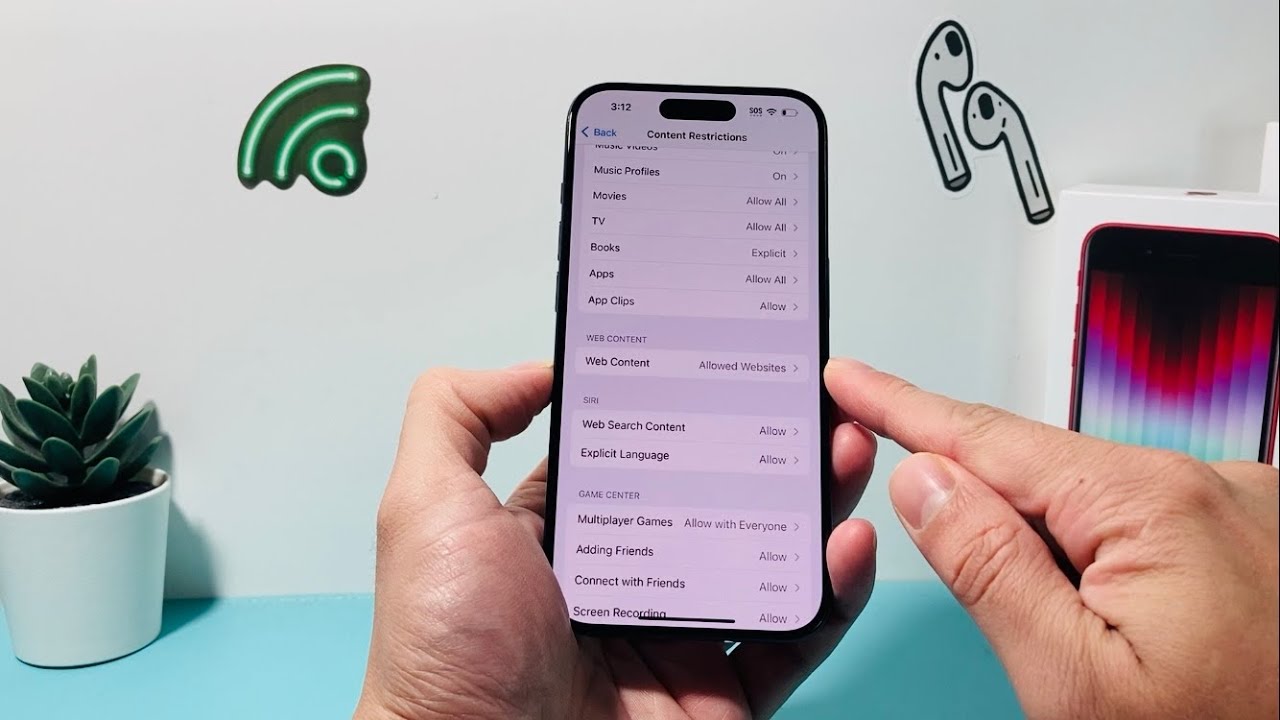
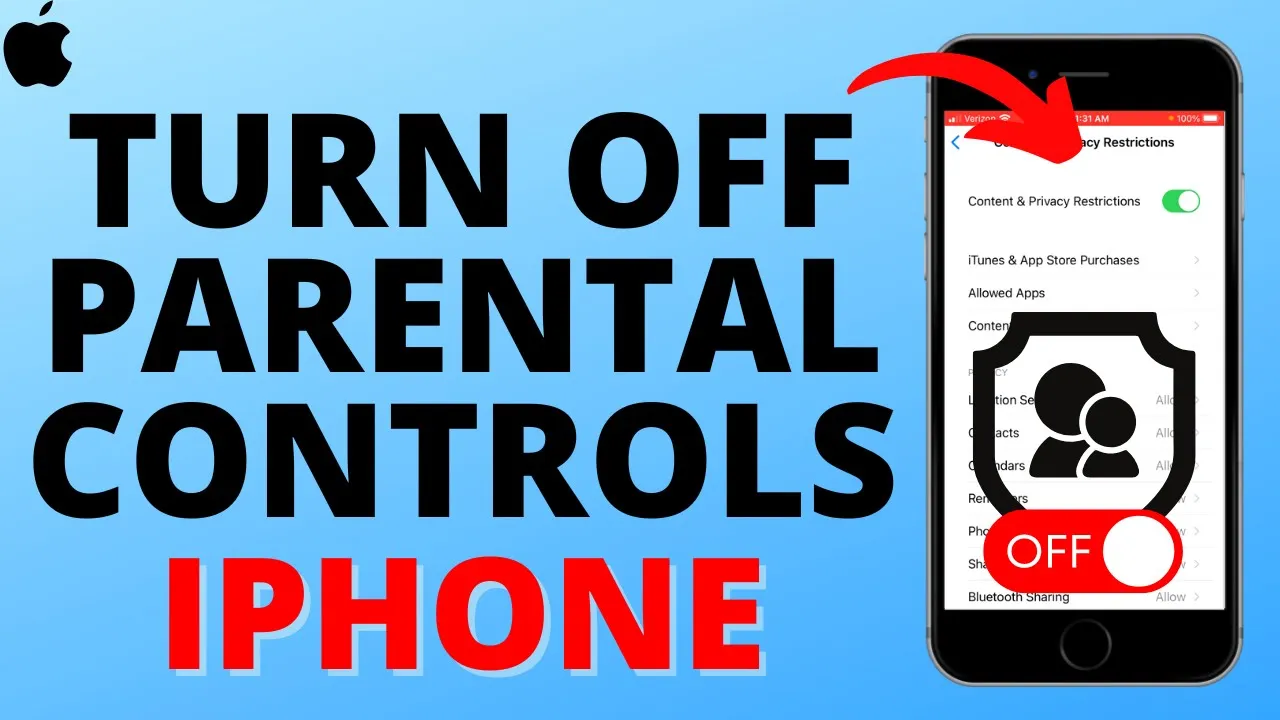
provide the passcode to you additionally if we want to keep screen time enabled all we need to do is scroll down and select the last option content and privacy restrictions in here you can see all the different things that can be disabled or allowed to completely disable parental controls on our iPhone all we need to do is toggle off content and privacy restrictions at the top again enter your screen time passcode and as you can see parental controls have now been turned off alright so that's how you turn off or disable parental controls on an
iPhone if you have any questions about this leave a comment below get back to you as soon as I can if you'd like to see more iPhone tips and tutorials check the links in the description if this video helped you give it a thumbs up and please consider subscribing to my channel gauging gadgets for more Gadget reviews and Tech tutorials thank you so much for watching