Hey there, future web designers! Welcome to our colorful journey into the world of CSS, where we'll turn plain HTML into eye-catching web pages. Let's dive into the basics of CSS, brought to you by W3Schools.
com! CSS stands for Cascading Style Sheets. It's like the fashion designer of web development giving style to HTML content.
Imagine your HTML as a plain white T-shirt and CSS as the colors and patterns you add to make it pop. In CSS, we use 'selectors' to target HTML elements and then define how they should look. This is done through properties and values.
It's like saying, 'Hey, I want my paragraphs to be blue and centered. ' There are three ways to add CSS to HTML: inline, internal, and external. Inline is like a quick makeover, directly in your HTML tag.
Internal is like a dedicated section in your HTML file for styles. And External? It's like having a whole wardrobe in a separate file!
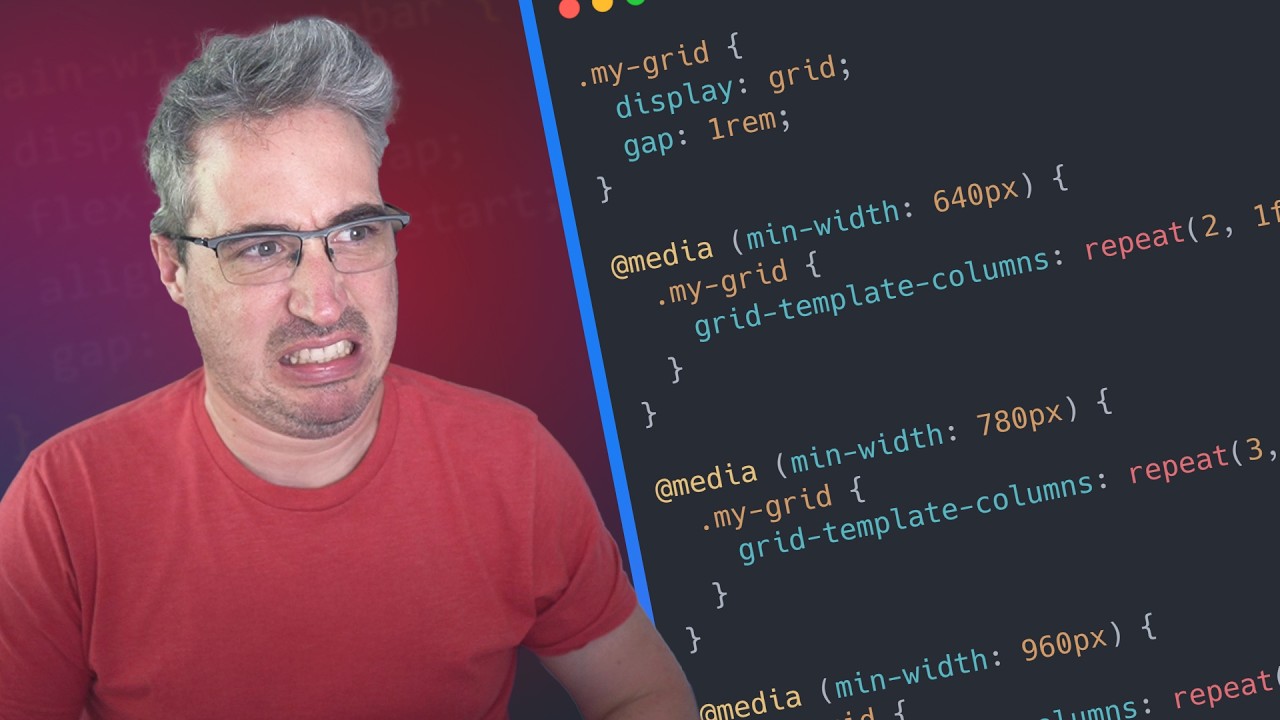
CSS not only makes your website look good, but it also improves user experience and accessibility. It allows for responsive designs that work on any device. With CSS, your website can stand out!
Thanks for watching! Like and subscribe to get notified about our latest videos! For more coding tips and tricks, keep it locked right here on W3Schools.
com! Don't forget to try out what you've learned in our interactive editor. Happy coding!