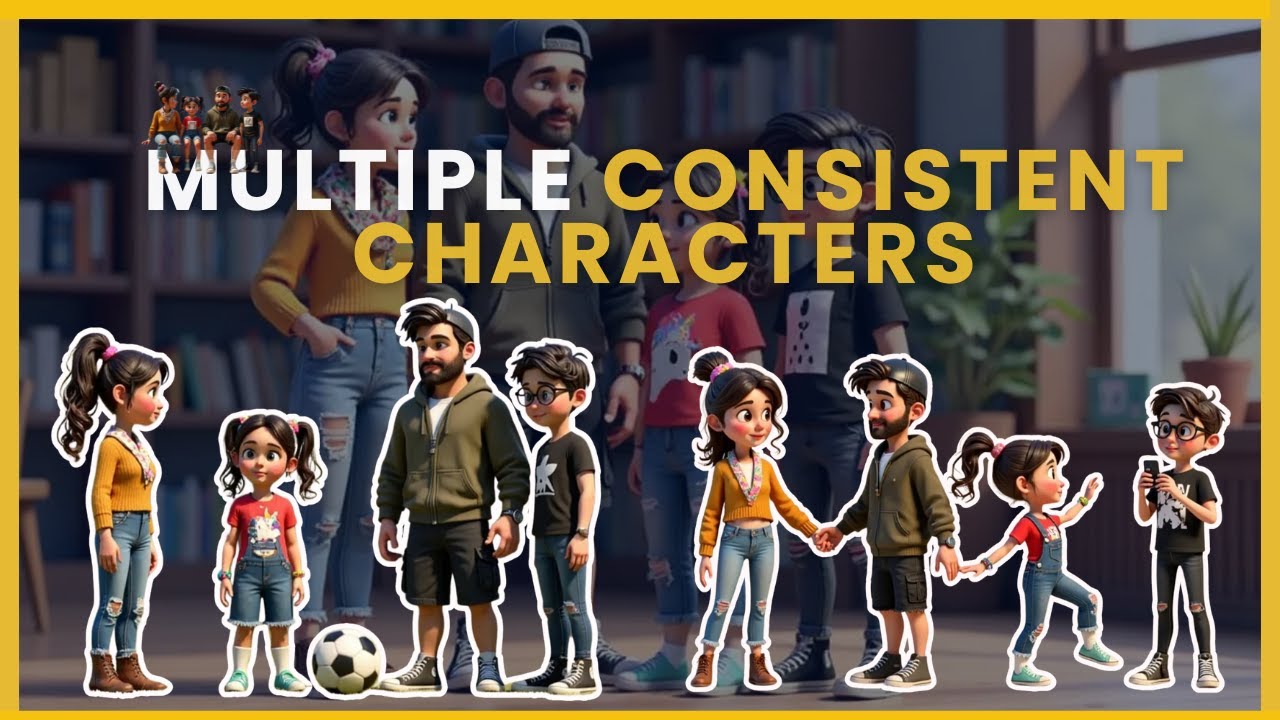
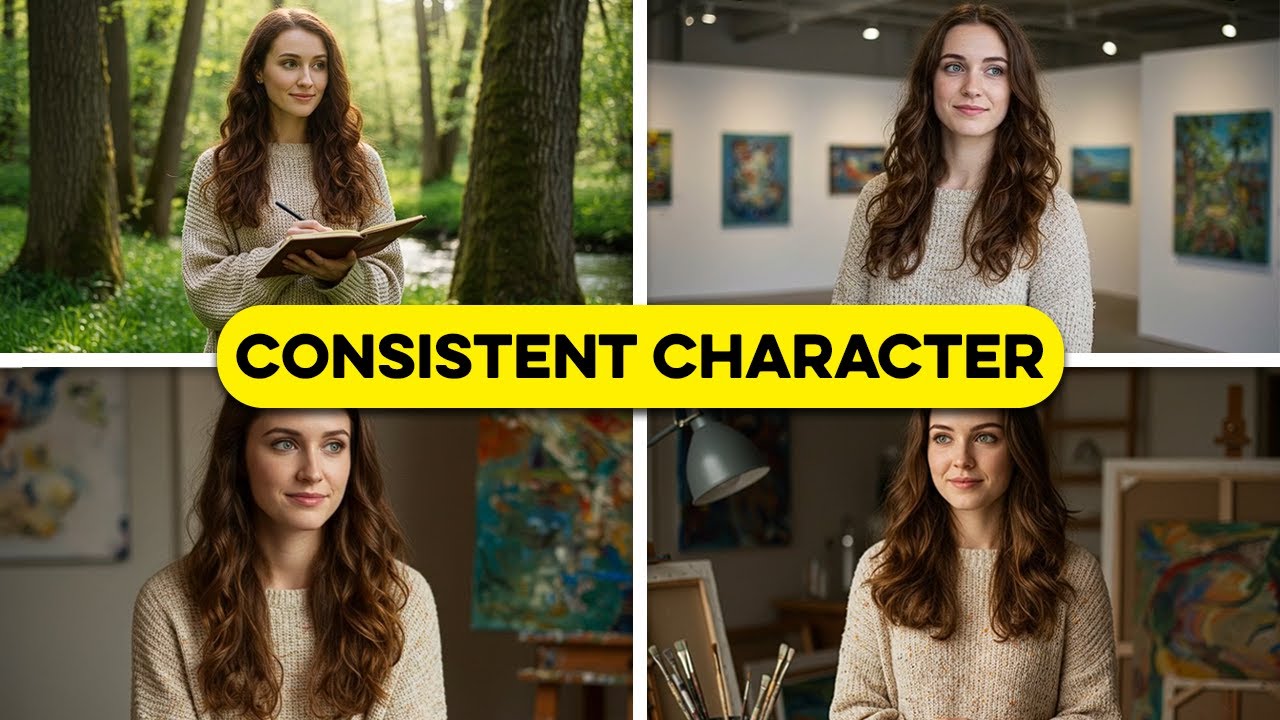
we cannot deny that cing is currently among the best AI video generators and they've launched some incredible new features that make creating cinematic AI films easier than ever one standout is the new elements feature which allows us to place the same character in different scenes all we have to do is provide a reference image of the character and the tool seamlessly Blends them together I'll guide you through creating videos that show the same character and environment from various angles as well as more comp scenes featuring multiple characters we'll explore how to use the liping feature
to add voices bringing our characters to life and finally we'll learn how to assemble everything into a complete cinematic video Let's dive in I'm logged into cling and currently on the homepage while there's a lot to explore here we'll be focusing on the video generator for this guide specifically we'll use the image to video generator to animate reference images into videos make sure you're on the frames tab to begin with from here we can start uploading reference images I've got some of them prepared already I'll show you how to create these references later on but
for now let's turn these into videos let's start with a modern office lobby which is going to be the first shot of our animation then scroll down to the prompt box and write sunlight streams through floor to ceiling windows camera slowly pans across the modern workspace I just want natural motions to start off the animation and asking for natural sunlight keeps the lighting consistent otherwise cling can sometimes introduce harsh art icial lighting into our videos inside the settings we choose between different generation modes professional gives the highest quality and also allows for 5 or 10c
videos I'll increase this creativity and relevant slider a bit the higher the slider is the more closely the AI follows the prompts you can also add a negative prompt which includes all the stuff you don't want to see in the video I'll write blurry distort deform disfigure and warp you've learned the basics now let's get into creating some Advanced videos of our characters in multiple scenes the story for our animation is about a company's office tour with two presenters these are the reference images for each character this time we'll use the elements feature in the
image to video tab to create videos of our character inside different environments this is one of the coolest things you can do with AI video right now the way it works is you upload images that make up the elements you want to see in the final video in this case I want to put our presenter in the conference room during a meeting in inside the prompt will describe how the different elements interact with each other professional woman in business attire presents at the head of a modern conference table and if we generate the video Clint
creates our character giving the presentation this is a great way to put the same character into multiple different scenes the main thing to look out for is hands and fingers those can look kind of weird and somewhat deformed also with complex poses like sitting or reaching the AI is imperfect you'll notice sometimes the arms might clip through Furniture instead of interacting naturally here's another example of our presenter in the break room the hands are blurry but the face and the upper body look really good you can use product elements as well I'll combine the second
presenter a laptop and the office kitchen background and we will generate a video of him relaxing and chatting in the office kitchen we can take things even a step further and combine multiple characters so I put both presenters together in the open workspace multiple characters gets more tricky though especially with interactive movement so we'll sometimes get weird results between the characters and more complex scenes like this can take a few more tries to get it right I use mid journey to create the images I think it's still the best AI image generator out there so
if we go inside the image creation page let's enter a prompt like professional headshot of a business woman in her 30s wearing a Navy Blazer natural lighting office environment for realistic IM ask for a photo or even include the specific camera that's taking the picture and be specific about what the subject looks like and what's in the background we'll also use the settings menu over here to make sure we're generating a horizontal landscape image when it comes to prompting try out different camera angles I ask for a medium shot in this case to capture both
the professional appearance and some natural body language describe facial expressions and moods like confidence and add in textures like the fabric of the Blazer or the shine of the hair so how can we create the same character in scene but look at it from different camera angles we'll be using cling for this part so taking the original image of our presenter what we'll do is ask cing to move the camera around and show it from different perspectives a great prom to use for this purpose is rotating lens which moves a camera in a circular Arc
around the character this gives us multiple angles of our presenter addressing the audience then using that generated video we can take a screenshot of it so we get our presenter from a different camera angle finally if we animate that new screenshot we got of the presenter we can ask for natural speaking movements and we go ahead and generate that new AI video we end up with a pretty consistent model of our presenter seen from two different camera angles next we need to add lip sync to make our presentation feel natural and professional underneath every video
you create in cling there's this lip sync button select it and this interface pops up for you to add what you want the character to say you can type in the exact lines and pick from a list of voices but I've actually created my own AI voice separately so I'll go to upload local dubbing to use my own recording if the recording is too long you'll need to crop it to fit the length of the video and we can preview what that sounds like we need to streamline our operations to improve efficiency and reduce cost
once that's done we'll use the AI to generate the lip sync video of our presenter so then how did I create these voices I use the 11 Labs voice changer for this part there's a few different options when it comes to AI voices you can generate one completely from scratch or you can use a voice changer when you go to 11 Labs you'll see their voice library with dozens of pre-made voices each one has different characteristics some sound more natural others more professional you can preview each Voice by clicking the play button here and once
you find one you like select it and generate your speech I'll leave a link for 11 Labs down below where you can get a free free trial to test it out now finally it's time to put all the video clips we've generated into a complete office tour video I use cap cut to do this part one of the most important aspects of this is finding the right music and sound effects for the background music you can use any music provider you want but I personally use epidemic sound when you are creating professional videos like this
office tour you need high quality copyright safe music that won't get you into trouble down the line most free music librar have hidden terms and risks that could lead to copyright strikes but with epidemic sound you get complete copyright clearance and access to their entire library of professional tracks and sound effects I can easily find the perfect modern upbeat track for this corporate video and I know I'm completely safe to monetize my content plus their sound effects Library helps me add those subtle office atmosphere details that make the environment feel more authentic I'll leave a
link to epidemic sound in the description down down below where you can get a free trial to test it out yourself after putting everything together here's what the final office tour video looks like this is the main workspace and every team has their own section the break room has coffee snacks and a fully automated espresso machine the balcony offers a great view of the skyline perfect for a quick breather there is a friendly working environment where everybody gets along if you want to learn how to write the absolute best prompts in cling to get the
most cinematic looking AI video go watch this tutorial right here I'll show you Advanced Techniques for creating even more realistic character movements and environmental interactions