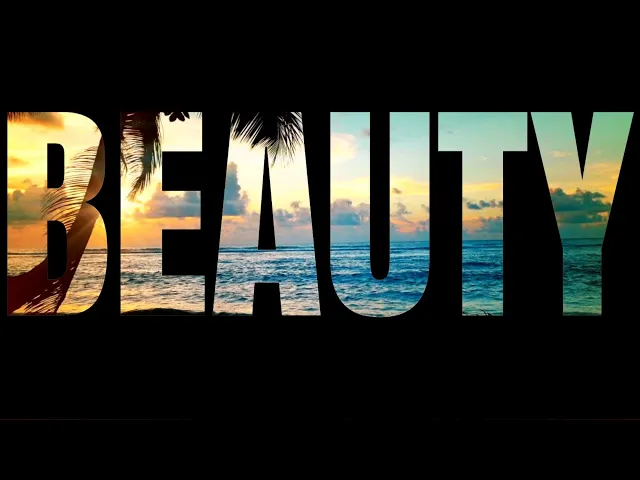
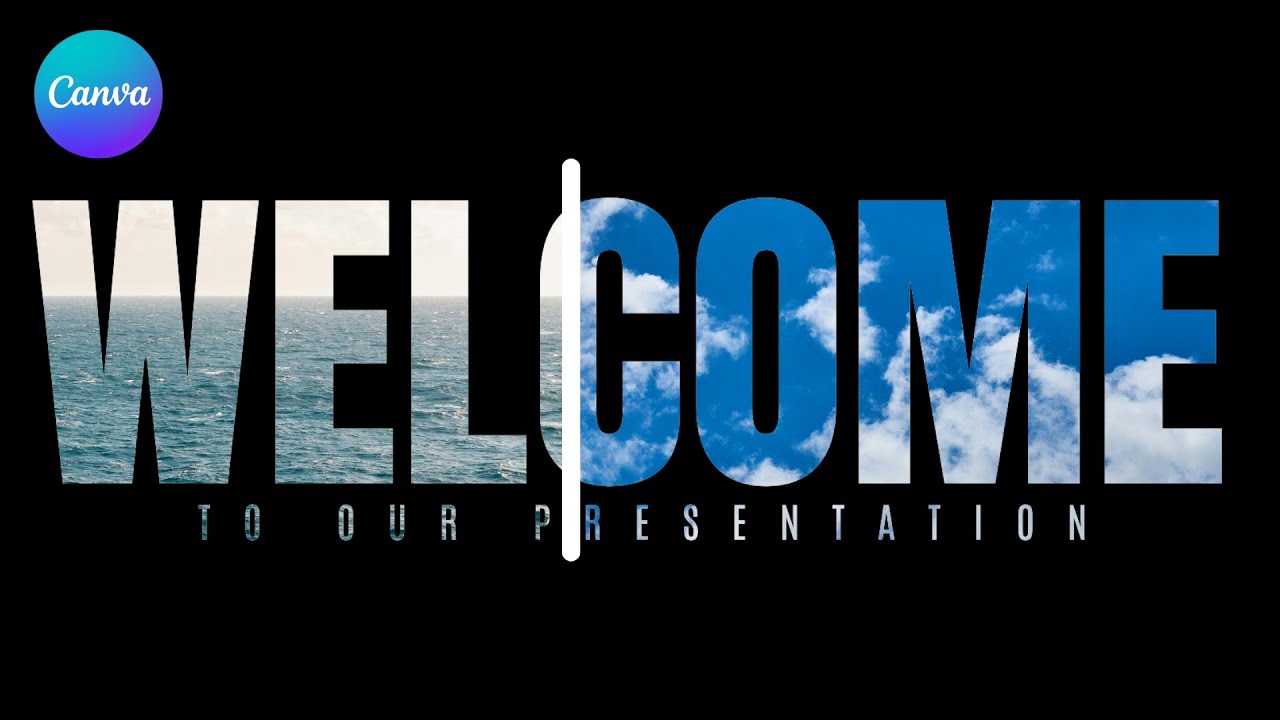
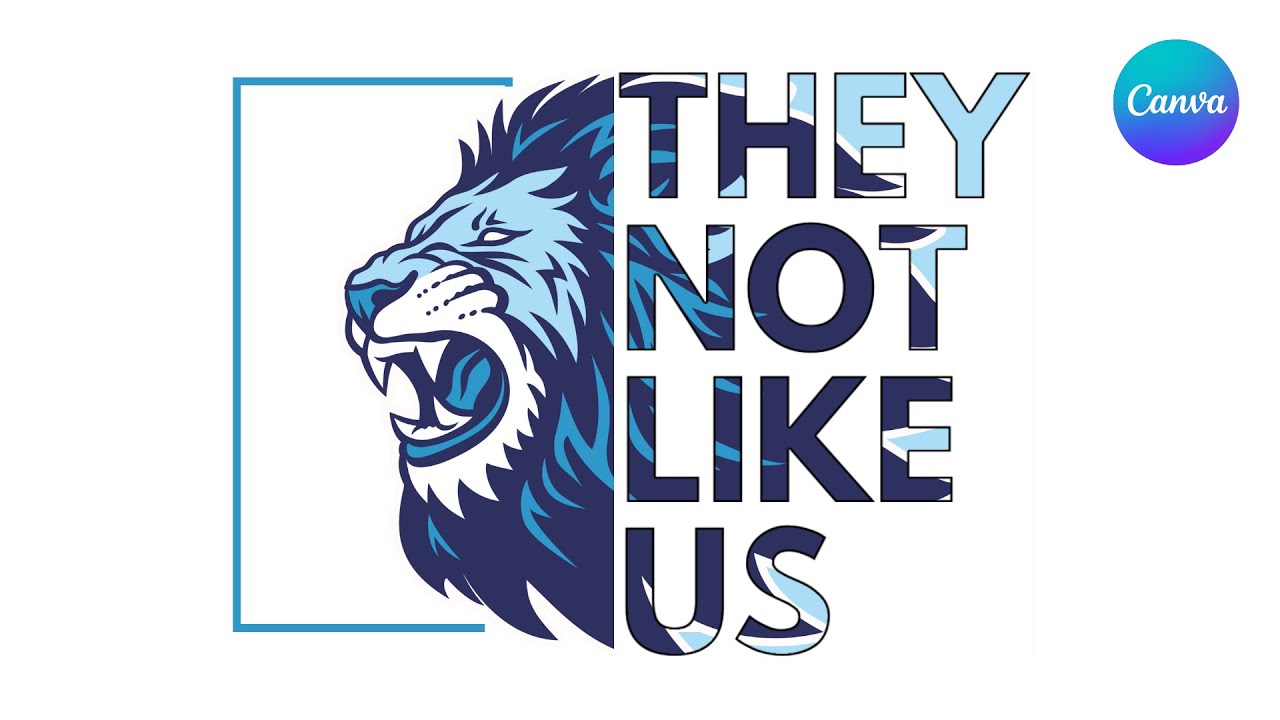
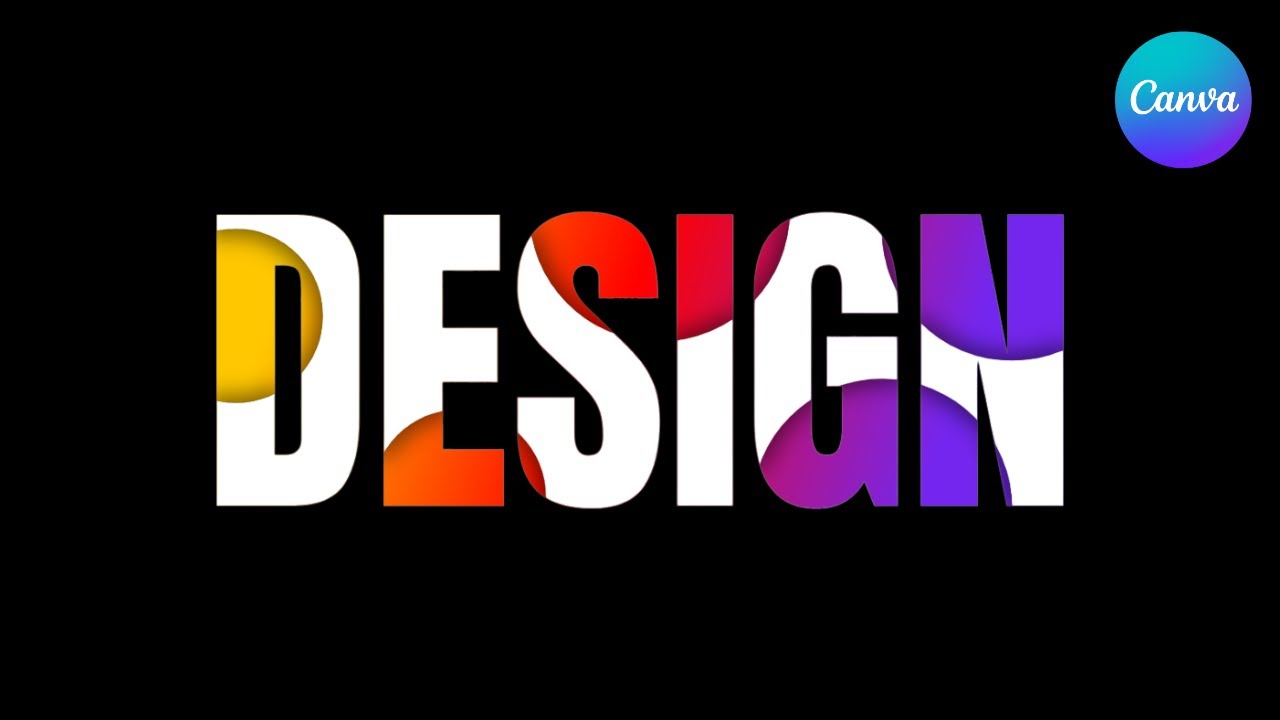
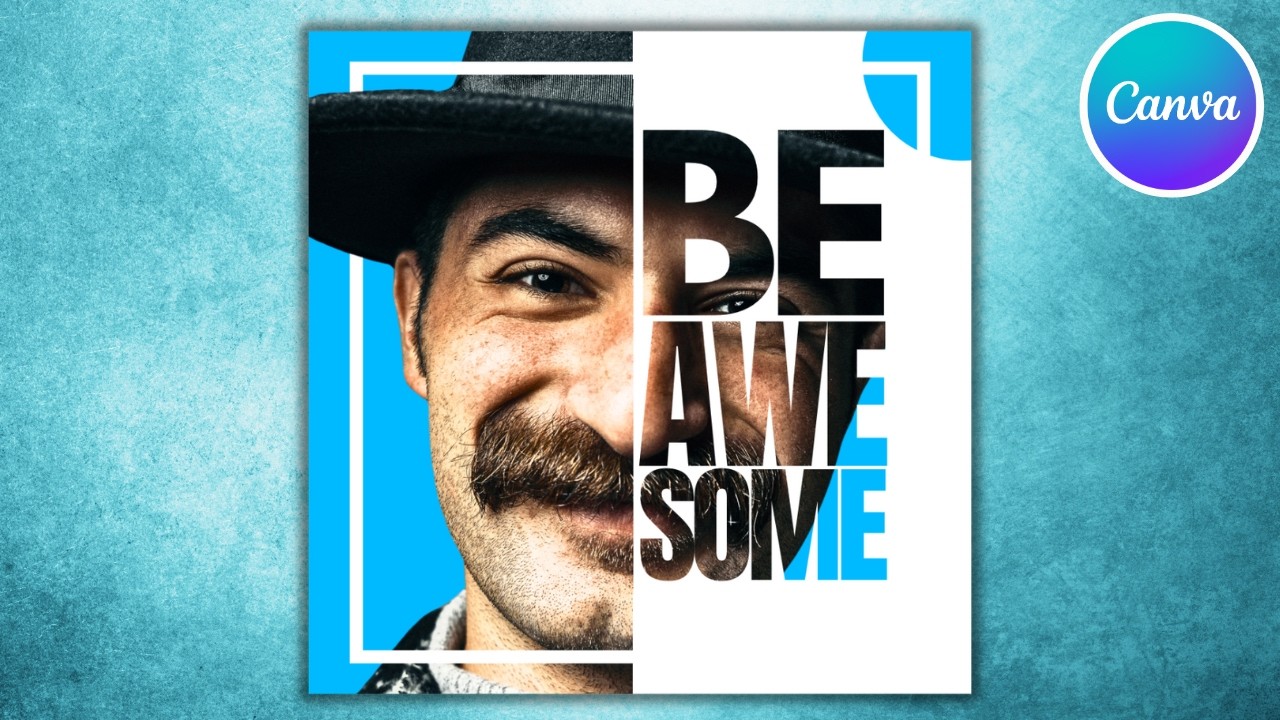
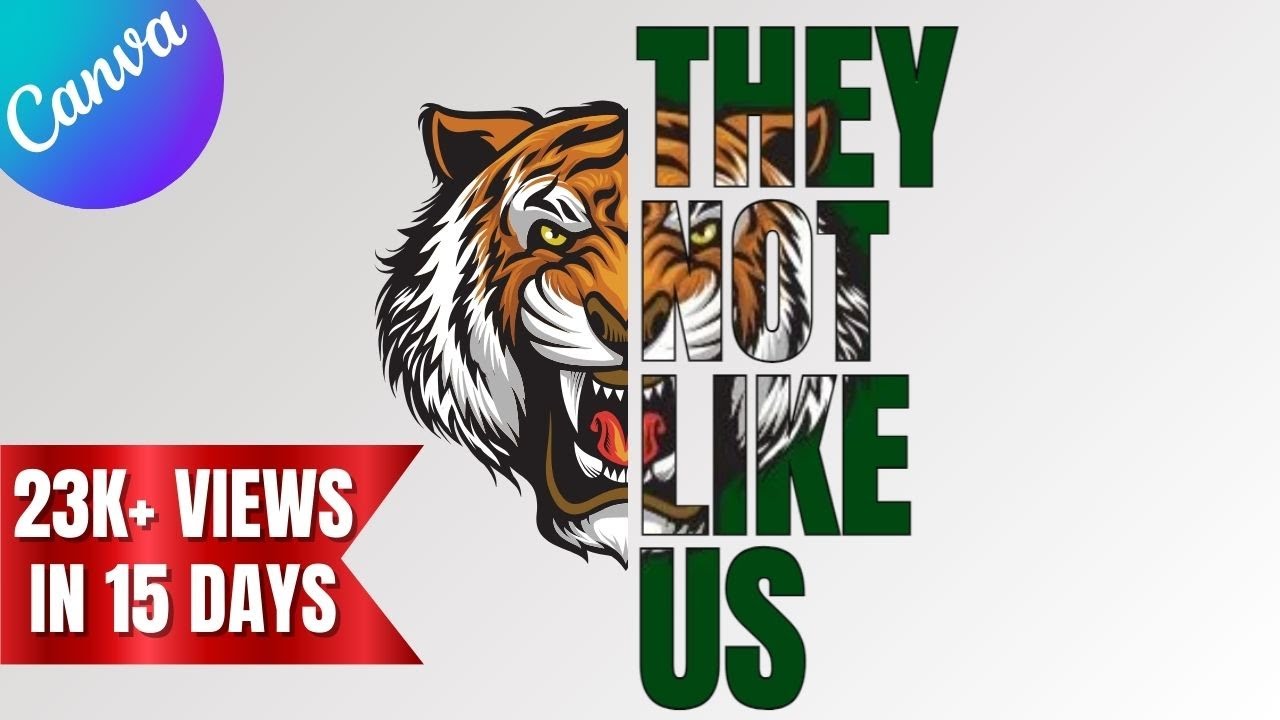
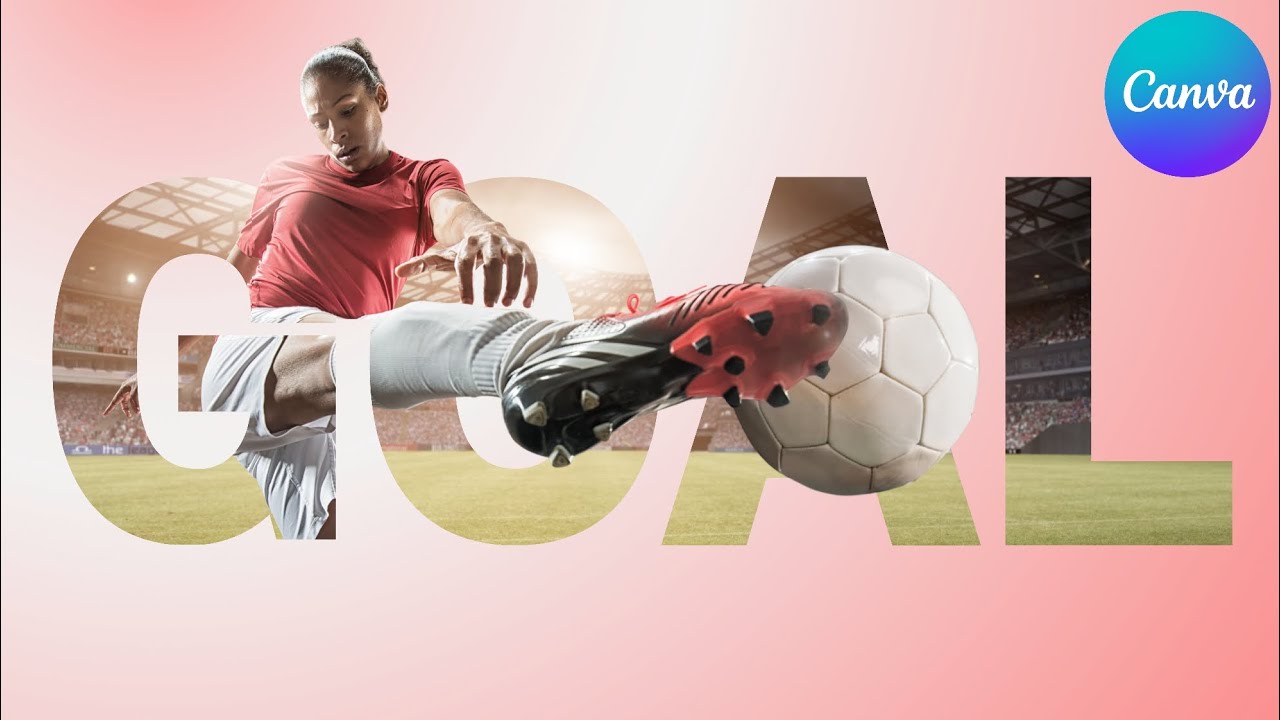
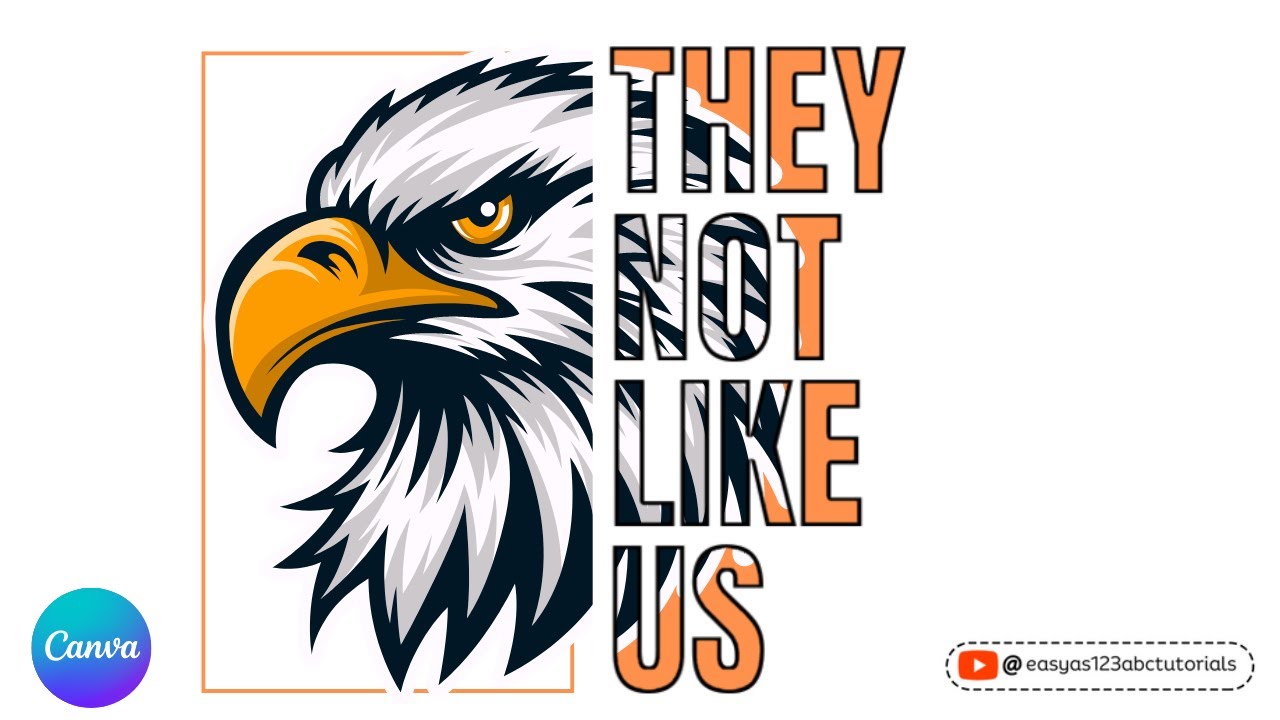
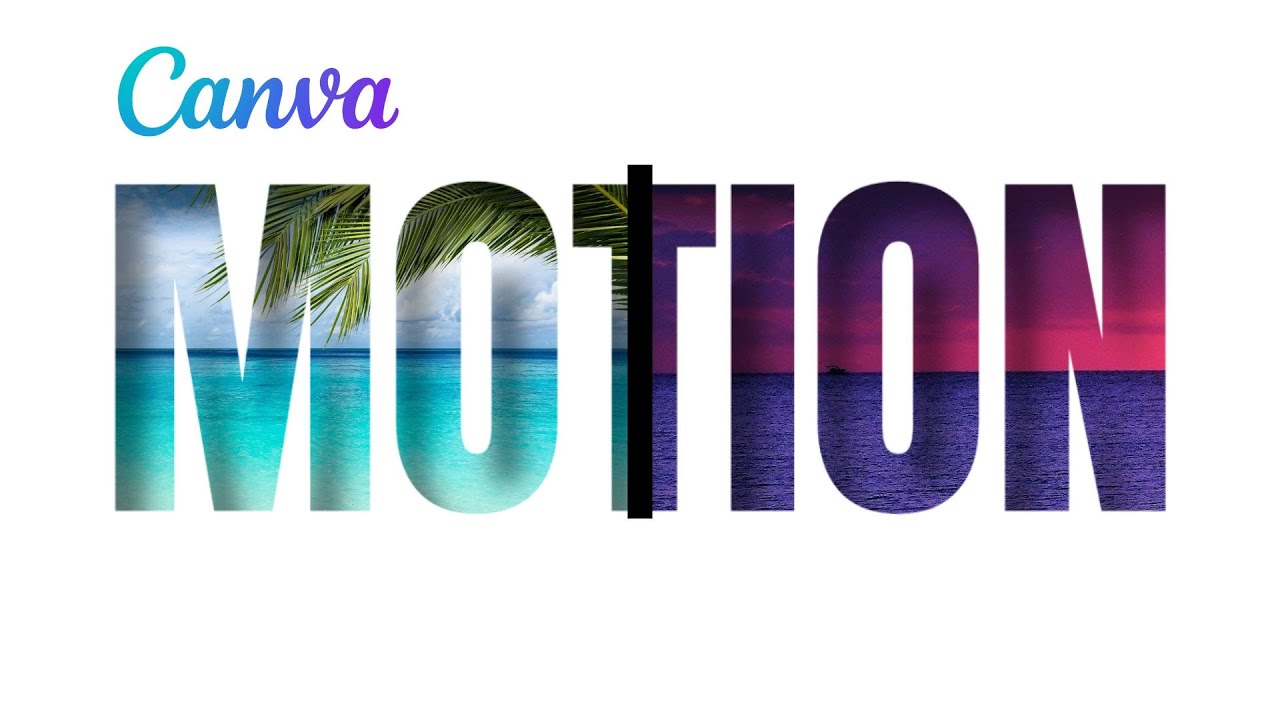
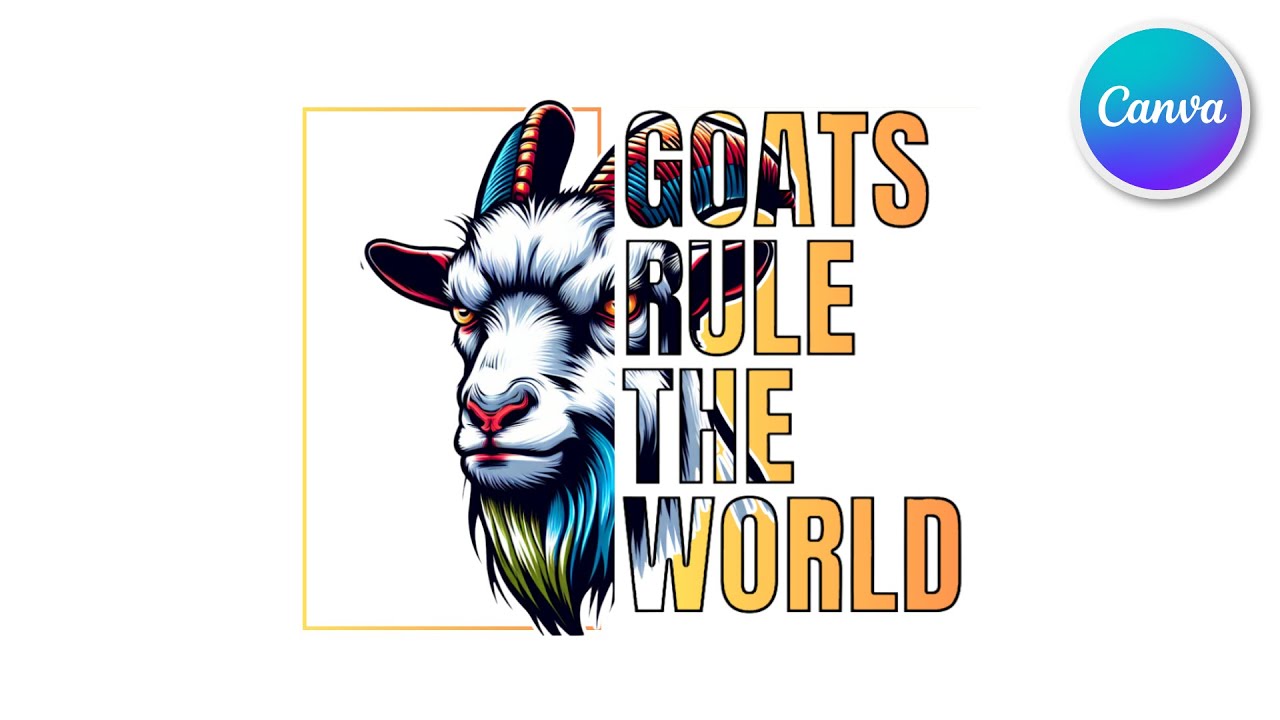
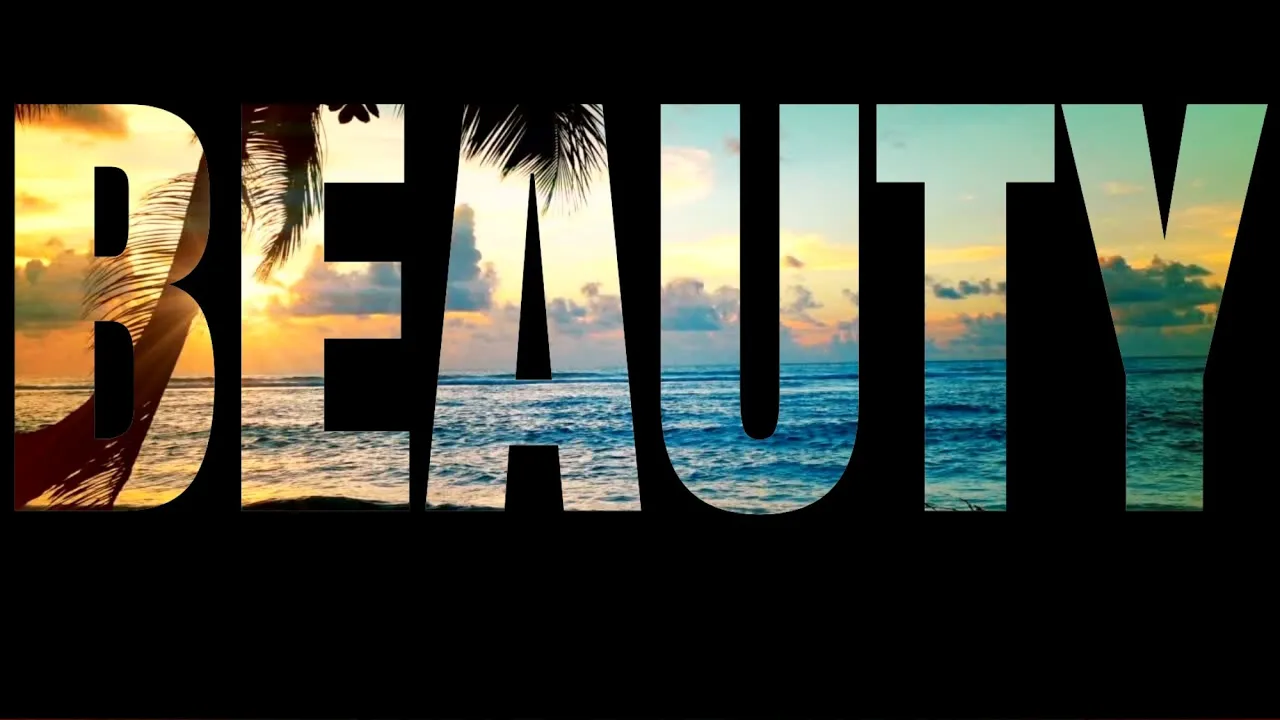
hi guys welcome to my channnel let's make this edit using the canva app step one we're going to open video in canville then we're going to select elements and search for a square after finding the square we're going to turn it into black after turning it into black we're going to adjust it to fit the frame so now we're going to select the text option and add the text of our choice after you finish adding the text we're going to search for the font Anton now we're going to adjust the text to fit the shape
that was added the next step is to save the image as a PNG so select download then click where it says video select PNG and download it we are now going to drag the image from the download section on our computer and drop it in canva after completing that step we're going to delete what was on the frame now we're going to select element and choose a video of our choice upon completion of that we're now going to adjust the video that was uploaded to fit the background after doing that we're going to select where
it says 37.8 seconds we're going to crop it to the size of the video that we want upon completion of that step we're going to select upload and then select the image that was downloaded then select edit photo remove background and adjust the image to fit the frame now that we've completed that step we're going to duplicate the page when we duplicate the page we're going to select the second page and then we're going to zoom it in when we Zoom it in we're going to select the image that was added and add it to
a corner then drag it we're going to drag it until we can see the image that's on the back through one of the letters right here I'm adjusting it and checking to see if I can see through it but I'm not seeing it so I'm going to drag it more you cannot drag it too big or it's not going to download right so now I'm satisfied with what I see so I'm going to work with it that way now I'm going to zoom out after zooming out I'm going to add a transition match and move
and there you have it a beautiful design in canva thank you for watching