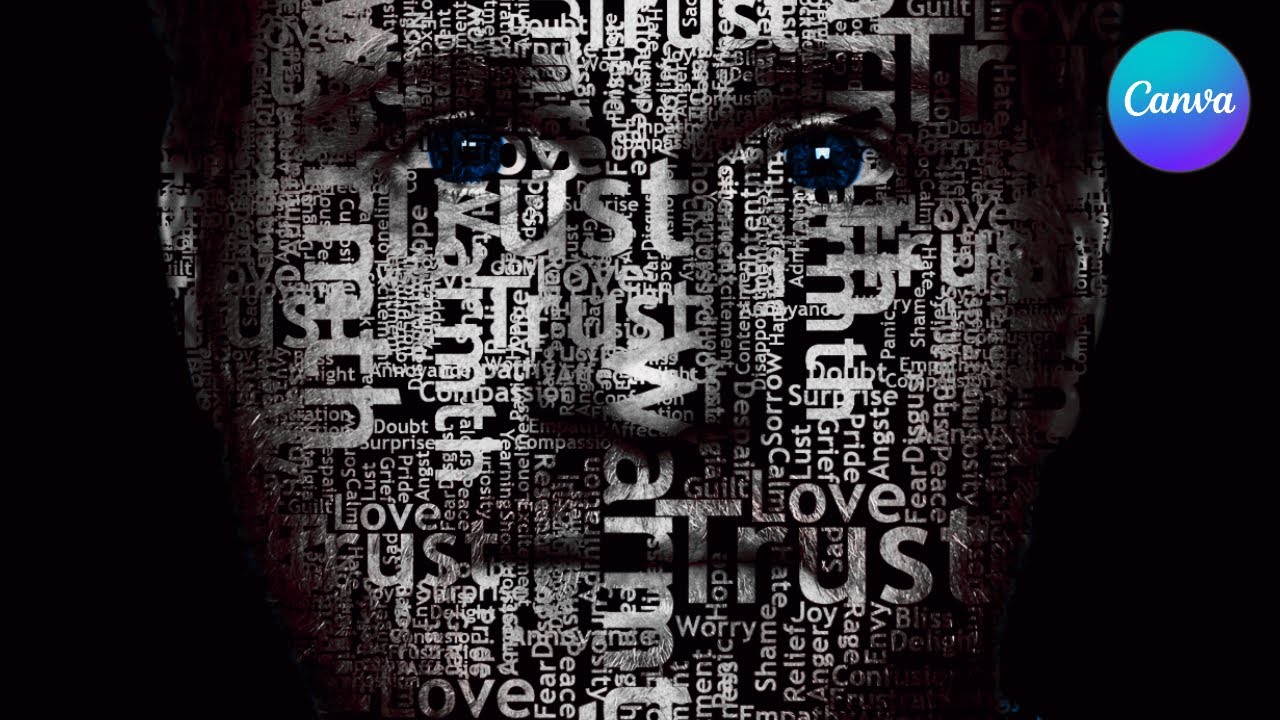
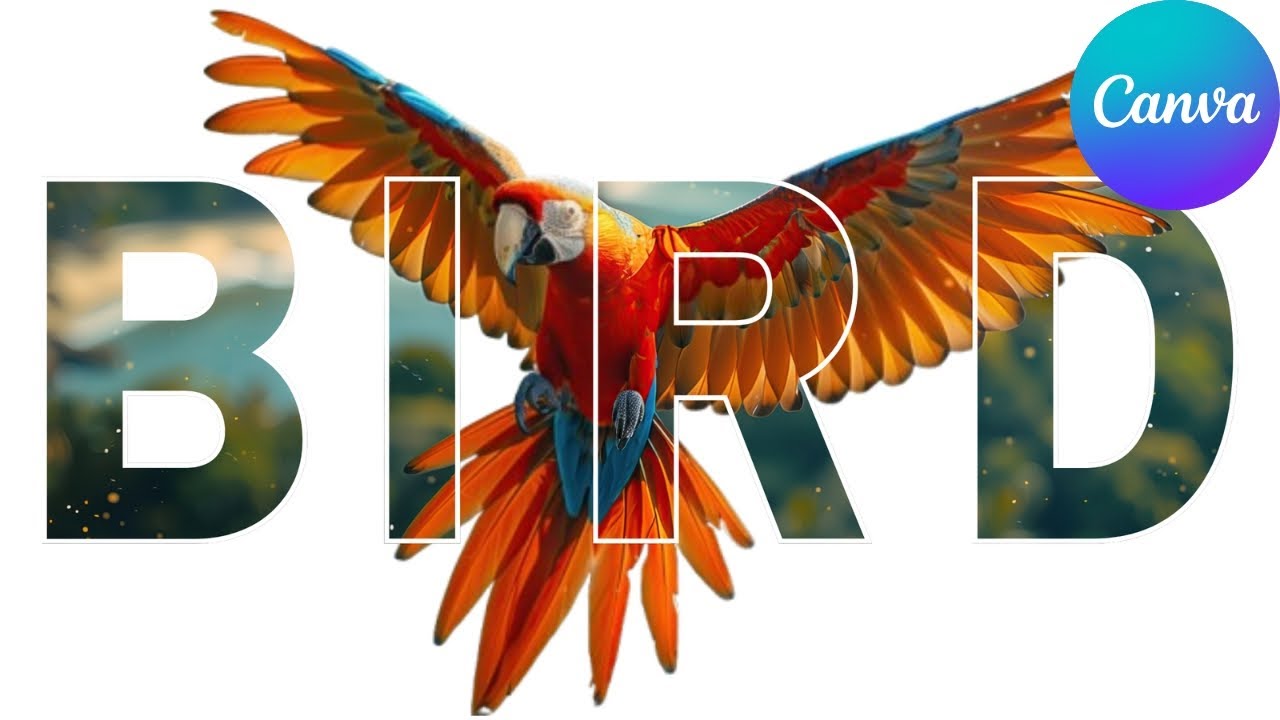
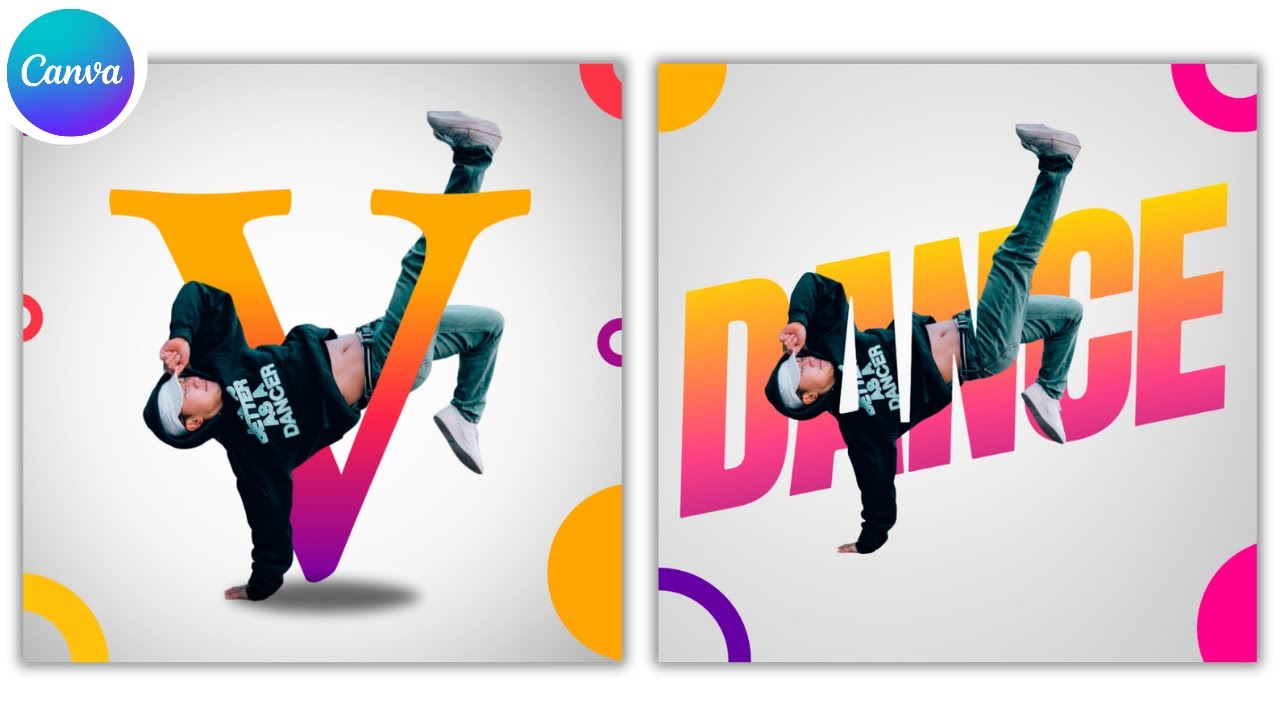
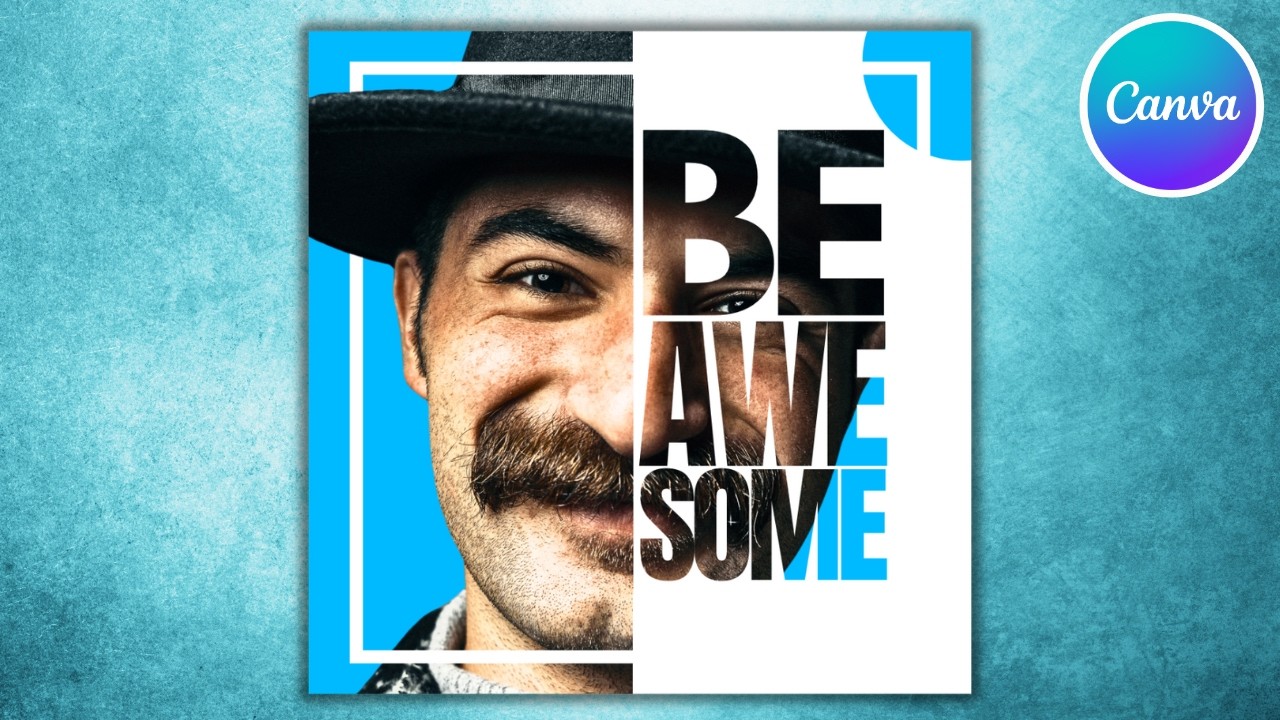
today I'm going to show you the easy way to make half text effect using cona go to cona and go to uploads and after uploading your image drag it to the design increase the size to fit exactly the page go to elements go to shapes and resize this Square make it exactly cover the middle of this image and change the color to Black go to text and type your text let's use Anon found let's increase the size and try to cover all the face and duplicate this black square and change the color to white color
go to layer show layer and make this weight Square behind the text and download this image let's delete all upload this image again and go to UPS and type blend image and choose this app click in this image and use it in top layer and click use selected image click on the next one and use it in the bottom layer and choose screen and click out to design and here is the final results I hope you like this tutorial subscribe to the channel to learn more about k