welcome dear OD doers to the first video in this series on Odo accounting Odo accounting has all the features of other accounting applications like handling invoices and payments reconciling these records with your bank transactions and managing budgets but on top of that ODU has loads of other benefits most important of which is its integration with the rest of the apps in your ODU database making your accounting processes easier than ever in this series we'll follow our new plants and Supply Company Bloom as we explore the most important features of the Odo accounting app and touch
on the basic accounting Concepts needed to follow along so let's get started by explaining Odo accounting's layout so that you can navigate easily and find everything you need so here we are in our Bloom database and the first thing we'll do is open the accounting app now your database might look slightly different depending on your company's fiscal localization since different countries have different accounting requirements so don't worry if yours doesn't match exactly another important thing to note here is that once you make your first journal entry you won't be able to change the fiscal localization
so make sure that you have that set correctly before you get started making your invoices and bills now let's examine the accounting dashboard you'll see we have a can band view with one tile for each of our journals and from here we can quickly and easily handle the most common workflows in the accounting app such as creating a new customer invoice uploading a vendor bill or reconciling your bank transactions next let's go through the different menu items so if you ever want to get back to this accounting dashboard simply click on the dashboard menu item
and then under the customers menu we have all of our options related to customers so that's invoices credit notes payments followup reports for those forgetful customers who need reminders and more the vendors menu item is similar with their vendor bills refunds payments vendor bank accounts for creating payment files such as sepa and nacha Etc the accounting reporting and configuration menus have really useful items that might be a little more intimidating to those who are less familiar with accounting but let's take a look at a few of them so that we can understand the basics of
what they are and how to make the most of them so starting under the accounting menu we have Journal items a journal item is either a debit or a credit which is simply an amount that is being added to or subtracted from an account this view is really useful especially when you group or filter it to show exactly what you're looking for for example I sometimes like to group by the journal entry which is a combination of Journal items that must be balanced meaning it must have an equal value of debits and credits every customer
invoice vendor bill payment and Bank transaction creates a journal entry to track the accounting moves related to that record but isn't there already a menu item for journal entries there is great question so the journal items view grouped by journal entry provides more details about the individual Journal items whereas the journal entries view provides more information about the journal entry as a whole so they're both pretty useful also in the accounting menu are more complex features like analytic items and budget and assets and we even have a few actions like reconciling Bank transactions and setting
lock dates to prevent users from posting entries after a specific date these are all explained in other videos further in the series so be sure to check those out jumping over to the configuration menu we can find our journals now a journal is simply a collection of journal entries and they're useful for keeping everything organized for example if you remember back on the dashboard we have different journals to keep track of our customer invoices versus our vendor Bills versus our bank transactions the configuration menu also includes different features to set up like payment terms and
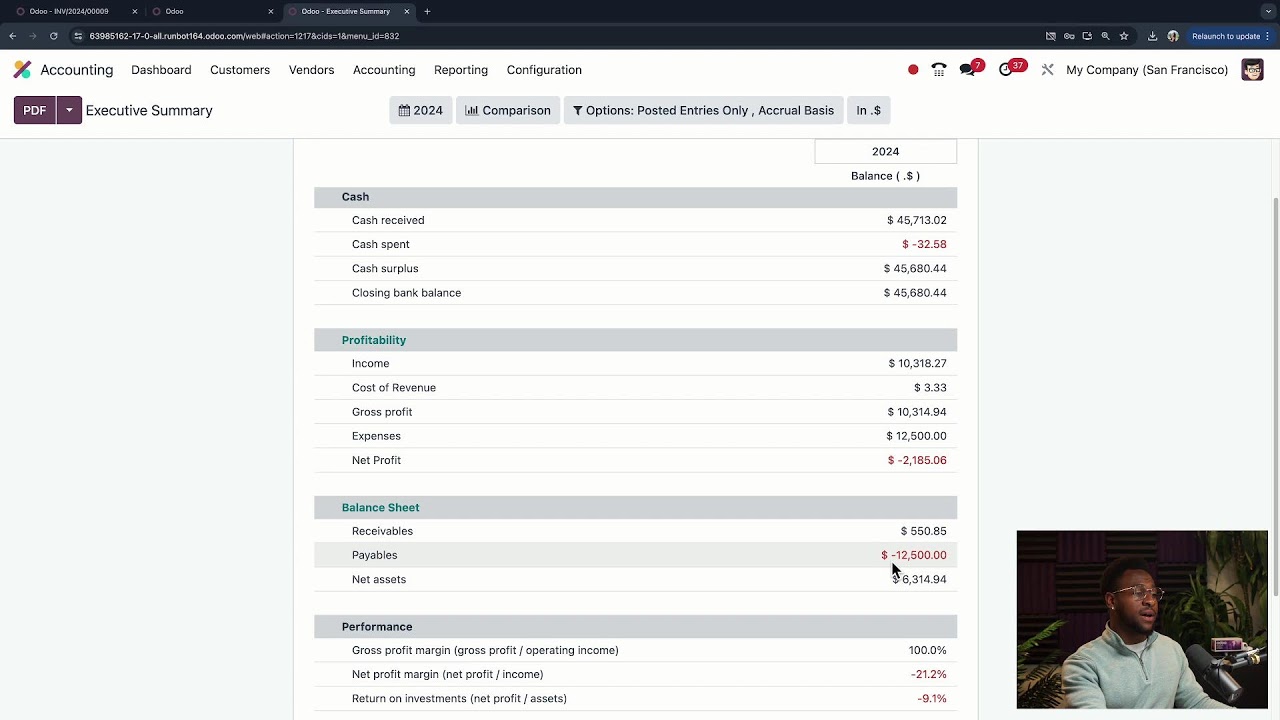
taxes and the chart of accounts as well as a lot of other useful features most of which are covered in this series back in the reporting menu we can find the general ledger and the general ledger is a view of all of our accounts with each account's Balan of debits and credits we can expand each account to see the individual journal entries that add up to their balance and we can even view the general ledger across a specific period of time other key items in the reporting menu include deferred expenses and revenue uh aged payables
and receivables and the standard financial statements like the balance sheet and the profit and loss statement so those are just the basics to get you ready for the rest of this series on Odo accounting so buckle up that's all for this video this has been your palal I'll see you in the next one