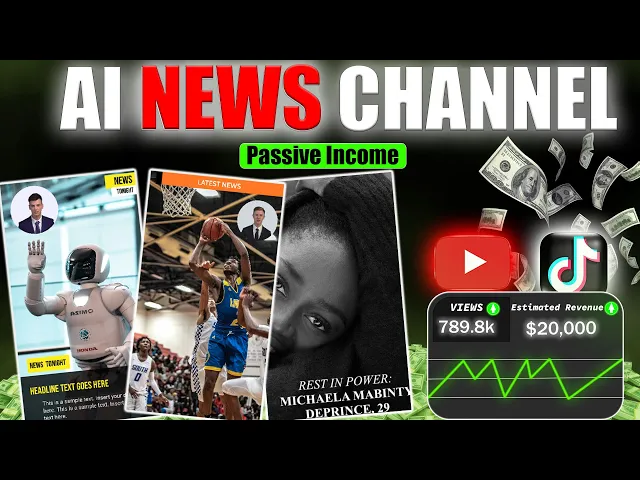
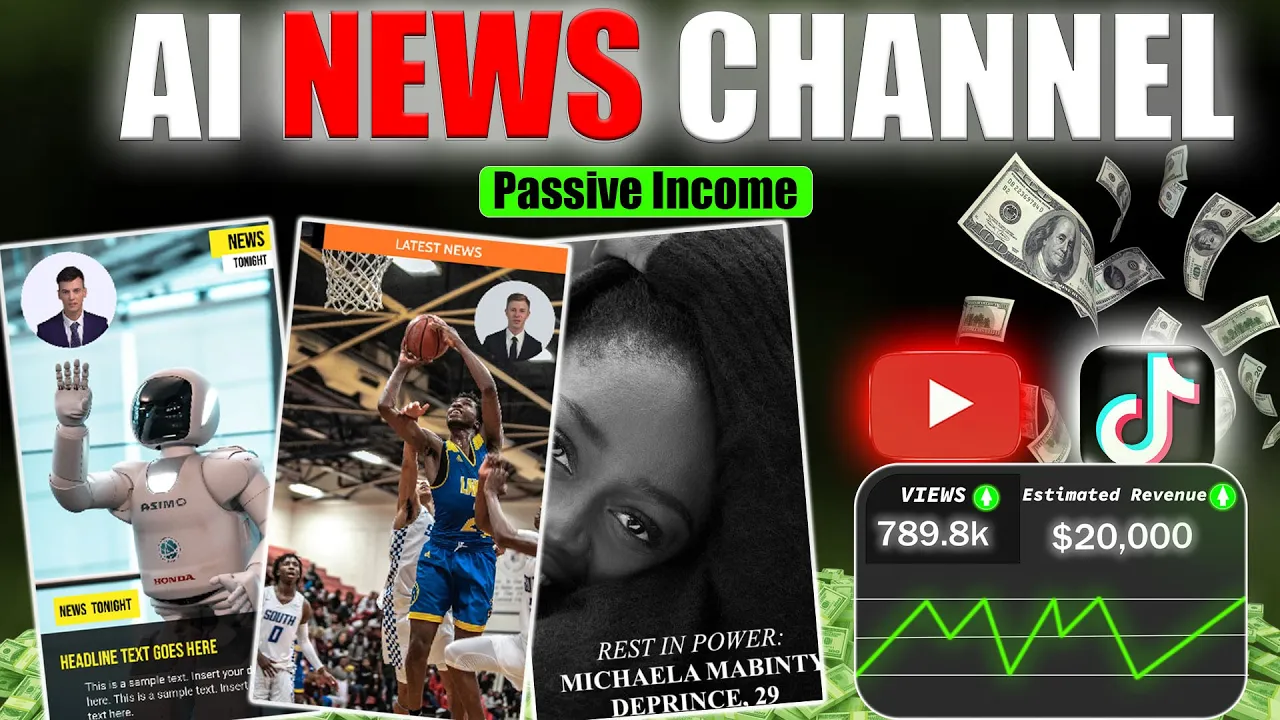
look at this AI News Channel got 7 million views and made about $50,000 just from ads Revenue in this video I'll show you how I use Google Trends to create viral content that earns real money I'll also walk you through how you can start making money with the YouTube Partner program and the Tik Tok Creator fund today I'm going to give you a complete step-by-step guide on how to create a faceless news channel in this video I'll show you how to create a channel design a logo find topics using Google Trends write a script and
edit your content I promise you won't regret watching this video let's get started the first step is to create a YouTube channel start by opening chat GPT and asking it to generate 20 unique names for your news channel now take a look at the list and pick a name true beat news looks interesting what do you guys think I'm going with that one let's create our Channel first go to YouTube and sign in with your Gmail account after signing in click on your profile icon then select Switch Account next click on view all channels and
choose create a channel add the channel name you copied from chat GPT paste it here check the box and hit create a channel for channel customization click on your profile icon switch accounts and select true beat news then click on customize Channel first add a channel description head back to chat GPT and use this prompt write a short description for my true beat News YouTube channel now copy the description from chat GPT paste it into the box and click publish for Branding we need a logo and a channel Banner we can use an AI generated
logo which you can get from chat GPT just use this prompt create an AI generated logo for my channel true beat news the result from chat GPT is awesome if you like it just save the image alternatively you can use canva to create a logo open canva and search for you news logo there are plenty of templates choose one and customize it to your liking now let's add our channel name to the template and download it for the banner search YouTube Banner on canva browse through the templates and choose one I'll go with this one
open and customize it now let's download it now let's upload our logo and banner to YouTube and publish them all right let's check out our Channel guys this looks pretty good now we're going to generate viral content using Google Trends and upload it to our Channel but here's the catch we need to pick a topic that's trending right now trust me this will boost the reach of your video there are many ways to find trending topics but for news content Google Trends is the most reliable tool just click on this link and it'll take you
to this page page it will automatically detect your location but you can change it to see what's trending in other countries once you click on trending now you'll see a list of Hot Topics as you can see there are plenty of topics here that we can create videos about from here you can change the time period but leave it set to 24 hours then enable the option for active Trends the graph shows the terms popularity over time in nearly real time if the line is going up it means the topic is still trending this topic
has been active from last 5 hours and its search volume is already at 50,000 that's a good sign as time goes on the search volume will increase and since only a few people have made videos on it so far it's a great opportunity for us to get views let's select this topic and search it on Google now click on news as we scroll down you'll see there are plenty of news articles we can use let's click on this one and now we'll copy the entire article and paste it in Google doc now we'll rewrite this
news article into a video script copy the article and go back to chat GPT and use the this prompt I have a news article to convert into a YouTube video script focus on creating an engaging narrative with a strong hook at the beginning then add a colon paste the article and hit enter let's see the results all right our script is complete copy it and paste it into Google docs to make some final tweaks once that's done we can start producing content and uploading it to YouTube after spending a lot of time researching I found
a fantastic tool called vidau AI I've added a link in the description click on on it and you'll be taken to this page first sign up with your Gmail account and then log in now pick the kind of video you want to create start by choosing a template and then add your new script but wait there's more let me show you something awesome there are so many avatars to choose from here you can even clone your voice or translate your video into any language you can also upload your own picture to create a custom avatar
and wait there's more when you click on AI tools you'll find tons of features like text to speech text to video video and even Music Creation let's continue by clicking the home button now it's time to pick a template you'll find options like explainer educational business and tutorial templates take a look and pick the one that fits your style since I'm making a news video I'll go with the breaking news category there are so many Fantastic templates to choose from it's hard to decide look at this one it's ideal for creating engaging professional content these
templates work best for long form videos but if you're focusing on short videos just switch to portrait mode you can also design your own template I think I found the one I like let's preview it and check it out template create videos to report breaking news the video Starts Here add your Channel's logo this template looks awesome let's click this button and get started now the fun part begins we'll edit the video right here you can paste your script and I'll show you how to do it in a second you can also add an avatar
or upload your own change backgrounds include stock videos images and much more all right let's copy a part of our script from Google Docs and paste it here you can also change your avatar if you like if you want you can adjust the voice or clone your own Vitos AI brings your IDE Vitos AI brings your idea V AI I'm choosing jaizelle but take your time to pick the voice that works best for you next click on this play button to generate the voice over you can adjust the speed and volume from these options you
can also enable or disable subtitles as needed adding too many lines of script to one scene can get boring to keep things engaging add only a few words of script then duplicate the scene and repeat this process change the visuals every 5 seconds for better variety you can also adjust the font style size and color and even add animations to the text let's update the fonts for all scenes to make them consistent and Visually appealing next we'll download images from Google for our project if the source has an Instagram account you might find additional images
there too to add an image click on this image icon then select my images and upload your image adjust and crop it as needed repeat this process for the next scenes changing images to fit the script I've also added a video that you can download from YouTube just use a clip that's at least 10 seconds long you can also change the background or upload your own just click on background then upload your image if it doesn't fit click on detach and resize it finally click on layer and place it above the white background now let's
click generate and wait for the result once it's done we'll check out the final video in a world where dreams can feel Out Of Reach one woman's story became a symbol of Hope and Beauty today we honor the incredible life of Michaela de Prince a ballet star whose bright light was lost too soon at the age of 29 sadly her journey came to an end when her team announced her passing through her official Instagram page while the details of her death have not been shared the heartbreaking news has deeply affected the world of ballet and
her many fans around the globe Michaela born as maendy bangura in Sierra Leon went through unimaginable challenges early in life she lost her parents at just 3 years old her father was killed and her mother passed away from Hunger this turned out great let me know your thoughts in the comments section news channels are always popular so Now's the Time to jump in feel feeling confused about starting your Channel or picking the right Niche join my Discord for personalized guidance and I'll assist you every step of the way thanks for watching and I'll see you
in the next one