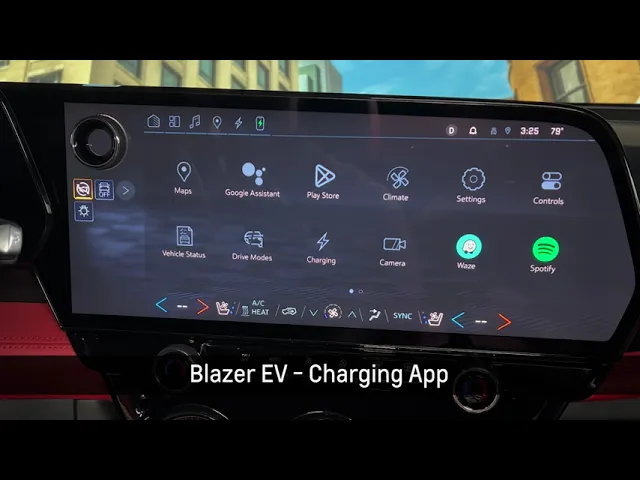
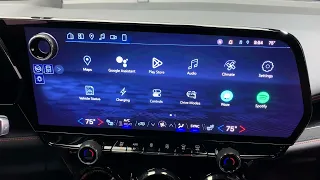
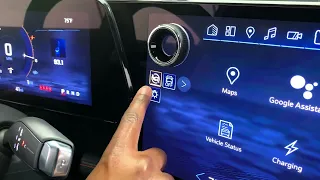
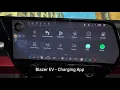
The last app we'll talk about today is the charging app. From here, we can do a lot of things in terms of setting up charging, including setting a home charge location. You can set up preferred charging times and different notifications for charging as well.
You can also create charging schedules to take advantage of utility rates that may be cheaper at specific times during the day. Here is where you also set up your target charge level. From the factory, the vehicle will be set to 80%.
This is the recommended charge level for daily use to maximize battery life. If the customer does need more range or wants to go on a longer trip, they can use this to slide up to above 80% state of charge. We suggest turning back to 80% state of charge when that range is not needed.
From here you can also go into settings and start your fast charge prep if a charging station is not your destination in Google Maps.