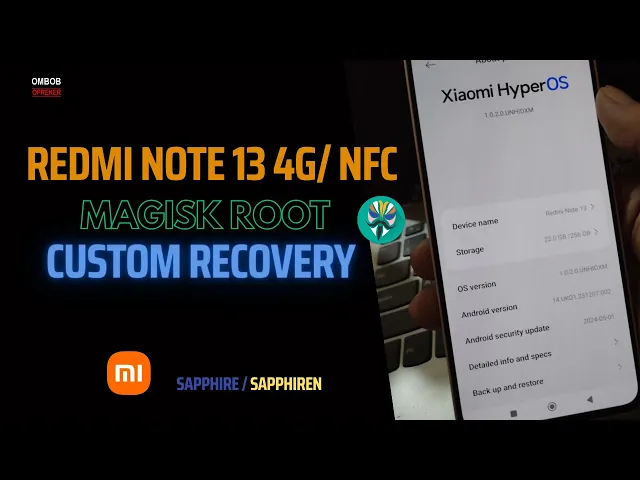
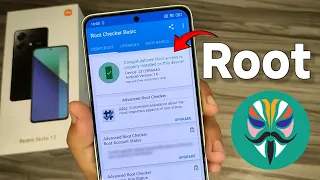
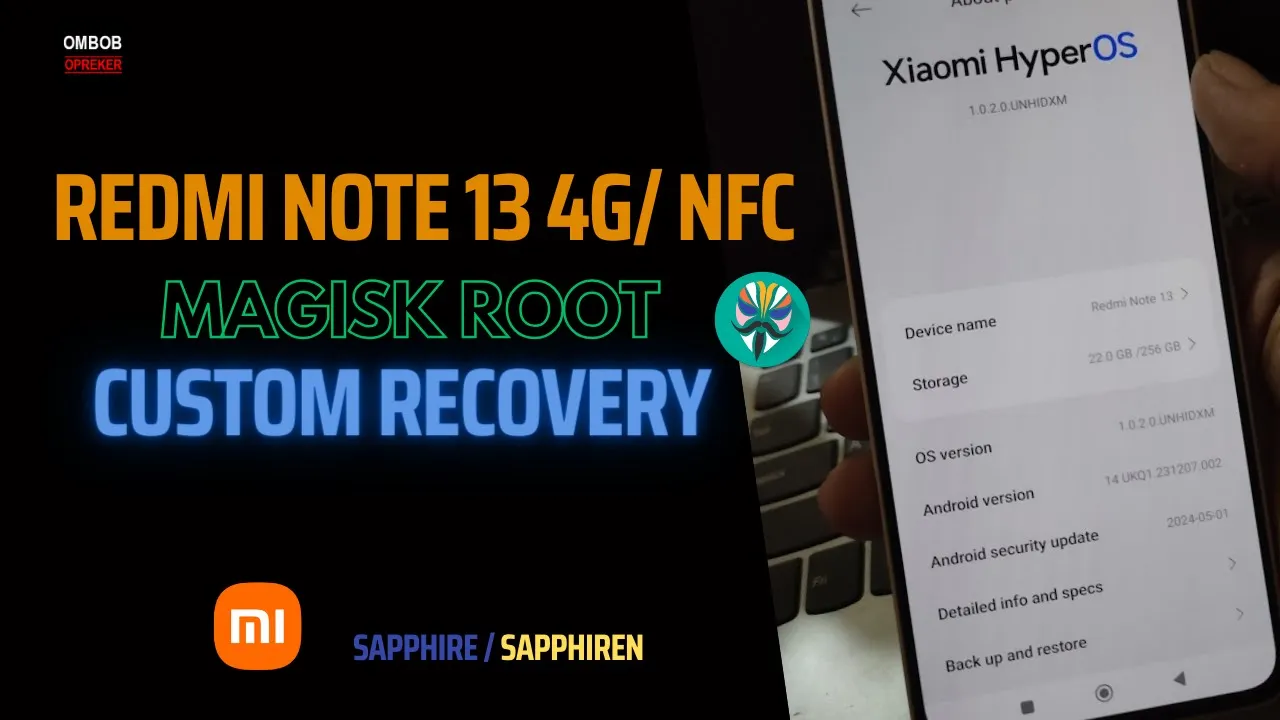
okay guys so this is the redm note 134g with the code name is spire and seiran okay so in this video I will show you how to R this device using Mages and custom recovery okay so just for information uh we cannot root this device using passp method so you must use the custom recovery and make sure to follow all the step to avoid any problem and this video we're using the latest AOS Android 14 okay all the file and step I'll provide in my blog you can check the link in the description box and
if you have any question feel free to ask if I have any time I will try to answer it after this you can install Mages alost and other stuff like usual okay so stay tuned and check it out hello guys again with omob and this time we have redm note 134g using hyper OS Android 14c this device has 8 GB of RAM and 26 GB of internal storage okay so first thing to do you must do the unlock B you must wait for 7 days for this device you cannot to install unlock water okay and
after you wait for 7 days just turn it off and boot it into the fastbot mode okay like usual fastbot mode can be accessed by pressing the follow mode down and power button at the same time okay now from here we can Flash the custom recovery by tapping the Face boot space flash SP recovery and just click and wck the image file and when it finish you can boot it using the command Face boot space reboot space recovery okay from there you need to wait for several seconds until it puts into the custom recovery or
the orange box and just for information never try to boot it using the fast boot space boot command because it will make trouble for your and now we are in the custom recovery from here you can copy the Mages inside the internal storage or MicroSD and then flash Mages okay and wait until it finish and it's always a good idea to Pi up the E basement and you should pick up using the backup menu and resize or smaller size and then back up the May and by span okay you can save the file to a
save place incor or the micro SD and when it finish you can reboot to the system and should wait for about 20 seconds okay now we are in the home screen and you can update the mes from the APK right there or the file manager okay I'll choose the file manager let's find The M APK and install the file okay if you ask for permission just give it permission and usually for the first time it will ask for update uh just give it update to the Imes and it will reboot in 5 seconds okay feel
free to use any Imes that you like in this video I'm using the Alpa you can use the official or the kitsun okay and then direct install and just r with the system okay now we are in the home screen now let's open the Mages first thing you need to do is enable the Jes and from there you can install model that you like for example in here I will install the lpos play Integrity fix someo and SM pcture okay just want to show you and make sure to download the proper ma module because some
of the model sometimes can break your device okay so make sure you get the model from the right place because some of the bad guys can make a very bad model to break your device okay and when it finish you can reboot your pawn and get effect okay for SM picture you can use my method in my other video how to make small pure for Android 13 and 14 and it should work Flawless okay it finish now reboot the system and now we are in the home screen again so from here let's check the Mages
okay you can see right here all the models are working perfectly and now I want to test the SMY picture okay first thing to do like usual open the map to see our location and then open the effect GPS to put us on a spot and start it on okay when it finish you can stop and it will back to your place okay that's all guys I hope this helps you and if you need my help I provide B service around the world okay I can remote your computer if you want to and of course
it is not free okay uh that's all see you in the next video asalam alikum