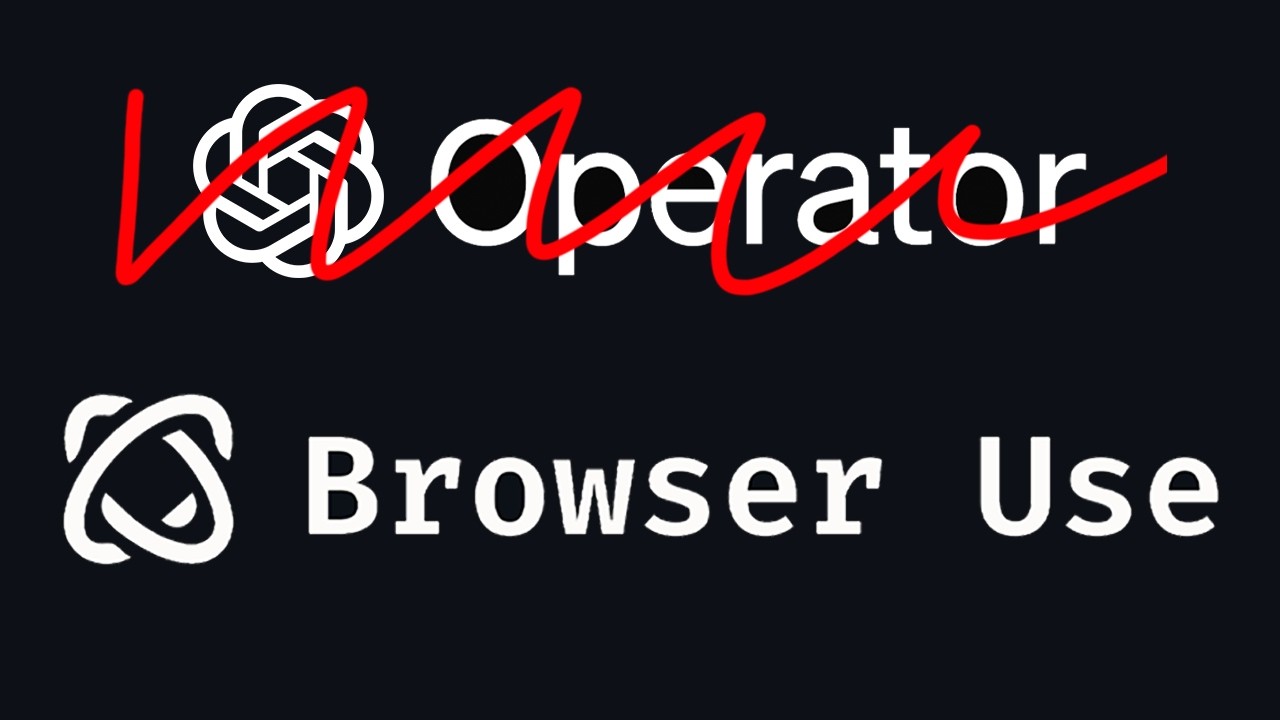
o d Coke or classic Coke or zero sugar big decision there there you go Coke Classic like it's it's it's so smart so smart this is incredible there you go right so now needs to go to check out hi Builders what if I told you there's an AI agent that you can use for free that can handle tasks for you directly in your browser in this video I'm going to show you how to set this web browser agent step by step so that you can start using it today and to be honest we're in a very unique time for AI with new tools like these coming along especially these ones I feel like are pushing us into the agent as a service era that I mentioned in one of my earlier videos so stick around cuz I'm going to get started straight away all right so if you're not aware openi released their own web browser agent called operator and essentially what it can do is well you give it a query and essentially it can uh you know through through a browser it can click stuff for you and type in stuff for you so you know if you can type and click stuff then you can pretty much do a mo most things online right um and that's that's what it's doing so so it's amazing this is the accuracy of open eyes operator mind you it's a really big company and there's a lot of research going on in trying to improve their products this is computer use by anthropic so it's not doing amazing and then the one that we're going to use today is this one called browser use and mind you this is an open- source project and it has kind of outshined operator in this scenario it might be by a few per but still it's it's a big statement knowing that this is open source and with this you can you can sort of get an intuition on where we headed towards with the open source world not only in the product space right because this is a product but also in the model space so you saw DC R1 and all the allegations that they made right all the statement that they made and look at how uh the stock market dropped it's also other things as well but I'll probably make a video about it so you know um so you understand fully what happened that day but but yeah essentially uh yeah pretty good accuracy the the thing with open eye operator is that it costs $200 a month so even if they drop it to 100 like I'm not even paying for Netflix at $20 a month right so for me paying for something that I'm not sure how well it works you know I'm definitely not paying $200 a month and you know also it's not available in many countries and it's close source so you can't see how it works and that's why browser use is Superior in this scenario because it's free and it's open source so once again you can you can understand uh you know where we're going with open source and there's two ways of using this tool so you could either go to their uh go to their site and use their Cloud instance so everything is hosted by them everything is handled by them it's $30 a month right now so it's not that bad for for what you get I'm pretty sure you can do something out of it or you can just test it locally right which is what we are going to do today okay so this there's a couple steps overarching steps that uh we're going to take to accomplish this right to have it all set up uh so that it's ready to use so having said that let's get straight to it so what we're going to do is head over to uh your code editor okay if you don't have one then go ahead and download cursor I I really recommend cursor it's really good 10i powered code editor if you just want to use plain code go ahead and use vs code but whatever you use you're going to open a new project right I already created this one from before so yeah go ahead and open a new project and now we are going to was this we're going to clone the repository so this is this one here right we're going to the GitHub website and then we're heading to here and you're going to copy this URL then you're going to come back here open the terminal if you don't know how to open the terminal there should be a plus sign and either that or you can do command J to toggle on and off the terminal well once you're here you're going to do get clone and then copy the uh paste in the URL so right now we're cloning we're doing all that stuff and it should be ready so now you should be able to see here that you have all these files okay great Okay cool so now we are going to CD onto webui so CD means change directory so we're changing the directory to this one here right this folder is a directory so City web UI and now we need to install the requirements so if you're following if you're using a a GitHub repository I recommend that you watch the install options so in this case we're going to do local inst installation we're installing locally and it's recommending me to use UV so this is a python environment and cond is another one another famous one that you can use as well to keep it simple we're going to use UV to install uh the requirements and then install play right so let's go over here and let's do pip install UV cool I already I already installed it so uh you might have something different like a load bar or something if it's your first time and once we've done that now we can do UVM recommend using UV to set up so set this up cool we created a virtual environment and now we're going to activate it with this command so everything is there everything is on the GitHub repo cool we activated that Viral environment now we are going to install the requirements. txt right here right so we need to install these things essentially so that's what we're doing with this terminal command we're installing all the necessary kind of tools that we need in order to launch this app if you may okay this is all hosted within an app in Local Host so so yeah this is all that we need to kind of launch the app and now we are going to install playright play right is kind of the tool in the background that the agent needs to do the web browsing abilities so it's going to be able to kind of read the HTML of the site and whatnot so we're going to install that cool that is done once you're done with that now before running the actual thing we are going going to copy the DM em. example file which obviously you can't you can't use uh into a new file so we're going to create a EMV file right right here so you can copy this you can also ask uh the composer to do it for you but essentially what we're doing is we creating aemv file with the same stuff as in this here and now we are going to add uh the opening IPI key so cuz I want to use the openi model so if we create a new secret key let's call it test browser use if you May let's create that copy that and let's add it right here okay sure you should save that and don't worry I'm going to delete this key as as we're done with the video and now that you've done that what you can do is just run this so we're going to run that so now we're running uh the browser used API and now all we need to do is command and click so I'm going to bring that to the browser here and you're going to see check this out we inside the local browser use web UI and this is guys where the magic starts amazing so now that we're here we're going to go through the setup I'm not looking for anything complicated right now so it's is going to be a demo but what I know is that let's move this um to around I think 60 should be right let's leave this as 10 Max actions per step I think that makes sense and we can leave that as it is cool now we're going to go through uh the open configuration so let's use for all that's good enough let's put the temperature at 0.
1 right we want to keep it as less random as possible and the base the base URL so API m. URL if required so I've I've placed it on the DM uh so this should work right if you know from before on the do M I already specified the opening opening API key sorry so we're going to add the the base URL and the API key is there so we can leave it blank it can be the case as well that you don't put it on theem right what I did here is kind of optional but I added in any anyways but you can do it you can do it like this so you can you know put the Bas URL and and then paste the API key directly here that should work as well and now we are going to go to the browser settings so I think we can leave this as it is okay I think it all looks good and now just going to going to go ahead and do that just in case it launches uh it launches launches something separate that I need to be aware of um let's run the agent okay and what do we see here as an example so go to google.





![How To Build AI Agents [Full Course 2025]](https://img.youtube.com/vi/HMcBIA835ok/maxresdefault.jpg)