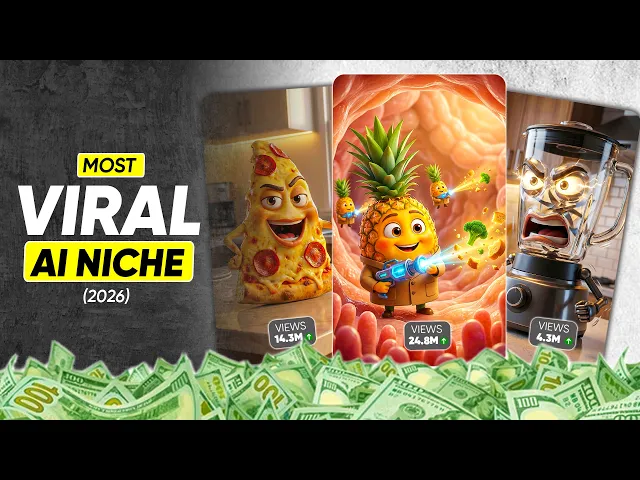
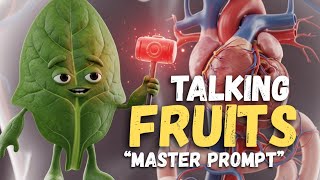
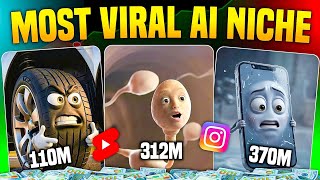
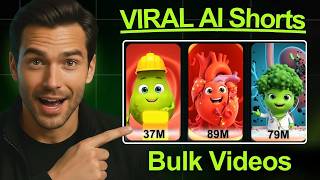
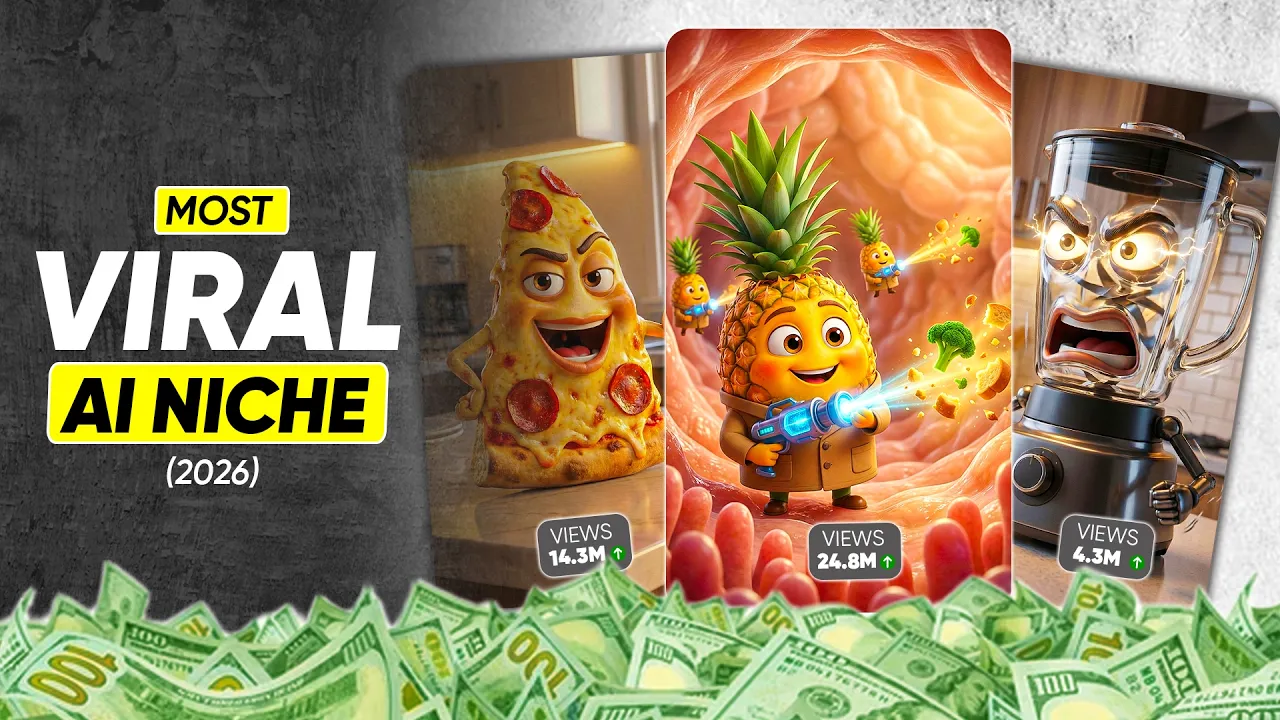
I am pineapple. I support digestion and nutrient [music] breakdown, and I'm best enjoyed earlier in the day. >> These talking fruits, talking vegetables, talking health reels, and even talking everyday object AI videos are going insanely viral right now.
And yes, this is 2026, not some old trend. Um, let me show you something that should honestly scare you a little. There's an Instagram account called Science AI Masters.
They posted just 36 reels and gained 764,000 followers. Almost every single video is crossing millions of views. Another account, Dr Helix, posted only six videos and still gained nearly 50,000 followers.
And then there's Science Pulse. just 139 reels, 1. 1 million followers, and almost every reel crosses a million views.
And here's the part most people hate hearing, you can do the exact same thing for 100% free. But, and this is important, only if you know what nobody explains properly on YouTube. Cuz here's the truth.
just knowing how these AI reels are made, just copying prompts, just generating talking food videos. No, that is not enough. Um, the real reason these accounts explode is how the account is set up, how the niche is signaled to the algorithm, how topics are chosen for virality, and how the reels are engineered to keep people watching.
And no one explains this properly until now. Because in this tutorial, I'm going to walk you step by step from setting up an Instagram account that can go viral to publishing your first highly engaging reel that the algorithm actually wants to push. So, if you're serious, do not skip a single part because no one will tell you these critical settings.
Now before we move forward, let me answer the most asked question I see in the comments. Are these AI YouTube shorts and reels monetized? The answer is yes.
But listen carefully. Um only if you make original, creative, and engaging content using the method I'm about to show you. If you simply download other creators videos, re-upload them, or make lazy, loweffort AI content, then I'm sorry, it will not be monetized.
That's exactly why you should not skip anything because after this tutorial, you won't just be making talking health vegetables, junk food talking reels, electrical appliances, talking laptop, and accessory talking videos. You'll be able to create 1,000 plus different viral concepts that almost nobody on YouTube is teaching properly. Now, before any real goes viral, the account itself must be algorithm friendly.
And the account name plays a massive role. Our niche is AI plus health plus talking food inside the body. So your Instagram account name must be simple, clearly signal health, food or body.
Not include years like 2026, not be clever, cryptic, or confusing. Be readable in 1 second. If Instagram can't understand your niche instantly, it will not push your content properly.
Now you can sit and brainstorm names yourself or you can do what smart creators do. You can simply use this prompt to save time. In this prompt, we ask chat GPT to generate five Instagram account ideas for a health focused AI talking food niche.
Optimize for first real virality, algorithm trust, clean branding. Each idea includes a realistic username, a clear display name, the best Instagram category so the algorithm understands the niche instantly. All you have to do is paste the prompt into chat GPT.
Change the number five to however many ideas you want, hit send. That's it. Chat GPT will instantly give you viral ready account names that are readable, niche clear, and algorithm friendly.
Uh, from the suggestions I got, I'm going with the first one. Username food that heals a I clean, clear, instantly understandable. Once you finalize your account name, immediately create your Instagram account with that exact name.
Do not delay this step because availability matters and viral names get taken fast. Now, we need a profile picture and listen carefully. This is not about looking cool.
This is about instant trust. At small circular sizes, Instagram only reads one thing. Is this account safe, helpful, and worth testing?
So instead of guessing, you will again use chat GPT. Simply use this prompt where we ask chat GPT to create a detailed image generation prompt for an Instagram profile picture of a healthfocused AI brand. The goal here is very specific, trustworthy, friendly, viral ready, clearly signals health education, not medical treatment.
Works perfectly in a small circular profile picture. Now do this. Paste the prompt into chat GPT.
Hit send. Within a few seconds, Chat GPT will generate a readytouse image prompt. Once it's generated, simply set it as your Instagram profile picture.
Before posting even one single reel, Instagram asks a silent but deadly question. Who should I show this account to? Your bio answers that question.
And this is where most creators fail. If the bio is vague, your first reel dies. If the bio is clear, Instagram tests your reel with the right people.
Your bio has 2 seconds to explain what this page shows, who it's for, why someone should watch. No links, no emojis yet, no fluff, just clarity. To generate this, you'll again use chat GPT.
Use this prompt where we ask chat GPT to write a short viral optimized Instagram bio for a health focused AI talking food account. The goal is simple but powerful. Clearly signal the niche.
Define the audience, communicate the value, all within two to three lines. Now, paste the prompt into chat GPT and hit send. Chat GPT will generate multiple bio options.
Pick the one that feels the clearest, sounds the simplest, instantly explains the page. Now, copy that bio. Go to your Instagram account and tap edit profile.
Set the display name you finalized earlier. Paste the bio and save it. Leave pronouns empty.
Leave gender unchanged. Now comes one of the most important steps. Convert this account into a creator account and choose the correct category.
Tap switch to professional account. Tap next. Select education as the category.
Turn on display on profile. Tap switch to professional account. Select creator.
Tap next. Done. Now comes the part everyone is excited about.
Creating your first talking fruit health reel and publishing it on Instagram. But stop. It's there's something extremely important that 99% of new creators miss.
Before you post your first reel, Instagram looks at account behavior signals. If these signals are wrong, uh your reel doesn't fail loudly. It gets quietly limited.
To fix this, we must warm up the account. A brand new account with zero interactions, zero interests, zero behavioral signals means Instagram has no idea who to show your reel to. So, we teach the algorithm first.
We give it soft signals. Follow 10 to 15 relevant accounts in health, uh, nutrition, fitness, and science. Like and save 20 to 30 health reels.
Do not comment. Watch 10 to 15 health reels fully. Do not mass follow.
Do not comment. Do not DM. Do not post yet.
Once warm-up is done, your account is ready. Now, your first reel gets real testing, not a shadow start. And remember this, your first real's job is not to go viral.
Its job is to teach Instagram who you are. Build a viewer graph, unlock distribution for future reels, follow the system, and your account will explode. Now, we reach the part that actually decides virality.
to make your first reel go viral. Uh the very first thing you need is a viral topic idea. Not a nice topic, not an informative topic, a wow topic.
Your topic must uh trigger curiosity, create mild shock value, make people think, wait, what? Because if the topic doesn't stop the scroll, um nothing else matters. Here are some high-erforming topic angles in this niche.
Fruits that burn belly fat naturally inside your body. Best morning foods for fast fat. Burn fruits that control sugar and cravings.
These work because they promise a clear outcome. Feel visual. Feel inside the body, not generic.
Now, you can sit and brainstorm these topics yourself. But if you don't want to, do not worry. I've already created a topic gold mine for you.
It contains 1,000 viral topic ideas specifically for this niche. You'll find the link in the pinned comment. But hold on.
If you want even more unique ideas or you want to generate fresh topics anytime, simply use this prompt. Replace the number 10 with however many topic ideas you want, paste the prompt into chat GPT, hit send. Within seconds, Chat GPT will generate unique scroll stopping topic ideas.
For this example, I'm going with topic one, fruits that burn belly fat naturally inside your body. Now, we need a viral script for this topic. And no, you do not need to write it manually.
Simply use this script generation prompt. Here's what you do. Paste the prompt into chat GPT.
Enter your topic inside the topic idea placeholder. If you want to create videos in your regional language, replace English with your language. If you want to target a USA based audience for higher RPM, keep it in English.
Now, hit send. Um, that's it. Chat GPT will generate a complete real script including scene numbers, dialogues, talking fruit and vegetable characters, clear, simple health explanations.
For example, in scene one, an apple speaks. Hello, I am Apple. I help support fullness and steady energy by slowing digestion, and I work best when eaten in the morning or as a midday snack.
In scene 2, a grapefruit appears and explains its role. And similarly, each scene features a different fruit that helps with natural belly fat control. This is a highly engaging script, and most importantly, it is perfect for short form retention.
At this point, you now have um a viral ready topic, a complete script, talking characters, a clear structure. In the next step, we convert the script into actual AI visuals and video u that look clickable, animated, and impossible to ignore. This is where most people mess it up and where your reel starts to separate from the crowd.
Now comes the execution part. To save time and avoid mistakes, you will use one single prompt. Simply paste this prompt into chat GPT and hit send.
What happens next is powerful chat GPT will generate text to image prompts, imagetovideo prompts, put every single scene, all inside copyable code blocks. This means one-click copy, no rewriting, no guessing. Everything is already structured for you.
Now we start with image generation. Let's do scene one. Copy the image prompt for scene one.
Go to Google Gemini AI. Click on create image. Select the pro option.
Paste the prompt. Hit send. Within a few seconds, your scene one image is ready.
Now, repeat the exact same process for the remaining scenes. Here's what I generated. Scene two, grapefruit.
Scene three, berries. Scene four, avocado. Scene five, papaya.
Scene six, lemon. Scene seven, pineapple. Scene eight, kiwi.
Scene nine, watermelon. Scene 10, green apple. Using the same copy, paste, send method, all images are ready in minutes.
No design skills, no confusion. Once all your images are ready, the next step is converting them into video clips. Let's start with scene one.
Go back to chat GPT. Copy the video prompt for scene one. Now go to Grom Imagine.
Here's a quick tip, and this is very important. Grock allows free image to video generation up to a limit. If you have an older Grock account, you usually get more usage limit.
If you hit the limit, uh, simply create a new account using a temporary email and continue generating videos for free. Now, back to scene one. Upload the scene one image.
Paste the scene 1 video prompt. You'll notice something important. Uh, the dialogue is already included inside the video prompt.
You don't need to add voice lines manually. Now, hit send. Within a few seconds, your scene one talking video clip is ready.
Let's preview it. >> Apple, I help support fullness and steady energy by slowing digestion. And I work best when eaten in the morning or as a midday.
>> Using the same method, generate video clips for scene 2, scene three, scene 4, and all remaining scenes. At the end of this step, you'll have multiple short talking clips, each representing one fruit. At this point, you now have a viral topic, a complete script, um, highquality AI images, animated talking video clips.
But we're not done yet, because now we need two things that massively affect click-through rate. An intro scene and a cover image for the Instagram reel. This is what decides whether someone stops scrolling or keep scrolling.
To do this, simply use this prompt. Paste the prompt into chat GPT. Enter your topic in the topic placeholder.
Hit send. Within a few seconds, chat GPT will generate you a detailed text to image prompt for the cover image. Andy ready to use video prompt for the intro scene.
Now, let's create the cover image. Copy the cover image prompt. Go to Google Gemini.
Generate the image. And there it is. This is the cover image for your first reel.
Clean. Clear. Scroll.
Stopping. Next, we create the intro scene. Copy the intro video prompt.
Go to Gro. Upload the cover image. Paste the video prompt.
Hit send. Within a few seconds, your intro scene video is ready. Let's preview it.
>> We are the fruits [clears throat] that burn belly fat naturally inside your body. >> This looks amazing. Right now that everything is ready, open your favorite video editor.
First, import the intro scene clip, but drag it to the timeline. Next, import all remaining scene clips. Place them in the correct sequence.
Now, preview the entire timeline clip by clip. Remove silent gaps. Cut unclear or ambiguous dialogue.
Clean up unnecessary pauses. If needed, slightly increase or decrease volume levels. The goal is simple.
No dead seconds. Now, we add transitions. Add a fade in out transition between clips.
If you are using Fil Mora, set duration to 13 frames. If you're using cap cut, set duration to 0. 5 seconds.
Do this for all clips. Next, add a short whoosh sound effect with every transition. This massively improves perceived quality.
Optionally, you can add caption text to make it more engaging. For this example, I'm skipping it. Once everything looks clean, export the video.
Set the file name the same as your real title. Set the resolution to 3,840 by 2,160 pixels. Set quality to high.
Now, hit export. And that's it. Your first reel is ready.
But creating a reel is not enough. Publishing it the right way with the right metadata at the right time is what actually matters. Before you publish, listen carefully.
If you just created a new Instagram account, you must warm it up for 48 hours using the method we discussed earlier. If you rush and publish immediately, your reel will die. Once the warm-up is complete, use this final publishing prompt.
Paste the prompt into chat GPT. Hit send. It will generate a viral caption, viral hashtags, recommended posting time, an audio usage strategy, which tells you to use a trending audio at almost zero volume for algorithm lift, and advanced publishing settings, including remix on, comments on, branded content off, paid partnership off, share to feed on.
Follow these settings exactly and most important, use the custom cover image we generated earlier. This alone can significantly increase reach. Once you post the first reel, do not close the app immediately.
For the next 10 to 15 minutes, reply instantly to any early comment. Like the comment. Watch two to three health reels in your niche.
This signals active creator presence. Now remember this, the first 60 minutes are the most important window. During the first hour, do not edit the caption.
Do not change hashtags. Do not delete and repost. Let the algorithm work.
Now listen very carefully. Your first re's job is not to go viral. Its real job is to teach Instagram who you are.
Build a viewer graph. Unlock distribution for future reels. That's it.
So, what do you do next after posting reel one? Prepare reel two on a similar topic. Post it exactly 24 hours later.
If you follow everything explained in this tutorial, your account will explode. All the prompts used in this tutorial are deeply engineered and optimized for the best possible results. I highly recommend using only these prompts in which you'll find in the pinned comment.
I've gone one step further and created a custom GPT called Healthtalking Objects AI Studio. Make sure it's created by Zapiwala AI. Here's how it works.
Click give me topic ideas for a health short video. It generates 10 viral topic ideas. Select a topic.
For example, topic 4. It generates the complete script. Type go ahead.
It generates scene wise text to image and image to video prompts. From there, generate images, convert them into video scenes. Done.
This tutorial doesn't end here. There's a whole other category going massively viral right now. Everyday talking objects, including gym equipment talking, electrical appliances talking, gadgets, and tools talking.
I've already created 100 viral topic ideas for this. If you want fresh ideas, use the topic generation prompt. Next, use the script generation prompt to convert the topic into a highly engaging script.
Once the script is ready, use the next prompt to generate character image prompts for all the characters featured. After that, generate all character images using Nano Banana Pro. Next, copy the dialogue from the script.
Upload the character images to Gro Imagine. Paste the dialogue and your video clip will be ready. Using this method, you can generate video clips for all scenes.
For ease, I've also created talking objects. Studio GPT by Zapiwala. A I here.
You simply need to click on one of the available options. This custom GPT will provide you with highly engaging topic ideas. Next, select and enter the topic you want to create a video on.
The custom GPT will then generate a highly engaging script for your selected topic. After that, it will ask whether you want character prompts. Simply type um yes.
The custom GPT will then generate character image prompts for all characters. Next, use Nano Banana Pro to generate the character images. Finally, use Gro to convert all the images into video clips.
But remember, individual prompts always give the best results. And you'll find links to all custom GPTs, viral topic documents, all prompts in the pinned comment. Let's target 500 likes on this video.
Drp your feedback in the comments. Tell me which viral topic you want next. And if you want to turn any video into these viral animation style reels, you cannot afford to miss the next tutorial.