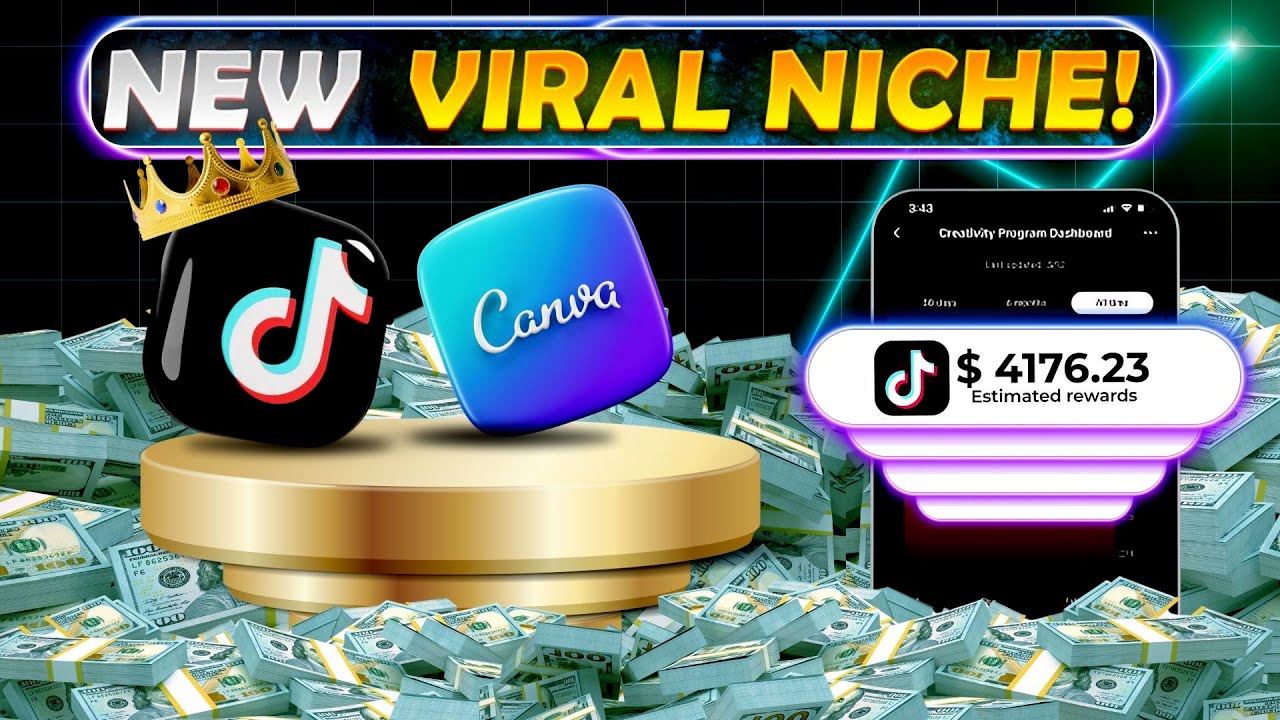
the Tik Tok creativity program beta is crazy think YouTube shorts but instead of getting paid an astronomically low RPM meaning the amount you get paid per 1,000 views Tik Tok will pay you over $1 per th000 views so posting a video that Hits 1 million views will pay you $1,000 let me tell you a little secret it's not that hard creating a viral video that's why I'm going to reveal a new method to scale up your first account using a new AI tool that just got an insane feature but before we get into that though
you have to know how to set up your account correctly I've seen hundreds of members from my free community that struggle with being stuck at zero views which means you are being shadowbanned and trust me it sucks realizing your account is being shadowbanned meaning you've just wasted a video this is because you can't repost videos that have been posted once as the algorithm will find out instantly so this is how you do it first off if you've been watching any of my earlier videos you know that the Tik Tok creativity program beta is only available
in a few big countries countes like the US and UK in order to get around this though I've got a really good friend who's found a way to bypass it so you can join from literally any country in the entire world all you got to do is get yourself an account like this one being shown here it's got the creativity program if we go to the settings and check it out but it also has the Tik Tok shop which doesn't exist if the account isn't from the US I've put the website where you can get
your own account in the description and since I value my loyal subscribers there's a little discount code there for you as well so you can save some money all right so let's say you've got your own account now you have to know how to keep it safe from bans luckily for you I know every single trick there is to avoid Shadow bands I usually only Share info like this with the members in the growth program I've started but I'll give you the information you need to start off right here actually I'll let my very good
friend Horus the Tik Tock wizard help me out yes hello there let's get right into it firstly I really encourage you to follow the pre-login instruction on the website this is important so Tik Tok doesn't find out you're not actually in the US yeah that's really true anyways when you've got Tik Tok ready and you're logged in to your account always verify your email address in the settings this will ensure Tik Tok doesn't see you as a regular bot then do some scrolling for a day or two and just engage like a completely normal user
by the way when someone mentions warming up an account this is what they mean Horus will you take the last one yes now this last tip is super important do not change your profile picture bio or username before you've posted your first two videos that has personally helped me avoid Shadow bands a lot now that you hopefully have your first account figured out let's move on to how you create your first video using AI if you've been following my channel you know about my videos regarding inv video thing is they just introduced the crazy feature
that will let you create even better more original videos I'm one of the first people to cover this on YouTube so let's get into the secret features before the rest of the world knows them right so just head over to inv video and log in as usual you can use your Google account which is really nice then in the top left corner over here you got these kind of menu bars click on those and you should see this voices option under the plug-in header what this feature allows you to do is essentially clone your own
voice using AI meaning you can use your own voice for every video but you don't need to spend any any time recording your voice in a studio and waste time that way now you can do the calculations yourself but if you were to spend the usual price of around $15 for a short voice over and post two videos per day your pocket would be empty pretty goddamn fast anyways just click on add voice and then follow all the instructions that are shown here you only need to record your voice for 30 seconds and make sure
you say I give in video AI the permission to clone my voice at the start of the recording now it's going to load for a bit and when it's done you can just press on use and you'll be taken straight to the regular kind of prompting area shown right here as you can see it's also been preset to change the voiceover voice to the one you just created so let's actually go ahead and create the video what do we need to do Horus well in order to use this AI tool you should spend the most
time on your prompt try it out a couple of times and change it after each generation to make the best possible video cuz remember quality often beats quantity on these short form platforms like Tik Tok and YouTube yeah that's very true just take this video you're watching as an example anyways here's the prompt I'll use it's very straightforward and if you've been paying attention you see that it says YouTube short this is just because invid recognizes the YouTube short format better than Tik Tok so it's really just to ensure we get the clip in a
short form aspect ratio instead of the broad like regular YouTube long form right so let's just stop stalling and send the prompt after a bit of loading here's what we got so picture a time when man could only dream of reaching the stars as you can hear it's got my voice which is pretty damn crazy now in my opinion this clip is not good enough and I don't recommend that you use any 100% AI made clip on social media as they won't perform if I click here however this is the cool part I can basically
prompt my video just like I would prompt chat GPT so let's say I want to change the intro to something more engaging then I can just prompt something like start the video with did you know that did you know that there was a time when man could only dream of reaching the Stars yeah so that's pretty cool but here's where it gets even better if you press edit here you can change each individual clip being shown so if I want to change this clip here here in the beginning for example I can just search for
something like space and then insert it here if you want to go even deeper than that you can press edit script here and change any word you like in video will then change the voice over now before I generate all this and show you the final result if you really want to take this seriously and publish videos without this little Watermark I advise you to upgrade to the paid plan it cost as much as a meal or two at McDonald's so why not right back to the video so I'll just generate all the changes and
here's the final result did you know that humans once only dreamt about being able to travel into space it's people like Elon Musk that have brought us closer to space exploration musk's company SpaceX has made this possible that's pretty damn good for being made with AI in my opinion and if we think about it this has only taken us like six or 7 minutes at Max the good thing also is that this is 100% monetizable no problems whatsoever even if you want to do this on the go on your phone Nido has an IOS app
that has the exact same interface you follow the exact same steps and you'll get your video as usual so you can literally create these faceless videos with your voice on the train or the subway now all that's left is just publishing the video to your Tik Tok account that you've hopefully already set up and my Pro tip to you would be to publish it on YouTube and Instagram as well cuz then you can pretty much double or triple your growth and yeah that's all I had for today see you

![How To Make ORIGINAL TikToks & Reels With AI [TikTok Creativity Program Beta Course]](https://img.youtube.com/vi/VIZwu9g8KPs/maxresdefault.jpg)
![How I make ORIGINAL YouTube Shorts with AI [FULL TUTORIAL]](https://img.youtube.com/vi/CICAugrOhmM/maxresdefault.jpg)




![How to start a faceless YouTube channel with AI [1 HOUR COURSE]](https://img.youtube.com/vi/FI9lM_5xhzA/maxresdefault.jpg)