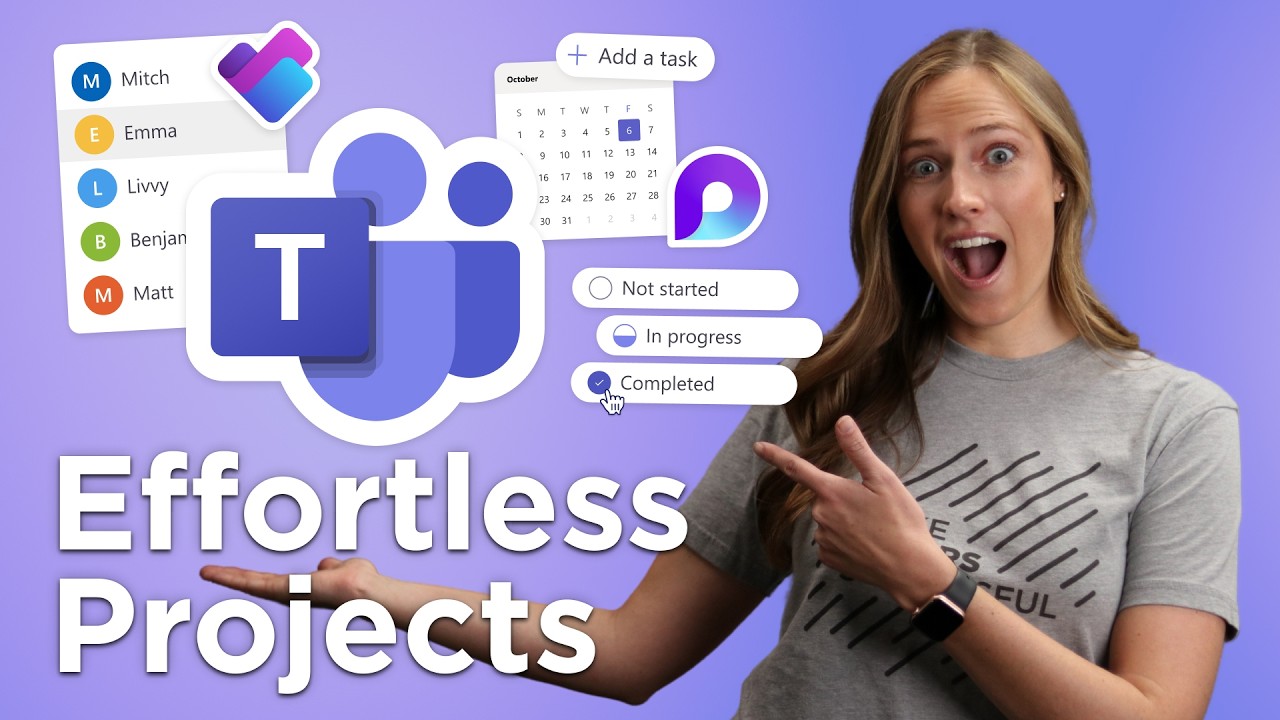
uh we all work on projects these days everybody now works on projects given the level of collaboration that we have both local and Global as well um and I think the other thing that's happening is most people work on multiple projects and some of those you're just doing tasks and some of them you're actually the driver and you own that and you need to get it started and it turns out that most projects actually take over 15 hours just to get started and so they've been doing a lot of studies about how when you bring
AI into project management that changes the nature of the game and so what we're seeing is a 20% cost savings just in the project management portion of the project you when people are using AI in that process but the really big lever is when people use AI to actually execute on the tasks and this reduces the overall time in the project by 30% which means you can get done faster with fewer resources and everything starts accelerating for you you uh as an organization and so to help with this we introduced on Tuesday and by we
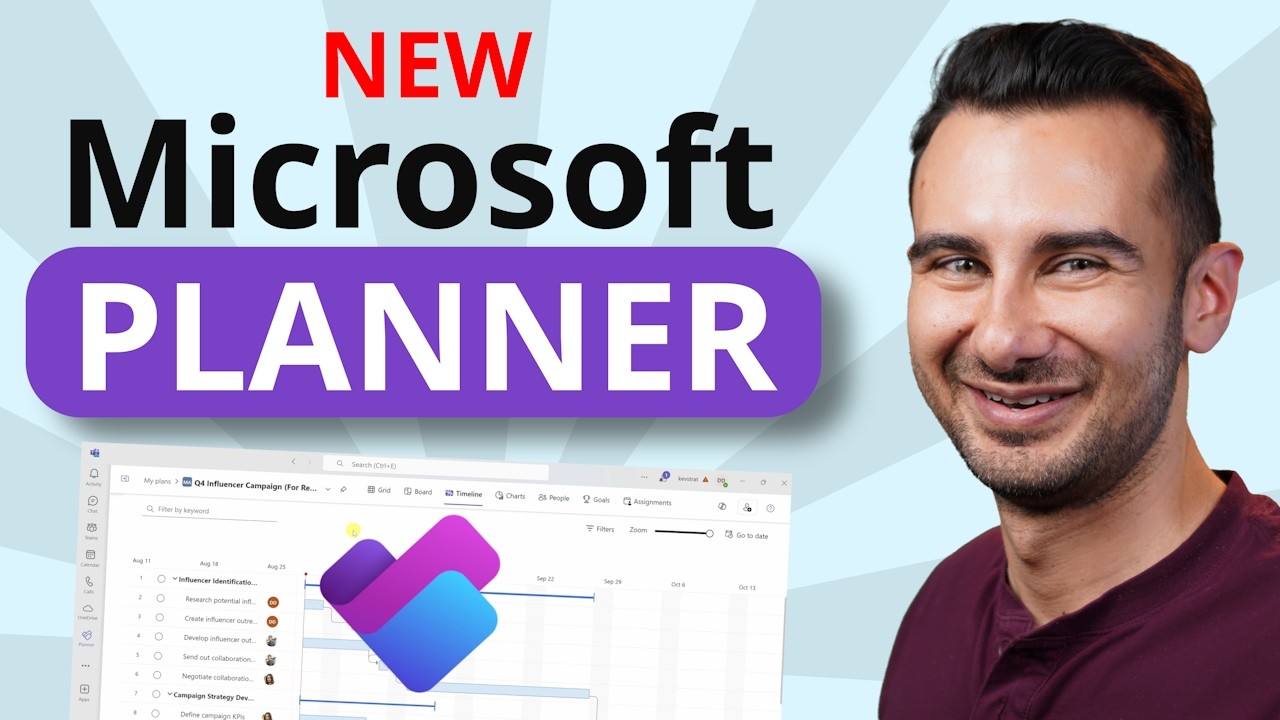
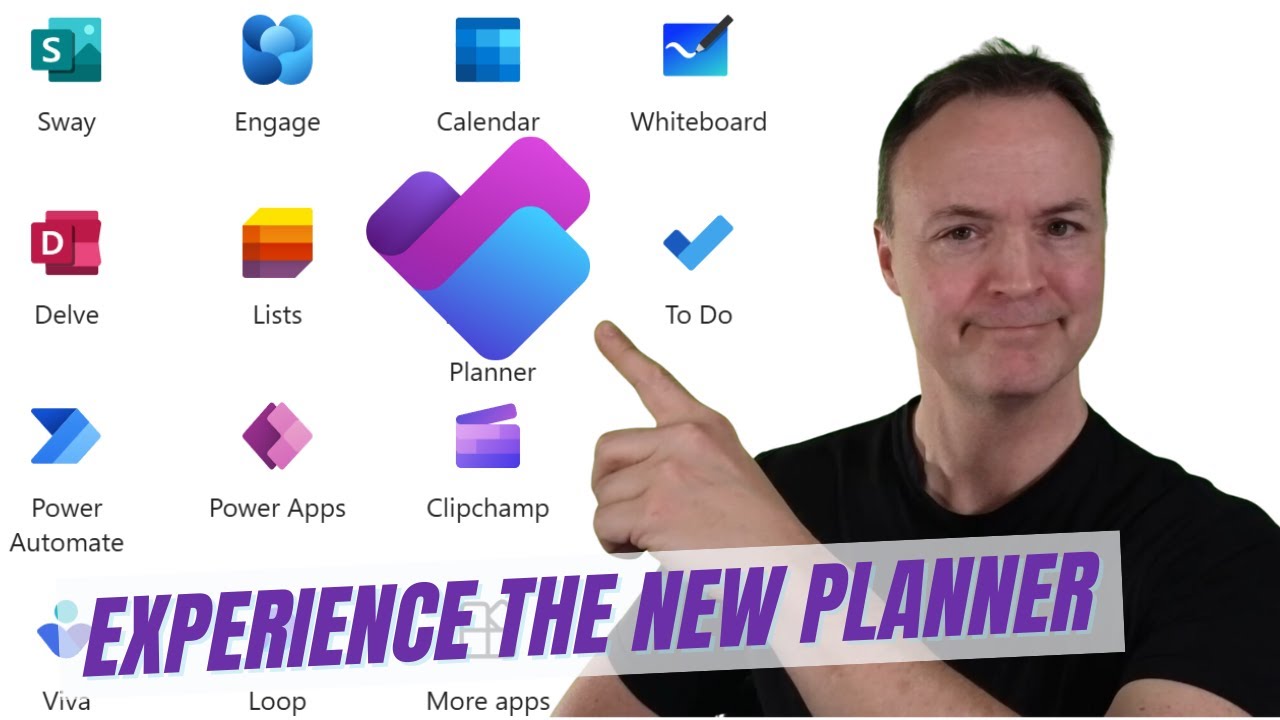
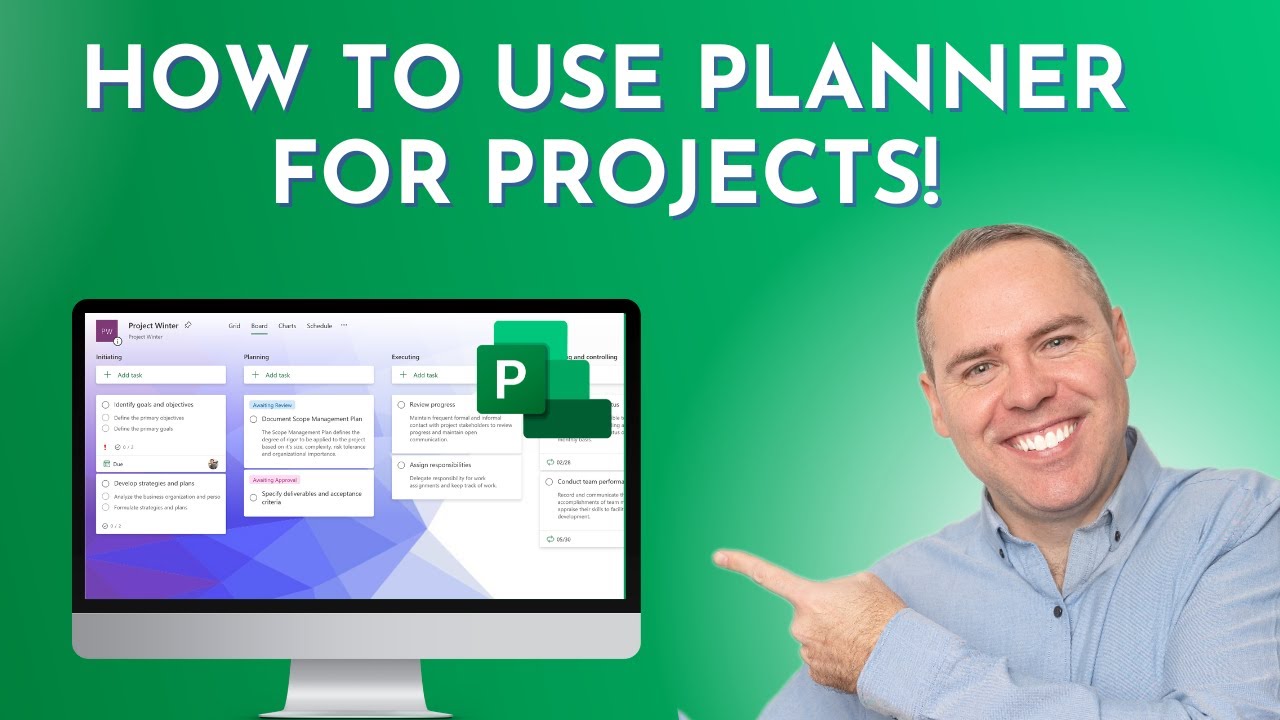
I mean my friend SATA the project manager agent and the great thing about this is it's going to help everybody manage projects better than they ever have and get more stuff done and so I'm going to dive into a demo right now and show you guys the project manager agent so here we are um I'm in planner I have a set of plans what I can do now is I can go in and create a new plan and for those of you who have seen planner before you'll notice that there's a new category of templates
here called project manager templates and all of these templates have the project manager agent wired into them automatically and so I can go in here and I can use one of the existing templates or I can create one from scratch uh work play strategy uh then the most important thing is I am actually going to add group to this and so what this does is it actually connects the plan to the group and the SharePoint site associated with that group so that it uses all the content in there as grounding and so let's take a
look and see what planner looks like now there's some new views and some new pages inside here as well as the agent itself and so what you see here is the project manager page which is a very easy way for somebody to get started um maybe somebody who doesn't really know a lot about uh managing a project they can come in here and type in a goal for that uh for the for the plan everything starts with goals they can actually also add files so if you've done a brainstorm for example here on some things
that you want to do you can add that in and it will use that as grounding for the plan that it then creates and for all the tasks that it then makes afterwards and so this is effectively added to the team content for you I can now hit the generate task but button and this is where a lot of the magic happens the project manager agent actually has multiple agents that work for it it's kind of like a a boss agent so to speak and some of those agents do things like breakdown tasks it looks
at the grounding content in SharePoint it looks at um the goal that we gave it and so there's a goal agent and a SharePoint agent and the project manager agent is managing all these and so here we can see it's actually built out a plan for me now what would I do next the next thing to do is obviously say well heck why don't we assign a couple of these to the project manager agent itself and so at this point it actually enlists like any good project manager delegates right because that's what project managers do
it delegates to some of the other agents to go and execute on some of those tasks and so I can go to the board view here and again for those of you who use planner you'll notice there's a new view here which is kind of the status of the agent and the work that it's doing now I just I don't have to just use those um tasks that it made I can always add another one like I'm going to assign a task to Derek here write strategy doc um I should probably spell strategy right right
okay let's see we're going to assign that to Derek Derek we're counting on you uh so what you're seeing now is the agent's actually starting to finish tasks already while I've been doing that Derrick's got his task assigned to him down here he'll go work on that we hope right away okay great um he'll go work on that and so what you can see here is the agents and the people are kind of working together pretty cool so let's go in here and take a look at some of the content and so this is where
a lot of the agents are going and going out and getting looking at the web looking at the grounding content in SharePoint and actually coming up and going through each of the steps in the plan and creating content there this is actually all stored in a loop file so you can come in here and you can collaborate as a team and so pretty cool we've got Loop now embedded in every task inside planner that's pretty cool so a really nice place to come and collaborate you know you can sort of at mention each other and
you know comment and do all those kinds of things now one of the things I might do is say okay let's take this here and just put a comment in here here that says format this in a table pretty cool maybe I'll scroll down and I'll be like oh from the outcome I'd really like you to expand upon this section and the whole team can do this this is actually a very uh group activity that you can do and then what I'll do is I'll hit regenerate and so now it gets assigned back to the
project manager and so again the agents are working and while the agents are working and doing kind of the you know the task that maybe I don't want to do I'm going to go do something fun which I like to do which is brainstorm and so we now have a whiteboard inside planner so you can come in here and you could add a couple of Post-it notes let's see we're doing interior design stuff so I want to know what's going to go on with the chairs I'm not a very good architect uh desks and then
my personal architect hero art vanderlay says that lighting some people got that one uh is always important so I'm going to do a lighting Post-it notes so we've done some brainstorming as a team I can select those and just hit create tasks so I go back to the board all of those brainstorming items are now added to the plan and so I can start building out the plan as I go as I brainstorm as I you know work with co-pilot all these different ways that I can uh sort of work with the with the agents
that are on the system and I think this is the one that we asked it to oh look at that I got a table so it was off in the background it was taking all the comments I it can be comments from the whole team and it's updating all the um the content inside the loop file for me formatted as a table extended the section and did all that great stuff and so of course the best part is oh the wonderful ding that I got my task done soft so I'm getting more stuff done as
we go so there you go so that's the project manager agent in a nutshell um I'm going to tell you a little bit about what's going on under the covers just so you kind of understand so about a year ago Microsoft research released something called autogen which is a system for multi-agent communication and this is where different agents can work together to solve a problem on your behalf and they run it fairly autonomously so we have built that into the world's first production multi-agent runtime service we call it surprise Mars that Mars engine has access
to a pool of Agents right now we have 42 agents they break down tasks they look at your goals they look at um all of the content that's in your SharePoint they look at all the loop files that are in there and then they collap collaborate to meet the goals of the project which are the sort of most fundamental anchoring construct inside of the project manager agent now the interesting thing about this is it does not use the same content for grounding as co-pilot your personal co-pilot does and this is very important so if the
day before you were off asking co-pilot about your HR situation benefits who knows this sort of personal stuff that you have this does not have access to that same set of queries and that same set of data it is about the team and it is about working for the team and using the team's cont construct and so we make sure that those agents are sandboxed and secure and do not have access to the data that they should not and that data will that data will not leak into the project this also includes a cross projects
and so what happens is there's another sandbox around the projects so if you have a top secret project over here and a not so top secret project over here there will be no cross contamination across those projects and we have spent a lot of time and effort to make sure this has happened this is our Security First compliance first attitude at Microsoft and we've done a very hard job that was the hardest part of this job to be honest and so all of that sandboxing makes sure that within a project you get something that's tailored
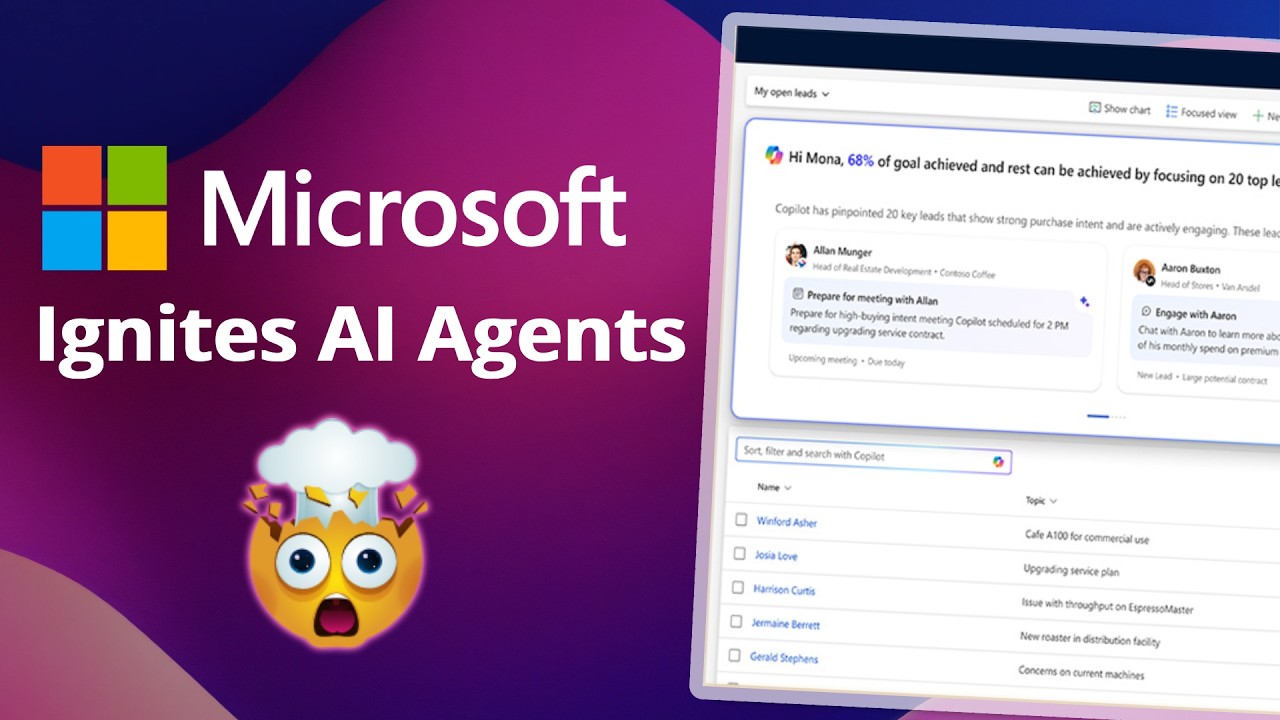
to the team grounded in their data but at the same time it doesn't leak data in from another project or from your personal co-pilot experience okay so this will be rolling out in public preview people with co-pilot licenses will have access to that preview you will start rolling out immediately after ignite and so check your tenants as we roll the new service out but that's not all we have a couple of new things coming to that are on their way the first one is automated status reporting I don't know about you guys I have to
write like three status reports a week it's terrible drudgery it's a lot of work you have to go talk to everybody and figure out what you're going to do but what we're doing now is creating the ability for you to oneclick button to generate a status report oh of oh there we go so I can basically start generating status reports off of all the data that's inside the plan as well as the backing store of SharePoint so you can see what documents are updated and stuff like that and we will then create a status report
for you not only that and it will be you know very rich we'll have um lots of sort of visual cues for what's behind what's on time things like that um so it will be I think a very professional status support for people so they won't you know you won't have to do too much updating to this you will probably want to put in some tldr stuff the other thing you can do is you can schedule these to be on a recurrence and of course at the same time you might actually want it to have
a certain tone of voice like you might want it to come across as positive because the project really is on track and you want to convey that or things are in trouble and you need help and so you might want to convey that as well and you can express that in the way that the status report is created and so that's what just happened there and I can of course share it to Outlook because you know for for whatever it's worth we still like sending our status reports and Outlook and so here we go you
can scroll down um and sort of see a lot of the things that are going on there you might notice that Derek Derek's task is not coming in on time it looks like I see that I see that dereck's still behind on his task so but we might be able to help with that Derek so the next feature that we're doing is introducing co-pilot into my tasks for those of you who use planner to manage your personal work and the things that you're doing and you keep the list of your tasks we are going to
be introducing the ability to use co-pilot inside of my tasks and so here you can see I'm going to go in or dereck's going to go in and hit the prioritize button and just like an Outlook that's going to give him basically a list of like ah here's what you should be doing today based on all the same factors that he discussed and so right here you'll see you'll notice that there's a the strategy dock is at the top um he you can also click a button and add that to my day and so this
can actually populate your my day for you so you have a really brief list of like all the things you need to do today and so that'll be a really great service for people who are struggling to kind of manage all the tasks that are coming in across M365 system and so with that I think I'd better hand it back back to Derek