what's going on everybody Josh pook here and in today's video we are going to be looking at an free versell alternative yes that's right you no longer have to spend hundreds or thousands of dollars on verel potentially you can use a free open source alternative let's dive right into [Music] it all right so for those of you who aren't new to this channel you may have seen my recent video on a tool called kify which is what they say right here self-hosting with superpowers an open source and self- hostable for Roku netlify and versel alternative
and I really like this tool you can see it has a lot of cool features uh different servers you can add uh free SSL powerful API server automations etc etc um but this is not the only free alternative to versel there is a few different other ones and in specifically in this video we're going to be cover one and I'm going to show you how to install it get it set up um and that one is not cap Rover we will talk about that one in another video but that is there's a couple other ones
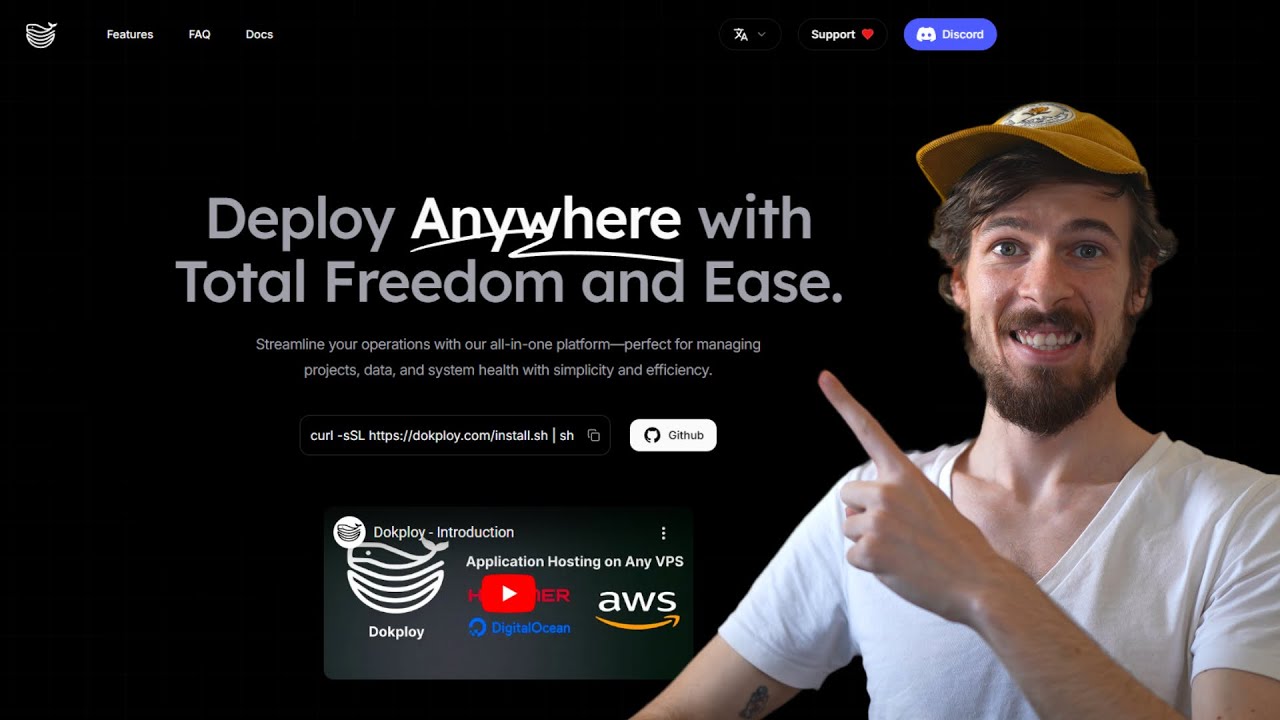
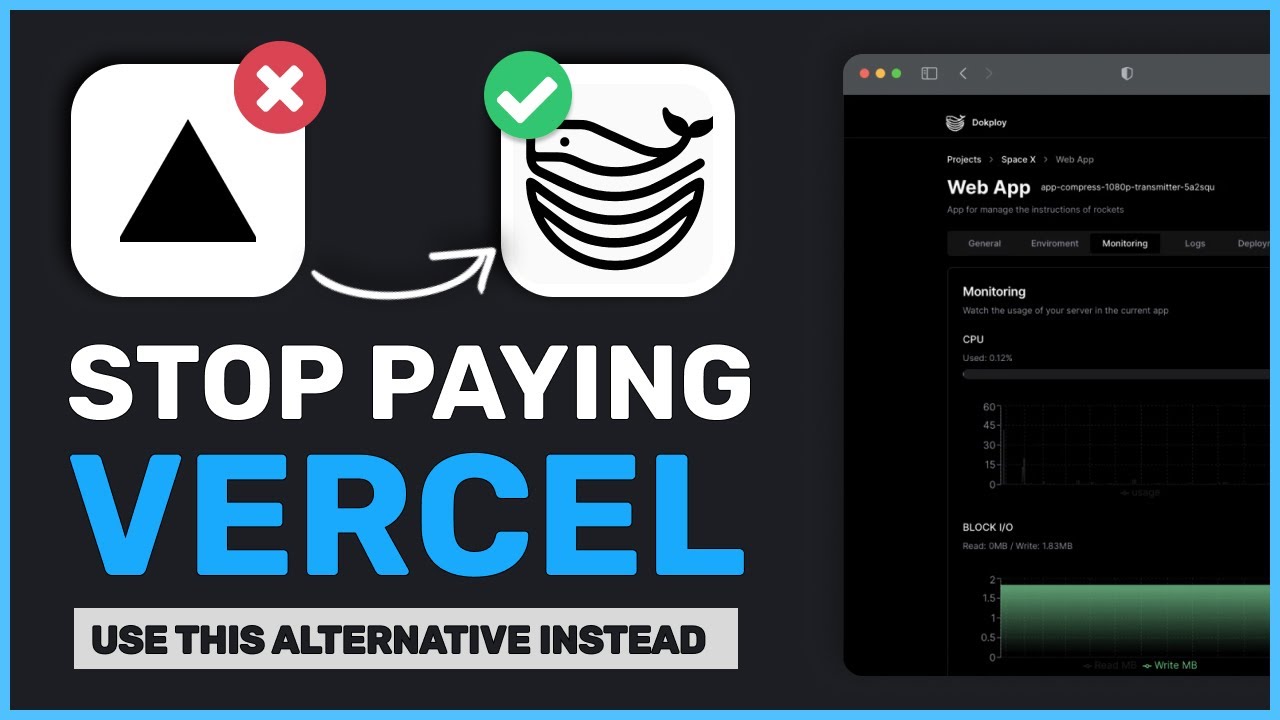
but that's one this tool is called dock Ploy okay so deploy anywhere with ease total freedom or deploy anywhere with total freedom and ease streamline your operations with our all-in-one platform perfect for managing projects data and system Heth house Health with Simplicity and efficiency all right so you can see here just some of the features they have comprehensive control for your digital ecosystem simplify project data management ensure robust monitoring secure backups with all the without all the fuss over minute details uh projects applications and databases Docker compose multinode monitoring backups Advanced Management tools open source
templat ples one click to deploy open source templates realtime traffic configuration modify traffic settings on the Fly via a graphical interface or API user permission management terminal access and some FAQs about doc Ploy and I'm going to be using you know both of these over the next little bit and I'll keep you guys updated as to what ones I prefer for my the best vers cell alternative but um let's go ahead and install doc Ploy all right cuz just from looking at it with the features if you're familiar with Koli does have a lot of
similarities but there are some actual key different differentiators and things that some have one of them's uh you know one may have that the other doesn't right so let's go ahead and it's very very easy to install both of these um same thing for doplo very very easy and here's the GitHub too I'll link all of these the website get GitHub the docs all in the description and it's super super simple to install you don't need to be Tavy or anything like that you just SSH into your VPS so should not know how to do
that I'm not going to cover that but you just get a a VPS whether you're getting it from hetner digital ocean AWS uh M's from kabo and then when you're in your VPS we're just going to run this Command right here curl dssl https doo.com install.sh and run all right so it's going to execute the docker G um the docker install script going to start running and pulling in just a second once it actually fully pulls and downloads I'll come right back all right so it pulled the files and now you can see it congrats
doc Ploy is installed wait 15 seconds and then go to your server IP with the port 3000 so now once we go here it is on our setup server so I'm just going to go ahead and create a user and then we're going to dive into doplo okay so now we're logged into dock Ploy you can see this is what the user interface looks like so it's a nice user interface um and there are a lot of similarities with this interface as well as um coolify coolify also uses traffic you can also configure it with
um uh caddy as well so for all of that stuff um but let's just go over what we have here so right now we're in the dashboard we have projects okay so oops within projects we have monitoring traffic file system jocker settings okay so and monitoring this is a really nice feature because we can re uh watch the usage of our server in the current uh app so we can see CPU being used us right here we can see memory being used right all this stuff right here we can see backup IO space right 400
gbt uh 30 16 GB Ram go to traffic file system you don't have to do anything here if you don't know what you're doing but you could um change some of this if you want all right and then Docker um settings so within settings you can actually go add your server domain right here so I'm not going to do that for the sake of time but you could easily just do that you could put your let's enry for the sake of time I'm not going to do that but you could do that you could put
your let's en Crypt email here um and then apply for the certificate through the dock Ploy instance you can also configure a GitHub so set up your GitHub account to access your repositories integrate your GitHub account with your services you'll need to install a GitHub app this process is straightforward it only takes a few minutes Etc so not going to go ahead and do that but you can obviously do that here is your account information you can generate a token to access API CLI appearance so of course we're going with dark theme but my system's
already there you can do S3 destination so app providers like AWS Cloud flare R2 digital ocean spaces to create backups certificates so add custom certificates so this is really cool as well um that this that they have this feature um some of these features aren't within kify uh cluster so uh registry add registry to your application enable self-hosted registry create registry uh add nodes to your cluster and then so that that covers pretty much those the main settings now you may be asking okay well how do I create a project well you go to projects
and you click on create projects so let's just give this a test um do we need the description no we don't okay so once you're in here you'll be able to create a service now when you're in create a service there's a few different options we have application database so applications front end database backend compose templates so let's just take a look at some of these let's go templates here and if you're familiar with cooli they have templates as well let's just see we have pocket base plausible um so we got WordPress Udo app Smith
n one of our favorites no code DB um me uh Mino uh PHP my admin okay so decent amount um maybe about the same uh maybe about the same amount as uh as coolify give or take okay let's just go ahead and deploy n8n all right so NN template created successfully all right here it is so we can see within our n project or um resource we have few different options few different settings we have the docker compos right here um Auto deploy or deploy rebuild Stop open in terminal domains all right so environment variables
this is where you would add the environment variables to your resource you just click unhide and do so um monitoring this is actually a bit different than the monitoring in your dashboard this is monitoring of course for your specific resource your app so for us it would be our anying n instance logs this will be the logs for the specific containers that we running once you actually spin these up you'll be able to see the in uh the logs whether it's one container two containers Etc deployment so this is where you would obviously see your
deployments and then the advanced uh settings so you can run commands within this section you can add volumes in this section okay and then you can modify the um the name right here update the composed data you could delete it and that's pretty much it when we're ready to actually get things going I'll just click on deploy and it will start deploying the compose all right so as you can see here when you're actually setting this up though of course this a template but you have a few different options you can do GitHub get or
raw for the different um provider options all right so now things are deployed all we'll simply do is you just click on this domain here and this is where your domains are um that you would have uh connected to this instance and then we can just go open that here and what do we have we have our an an instance so we could go ahead and set up our account I'm not going to do so this is just a test I'm going to delete this after but there you have it you can go ahead create
multiple different Services you could create a database over here so in database we have post address SQL mongod DB Maria M or Maria DB MySQL redus so you can just put some details in here it's pretty it's pretty much the same uh there's a couple other options within database um that you'll see but um compose you could go ahead you compose type either stack or Docker compose and you could create test all right so you can create the different options here now we have a file right here all right if you connected your GitHub that
like in the settings this is where you would see this option right gets right here and then raw is right here and then if we go back here create Services um application this is where you would create your application if you weren't using a template of course and yeah there you go guys that's pretty much it so um like I said this is not the only versel alternative this is um you know there's a few different ones coolify cap Rover doc Ploy um you can try them all or try you know one or whatever one
you think work uh seems like it would fit your use case the besty is definitely really good if if you haven't seen my coolify video check that one out um it will help you maybe decide if you want to use dopl or coolify and I'll definitely keep you guys updated on what my favorite one is as well as if I'm trying anyone uh any other ones out like cap Rover Etc so make sure you want to stay up to date with all that as well as if you want to see the daily uploads if you're
new to this channel we upload videos every single day on AI automation self hosting uh marketing business sales Etc so stay up to date with all that AI news make sure to smash that subscribe button comment down below what your thoughts are if you have any questions or if you have any issues I'll try my best to help you and other than that guys I will see you in tomorrow's video also too guys if you're new to this channel you haven't already joined our free stri community we have about 750 to 800 members in our
free Facebook group and Discord Channel link for that will be in the description down below stri community.com other than that guys I will see you in tomorrow's video keep hustling keep grinding and of course guys accelerate your stride take care