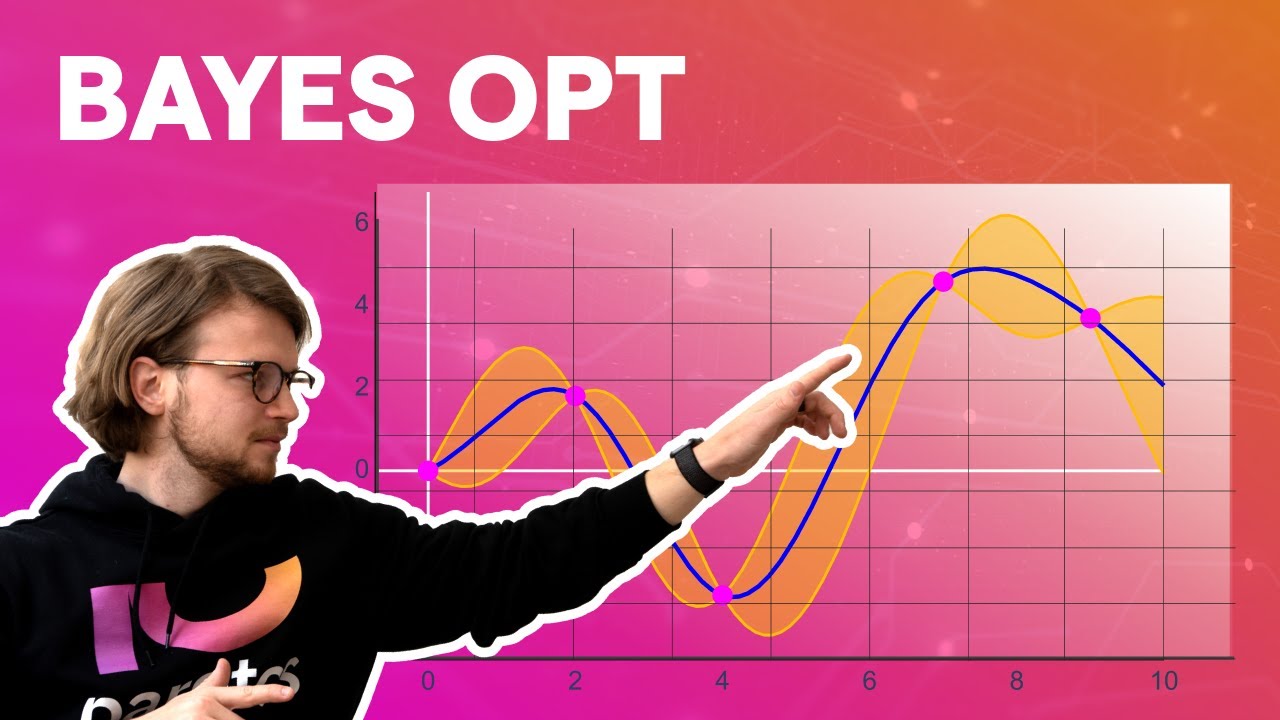
hi i'm priyanka vergaria and in this video we will see what are hyper parameters how to tune them and set up a hyperparameter tuning job in vertex ai all right so what is a hyperparameter when a training application handles three categories of data as it trains the model the input data which is also called training data contains the features that the model uses to make predictions now but this data is never directly part of the model architecture itself the second type of data is model parameters these are the variables that our ml model or technique uses to adjust the data for example a deep neural network or dnn is composed of processing nodes or neurons each with an operation performed on the data as it travels through the network now when our dnn is trained each node has a weight value that tells our model how much impact it has on the final prediction now they are what distinguishes our particular model from other models of the same architecture trained on different data now the third type of data is hyper parameters and these are the variables that govern the training process itself for example a part of designing a deep neural network is deciding how many hidden layers you would want the input between the input and the output to be and how many nodes each hidden layer would use like here i have two then three then three but this could be any number of nodes these variables are not directly related to the training data and they are the configuration variables for your model now when it comes to model parameters they can change with the training job but hyper parameters are usually going to stay constant which means in our deep neural network model example finding the right number of hidden layers means choosing a value of the number of hidden layers training a model evaluating it with those values and then trying it again with a different value now if we were to get the best hyper parameter settings manually it could get pretty tedious pretty quickly that's where vertex ai hyper parameter tuning comes in it is an automated process of tuning hyper parameter jobs as you're running your multiple trials of the training application with values of the chosen hyper parameters set within the limits that you specify and to select hyper parameters that give the best performance vertex ai uses the bayesian optimization for hyper parameter tuning if you're interested in the math behind it i've included a link below to learn more about it with that let's jump into the console and train a hyper parameter tuning job here i am in the google cloud console first you need to enable compute engine and container registry apis in this demo i'm training and tuning an image classification model trained on the horses or humans data set from tensorflow data sets we will need a notebook to containerize our training application code since i'm creating a tensorflow model in this example i'm going to select a tensorflow enterprise 2. 5 notebook without a gpu but you can train a model built with any framework using custom or pre-built containers so select the notebook accordingly i already created one here so let's just hop into that in the terminal i created a folder called horses or humans and inside that folder i've created a docker file this docker file uses deep learning container tensorflow enterprise 2. 5 gpu docker image and the deep learning containers on google cloud actually come with many common machine learning and data science frameworks that are pre-installed we're also installing the hypertune library here which we will use later to report the metrics we want to optimize on vertex ai after downloading the image the docker file sets up the entry point for the training code then i created the trainer folder with task.
py file and added the code for training and tuning the model let's take a deeper look at this code now there are a few components that are specific to using hyperparameter tuning service the script imports the hypertune library we installed this library in the docker file we created earlier and the function get args defines a command line argument for each hyper parameter that you want to tune in this example the hyper parameters that will be tuned are the learning rate the momentum value in the optimizer and the number of neurons in the last hidden layer of the model but feel free to experiment with others as well the value passed in these arguments is then used to set the corresponding parameters in the code at the end of main function the hypertune library is used to define the metric you want to optimize in terms of flow the keras model. fit method returns a history object the history. history attribute is a record of training loss values and metrics values at successive epochs if you pass validation data to model.
fit the history. history attribute will include validation loss and metrics values as well if you want the hyperparameter tuning service to discover the values that maximize the model's validation accuracy you define the metric as the last entry or num epochs as -1 of the val accuracy list then pass this metric to an instance of hypertune you can pick whatever string you like for the hyperparameter metric tag i am setting it to accuracy here but you will need to use the same string again later when you kick off the hyper parameter tuning job now we're ready to build the container set the project id image uri and build the container using the image uri once the container is built push it to the container registry and then next let's head into the vertex ai console and create a model to run our hyperparameter tuning job to configure a training job select no manage data set custom training give the model a name and then select the custom container that we just created from our notebook notice that here i'm using custom training via custom container on google cloud container registry but you can also run a hyper parameter tuning job with the pre-built containers in the next step enable hyper parameter tuning add learning rate which would be double min and max values and log scaling another parameter which was momentum type would be double minimum and maximum values linear scaling and third hyperparameter would be our number of neurons discrete type and a value and no scaling for this one next we need to provide the metric we want to optimize as well as the goal this should be the same as our hyperparameter metric tag we said in the training application it was set to accuracy and our goal is to maximize it the vertex ai hyperparameter tuning service will run multiple trials of our training application with these values you will need to put an upper bound on the number of trials this service will run for demo purposes i'm adding 15 here more trials generally lead to better results but there will be a point of diminishing returns after which additional trials have little or no effect on the metric you're trying to optimize so it's always the best practice to start with a smaller number of trials and get a sense of how impactful your chosen hyper parameters are before scaling up to a larger number of trials now you also need to set an upper bound on the number of parallel trials here i'm setting this to three increasing the number of parallel trials will reduce the amount of time the hyperparameter tuning job takes to actually run however it can reduce the effectiveness of the job overall this is because the default tuning strategy uses results of previous trials to inform the assignment of values in the subsequent trials so if you run too many trials in parallel there will be trials that start without the benefit of the results from the trial that are still running now the last step is to select the search algorithm now grid search is a very traditional technique for implementing hyper parameters it's a brute force combines all the combinations now random search randomly samples the search space and evaluates the sets for specified probability distribution for example instead of trying to check all the hundred thousand samples we can check thousand random sample parameters we will select default search regarding them here which will use google vizier to perform bayesian optimization for hyperparameter tuning to learn more about how this works see the documentation below in compute and pricing leave the selected region as is and configure worker pool 0 with a machine type accelerator and disk size now note here that selecting gpu is totally optional hyper parameter tuning job will just take a little longer to complete if you do not use a gpu then start the training it should take about 45 minutes to train with the demo parameters that i've selected here and when it's finished you will be able to click on the job name and see the results of the tuning trials from the results of our trial we can see here that setting the learning rate to 3. 9 momentum to 2.







![The moment we stopped understanding AI [AlexNet]](https://img.youtube.com/vi/UZDiGooFs54/maxresdefault.jpg)