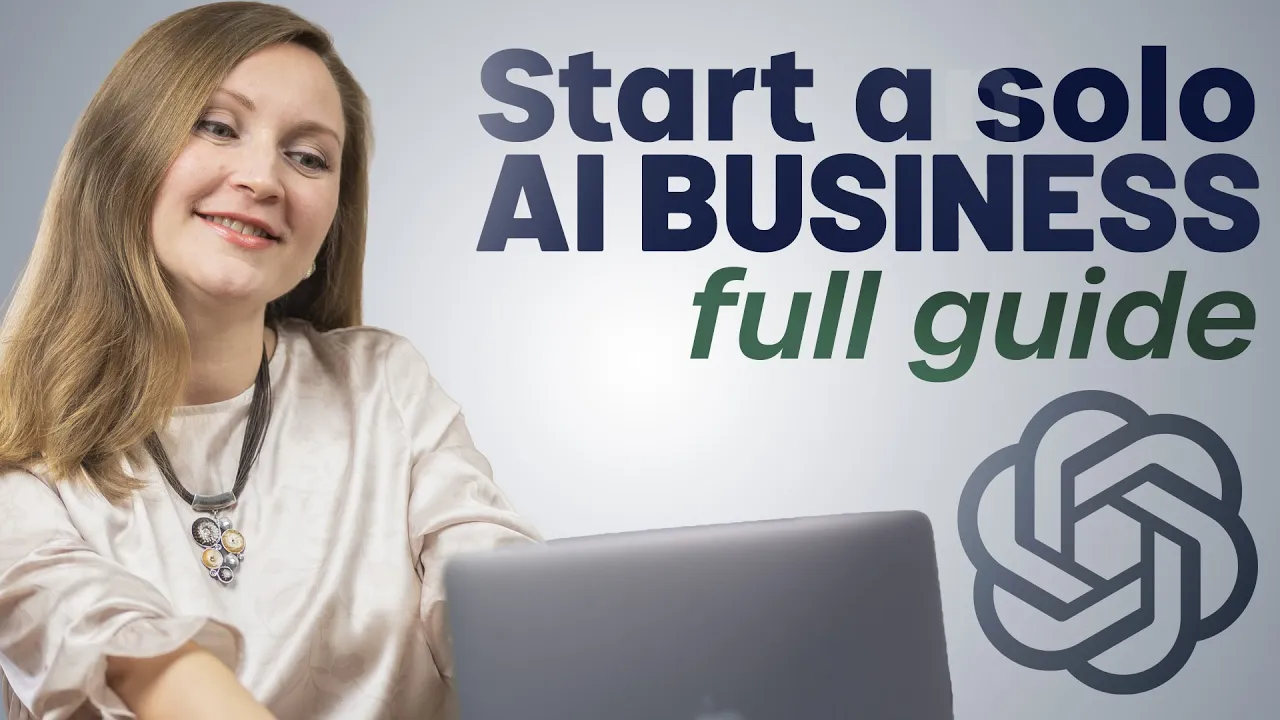
In this video, I will show you how to build a oneperson business using AI. I have built my own oneperson business about 7 years ago, and it consistently generates a six-figure income for me while I'm working from home at my own schedule. And today, I'm showing you how to replicate it much faster using AI.
[Music] Now, before we build our AI powered business, we need to choose the right model. Yes, AI can enhance any business, but there are only a few that will benefit from it the most. Of course, you could try e-commerce, but you're still stuck dealing with inventory and shipping.
You could also try consulting, but you're still trading hours for dollars. and creating an AI software company means you're going head-to-head with massive tech companies. But with digital courses, this is where AI can be really powerful.
It can help you research your topic. It can help you create most of your content and structure a course in minutes instead of spending weeks on outlines and slide design. But before we can build it, we need to answer the most important question.
What skills or knowledge do you already have that people would pay to learn? The case that you don't need to be an expert in something new. What do your friends and family ask you for advice about?
What are your hobbies? What do you do at work that others find challenging? Now, instead of guessing which of the skills people would actually pay to learn, we can use AI to figure that out in minutes.
Let me show you how to do this. I'm going to use this exact prompt. Help me identify profitable course ideas based on my existing skills.
Here is my background, my work experience, hobbies, things that people often ask me uh for help with, and please suggest five course topics that I could teach, including target audience, potential price points, and why each would be profitable. So, I'm going to fill this out and then see what comes up. Awesome.
We got a lot of really cool ideas here. From here, I can pick the topic that I like the most and I will use this follow-up prompt for my chosen topic. Create a detailed course outline showing exactly what I would teach in five modules using my real experience, my hobbies, and knowledge.
For this video, I chose Pinterest Traffic Mastery for bloggers and creators because that's what I have the most experience in. So, my first step here would be to create the digital product. Now that we know what we're teaching, let's turn our expertise into a digital course.
Most people get stuck here. Well, when I created my course 7 years ago, there were no AI tools and I spent several weeks just designing PowerPoint slides for it. But these days, I speed up this process at least 10 times using an AI tool called Gamma app that does it all for you.
I partnered with Gamma for this part of the video, but you've already seen it on my channel so many times. I've also been using Gamma to create slides for lots of my videos and for my courses as well, and it's insane how fast it works. You just feed it your text.
In my case, they're usually video scripts or maybe course outlines. and it creates professionallooking slides for you. This way you're not staring at a blank PowerPoint for hours and you don't have to pay designers hundreds of dollars for each presentation.
So let me show you how it works. I first used this prompt in Chad to generate a module for my course. I mean not just the outline in this case but the actual script for the first module.
I asked it to include specific examples from my experience, some actionable steps, and make it at least 2,000 words. This came out great. Now, let's turn this into slides.
I'm going to gamma. app. Now, I'll copy and paste my script so that we can have Gamma generate slides based on my content in real time.
Oh, wow. Just check out this design, the AI images, and the content on each slide. This is amazing.
And the best part is you can edit images in gamma with just a click. For example, you can replace an image, change the style uh or remove the background. So in under 5 minutes, I have the slides for a whole course module.
It would probably take me a whole day without gamma. If you want to try it, use the first link in the description below. It has a free plan, so you can try it risk-f free.
Now my next step is to generate marketing content with AI in this case with chatp. So we have a product to sell but we cannot just stop here because the biggest mistake beginners make is thinking that you can just build a product and they will come like we need to create the content that will attract those customers otherwise you will sell to no one. Now, before AI, this would take hours or actually even weeks of work.
But now, you can create weeks of content in just minutes. Let me show you how. So, I can start by using this exact prompt.
I've chosen Pinterest traffic mastery for bloggers and creators as my niche. Create a complete 30 viral pin ideas with proven title formulas, compelling pin descriptions for each pin, three key points to cover in each pin description, and strong call to actions to lead people to my course. And now I get all the things that I asked for for these 30 different pins.
Now, let's turn these into actual Pinterest images. So, I'm going to open Canva. It now has a ton of AI features, but perhaps you didn't know that it can even generate an entire pin design from a text.
I'll click on create a design and select Pinterest pin. Now I'm looking for the magic design or Canva feature. From here, I'm going to take my third pin title from Chad Japetn.
Paste it as a prompt with all my details. Create a vertical Pinterest pin in the size about a specific topic for this product of course. Use bold eye-catching typography and high contrast colors that appeal to target audience on Pinterest with relevant imagery or icons like these.
Make text easy to read on mobile with a clear hierarchy and a short benefit or a hook. include a small branded area at the bottom for my website link and keep the style but highly clickable for Pinterest. Now, we have a ton of options here and all of these look great.
I'll just choose my favorite one and we will download this pin as a PNG. By doing this, I can easily create 30 Pinterest pins that I can use to promote my course. This would normally take me weeks to create, but we just did it in about 10 minutes.
Now I can either upload them manually on Pinterest or maybe schedule them right here in Canva. The next step is scaling your content for more sales. So now that you have a course and you have weeks of content planned out for Pinterest, you still want to scale your income, right?
So you have to be everywhere online. The thing is, creating content every day is exhausting, and most people burn out on this step. But what if I told you that your course can create hundreds of posts that keep bringing in customers without giving away everything in this course for free?
This way, you're giving people a taste that makes them want the full course. So, here's how you can do it with AI. I'm going to export the module that I created in Gamma and upload this PDF to Chad GPT and I'll use this prompt.
Take this course content and turn it into five detailed blog post outlines. Each blog post should be between 1500 and 2,000 words and should target a specific keyword related to Pinterest traffic mastery for bloggers and creators. Now, watch this blog post ideas being generated.
This is awesome. From here, you can edit anything that you don't like and flash them out using JPT. Now, I'll use this next prompt.
Turn the same content into 10 Instagram post captions that provide value while encouraging people to check out my course. Look at this Instagram captions being created. They look great as well.
Now, I'm going to copy one of these Instagram captions and go back to Canva. I'll click create a design and select Instagram post. Then I will use canvas AI feature and paste my first caption using this prompt to generate an Instagram post.
Then I will choose my favorite design and download it or even publish it through Canvasuler. For this tutorial, we're only doing one Instagram post, but you can easily create nine others in no time. Now, in just a few minutes, one course module has just become five blog posts and 10 Instagram posts ready to publish.
So, we made sure that our potential customers would see our content everywhere. Now, all you have to do is start posting this post on social media with calls to action, sending them back to your course. By now, you know exactly how to create a oneperson business using AI.
But what I didn't cover is my full Pinterest strategy to get more followers so that they can buy your digital course. If you want to see my five-step plan, then watch this video linked up there. And I'll see you in that next one.







![FULL CANVA TUTORIAL 2026 [UPDATE!] | How To Use Canva For BEGINNERS!](https://img.youtube.com/vi/Ryv4Q1qmxHs/mqdefault.jpg)