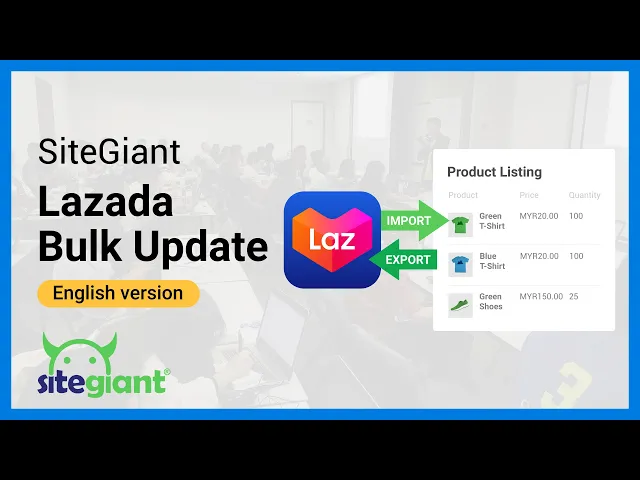
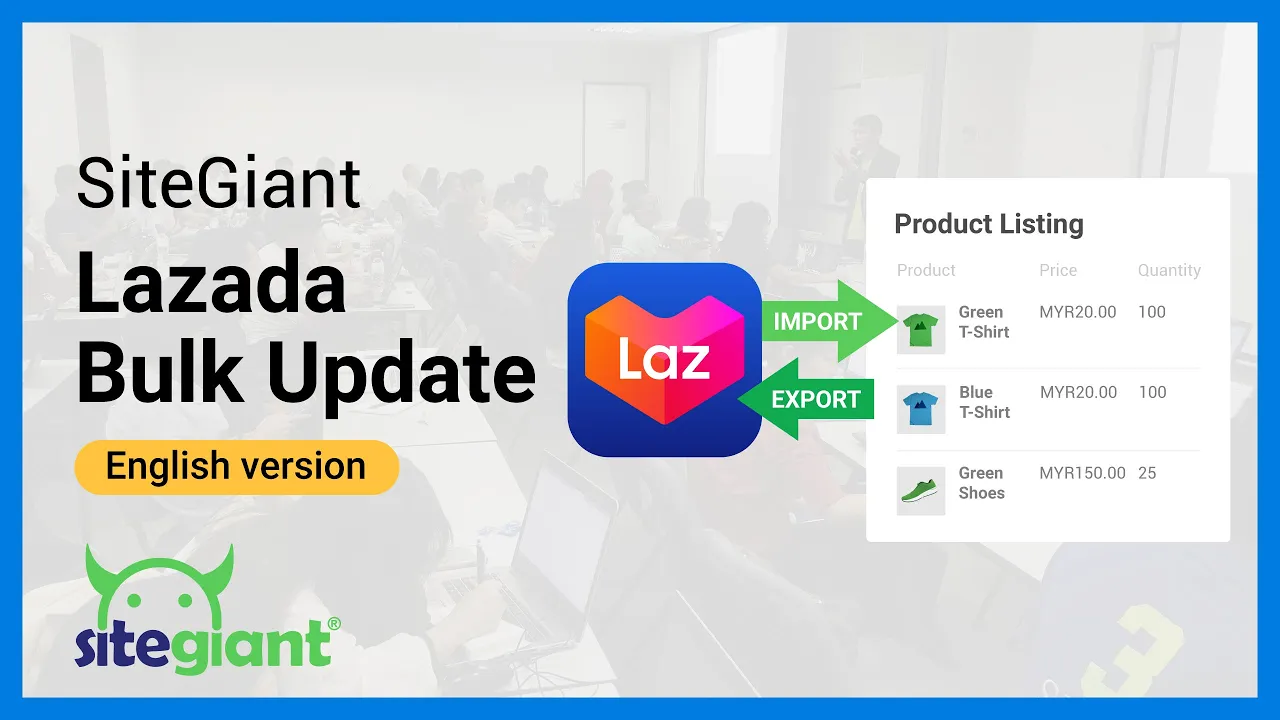
hi in this video we will be sharing with you how to update your Lazada product SK use and inventory level through the Import and Export function from your Lazada seller center firstly go into products manage products then click on bulk manage select bulk edit select all products and then select stock and price and then click export Excel template wait for the task to finish running and then click on download file upon opening the Excel file you will notice that it is under protected view click on enable editing but before we start filtering and editing the
data let's understand what we should look at there are only two columns to look into provided if you want to update stock quantity here to make it the main store for inventory linking or else there is only one column to look into here in this Lazada export file which is seller SKU the rules and conditions for the seller SKU is shown as well as for the stock column you can update the latest and the most accurate stock quantity here if you want this store to be your main store for the inventory linking however please be
reminded that your seller center will still be able to receive orders while you are working on this when you import this file back into seller center these numbers here will override the carbon quantity that you have in seller center we don't recommend you to take a long time to update this file if you are edit the stock quantity with all this important information explained we will now start to filter and work on the file click on line 1 to highlight the entire row and then click on sort and filter select filter we will need to
check if there is any duplicated seller SKU click on column J to highlight the entire row click on conditional formatting highlight sales rules duplicate values click on ok now all of your duplicated SKU will be highlighted by right there should be none as Lazada is very strict about SKU all you need to do here is to ensure that the SKU in Lazada are exactly the same as the SKU in other marketplaces as well such as shoppie and Tick Tock to upload the file go back into Lazada seller center product manage product click on bulk manage
Bob edit select upload Excel file select the updated file and upload it into Lazada seller center so this is how you perform Mass update into Lazada seller center thank you for watching the video [Music]