OEERS. What are they? How can I find them?
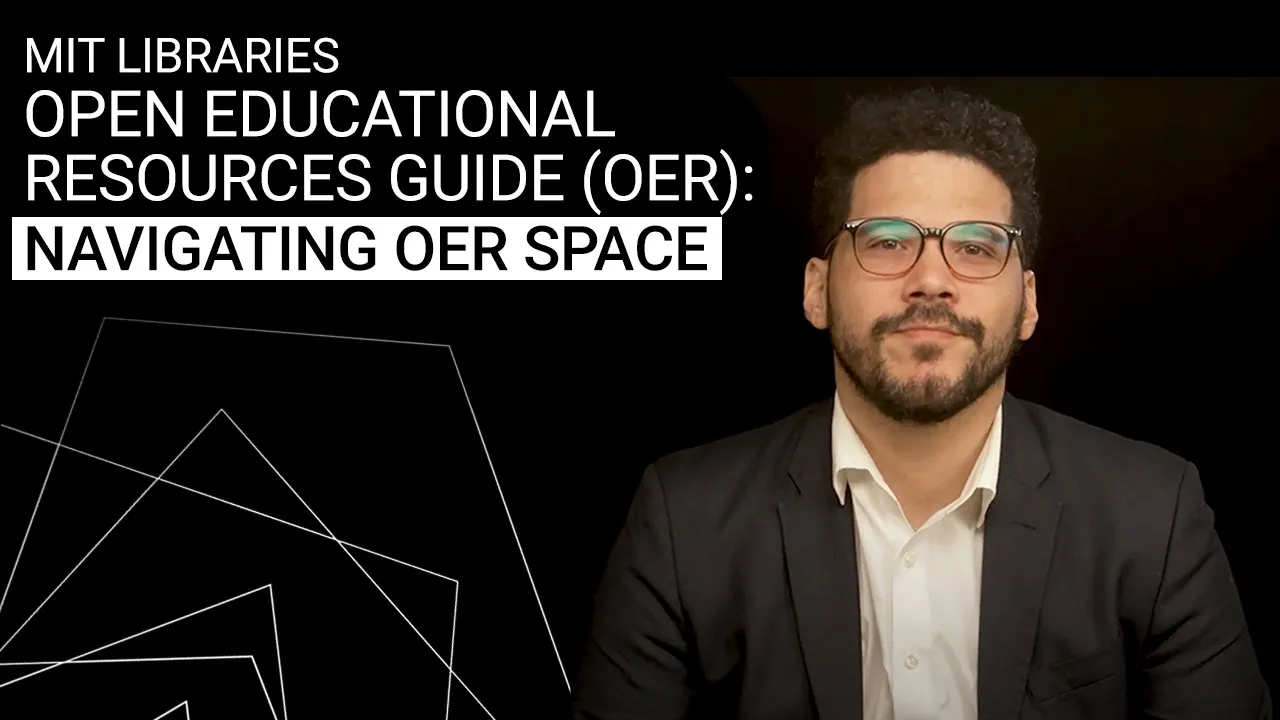
What do I do with them? Glad you asked. Hello, my name is Carlos Gutierrez and I'm an intellectual property coordinator for the online worldwide learning services or ALS team at MIT Open Learning.
The focus of this video is to introduce you to open educational resources or OEERS and then engage in a practical exercise using a resource guide. It was developed by MIT libraries and anyone can use it to find and source OEARS. But first, let's go over a brief disclaimer.
The purpose of this video is informative, meaning nothing I say here should be construed as legal advice. All right, with that out of the way, let's outline what we'll cover. What is an OEAR?
The OEAR resource guide. What can an OEAR be used for? A walkthrough of the resource guide.
And then finally, we'll try an activity. Let's start with some definitions. What are OEARS?
OEARS are free and openly licensed educational materials. This could be books, articles, diagrams, presentation slides, assignments, and the like. And they can be used for teaching, learning, research, and other purposes.
You'll notice that free part first. The idea is that they're not offered for profit. The openly licensed part pertains to its copyright status, which we'll cover further in the video.
Now within the category of OEARS, we have to make a distinction between open access materials versus open license materials. Open access as a term relates to content that can be viewed by anyone free of charge without any other barrier except perhaps registering for a website account or logging into one. Open license relates to reuse and what obligations, if any, we need to follow to engage in that reuse.
In some cases, open access and open license rights overlap, which means you are both free to view and free to reuse. In other cases, they don't overlap and some restrictions do apply. The OAR resource guide is a tool for others interested in finding OAR materials.
It was put together by one of MIT libraries expert librarians, Nicholas Alba, who helps source many OAR repository options. The MIT open resource guide compiles OARS by category and shows you where to find them. It includes books, articles, teaching resources, and news organizations.
Okay, so now that we know what an OEAR is and we have a tool to find it, but here's another question. What can OEARS be used for? They can be used to teach workshops or provide reference assistance.
They can supplement materials for massive online open courses or other course types. and they can aid with educational content creation in general. Now, here's the thing with OEARS.
Remember when I said they could be either under open access or open license or both? Well, that's the tricky part. It's not always clear.
So, once we have a resource that could potentially be an OEER, we need to determine its license type. To do so, we need to first identify copyright ownership and any restrictions that apply. Something that can help is that the repositories or databases linked in the guide may have openlicicensed and all rights reserved materials categorized in their search results.
However, open licenses can still carry obligations. In the exercise, I'll go over how to determine what those obligations are and how to parse them out. For now, let's focus on finding OEARS.
The resource guide can be helpful to the sourcing process since it's a gateway for various OAR options all in one place and therefore can prove useful for those who create educational content. Here are some of the main repositories it compiles. There are article options like core and the digital commons network.
OAR book options are also included like the directory of open access books as well as teaching resources and news organizations including one you may be familiar with called open courseware or OCW. So now that we know all this, we can engage with the resource guide in an activity and put everything I've talked about into action. The first activity is a simple search for a specific OAR article in the core online database.
The purpose is to find the copyright information related to the article and then examine how open the article is. Here it's important to know the difference between open access and open license. Let's go ahead and do that.
Navigate to core and search for this article. Quote the role of synthetic biology in NASA's missions. End quote.
Or use the keyword synthetic plus biology plus NASA. Once you find the article, locate any copyright information you can spot. If you get stuck, you can find a direct link to the article by clicking download from data provider.
Based on what you found, answer this question. How open is the resource? If you want, you can hit the pause button and come back to this video once you Finished.
Great. That article is in the public domain, which is often the case with resources created by the federal government. Now, let's try something a little different.
For our second exercise, we're going to go back to the resource guide and navigate to the digital commons network. Once there, search for these keywords. quote Salish C end quote.
Click on the keyword filters on the left to sort out the results. Find quote the toxicity of dopamine on Salish C phytolanton end quote by Allison Lombardo and locate any copyright information you can find in the results. Once you've done that, answer this question.
Is this article allowed to be used for commercial purposes? You can pause here and come back to the video once you're done like before. That paper is free to use for scholarly purposes.
So if you wanted to use it as part of a presentation or assigned reading, you're good. But if you want to use it for a commercial purposes, say by selling it as part of an educational product, you need permission from the author. For our final exercise, we're going to try more of a free form type of approach.
I'll help you get there, but what you find is completely up to you. Return to the resource guide and navigate to core. Pick a tool keyword combination to search for.
It can be whatever you want. Then select a resource from your search results. Now, attempt to locate the copyright information in the result and determine how open the resource is.
You can pause here and come back for the final part of the video. Hopefully in the last exercise, you got to put what you've learned to use and maybe even found a resource you can use in your own teaching environment. I hope this walkthrough and the resource guide have been useful in helping you delve into the world of OEARS and I want to thank you for your time and attention.