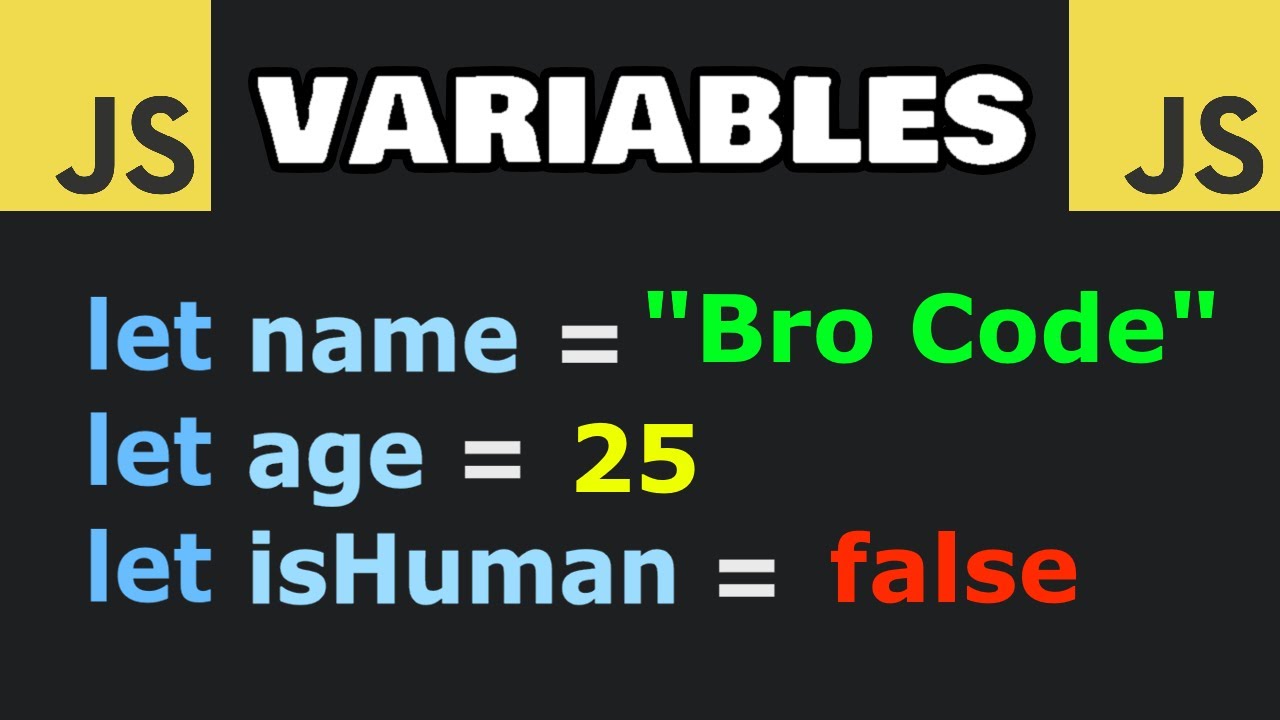
Hey there! Ever wondered how JavaScript stores all that cool data like numbers, text, and more? Today, we’re looking at JavaScript variables.
So, what are variables? Imagine you’ve got a treasure chest where you can stash gold coins, diamonds, or. pizza coupons.
Variables are like these chests! You give them names to identify what’s inside. Here, "goldCoins" holds "5", "diamonds" holds "6".
And "pizzaCoupons"? Well, sadly, it holds 0. But here’s a pro tip: Always declare variables before using them.
It’s good programming practice! Declaring variables means creating your treasure chest before putting stuff in. In JavaScript, we’ve got three main ways to declare variables: "var", "let", and "const".
"var" is the oldest method, but we rarely use it today unless we’re writing code for really old browsers. Instead, use "let" for values that change and "const" for values that don’t. Think of "const" as a lock on your chest you can’t change what’s inside.
Here’s a quick rule of thumb: Here’s a quick rule of thumb: Always use "const"! Unless you need to be able to change the value. For example, if you’re storing constant values like prices, use "const".
If you’re calculating something, use "let". Now let’s talk about variable names which are called "identifiers" in JavaScript. These are the labels for your treasure chests.
Identifiers need to follow some naming rules. Identifiers can contain letters, numbers, $, and _ Identifiers must START with a letter, $, or _ And, identifiers can’t be reserved words like "let" or "const"! Pro tip: Identifiers are case-sensitive.
"carName" with a capital "N" is different from "carname" without any capital letters! Here’s a cool thing: In JavaScript, the = sign doesn’t mean ‘equal to’ like in math. It’s an assignment operator.
It stores the value on the right into the variable on the left. Look at this example. It wouldn't make any sense in normal math.
"x" equals itself + 3? But in JavaScript it makes perfect sense! Using the assignment operator, this assigns the value of "x + 3" to "x" See?
It recalculates x to 8 by adding 3 to the existing value. Variables can hold different things. For example numbers or strings.
Numbers are straightforward, but strings—those are text values written inside quotes! Just remember: Put quotes around text, but not around numbers! Here’s something fun: You can do math with "numbers" in JavaScript.
But if you combine strings it is called concatenation! Careful, though. If a number is in quotes, JavaScript will treat it as a string.
Watch this: Hmpf! We didn't intend to add these like that! We wanted to add them like numbers.
Lets remove the quotes and try again. And that’s the magic of JavaScript variables! Remember, they’re just containers for your data.
Use "const" for "constants", "let" for changeable values, and skip "var" unless you’re coding for dinosaurs. Thanks for watching! Like and subscribe to get notified about our latest videos!
For more coding tips and tricks, keep it locked right here on W3Schools. com! Don't forget to try out what you've learned in our interactive editor.
Happy coding!